




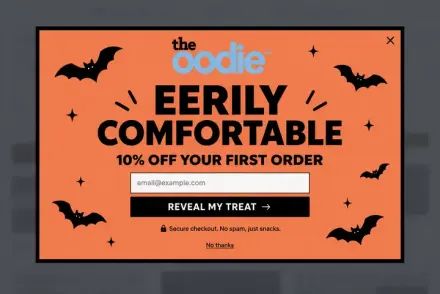
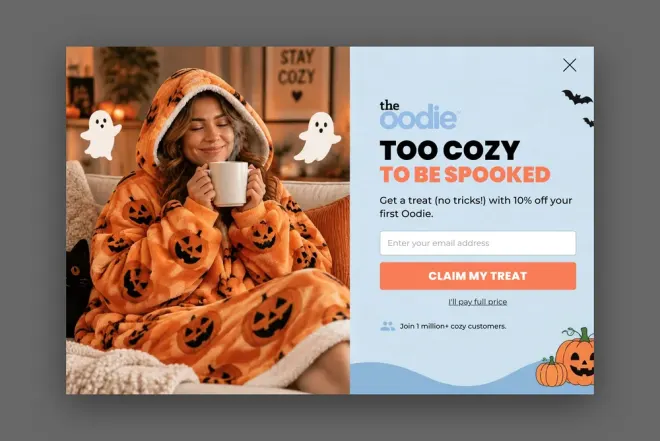
No new dashboard to learn
You already know how this works: you type what you want. No editor to figure out, no menus, no training.


Connect Claude, ChatGPT or any MCP client, and build, edit and review your popups right in the chat. No other dashboard to open.
 Claude
  ChatGPT
  Cursor Free to connect on every plan
 You already plan campaigns, write copy and brief your team in Claude or ChatGPT. Now the popup gets made in the same conversation.
You already know how this works: you type what you want. No editor to figure out, no menus, no training.
The campaign plan, the tone of voice, a screenshot of a popup you liked. It is all in the conversation, so the popup starts from it.
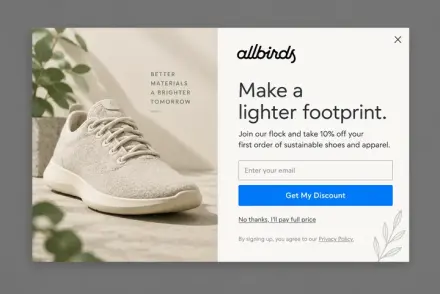
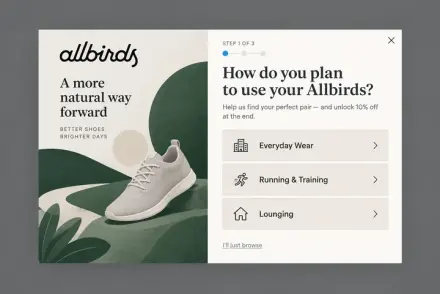
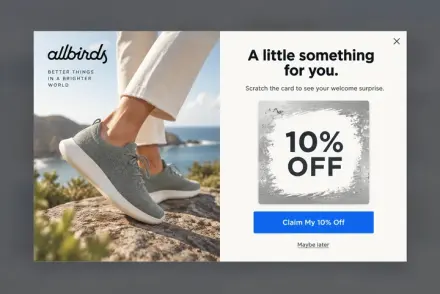
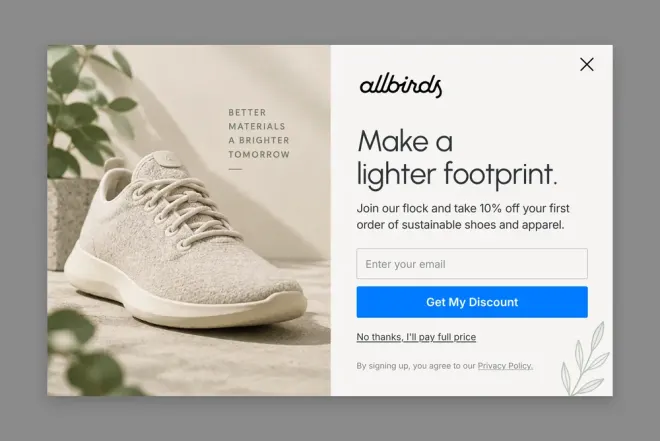
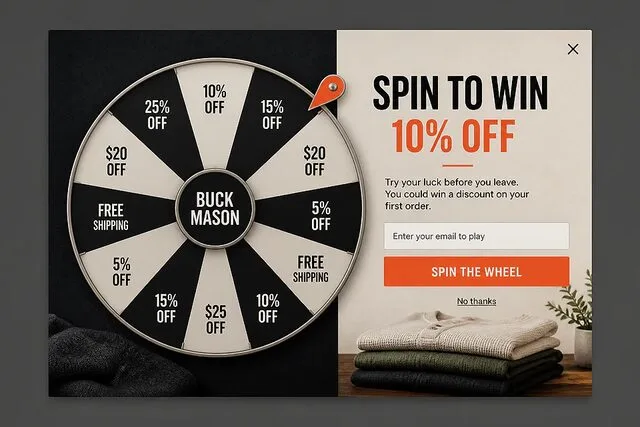
Describe it, pick one of four concepts, and the build takes about three minutes. Want changes? Just say so.
Say it the way you would brief a designer. It asks what it needs to know, then builds.

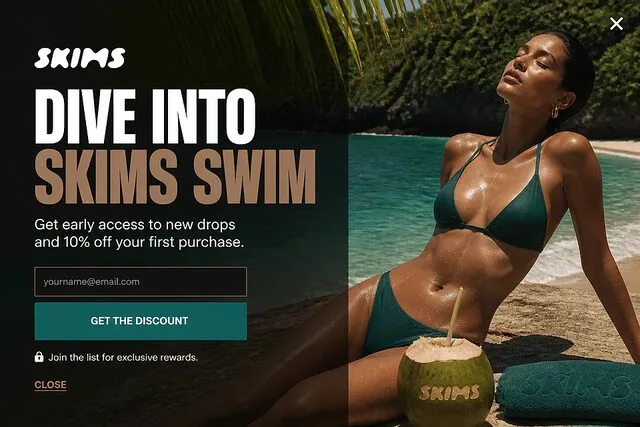

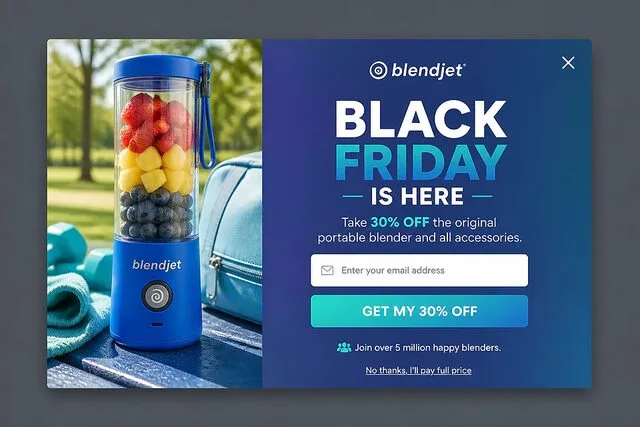
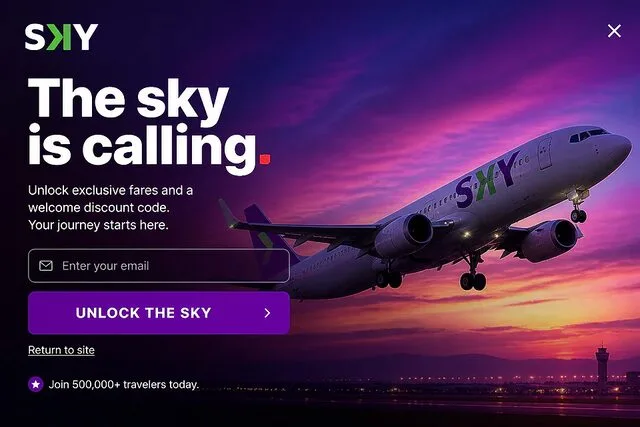
No code and no API key. Paste one link, sign in to OptiMonk, click Allow.
In Claude, open Customize → Connectors and add a custom connector.
Name it OptiMonk and paste this link. There is no key to create.
Sign in to OptiMonk, choose what Claude may do, and allow it.
In ChatGPT, open Settings → Security and login and switch on developer mode.
Create an app called OptiMonk and paste this link.
Approve the permissions, then choose OptiMonk from the + menu of any chat.
Use the same link. OAuth where your client supports it, an API key from Settings → API & Connected apps where it does not.
Developer docsCursorClaude CodeCodexAny MCP clientNo. If you can write a message, you can build a popup. Connecting takes one link and one click on Allow, and there is no code or API key involved.
Claude (on the web and in the desktop app) and ChatGPT. Developers can also connect Cursor, Claude Code, Codex or any other MCP client.
Connecting your AI assistant is free on every OptiMonk plan, including Free. Building a popup uses AI credits from your plan, the same as when you build it inside OptiMonk.
Not on its own. It saves every campaign as a draft in OptiMonk. You review it there and publish it with a click when you are happy.
Only what you allow when you connect: your popup builds, your campaigns, and creating new drafts. You can disconnect it at any time in your OptiMonk settings.
Tell it what to change, the same way you would tell a designer: a shorter headline, another color, a different offer. Or open the draft in the OptiMonk editor and adjust it by hand.
It reads your store to pick up your colors, fonts and tone. You can also send it a screenshot of a popup you like as a starting point.

Free to connect on every plan. No credit card.
 OptiMonk