


14 Effective Thanksgiving Marketing Ideas to Boost Your Sales in 2026
Discover creative Thanksgiving marketing ideas to engage customers, build buzz, and drive sales before Black Friday and Cyber Monday.
Discover the best ConvertFlow alternatives in 2025. We’ve compared top tools for popups, landing pages & quizzes to help you choose the right one for your needs.
In short
Discover the top 10 ConvertFlow alternatives in 2026 that offer superior features, usability, and pricing. This guide explores tools like OptiMonk and ActiveCampaign, highlighting their pros, cons, and pricing to help you find the perfect solution for popups, landing pages, and conversion rate optimization. Optimize your marketing strategy with these powerful alternatives.
Many marketers and business owners are exploring alternatives to ConvertFlow in search of tools that better fit their goals and workflows. But with so many options on the market for building popups, landing pages, and quizzes, finding the right one can feel overwhelming.
That’s why we’ve done the research for you. Here’s a breakdown of the top ConvertFlow alternatives in 2026—and which ones are actually worth your time and money.
After combing through dozens of G2 reviews, one thing is clear: ConvertFlow might have potential when it comes to growing your email list and boosting sales, but it’s far from perfect.
Here’s what real users are saying:
Many reviews point out that ConvertFlow’s editor is more frustrating than functional. It tends to be buggy, with interface glitches that slow down the process of creating and editing campaigns.

Previewing and testing CTAs can be unnecessarily complicated, making it hard to ensure everything works before going live.
For time-strapped marketers, this lack of reliability becomes a major bottleneck.
Several users reported frustrating issues with third-party integrations—especially with tools like ActiveCampaign.

These integrations often break or don’t sync properly, resulting in forms that fail to autofill known user data.
The outcome? A clunky user experience that leads to higher bounce rates and missed conversion opportunities.
The logic behind setting up targeting conditions is often described as overly complex. Users have to navigate a maze of settings and unclear language just to make sure CTAs appear to the right audience segments.
This confusion is compounded by poor mobile optimization and a lack of native Shopify support, making it harder for ecommerce brands to show relevant offers dynamically across devices.
With a starting plan at $99/month, ConvertFlow positions itself as a premium tool.
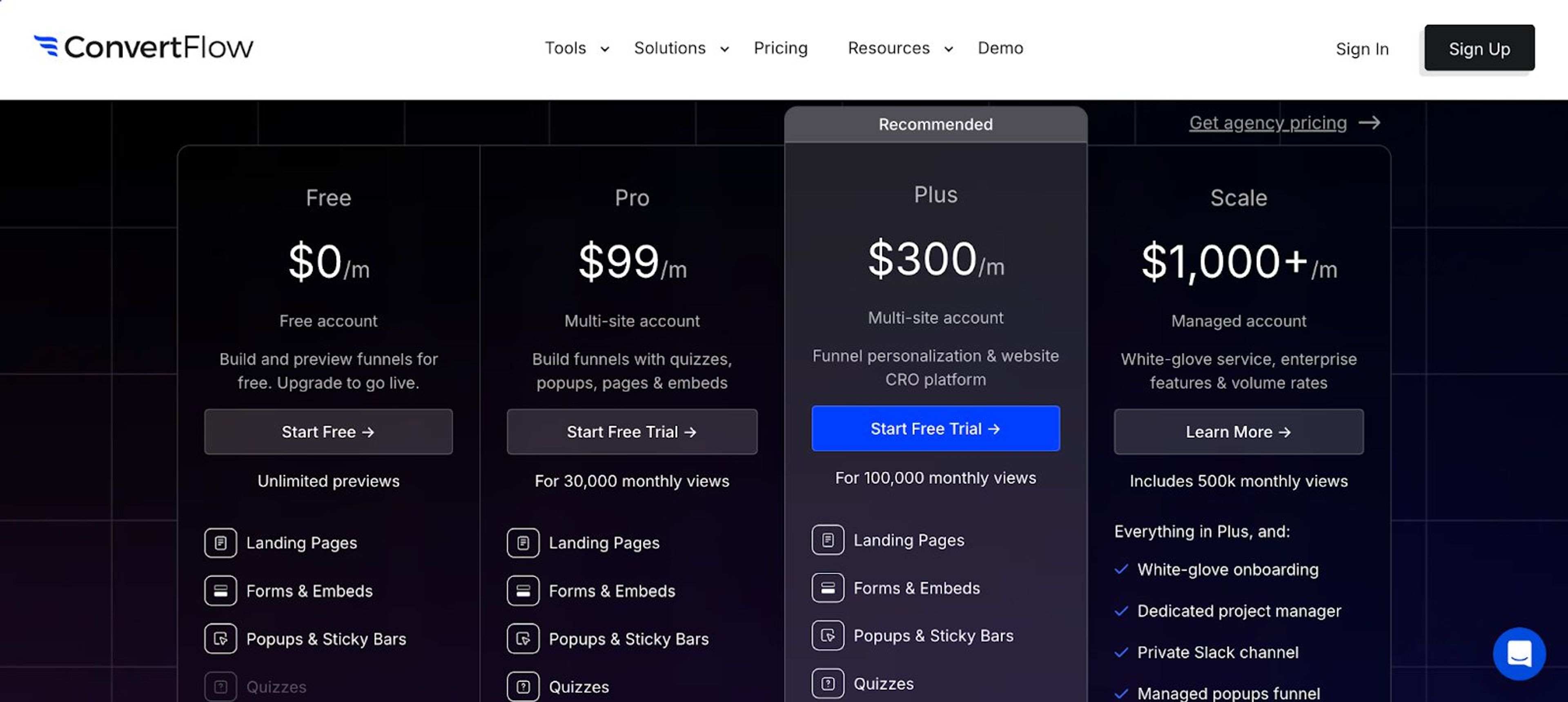
However, many users feel that the price doesn’t reflect the actual value—especially when key features are restricted behind even higher tiers.
For small businesses and startups, this makes ConvertFlow a tough sell when more flexible, cost-effective tools are available with similar (or better) capabilities.
Now that you know about the issues with ConvertFlow, let’s take a look at some alternatives.
Here are 10 tools that are crushing it in 2026—each offering powerful features, better usability, and fairer pricing.
| Tool | Key features | Pricing |
|---|---|---|
| OptiMonk | AI agent that designs popups, A/B testing, revenue analytics, ecommerce-focused tools, 60+ integrations | Starts at $19/month (Free plan available) |
| ActiveCampaign | Marketing automationCross-channel campaignsAdvanced segmentation | Starts at $15/month |
| AWeber | Email & landing page builderSignup form builderDynamic content blocks | Free trial available, then $30/month |
| Unbounce | Landing page builderPopups & sticky barsA/B testing, AI features | Free plan available, then $99/month |
| Sleeknote | Drag-and-drop editorAdvanced targetingMobile-optimizedSeamless integrations | Free trial; starts at €49/month for up to 25k visitors |
| BDOW | Popup and form builderAdvanced targetingIntegrations & webhooks | Free plan available; $15/month for up to 25k pageviews |
| Wisepops | AI recommendationsFeed-based popupsSmart cross-sellReal-time testing | Free trial available; then €99/month |
| Poptin | Drag-and-drop builderExit-intent techAutoresponder60+ integrations | Free plan available; paid plans start at $25/month |
| OptinMonster | Popup builderExit-intent techA/B testingConversion analytics | Starts at $21/month |
| Picreel | Smart triggersAdvanced targetingAnalytics700+ integrations | Free plan available; paid plans start at $19.99/month |
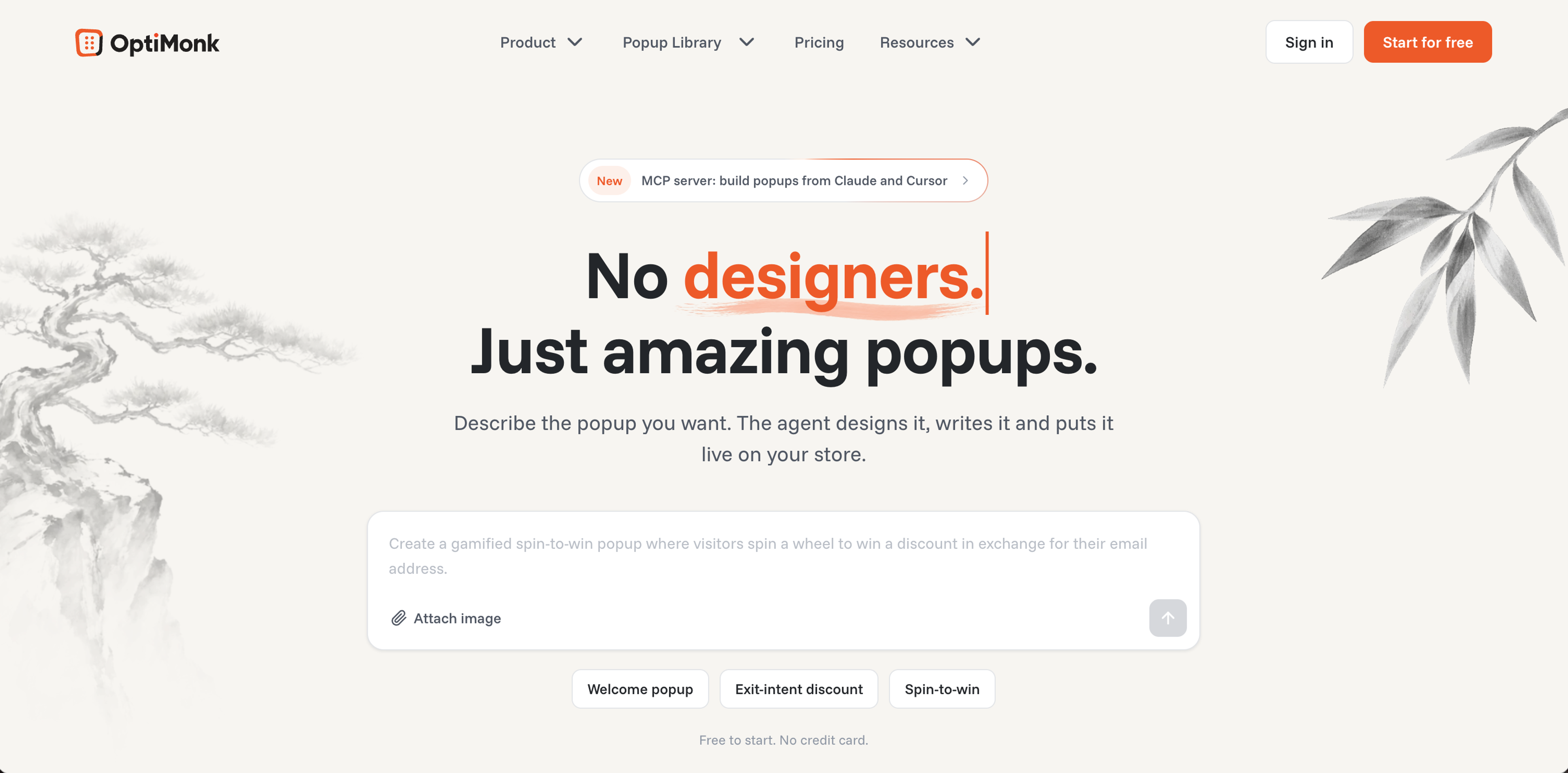
OptiMonk is an agentic popup builder: its AI agent designs, writes and A/B tests personalized, behavior-based popups that turn website visitors into customers.
It's designed to engage shoppers at every step, with popups, A/B testing, precise targeting and personalized offers.
Whether you're looking to grow your email list, reduce cart abandonment, or boost average order value, OptiMonk gives you the flexibility and control to do it all—without needing to touch a line of code.
Let’s break down what makes OptiMonk one of the best ConvertFlow alternatives out there:
Describe the popup you want, and the agent draws four on-brand concepts in about a minute. Popups can include countdown timers, products and coupons.
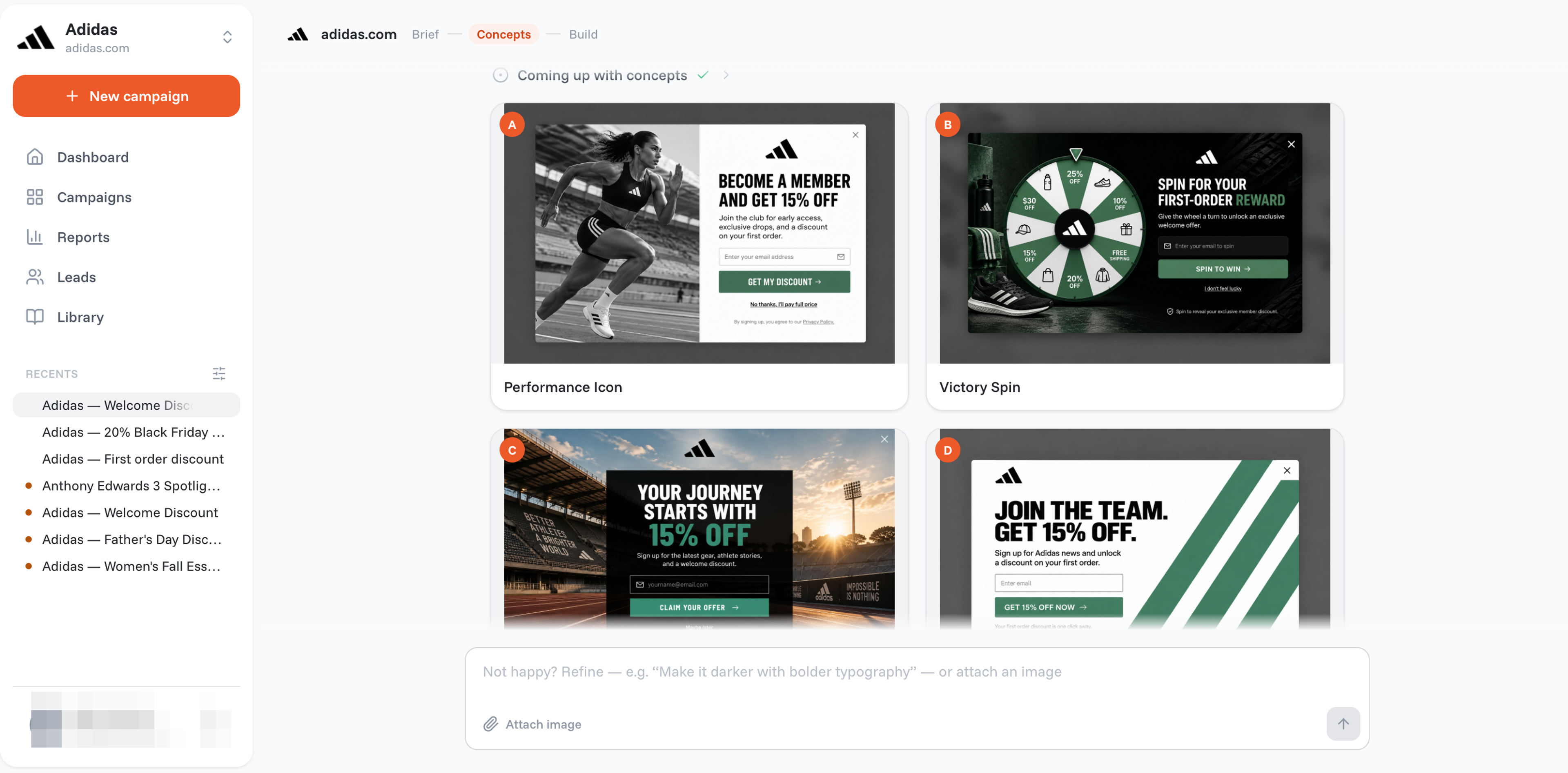
To change something, ask the agent in plain words, or fine-tune it by hand in the visual editor, without relying on a developer.
Whether you're a beginner or a pro, designing high-converting messages takes minutes, not hours.
Don't want to design popups from scratch? You don't have to.
Tell the agent your goal, like collecting emails, promoting sales, reducing cart abandonment, gamification (like spin-to-win wheels) or multi-step forms, and it designs the popup for it.
Every popup matches your brand and gets its own mobile version. For ideas, browse popups from the library:
Testing different elements of your campaigns is easy and effective. You can run split tests not just on headlines or buttons, but entire offers or layouts.
This allows you to compare performance in real time, see which variant drives better results, and make data-backed decisions that lead to increased conversions and more revenue.
OptiMonk tracks performance down to the dollar.
Built-in revenue analytics let you see how much money each campaign generates, which helps you optimize for actual sales—not just clicks or leads. You’ll know exactly what’s working and where to scale your efforts.
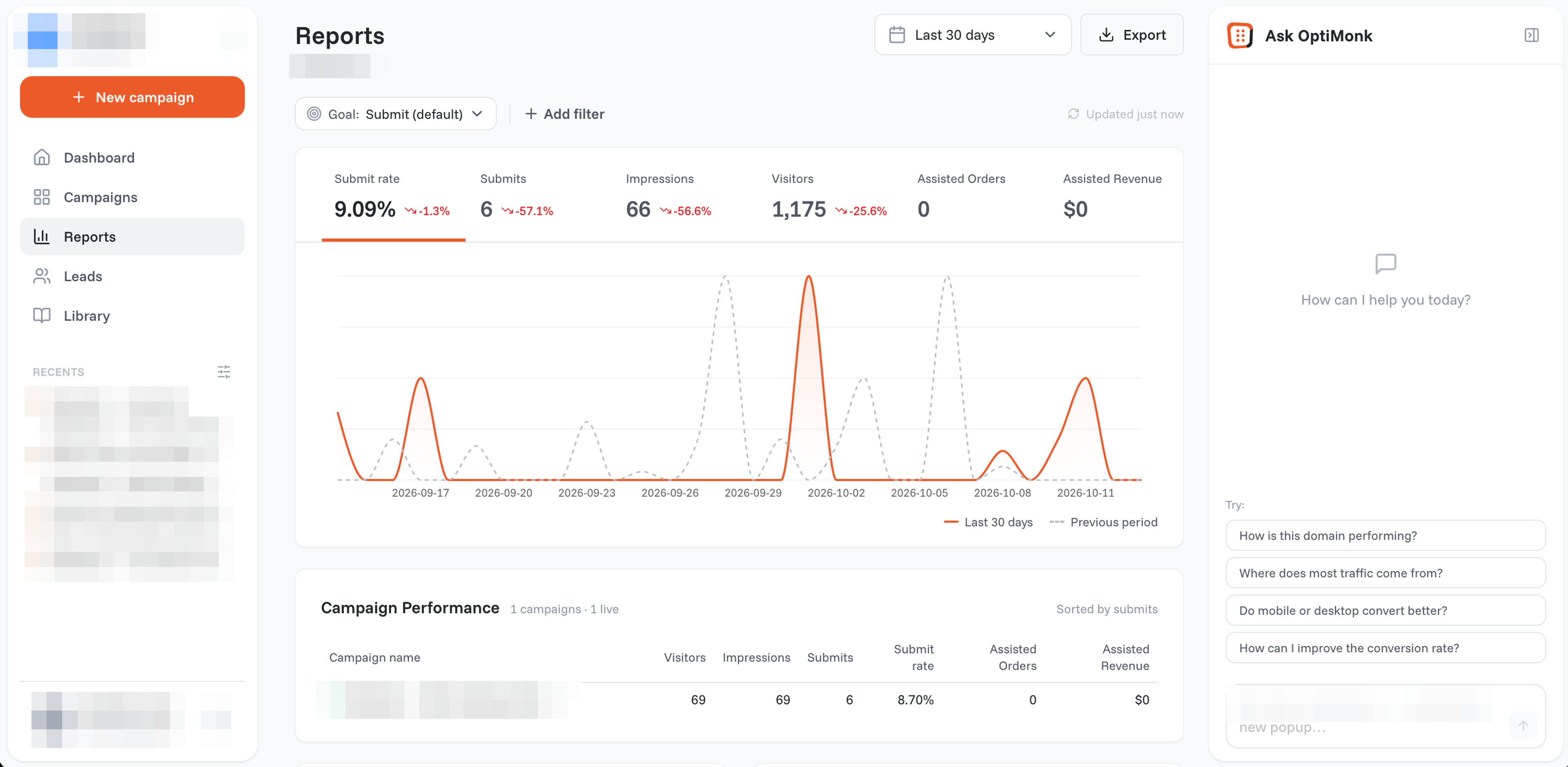
Pricing: A free plan is available; paid plans start at $19/month billed yearly ($29 monthly).
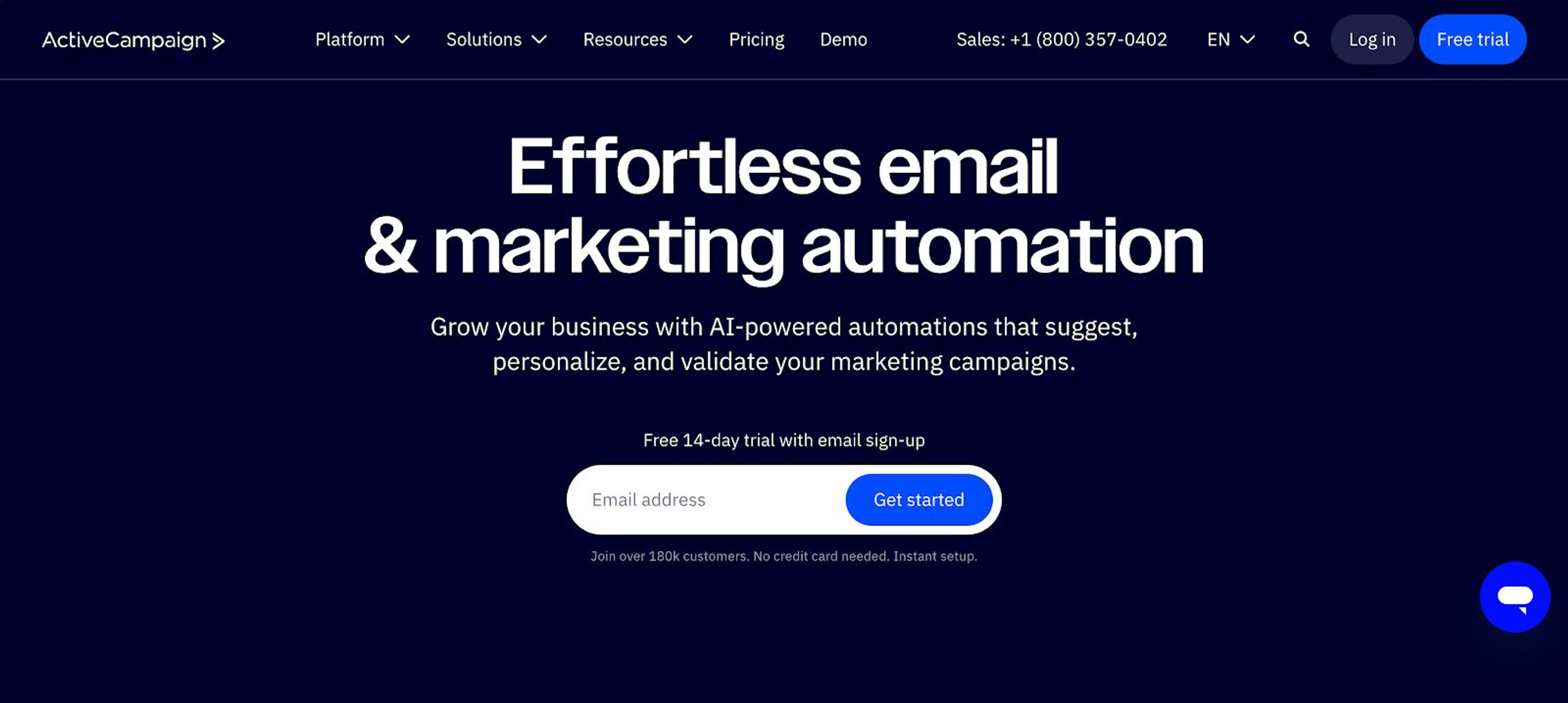
ActiveCampaign is a sales and marketing automation platform used by 180,000 small businesses that enables them to automate the triggering of emails and SMS messages to their contacts. It includes features like opt-in forms, cookie consent banners, and data access management.
Pricing: Starts at $15/month.
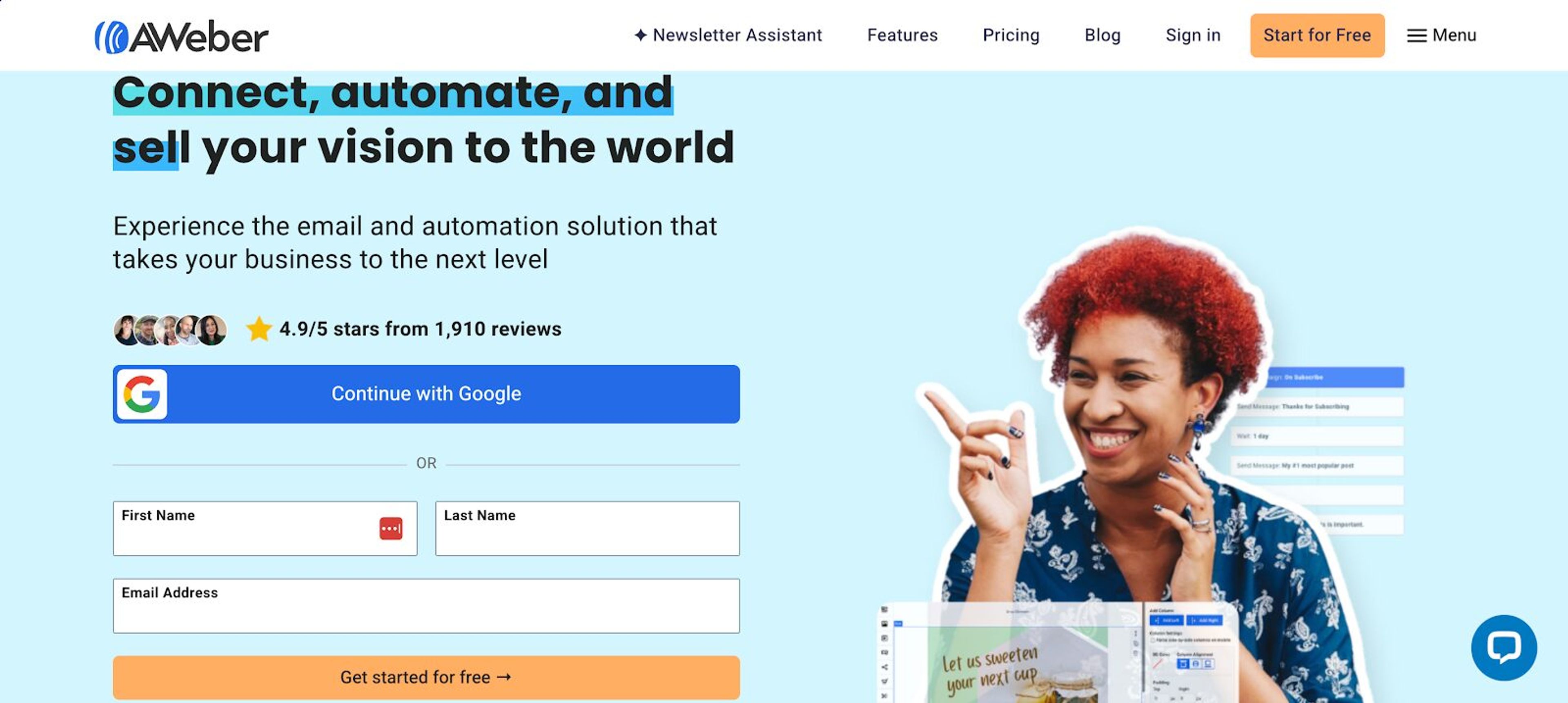
AWeber is an email marketing solution that offers a range of features to help small businesses connect, automate, and sell their vision to the world. It provides tools for email marketing, landing page creation, and automation.
Pricing: Free trial available, then $30/month.
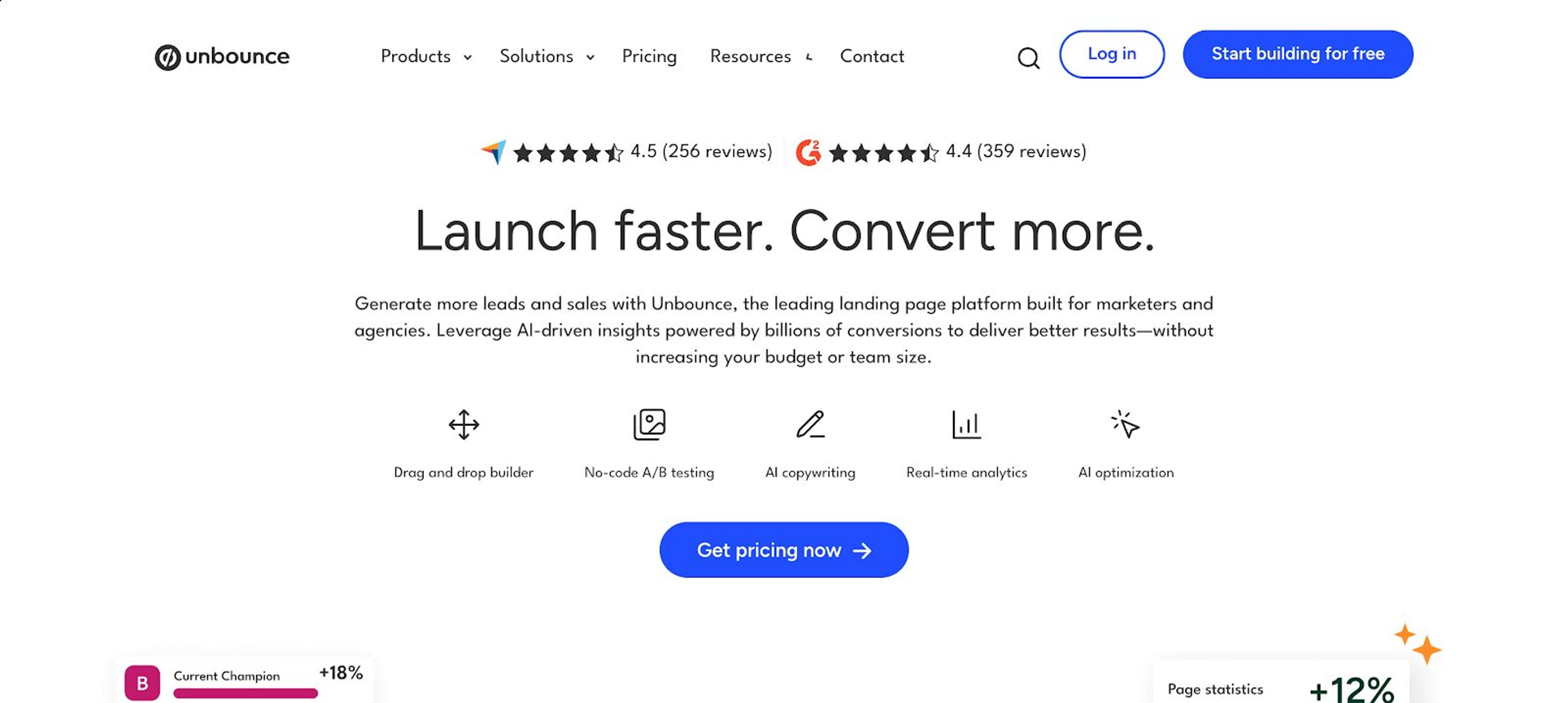
Unbounce is a landing page creation and optimization service that can help build high-converting online campaigns to meet your marketing goals. With its AI-powered features, you can quickly create landing pages without writing a single line of code.
Pricing: Free plan available, then $99/month.
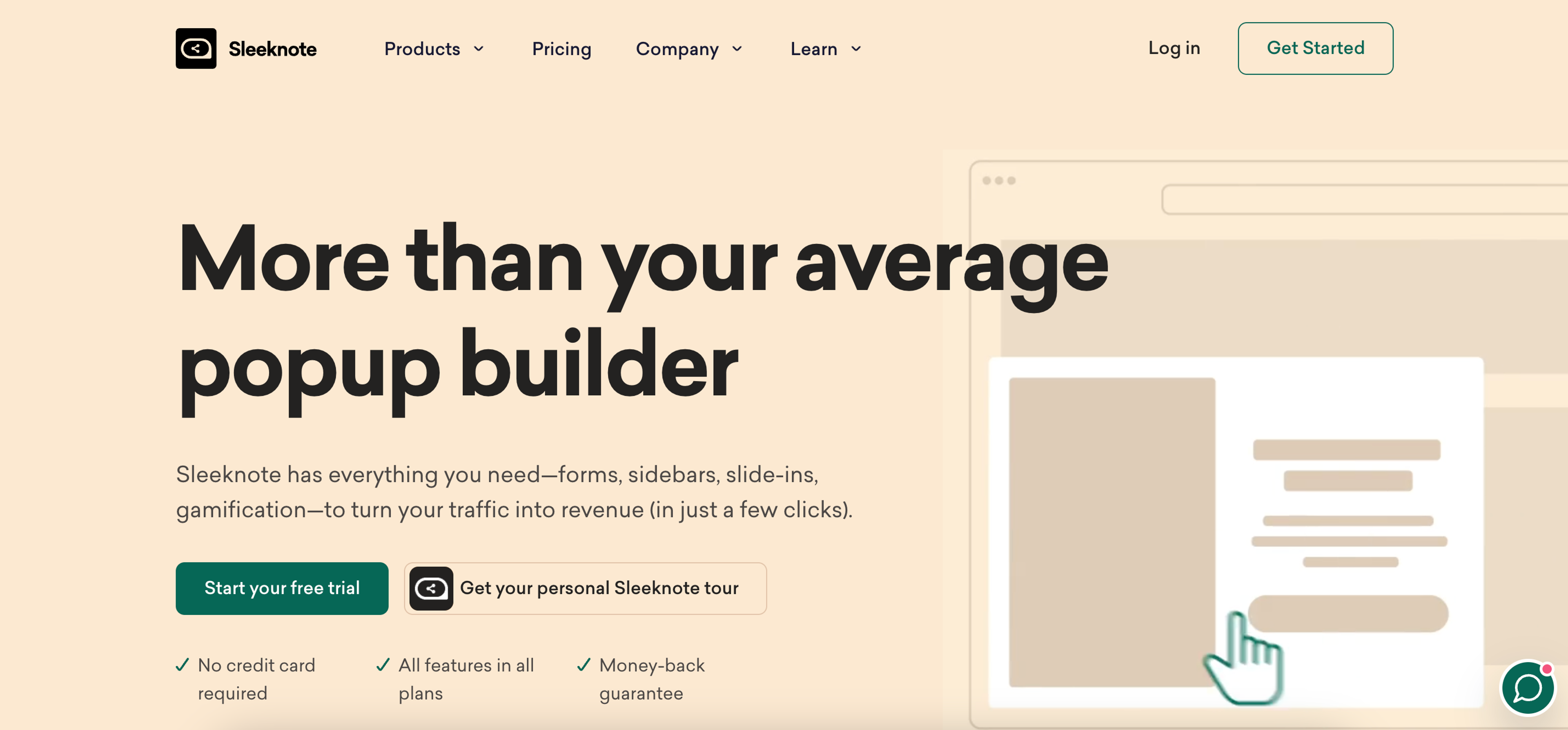
Sleeknote is a cloud-based software that helps online businesses reach conversion goals through website popups. It allows marketers to collect email addresses and optimize lead generation for increased conversions.
Pricing: Free trial; starts at €49/month for up to 25k visitors.
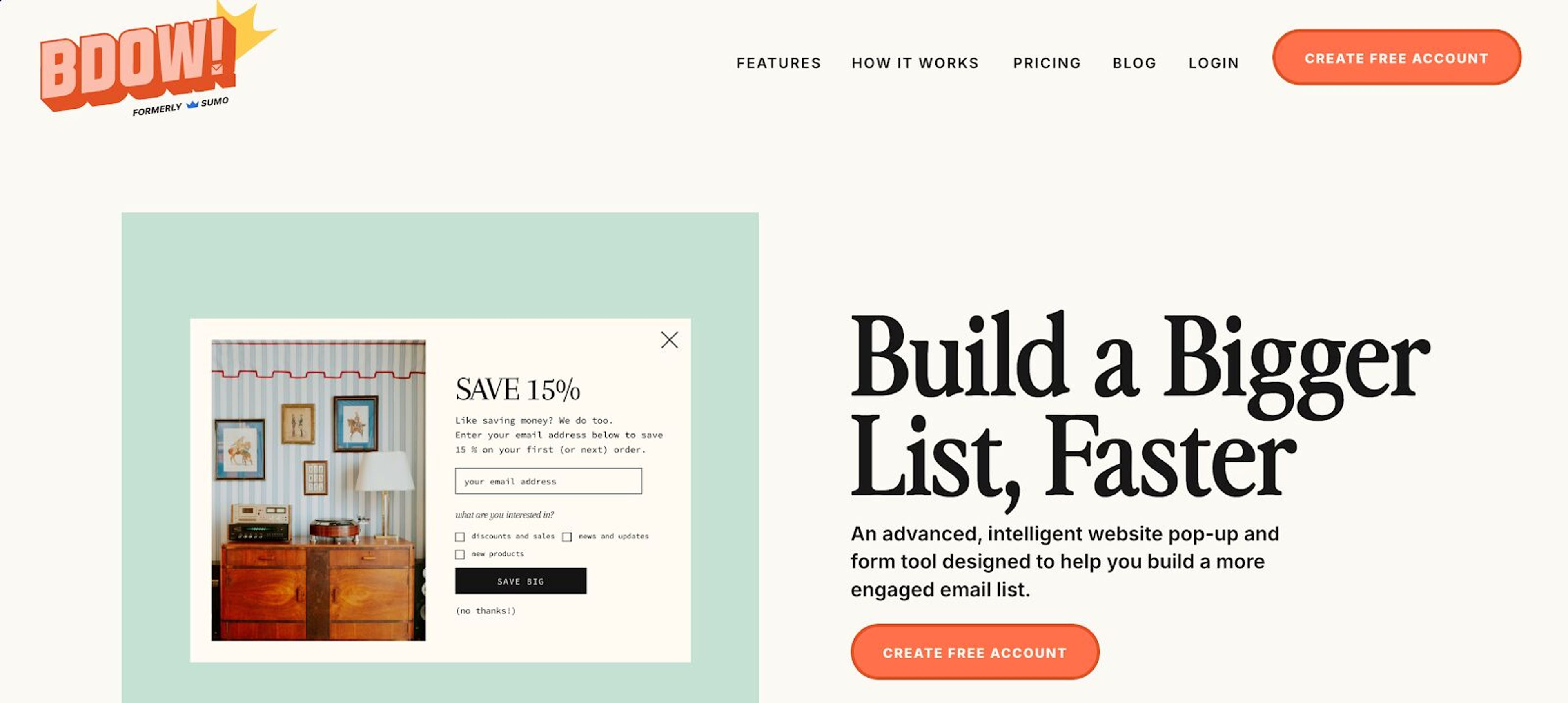
BDOW is a lead generation tool that makes it easy to create forms and pop-ups for your website. It integrates directly with many popular marketing tools and provides advanced integration features like webhooks.
Pricing: Free plan available; $15/month for up to 25k pageviews.
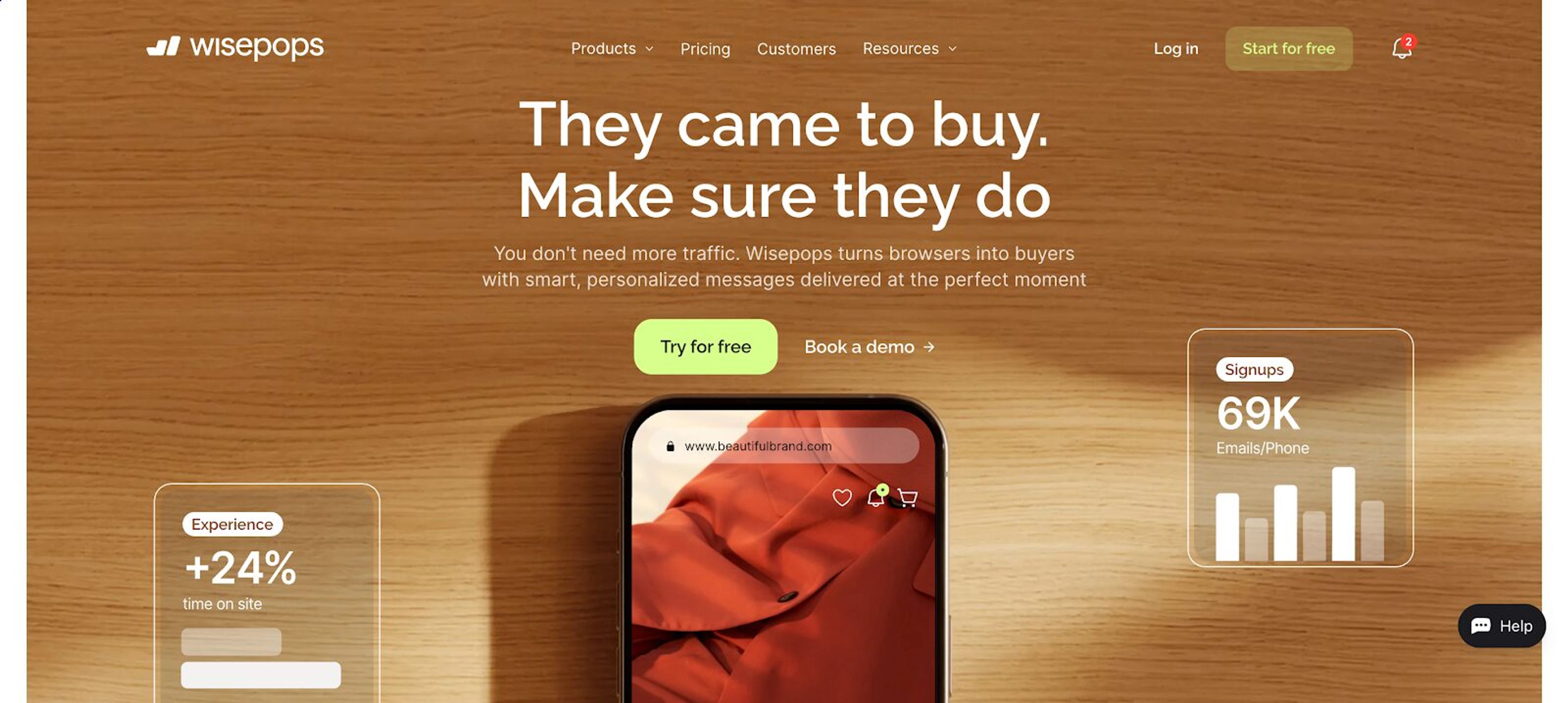
Wisepops is an onsite marketing platform that helps you engage with your website visitors through personalized experiences. It offers multiple formats like popups, bars, embeds, and feeds.
Pricing: Free trial available; then €99/month.
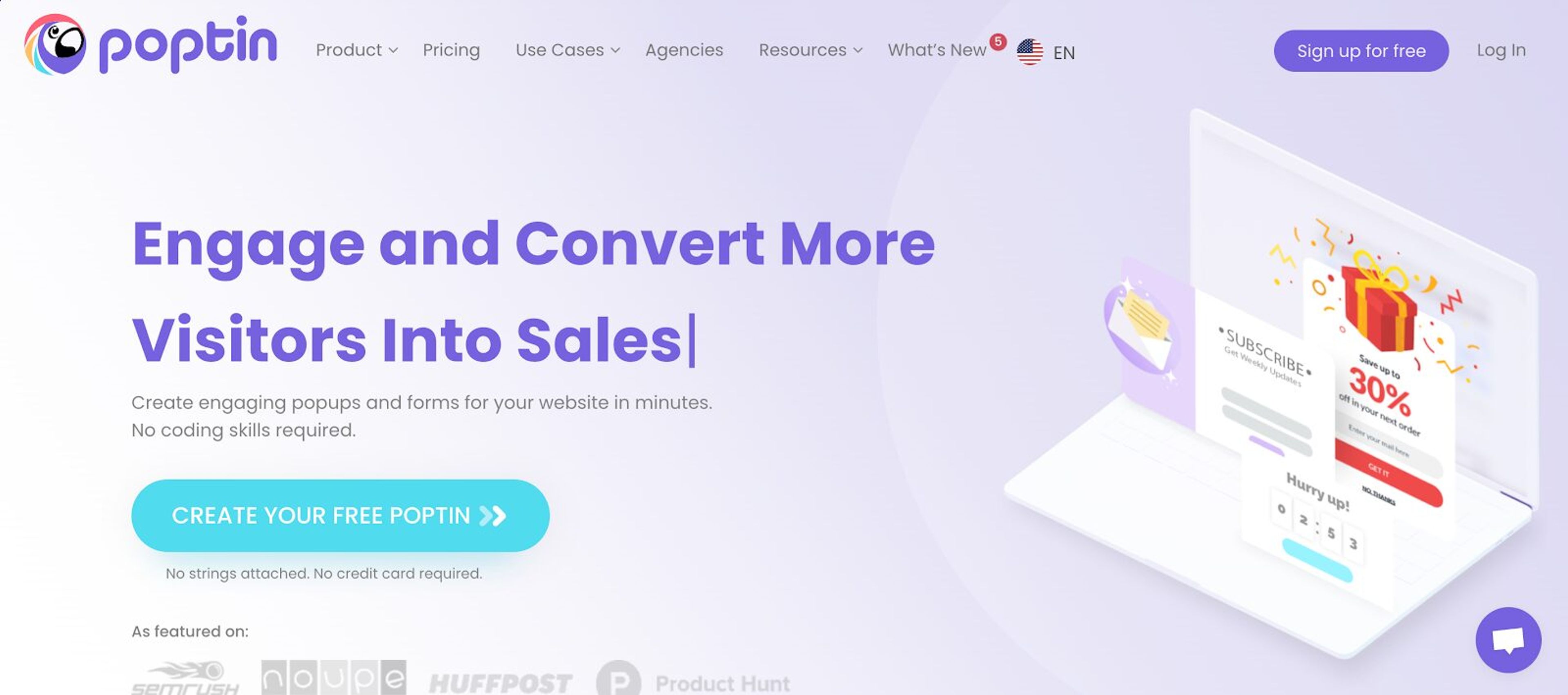
Poptin is a user-friendly popup builder that lets you customize beautiful, high-converting pop-ups and inline forms in just 2 minutes. It's designed to help businesses get more leads and boost sales without any coding skills.
Pricing: Free plan available; paid plans start at $25/month.
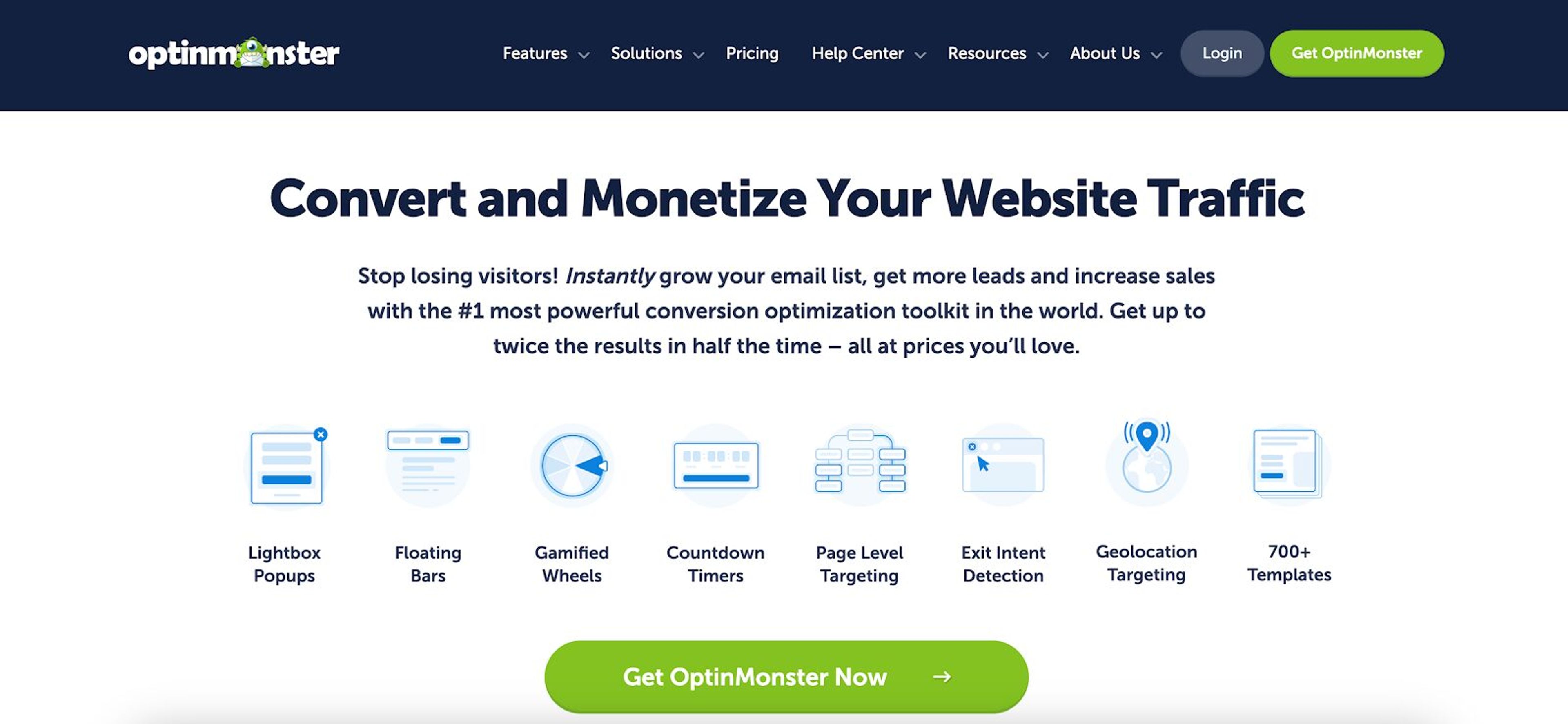
OptinMonster is a lead generation software that converts abandoned visitors into subscribers with dynamic marketing tools and exit intent technology. It's suitable for marketing agencies, bloggers, ecommerce websites, and small businesses.
Pricing: Starts at $21/month.
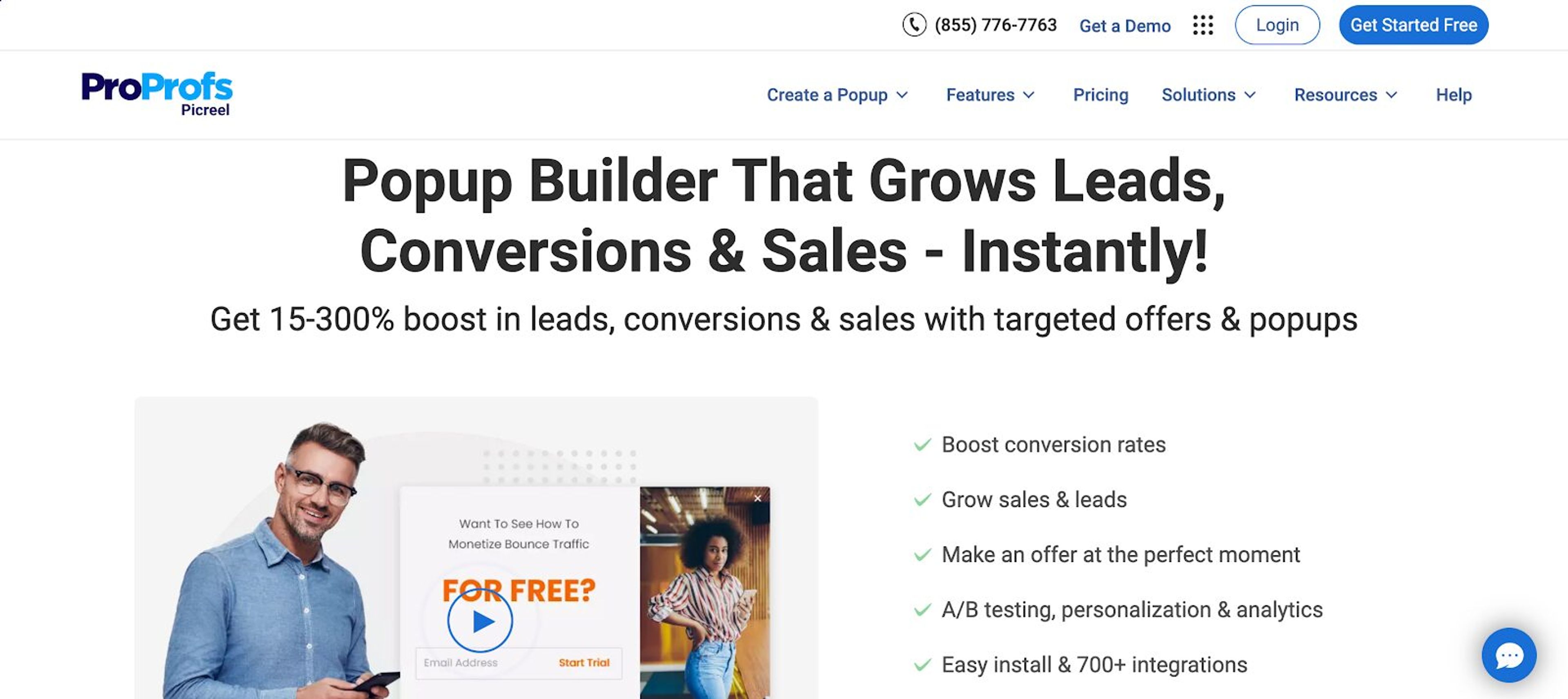
Picreel is a highly customizable tool that offers free templates of pop-ups to use throughout users’ interaction with your website. It's ideal for persuading clients to explore more, return to options they've shown interest in, and not leave products in the cart.
Pricing: Free plan available; paid plans start at $19.99/month.
If lead generation is your primary focus, OptiMonk, Poptin, and Sleeknote are top contenders. These tools specialize in capturing leads through advanced targeting, exit-intent popups and high-converting designs.
OptiMonk stands out with its AI agent that designs and tests each popup, while Poptin offers built-in autoresponders to instantly engage new leads.
When it comes to ease of use, OptiMonk, Poptin and AWeber are the most beginner-friendly ConvertFlow alternatives. Poptin and AWeber offer drag-and-drop builders and pre-designed templates; with OptiMonk, you describe the popup and the AI agent builds it.
These tools are ideal if you're new to lead generation or don’t have a technical background and want to implement effective marketing strategies fast.
If landing pages are a big part of your funnel, Unbounce, ActiveCampaign, and Sleeknote are strong alternatives. Unbounce provides drag-and-drop page builders and smart traffic routing, while ActiveCampaign offers forms and landing pages with deep automation.
Sleeknote supports personalized popups on landing pages to capture leads and guide visitors effectively.
If ConvertFlow isn’t meeting your expectations, you’ve got solid options in 2026. Whether you care most about affordability, ease-of-use, or advanced targeting, there's a tool here that'll fit your workflow like a glove.
Before you commit, try out the free plans or demos. Because at the end of the day, the best pop-up tool is the one that makes conversions feel effortless, not frustrating.
If you’d like to get started with OptiMonk’s free plan, give these popup ideas a try:


Discover creative Thanksgiving marketing ideas to engage customers, build buzz, and drive sales before Black Friday and Cyber Monday.

Learn 5 ways ecommerce brands can turn new subscribers into recurring revenue using welcome flows, personalization, loyalty programs, re-engagement, and referrals.

In this article, we’ve compiled a list of the 25 top ecommerce apps that will help you streamline your operations, boost sales, and grow your online business.