
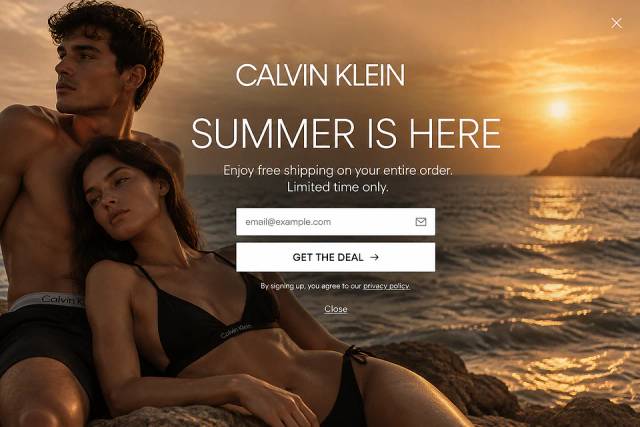

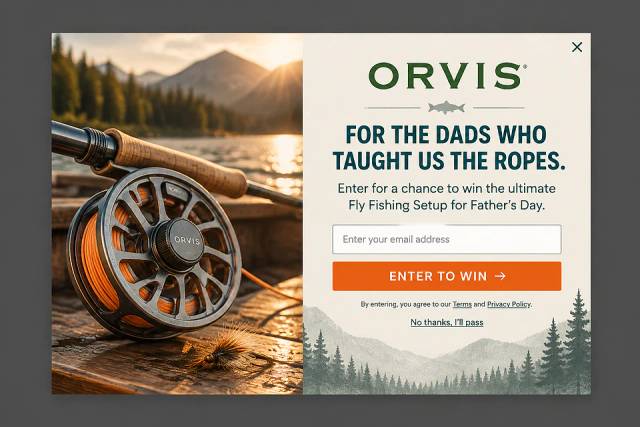
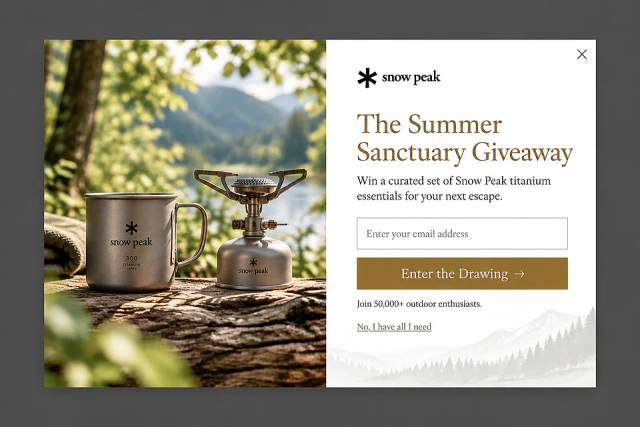
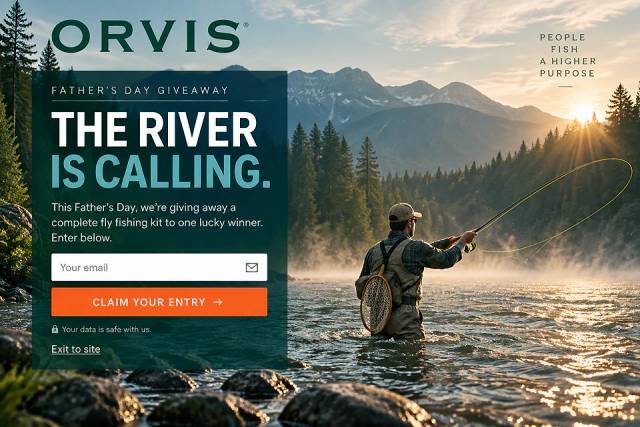
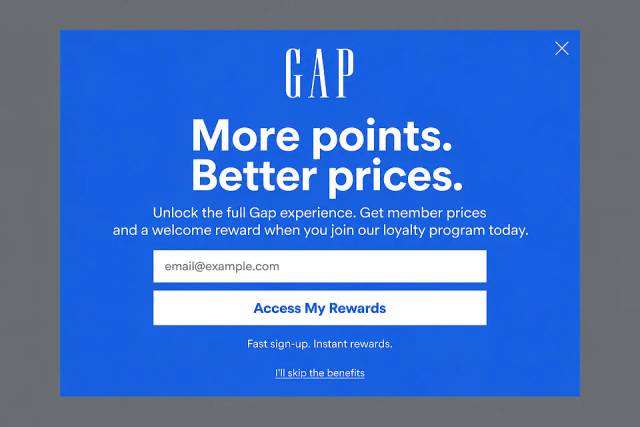
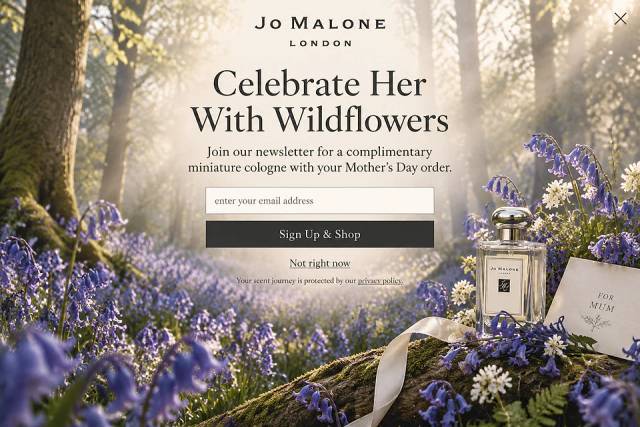
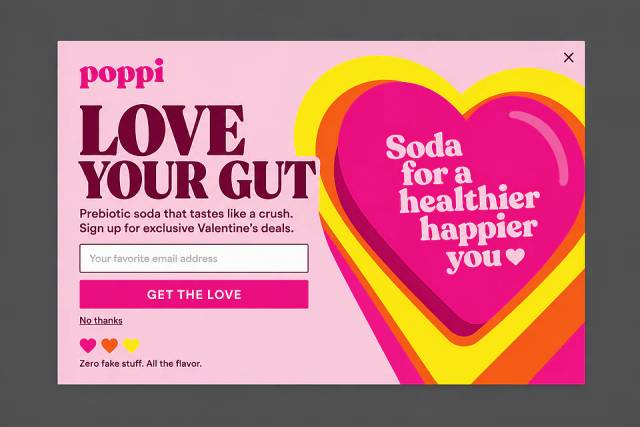
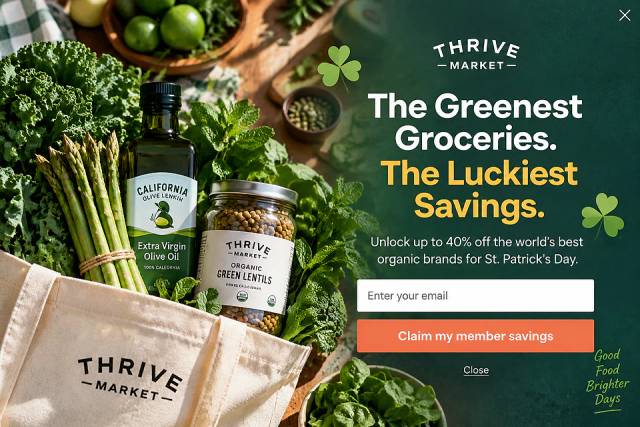
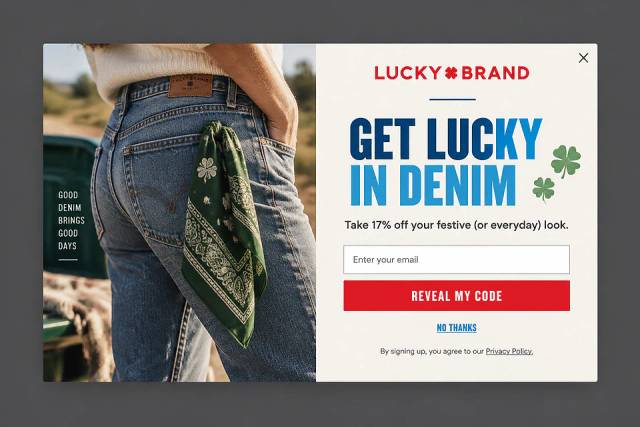
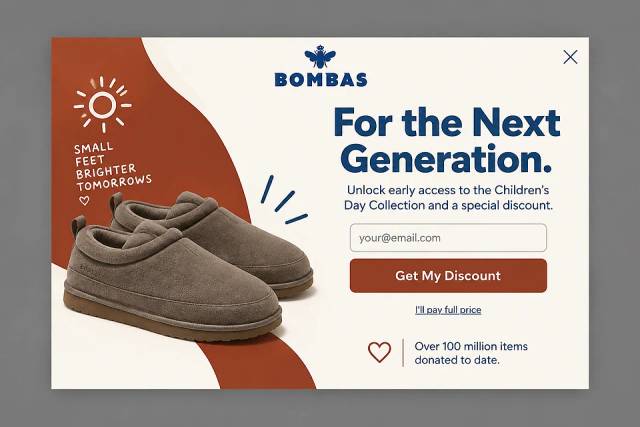
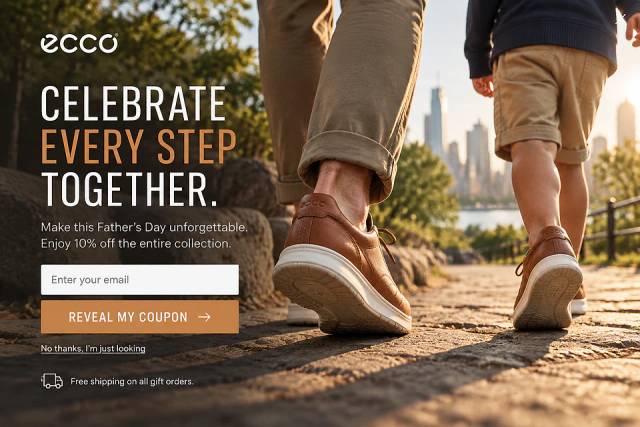
40 Welcome Message Examples for Your Website (Copy and Paste)
40 website welcome message examples for online stores, grouped by situation and industry, ready to copy into a welcome popup.
Boost your AWeber email list with a high-converting popup! Learn how to create a better signup popup for more subscribers.
In short
Boost your email signups instantly by creating high-converting AWeber popups with OptiMonk. While AWeber's basic tool is suitable for beginners, OptiMonk offers advanced features like targeting, design flexibility, and seamless integration with AWeber. Elevate your email marketing strategy with personalized popups that engage the right audience at the right time.
Are you using AWeber for email marketing and looking to grow your email list with a popup? While AWeber offers a built-in popup feature, it’s quite basic.
If you want better results, a dedicated popup tool that seamlessly integrates with AWeber is the way to go.
In this article, we’ll show you how to create a high-converting popup to boost your email signups.
Let’s get started!
When you're just starting out with your list building efforts as a store owner, you might think that AWeber’s popup tool is all you need. After all, it’s simple, it’s integrated into your AWeber account, and it serves its purpose.
But here’s the thing: you'll quickly realize that the basic features can hold you back.
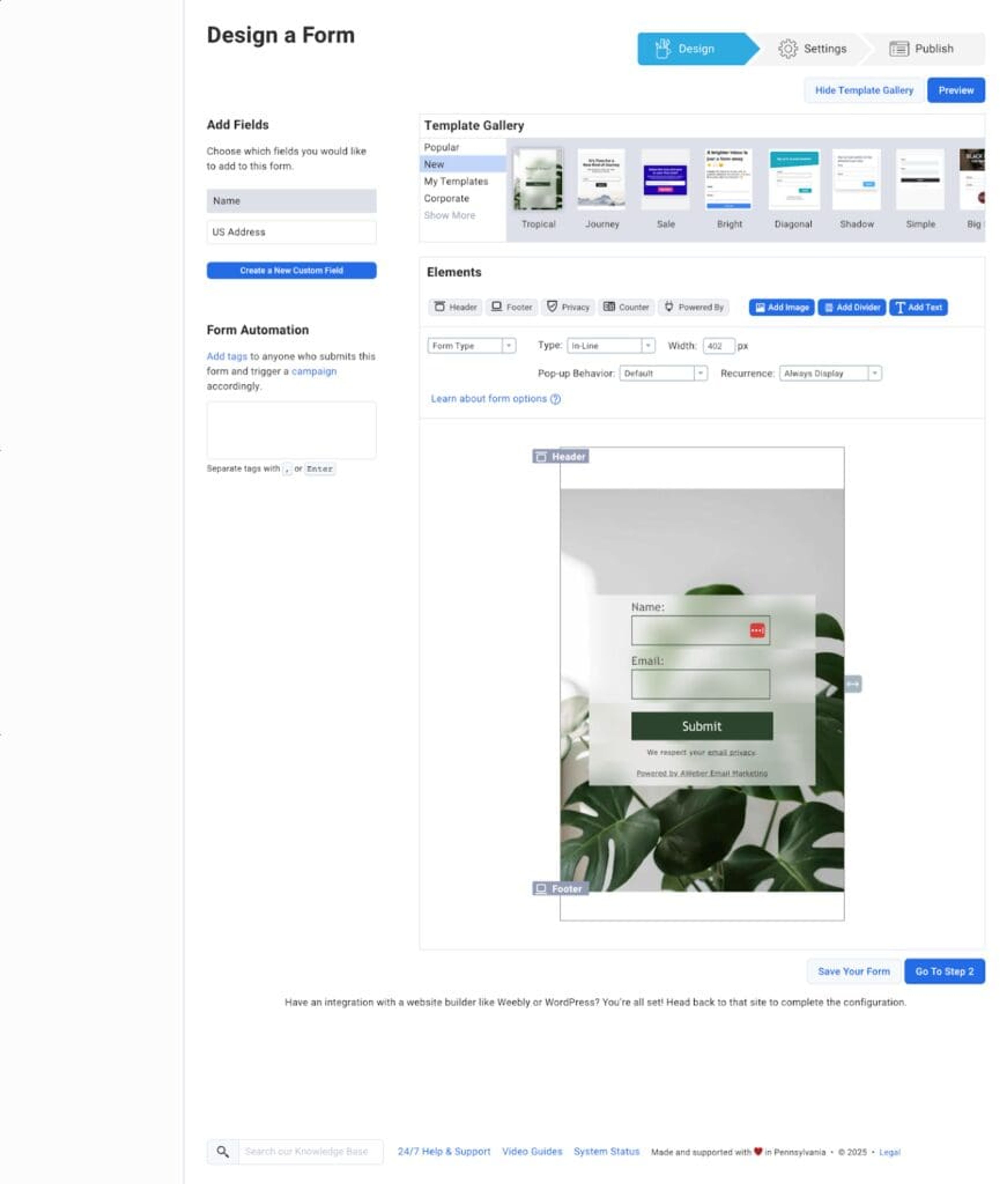
Here’s how it works: if you already have an AWeber account, the process starts with creating a sign-up form.
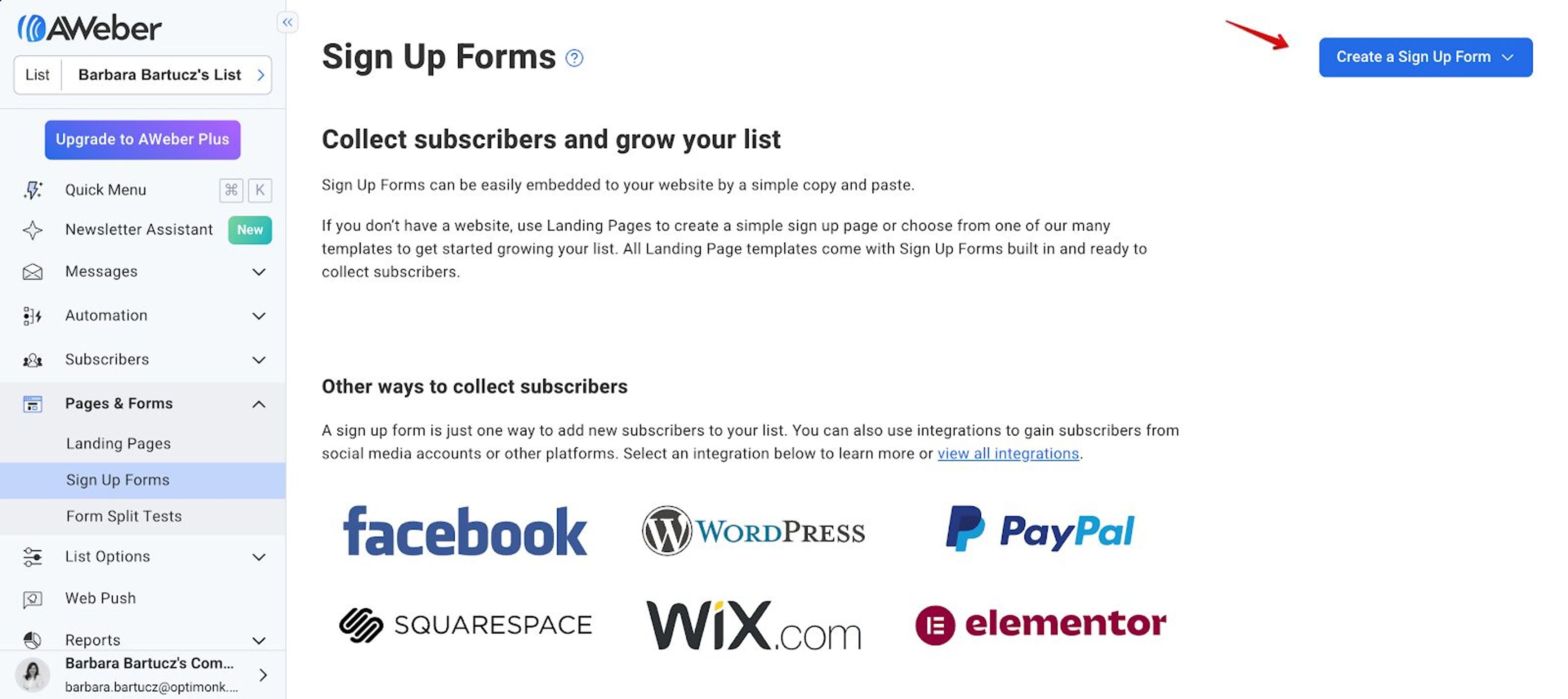
From there, you’re taken to the popup maker, where you can either start from scratch or choose from a couple of pre-designed templates.
However, those templates are quite limited—there are only a handful of options to choose from.
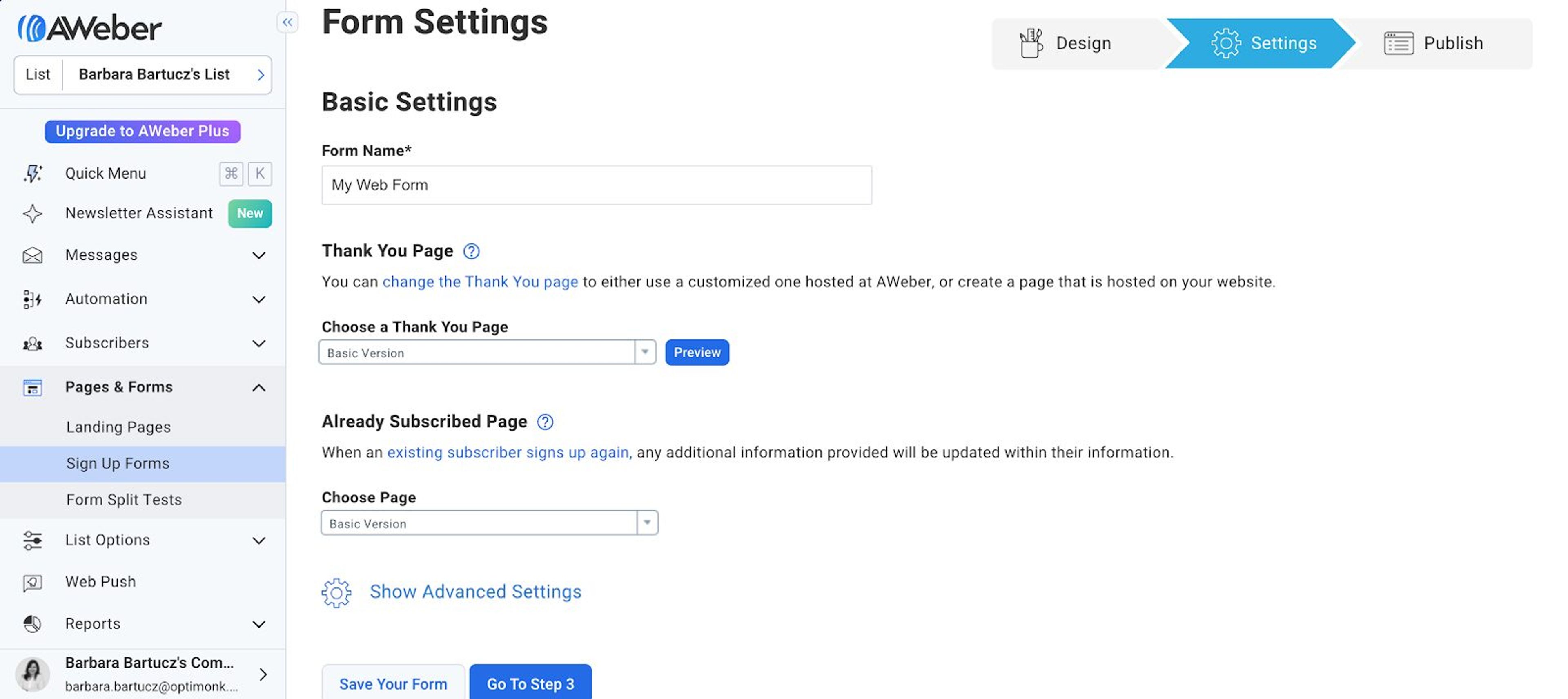
Next, you’ll adjust some basic form settings, including the thank you page and which page(s) your popups will appear on.
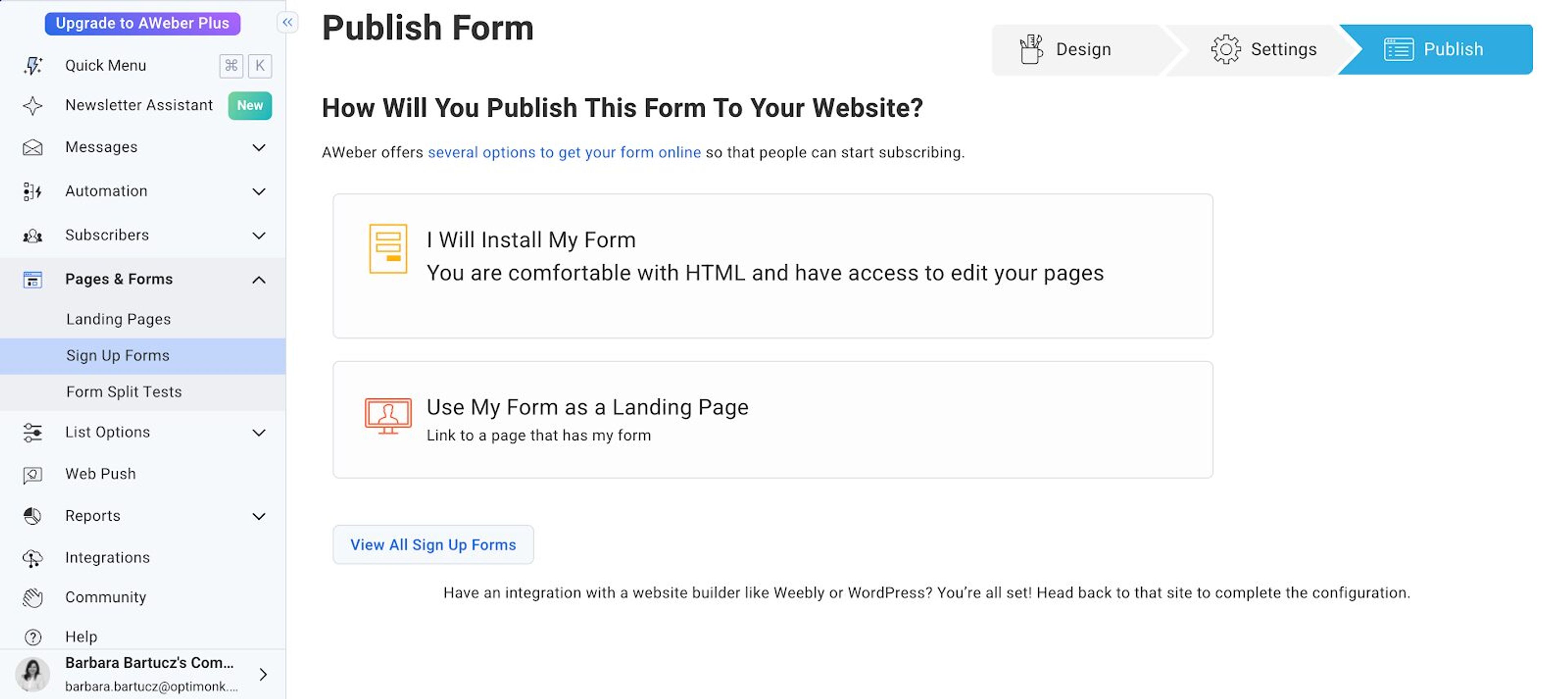
Then, once everything looks good, you can publish your popup.
AWeber’s popup maker may seem straightforward, but its simplicity comes with some limitations. Since AWeber is primarily an email marketing platform, not a specialized popup builder, you’ll soon find its customization options leave a lot to be desired.
It’s challenging to adjust the design to fit your website’s unique look, and beyond the basics, there’s not much room for modification.
Additionally, AWeber lacks advanced targeting and triggering features, which means the same popup message will be shown to everyone, whether it's relevant to them or not.
Now, let’s take a look at OptiMonk, which is built specifically for creating high-converting popups. If you want to go beyond the basics and create a more advanced customer journey, OptiMonk could be the solution.
OptiMonk offers hundreds of popup ideas, and they’re optimized for both mobile and desktop devices.
Whether you want to lower cart abandonment, collect customer feedback, or promote specific products, there's a popup idea for almost every use case.
You’ll also find more flexibility in terms of design and branding, allowing you to really tailor popups to your website’s look and feel.
OptiMonk's AI agent designs each popup for your brand, and you can ask it for changes or fine-tune the popup in the visual editor.
You can easily add custom elements like countdown timers, special offers, and coupon codes, all with just a few clicks.
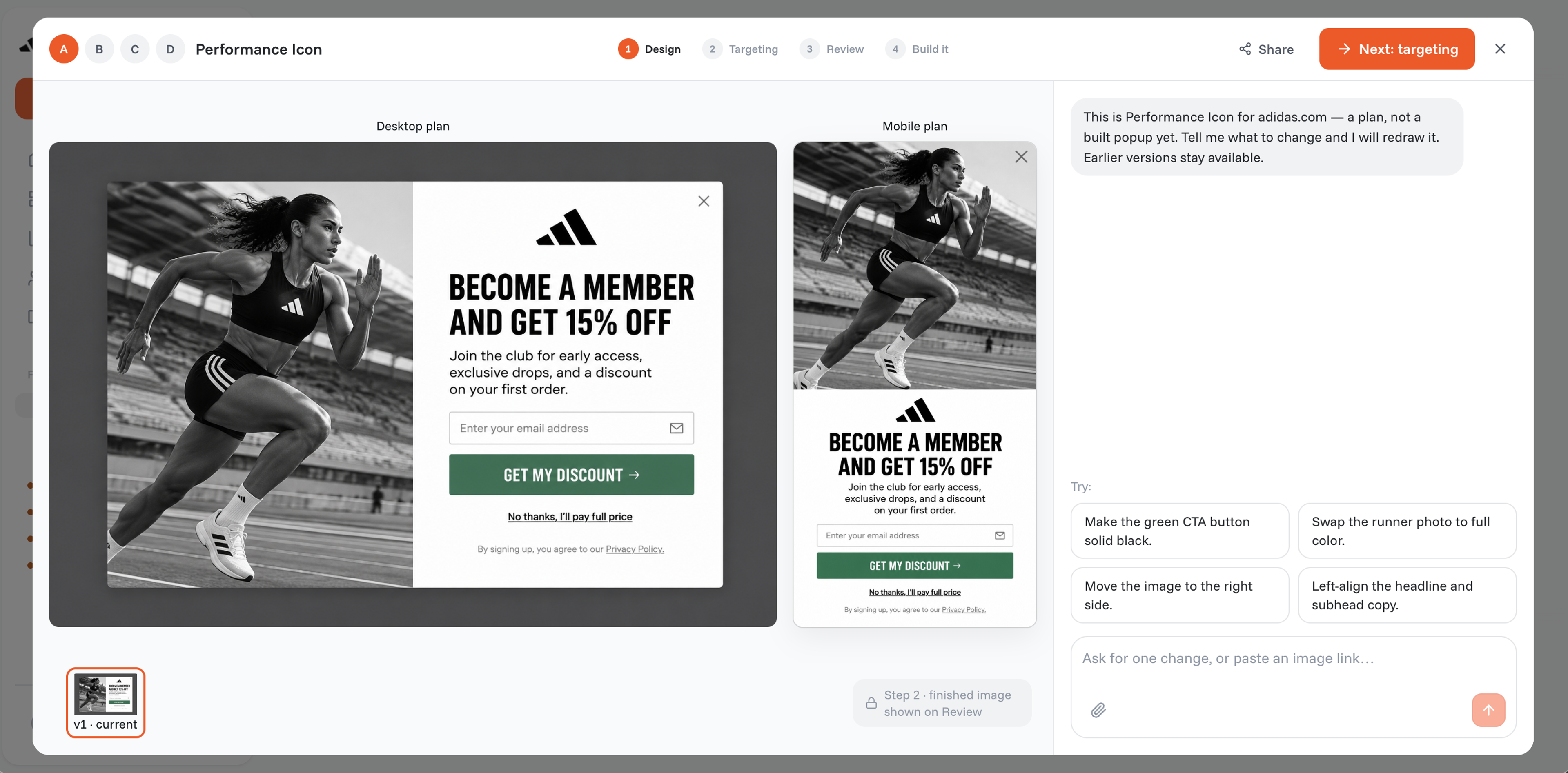
As mobile trafficcontinues to grow, you want to ensure that your popups look great on mobile devices.
Every OptiMonk popup gets a separate mobile version, so you get a seamless experience for all users.
And classic popups aren't the only format: you can also use fullscreen popups, product recommendations, gamification, and countdowns.
Now here’s where OptiMonk really shines: targeting and triggering. With OptiMonk, you can set triggers like exit intent, time spent on page, specific scroll depth, or even inactivity.
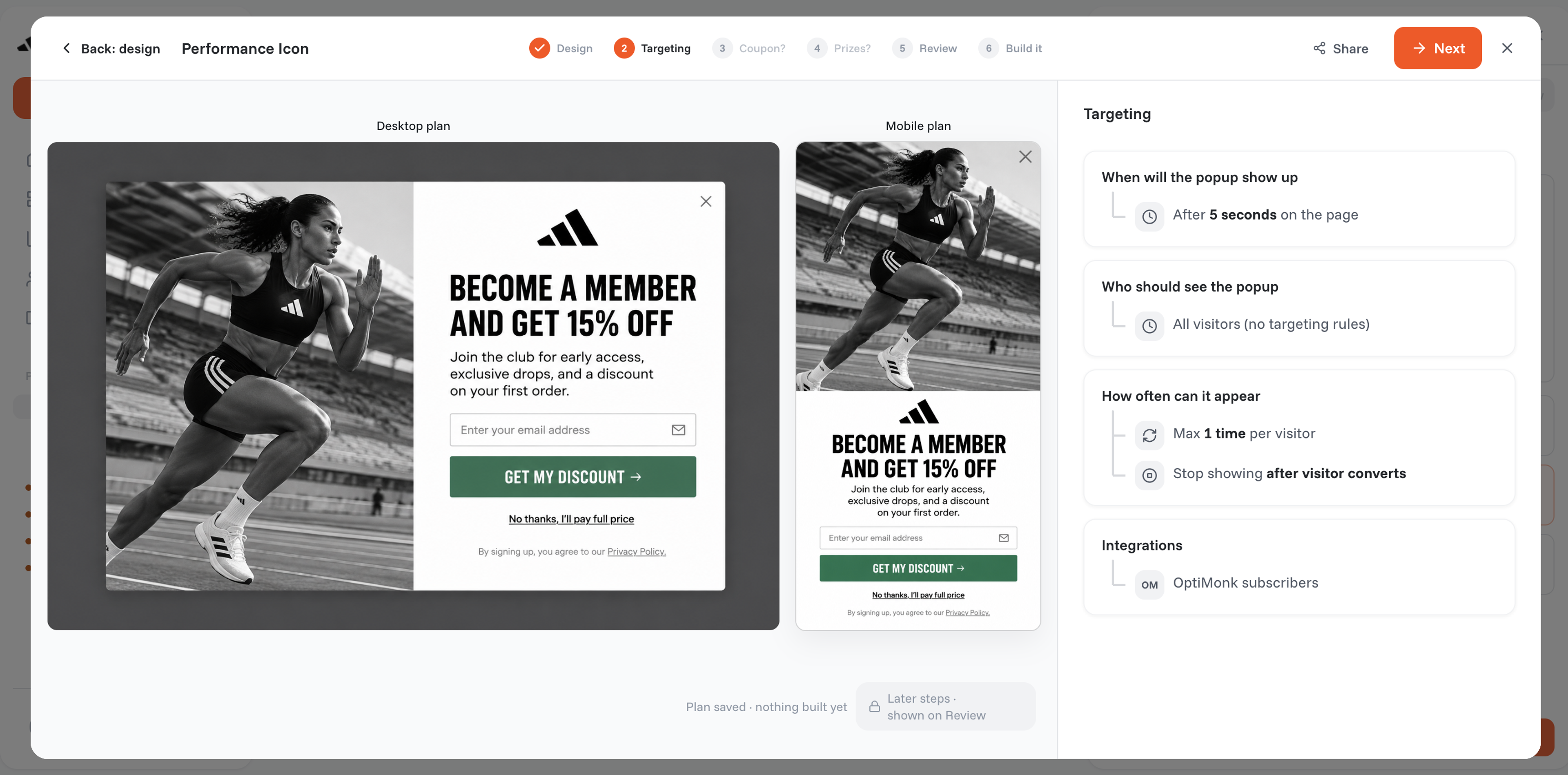
You also have full control over who sees your popups.
Want to show your popups to new visitors but not returning ones? You can do that. Need to target active shoppers or non-subscribers? No problem.
This level of personalization helps ensure that your popups are seen by the right audience at the right time, making your messaging much more relevant and effective.
So, what’s the real difference between creating a popup with AWeber and OptiMonk?
AWeber is primarily an email marketing tool. While they offer popups, they are quite basic. You’ll be limited in terms of design, targeting, and advanced features.
It's fine if you’re just starting out, but as your business grows, you'll need something more robust.
OptiMonk, on the other hand, is a specialized popup builder designed to create high-converting popups without frustrating your visitors.
With its AI agent, advanced targeting options, and Popup Library for inspiration, OptiMonk provides everything you need to craft popups that align with your audience's behavior and drive results.
Want to make the most of both platforms? Here's how to seamlessly combine your AWeber and OptiMonk accounts for maximum impact.
If you don’t have an OptiMonk account yet, sign up here. The setup is quick and easy, and it takes just a few minutes.
Tell OptiMonk's AI agent what you need, and it designs the popup for your goals. For ideas, browse these:
Ask the agent for changes, or fine-tune the popup in the visual editor so it matches your website's design and branding.
This is the part that makes all the difference. You can choose exactly who will see your popup and when—whether you choose to trigger it based on scroll depth, time on page, exit intent, or specific page visits.
Additionally, you can segment your audience based on behaviors, location, or traffic sources.
To connect AWeber, open your campaign's Integrations tab and click "Add integration".
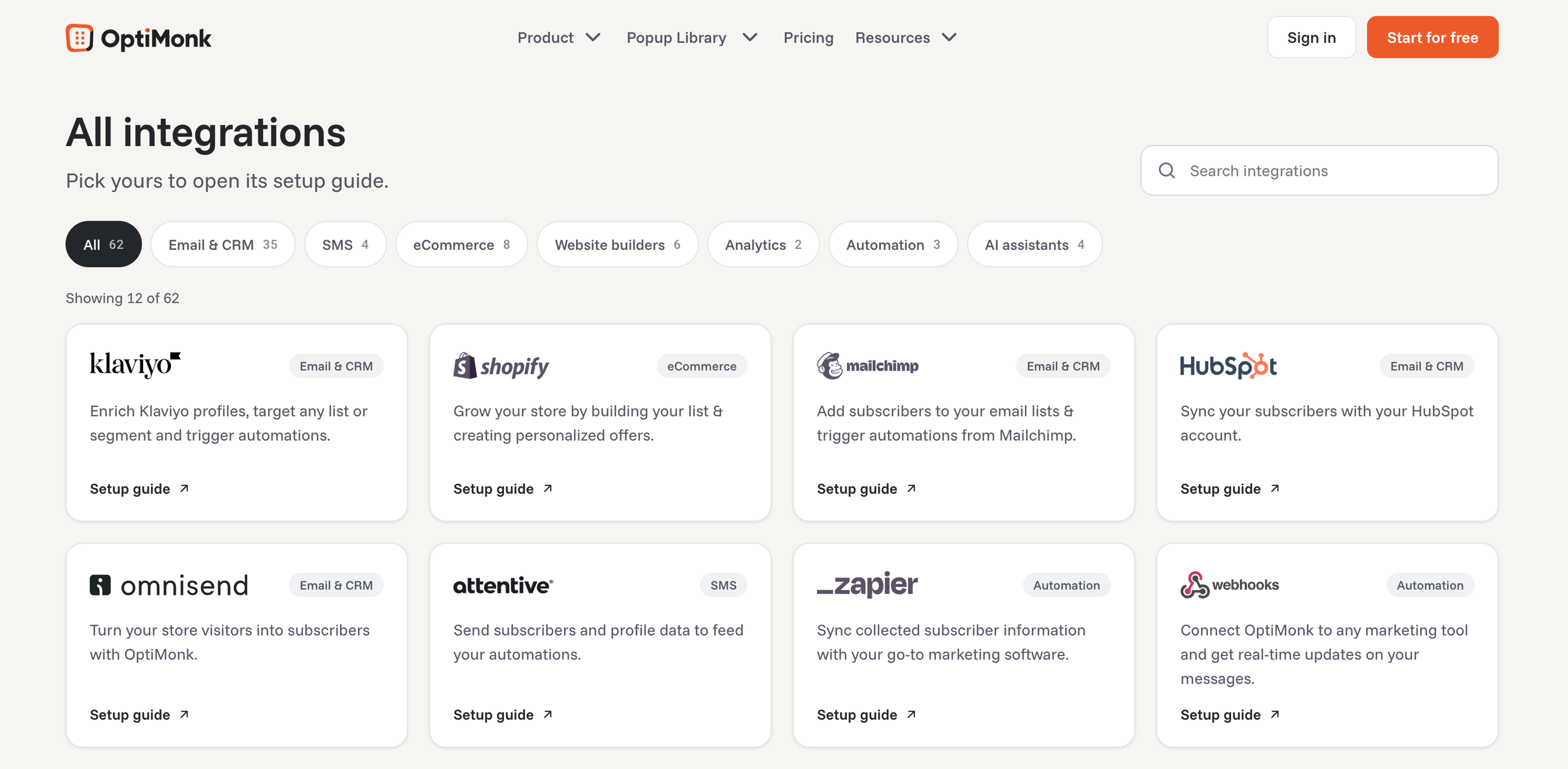
Then, select AWeber from the list.
Then connect your AWeber account and authorize OptiMonk.
Now, you’ll log in to your AWeber account to authorize the integration. Enter your AWeber login details, then click "Allow Access" to complete the process.
You’ll be redirected to your OptiMonk account, where you can select a list from your AWeber account to use for the integration.
Select a list from the dropdown menu, check the field mapping, and click "Save integration".
You can find a more detailed step-by-step guide here.
While AWeber popups will appear on mobile devices, the platform doesn’t provide specific mobile optimization. For a more seamless mobile experience, a dedicated popup tool like OptiMonk might be a better choice.
To avoid overwhelming your visitors with too many popups, you can limit how often a popup appears to the same person. Advanced popup builders like OptiMonk allow you to control the frequency and timing of popups, reducing the risk of popup fatigue.
Yes, you can! By integrating AWeber with OptiMonk, you can create personalized popups that trigger at the right time and collect signups directly into your AWeber list.
AWeber's basic popup tool may work for beginners, but as your business grows, you'll need something more powerful. OptiMonk offers advanced targeting and an AI agent that designs every popup for your brand, making it a more flexible solution for effective popup design.
Plus, you can easily integrate it with your AWeber account to boost your email list.
If you haven’t yet, create an OptiMonk account today and start building a more tailored, high-converting customer journey!


40 website welcome message examples for online stores, grouped by situation and industry, ready to copy into a welcome popup.
12 Christmas popup examples for online stores, from welcome offers and spin-to-win wheels to gift quizzes and last-chance countdowns.
In this article, we'll share the best alternatives to Sleeknote that help you to get more leads in 2026.