
40 Welcome Message Examples for Your Website (Copy and Paste)
40 website welcome message examples for online stores, grouped by situation and industry, ready to copy into a welcome popup.
12 Christmas popup examples for online stores, from welcome offers and spin-to-win wheels to gift quizzes and last-chance countdowns.
In short
The best Christmas popups make one festive offer obvious: a first-order discount, a spin-to-win wheel, a gift-finder quiz or a last-chance countdown. This guide shows 12 Christmas popup examples from the OptiMonk Popup Library, when to show each one from early November to your last shipping day, and five tips to make them work.
The best Christmas popups make one festive offer obvious: a first-order discount, a spin-to-win wheel, a gift-finder quiz or a last-chance countdown. Show them to the right visitor at the right point of the season, from early November to the last shipping day.
Below are 12 Christmas popup examples from the OptiMonk Popup Library, grouped by the job they do, with what makes each one work.
The season has three phases, and each needs a different popup:
These examples come from the OptiMonk Popup Library. Each one was designed by the OptiMonk agent for a real store's brand, and you can open it in the library and build your own version.
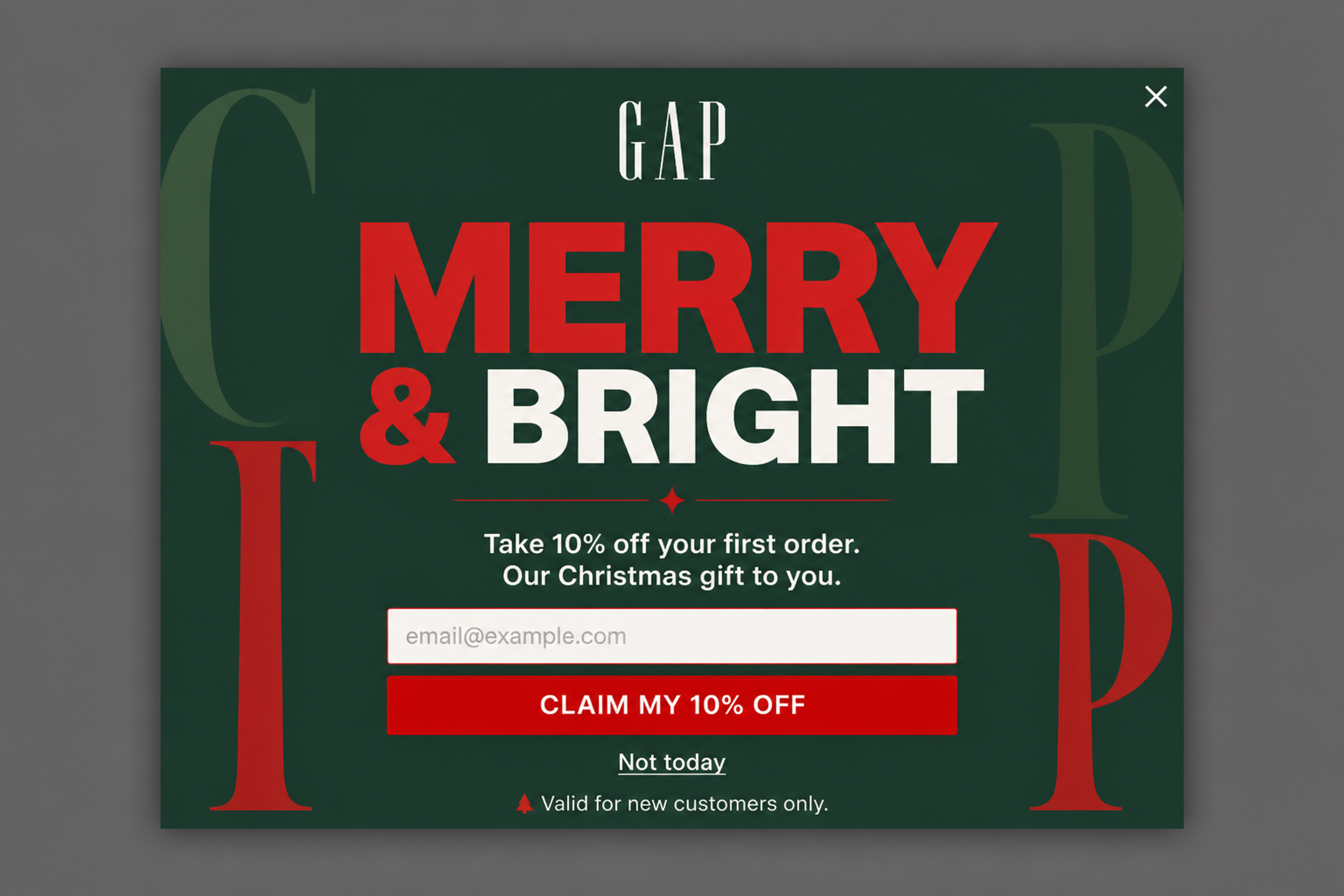
"Merry & Bright" in big letters, one offer (10% off the first order) and one field. The copy frames the discount as "our Christmas gift to you", which feels warmer than a plain coupon.
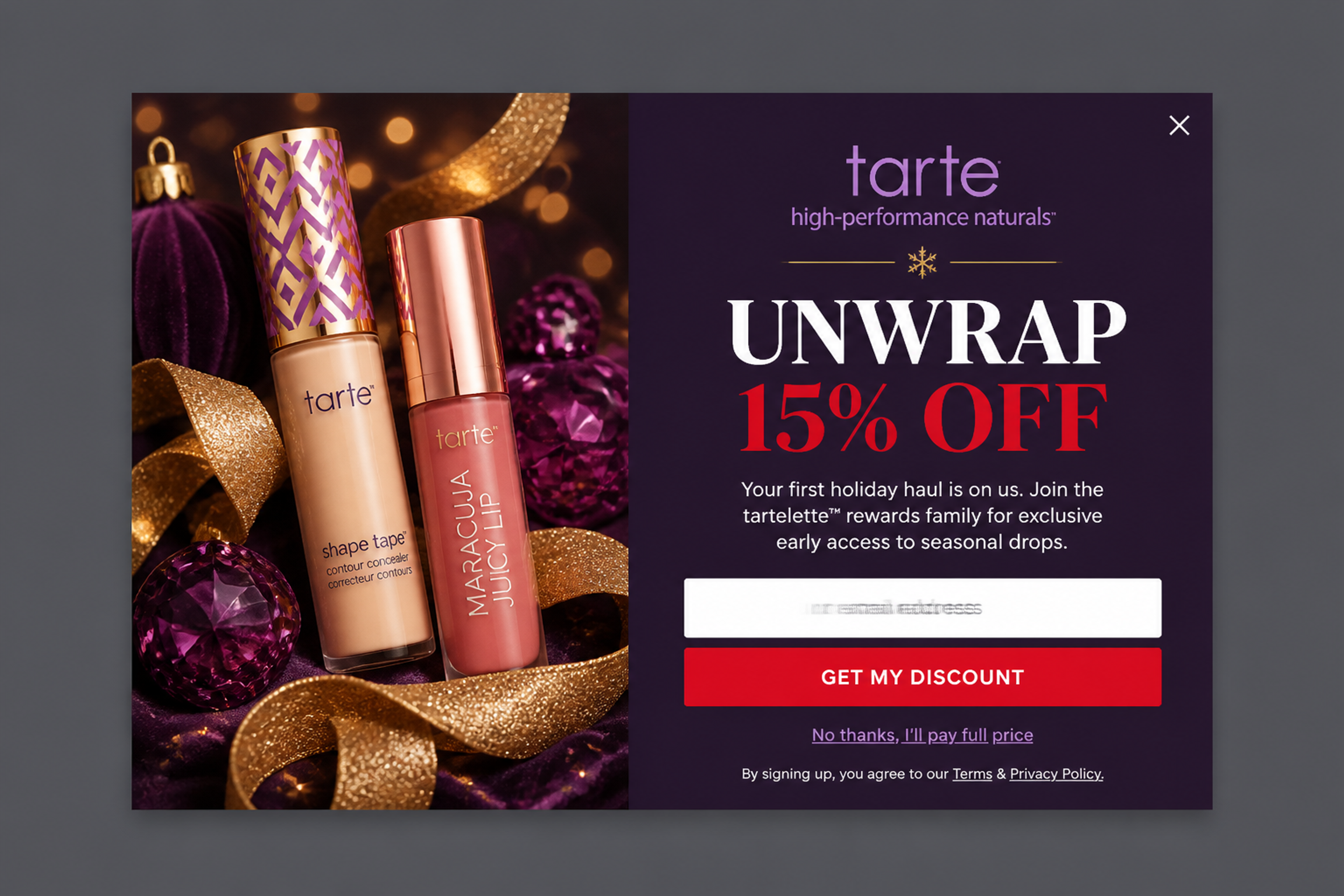
A rich holiday photo next to a bold "Unwrap 15% off" headline. Joining the list is the price of the discount, so every redemption is also a new subscriber.
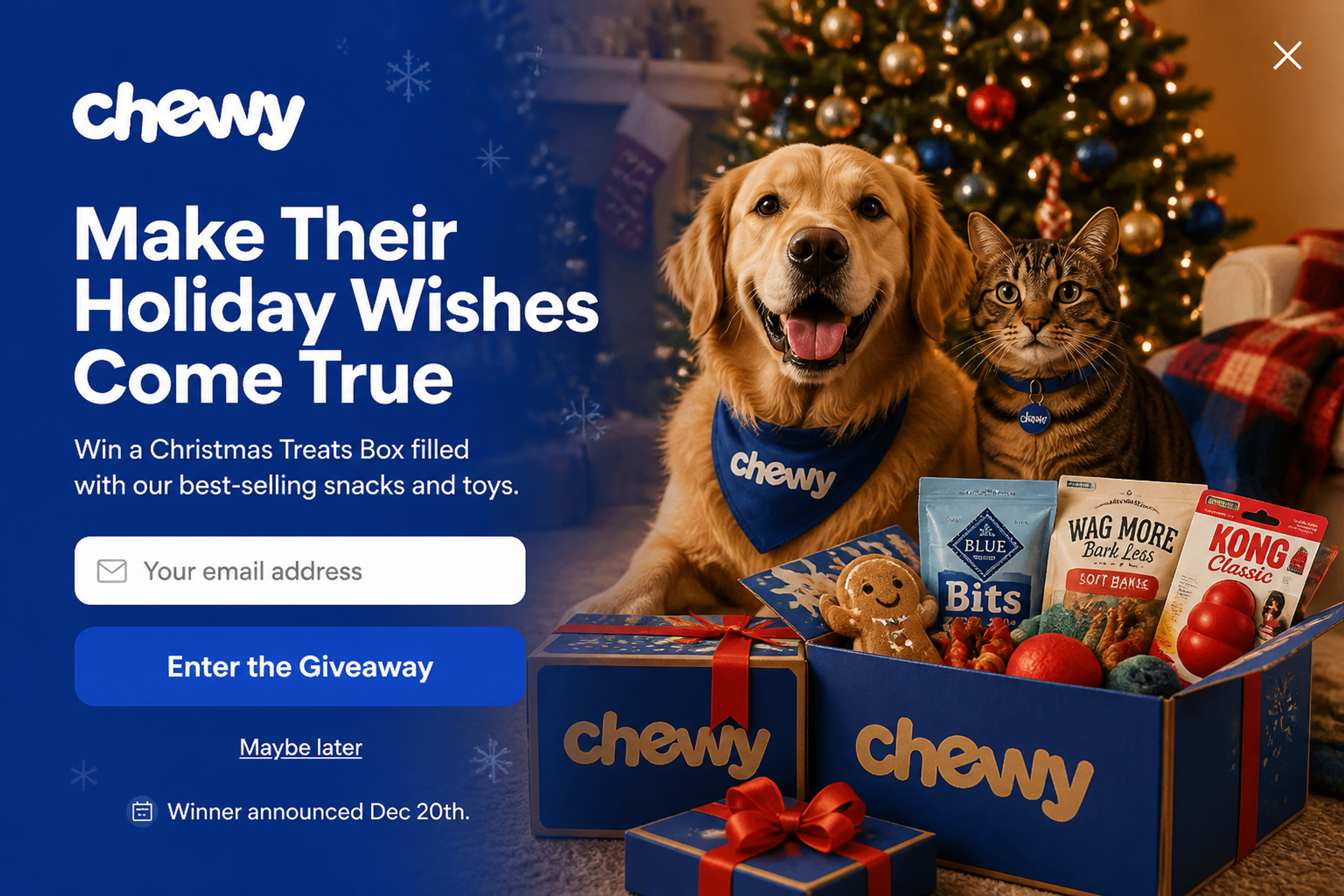
A fullscreen giveaway: enter your email to win a Christmas treats box, with the draw date stated up front. Giveaways bring in signups from visitors who aren't ready to buy yet.
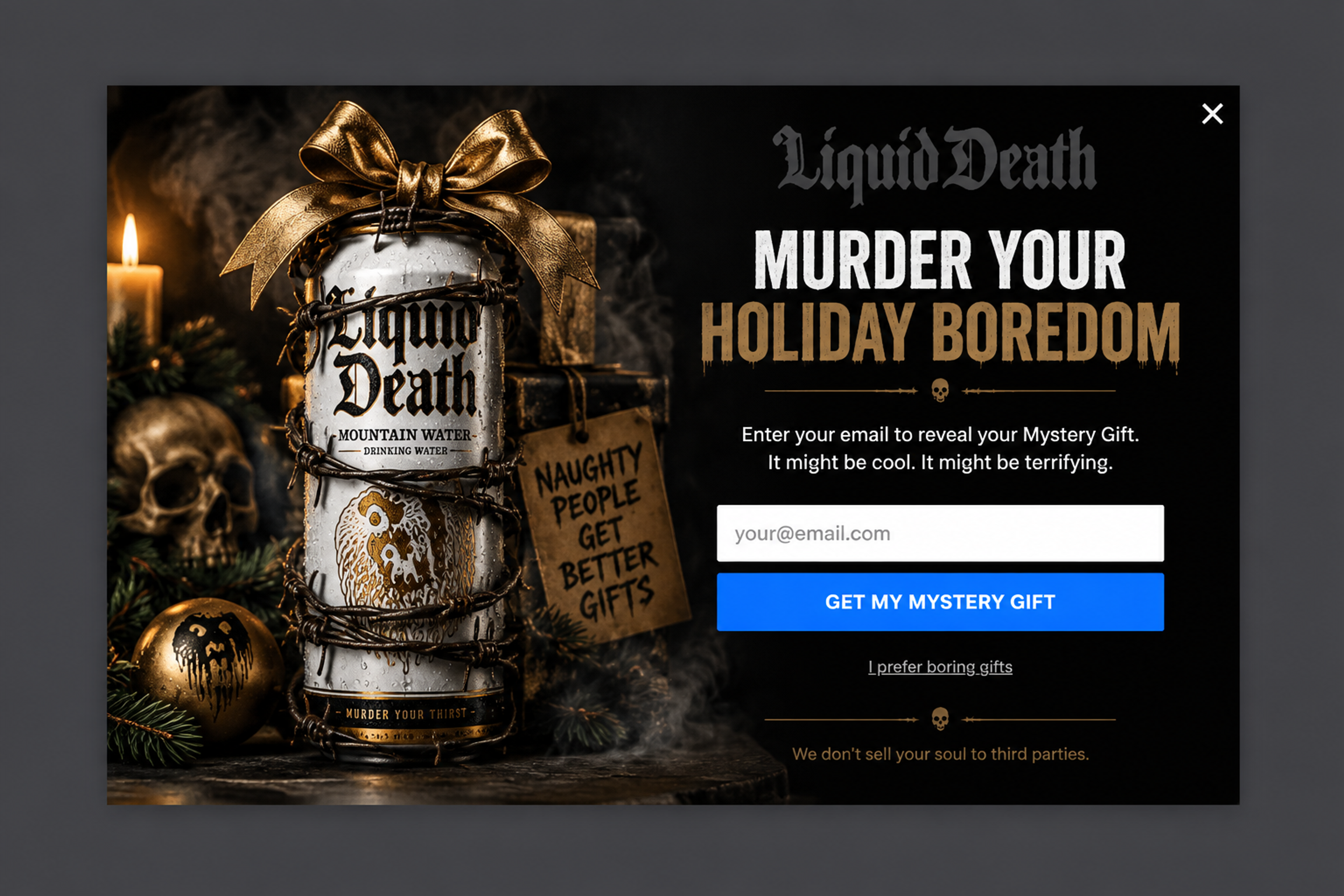
A mystery gift in the brand's own irreverent voice ("Murder your holiday boredom"). Curiosity does the work: visitors sign up to find out what's inside.
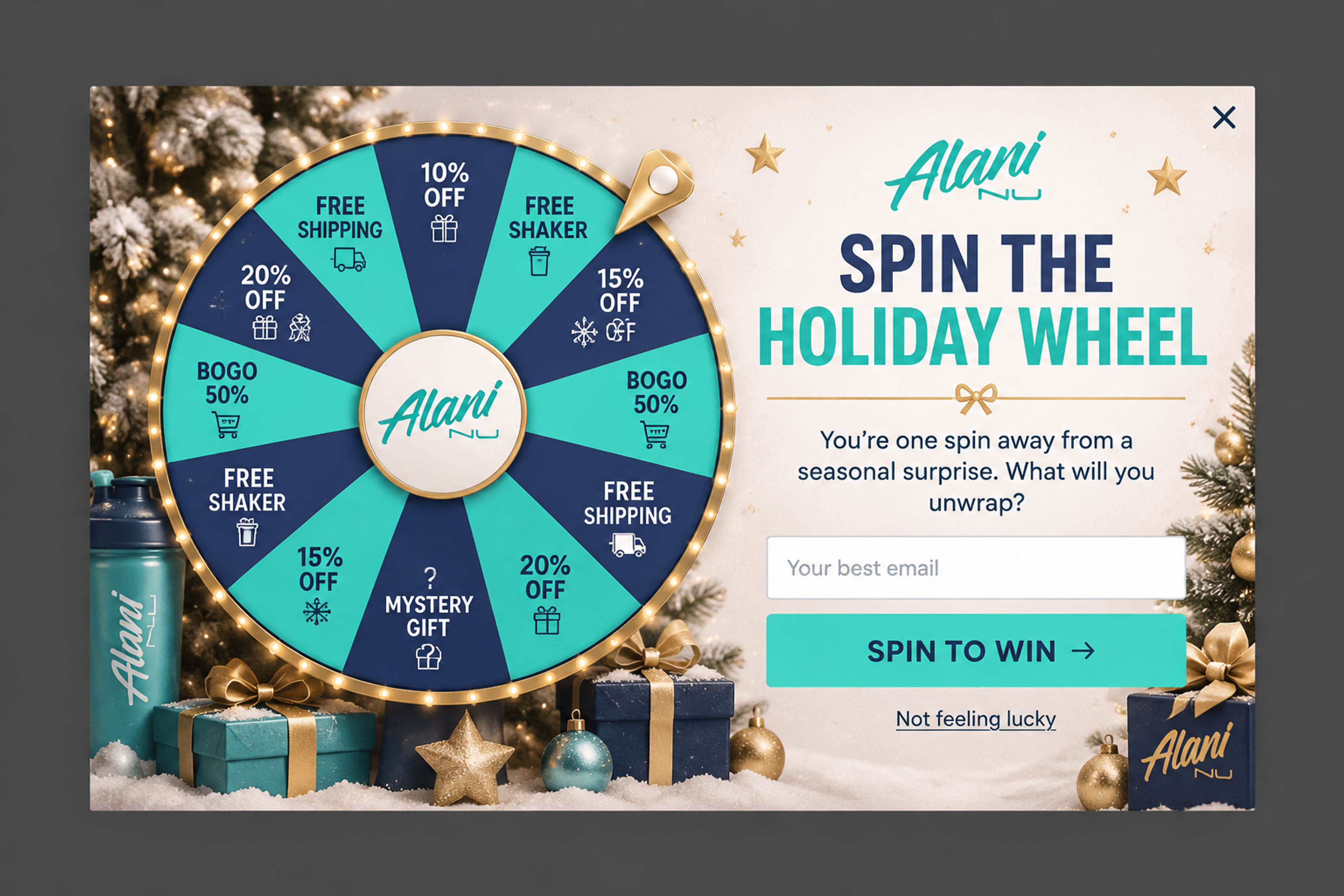
A lucky wheel in the brand's colors, with a mix of discounts, free shipping and a mystery gift. A wheel turns a signup into a quick game, which suits first-time visitors. More ideas: gamified popups.
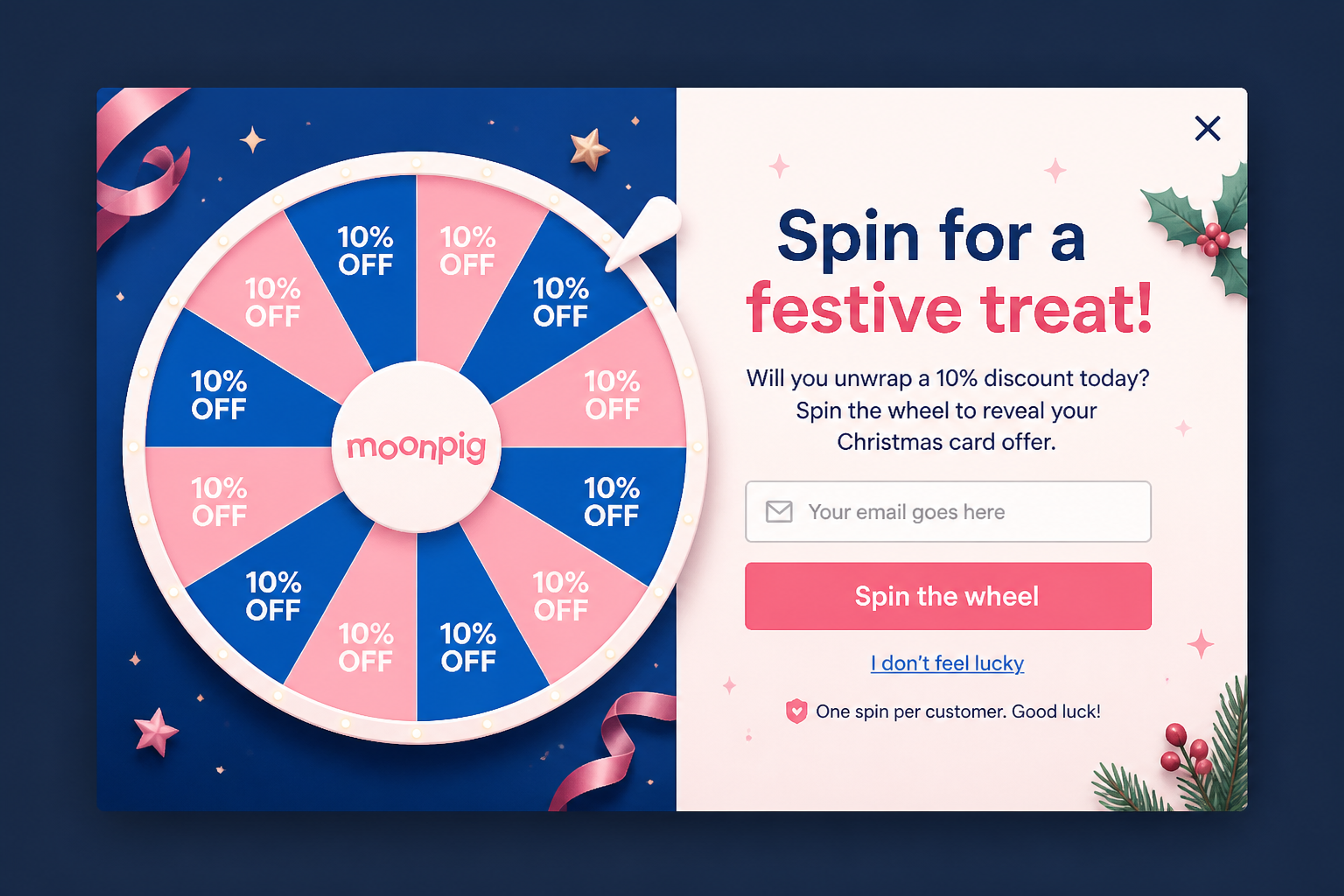
"Spin for a festive treat!" with every slice showing the same 10% offer. It keeps the fun of the wheel and the margin of a single discount.
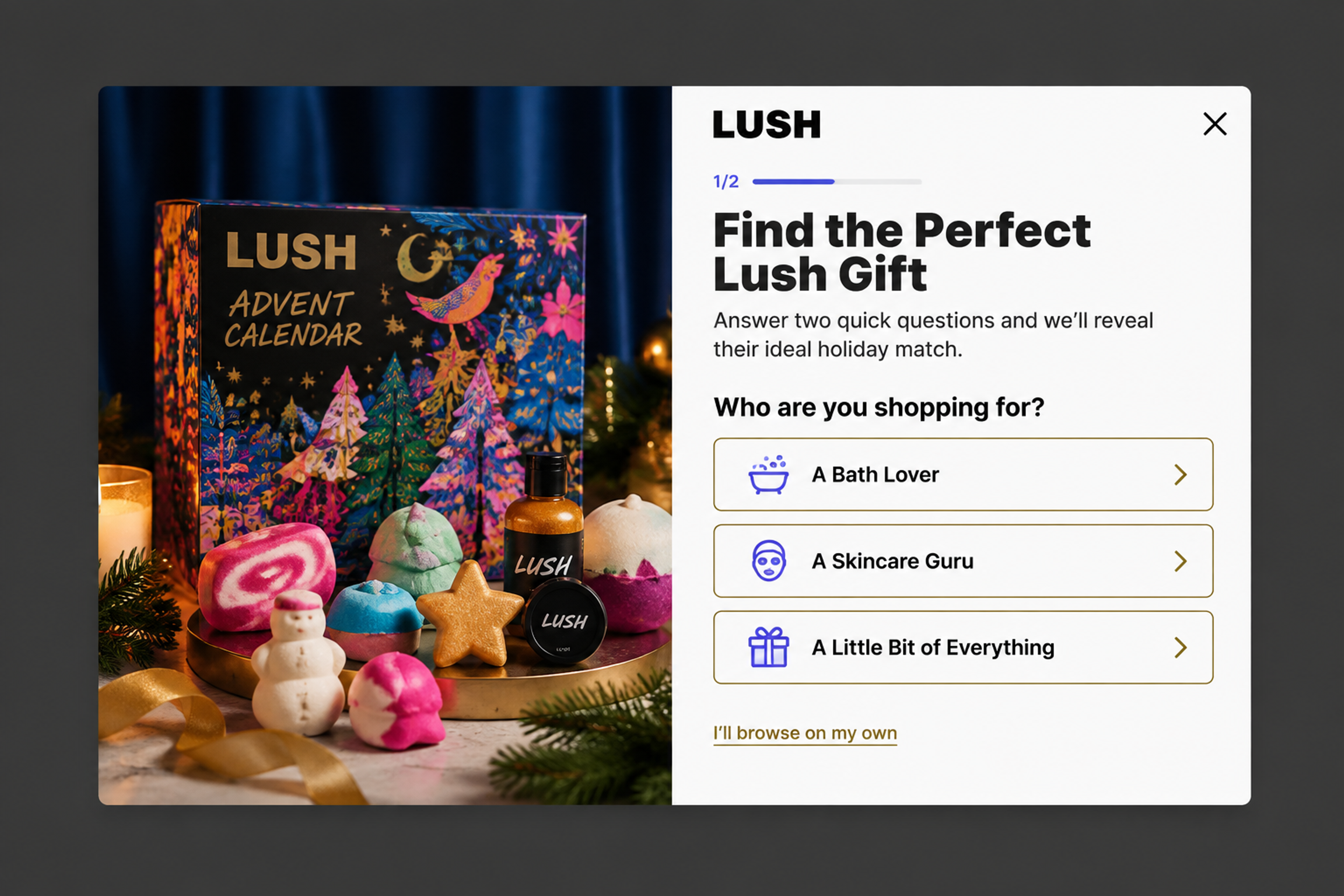
"Find the perfect gift" in two questions: who you're shopping for and the budget. The email step comes after the answers, when the visitor wants the result.
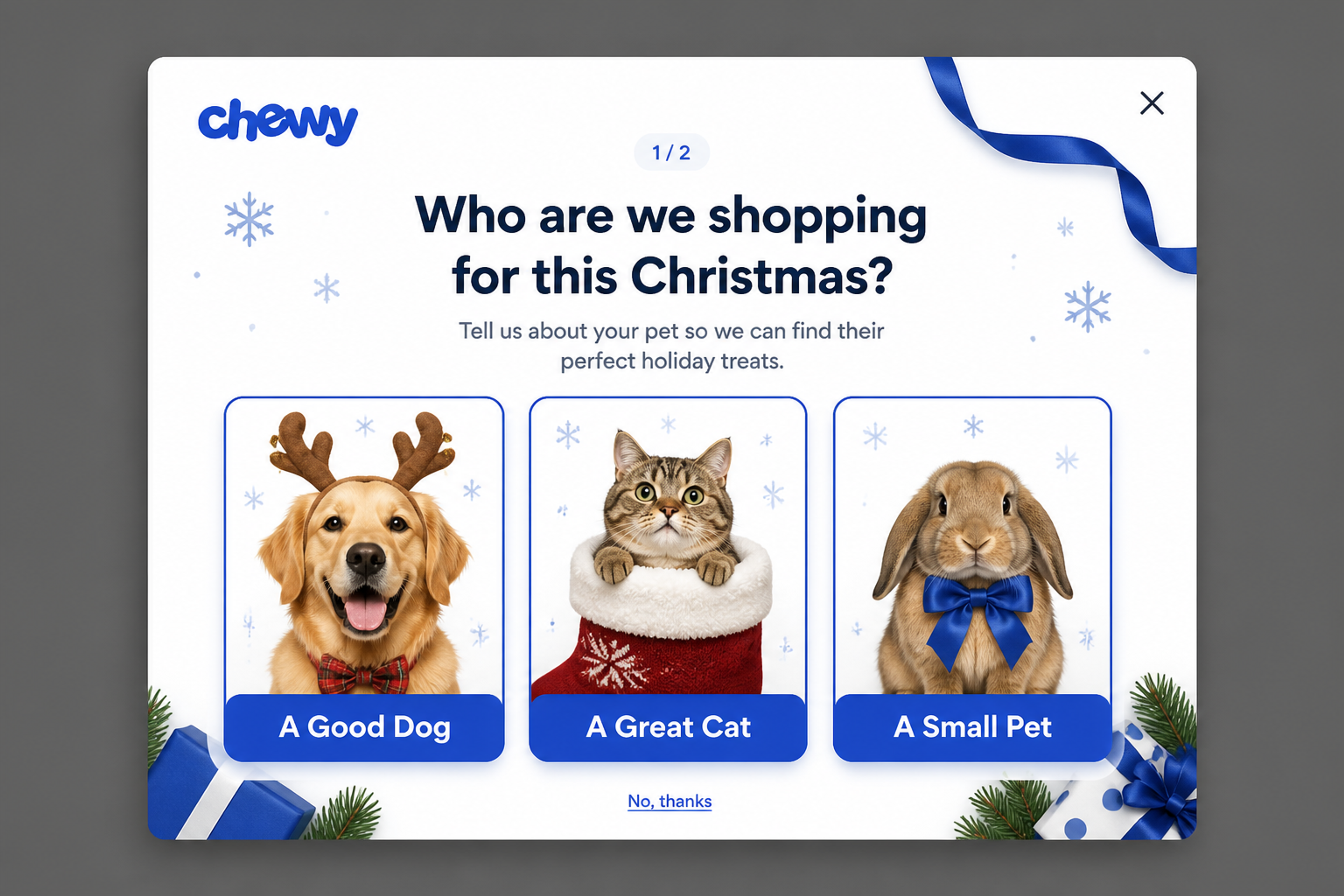
Two quick questions, starting with picture answers: a good dog, a great cat or a small pet. Picture answers are faster to tap on a phone than a list, and the email step comes last.
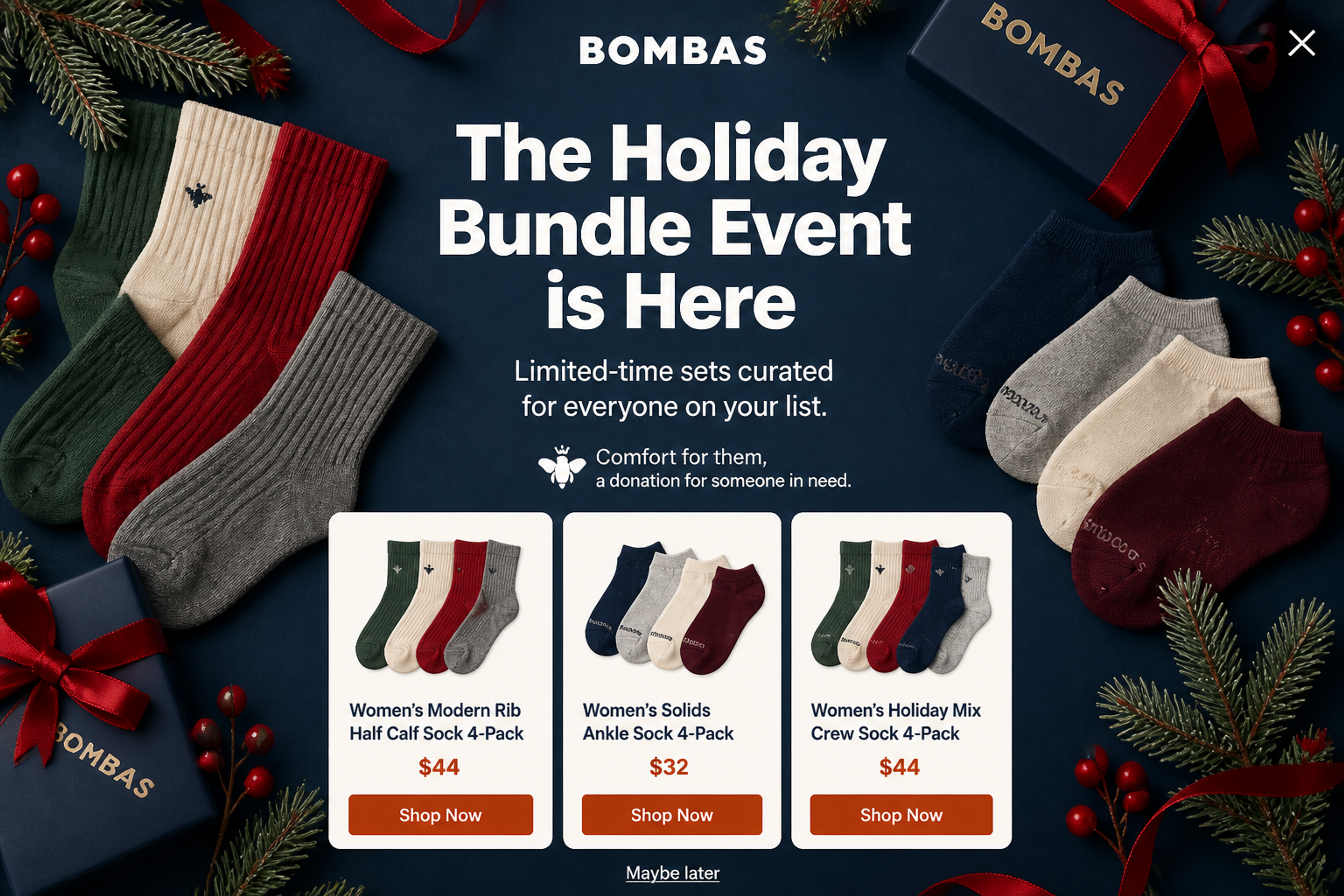
Three gift bundles with prices and a "Shop now" button each. For shoppers buying for several people, a curated set is easier than picking items one by one.
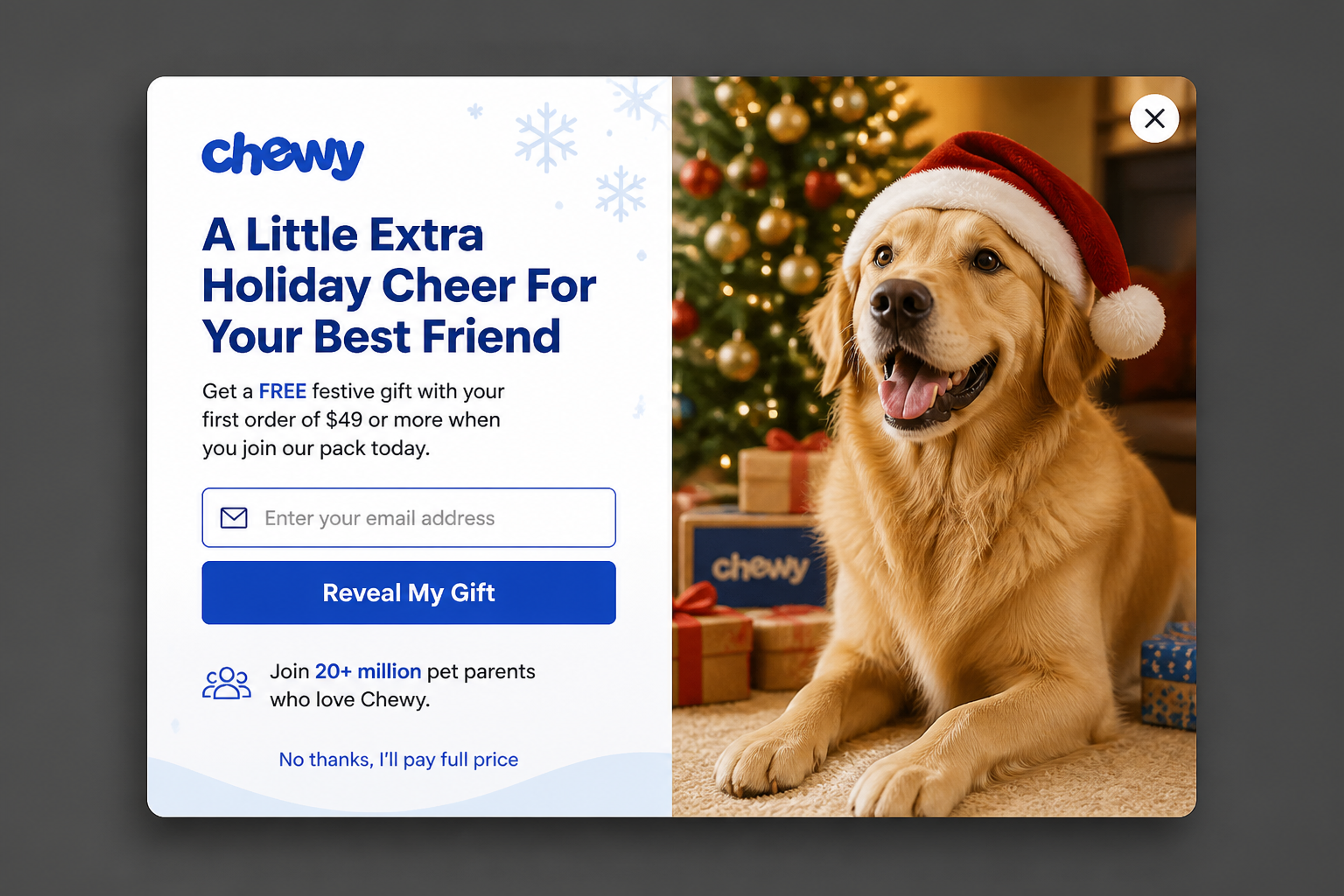
A free festive gift with a first order over $49. A threshold offer raises the order value instead of cutting the price.
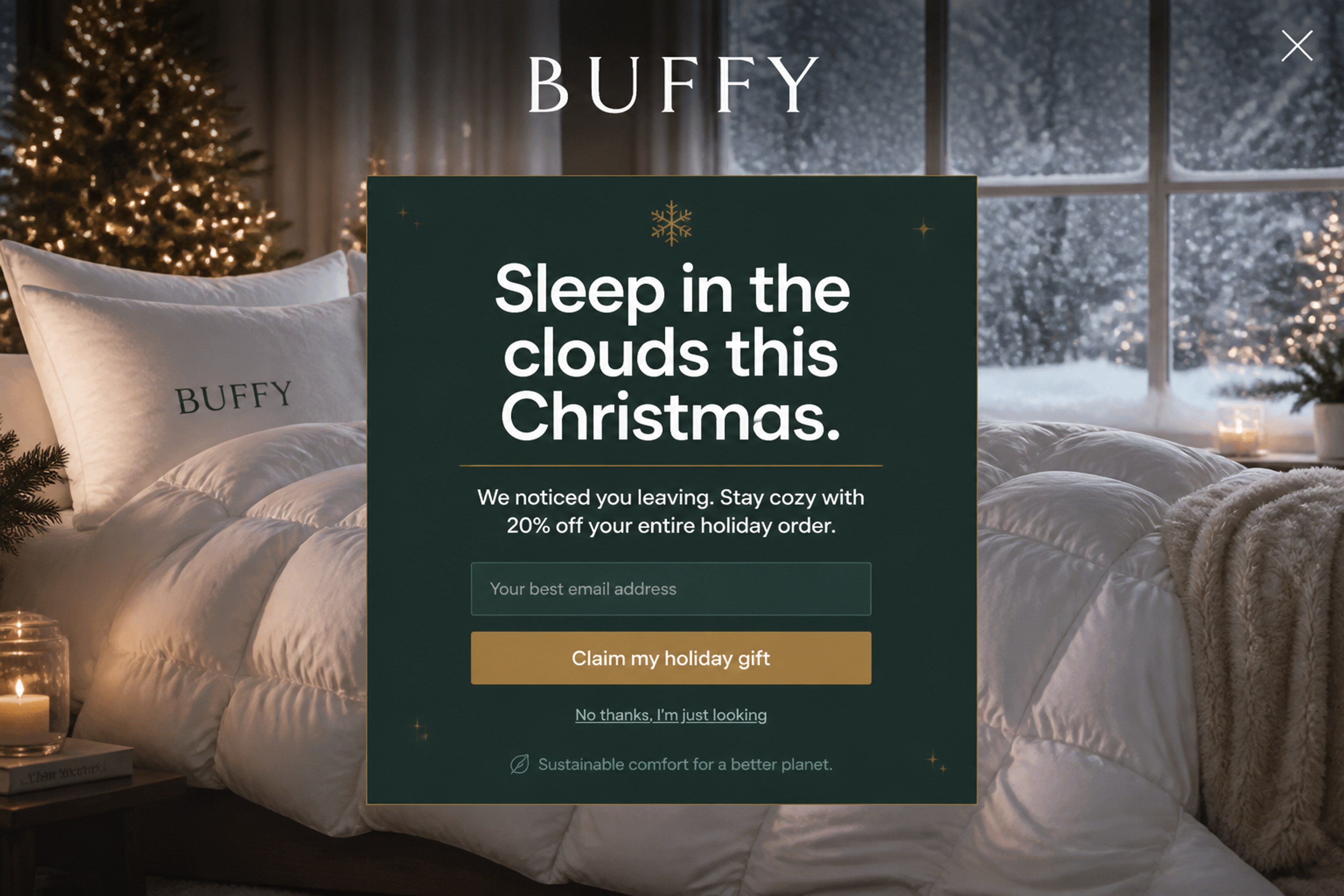
Shown when a visitor is about to leave: "We noticed you leaving. Stay cozy with 20% off." A soft, on-brand image keeps the tone calm instead of pushy. See how to set one up: exit-intent popups.
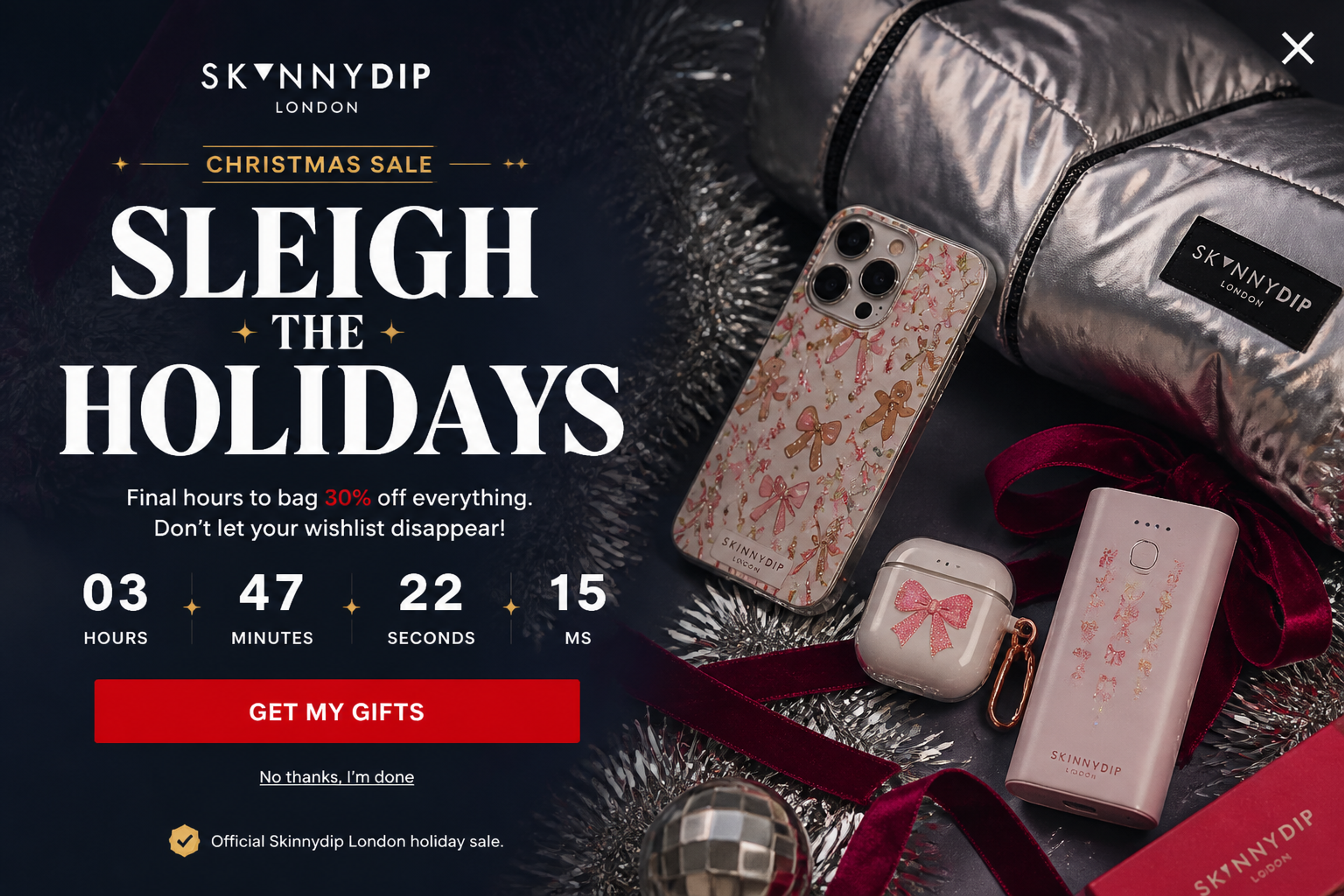
"Final hours" with a live countdown. Use a timer only for a real deadline, such as the end of the sale or your last shipping day.
Browse all 41 Christmas popups in the Popup Library.
The stores that win December are the ones with a list to email. Use November to grow it: a welcome offer, an early-access promise or a giveaway. When your Christmas sale opens, you already have subscribers to tell, and if you run a Black Friday sale, the same list carries over. More on that in our Black Friday marketing ideas.
A popup that asks for an email, promotes a bundle and announces free shipping at once does none of them well. Give each popup a single job (grow the list, sell a gift or keep a visitor from leaving) and a single offer. If you can't choose between a discount and a free gift, A/B test the two instead of showing both.
Urgency works at Christmas because the deadlines are real: the end of your sale and your last shipping day. Put those dates in the popup and let the countdown end there. A timer that restarts for every visitor is a fake deadline. Shoppers notice, and regulators in the US and the EU treat fake countdown timers as misleading.
Someone who already joined your list doesn't need the signup offer again. Hide list-building popups from subscribers and show them the sale, the gift guide or a free-shipping reminder instead. For returning visitors who haven't bought yet, a gift-finder quiz or a reminder of your shipping cutoff works better than a second welcome discount.
Many gift shoppers browse on their phones. Keep the mobile version short, put the close button where a thumb can reach it, and don't cover the whole screen the moment someone lands from search: Google advises against intrusive interstitials. OptiMonk builds a separate mobile version of every popup, so the phone layout isn't a shrunk desktop design.
More seasonal ideas: Christmas marketing ideas.
Start in early November with list-building popups, switch to sale and gift popups from December 1, and end with countdowns to your last shipping day.
One clear reason to act: a first-order discount, a free gift over a threshold, early access to the sale, or a chance to win in a giveaway or on a lucky wheel.
No. With OptiMonk, you describe the popup in one sentence and the AI agent designs it for your brand, with a mobile version. You can also start from any popup in the library.
Yes. Open any example in the Popup Library and build your own version: the agent redraws it for your brand.
Pick one example from this page, describe it in a sentence, and the agent builds it for your brand, with a mobile version. Start with a list-building popup now, so you have subscribers to tell when your Christmas sale opens.
Free to start. No credit card.


40 website welcome message examples for online stores, grouped by situation and industry, ready to copy into a welcome popup.
In this article, we'll share the best alternatives to Sleeknote that help you to get more leads in 2026.
Wisepops' 2026 pricing changes explained, plus six alternatives matched to the exact problem each one solves: pricing, free plans, platform access, and AI.