



40 Welcome Message Examples for Your Website (Copy and Paste)
40 website welcome message examples for online stores, grouped by situation and industry, ready to copy into a welcome popup.
In this article, we'll share the 9 best WordPress popup plugins that help you to get more leads in 2026.
In short
Discover the top 9 WordPress popup plugins of 2026 to enhance your website's conversion rate and user engagement. Explore features like drag-and-drop editors, advanced targeting, A/B testing, and more. Whether you're looking for free options or premium solutions, this guide helps you choose the best WordPress popup plugin tailored to your needs.
Got a WordPress website and looking to boost its efficiency with popups? You're on a mission to find the best WordPress popup plugin in just a few minutes.
In this article, we’ll cover:
Ready to find the perfect popup plugin for your WordPress site? Let’s jump in!
Before jumping into the popular WordPress popup plugin list, it's worth talking about what makes a popup builder good. Here's what you should consider:
A clear, easy-to-use drag and drop editor is one thing that separates the best WordPress popup plugins from the rest.
A good plugin should allow you to create different popup types from pre-built templates:
It's also important to look for a popup maker that allows you to create and modify themes.
These design choices (like background color and fonts) can be applied to all the popup campaigns you create, saving you lots of time.
The ability to control which segments of users see different campaigns is essential for making the most of your popups. It ensures that you only target users with relevant messages, avoiding the annoyance that comes with seeing lots of irrelevant website popups.
It's worth checking out which advanced targeting options a WordPress popup plugin offers on different payment tiers.
Most WordPress popup plugins ask you to subscribe to the premium version to get access to advanced features and targeting options.
Analytics are crucial in a powerful WordPress popup builder because you need to know whether your popups are performing well. At the very least, your popup plugin should integrate with Google Analytics.
However, the best popup plugins offer dedicated, detailed analytics.
Tracking performance metrics allows you to understand what's working and what's not for your website visitors, guiding data-driven decisions for future campaigns.
A/B testing is another important feature for refining your popups. The best WordPress popup plugins include A/B testing features, allowing you to compare different versions of a popup to see which performs better on your website traffic.
This helps you continually improve your strategies and maximize popup conversions.
For those on a budget or just starting, having access to a free popup plugin can be a game-changer. Look for plugins that offer a free version with essential features.
This lets you test out the plugin and see if it meets your needs before committing to a paid plan.
Last but not least, good support is invaluable. Whether you encounter a technical issue or need help with advanced features, responsive and knowledgeable customer support can make a huge difference.
Look for WordPress plugins with positive reviews regarding their support teams.
Ready to explore the best options available to create stunning popups? Let's get started!
| Plugin | Best for | Free plan | Rating |
|---|---|---|---|
| OptiMonk | All-in-one solution | Yes | ⭐ 4.7 |
| Elementor | Design flexibility | No (Pro only) | ⭐ 4.6 |
| OptinMonster | Lead generation | No | ⭐ 4.3 |
| BDOW(Sumo) | Email list building | Yes | ⭐ 4.2 |
| HubSpot | CRM integration | Yes | ⭐ 4.4 |
| Thrive Leads | Conversion optimization | No | ⭐ 5.0 |
| Popupsmart | Lightweight performance | Yes | ⭐ 5.0 |
| Poptin | Engaging designs | Yes | ⭐ 4.9 |
| Popup maker | Customization | No | ⭐ 4.9 |

OptiMonk's WordPress plugin connects your site to an agentic popup builder: its AI agent designs, writes and A/B tests your popups. That's why we think it's the best WordPress popup plugin out there.
There are no templates to edit: describe the popup you want, and the agent draws four concepts in your brand's colors, fonts and logo. For ideas, browse the Popup Library.
Even better, you can create as many popups as you like, since OptiMonk's free version allows you to create unlimited popups. The free plan also includes all the features that are available in paid plans.

Ask for any use case, like shopping cart abandonment, collecting email addresses or collecting feedback, or start from these popups:
In addition, OptiMonk can build lucky wheel popups, exit-intent popups, quiz popups and product recommendation popups.
To help you make an informed decision, here’s a breakdown of OptiMonk’s key strengths and areas where it could improve.
Pros:
Cons:
WordPress rating: ⭐ 4.7/5
Download the OptiMonk WordPress plugin here

Elementor is primarily known for its advanced website builder, but it also offers a simple popup plugin for WordPress.
Their drag and drop interface for building popups allows you to customize your popups easily, and they also have many templates to choose from.

Elementor is a great WordPress popup plugin that also offers some advanced features, such as targeting, but their free and Essential plan doesn’t support the popup builder feature.
Let's check out some pros and cons when choosing Elementor as your WordPress popup builder plugin.
Pros:
Cons:
WordPress rating: ⭐ 4.6/5
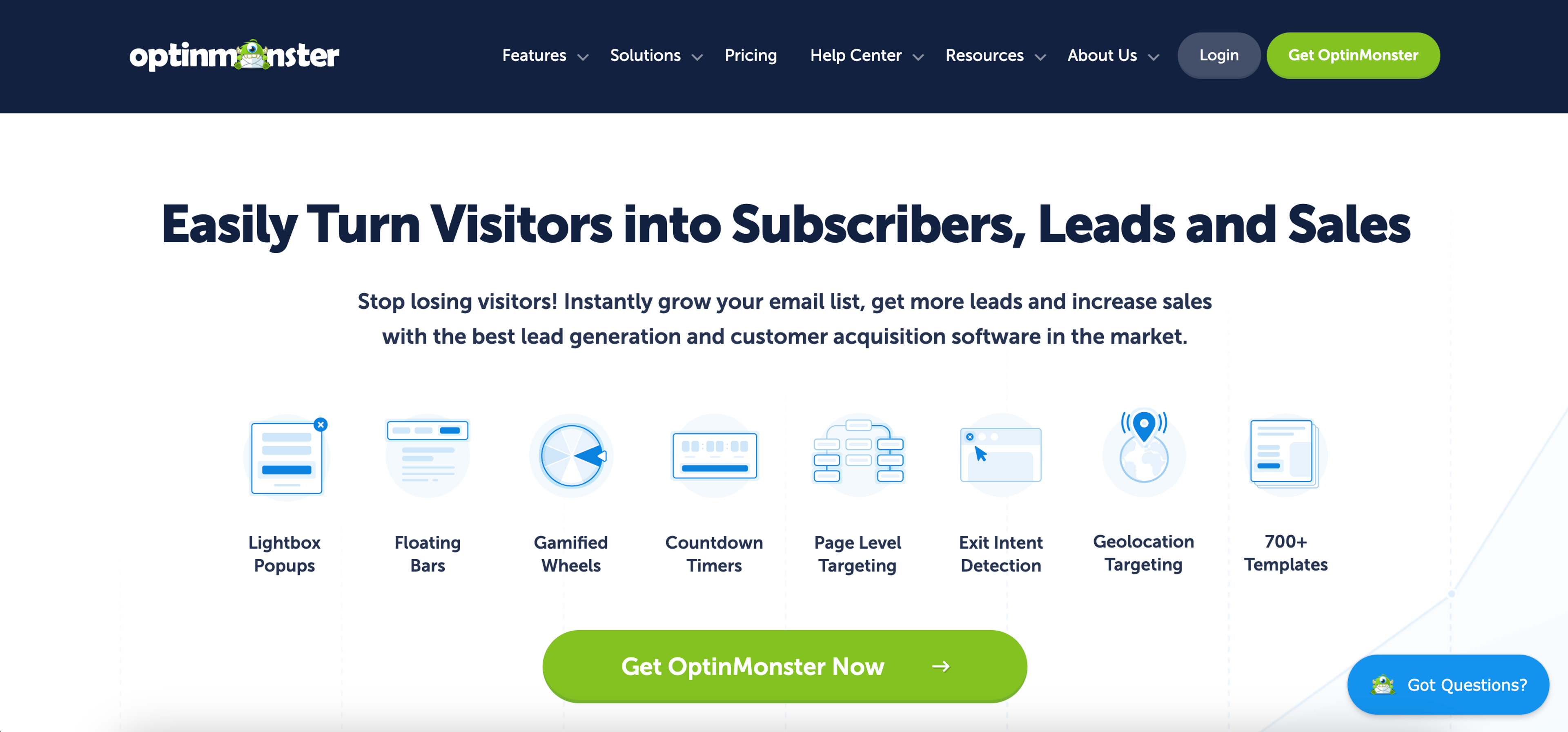
OptinMonster helps ecommerce stores generate leads by using popups and inline forms. They offer many types of popup forms with reliable features.
If you can make full use of OptinMonster’s many advanced features, you’ll be able to grow your email list and improve your conversion rate. However, there's no free plan or free trial—which means that accessing these features requires a substantial investment.
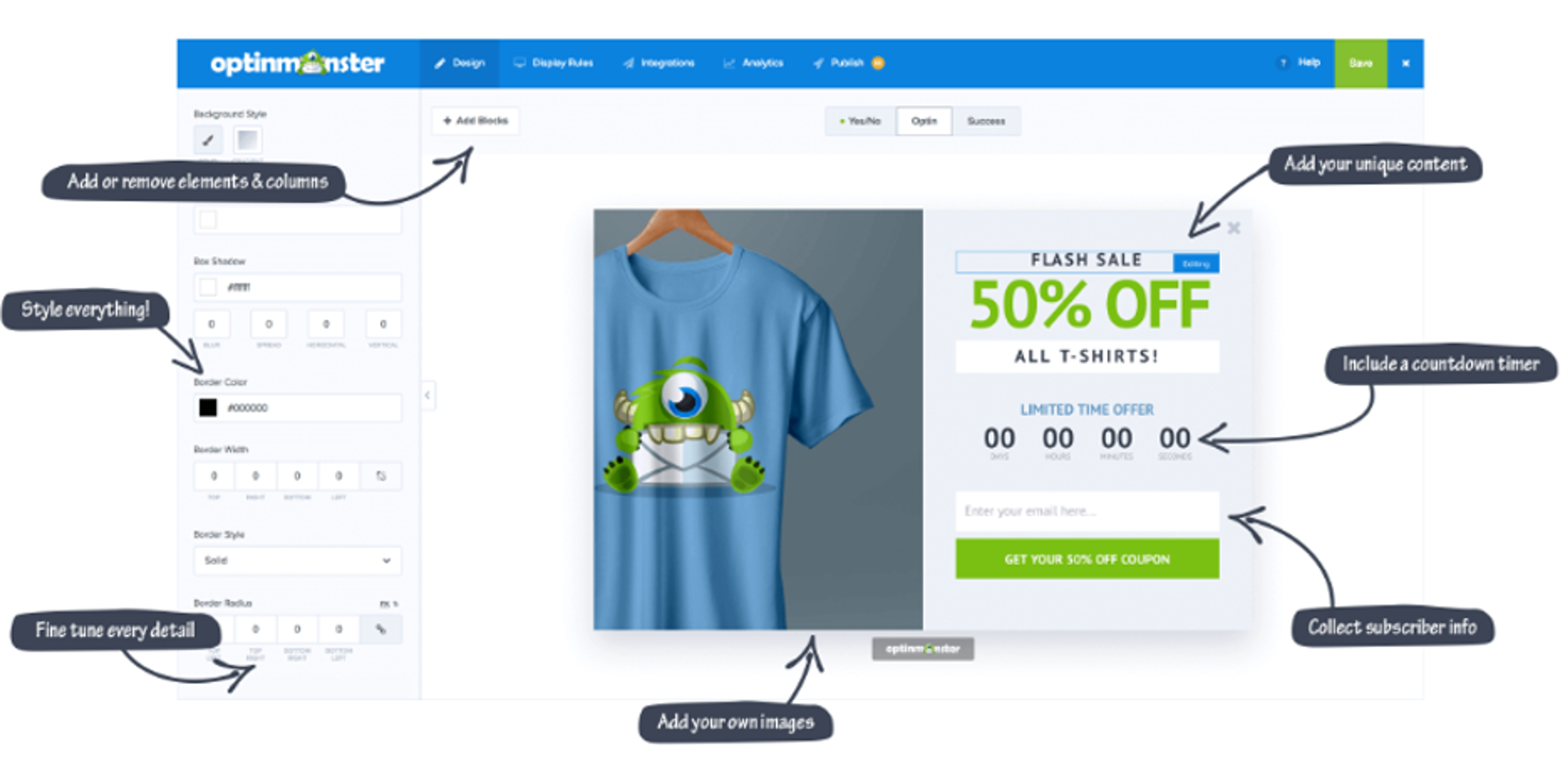
Here are some pros and cons of using OptinMonster as a popup plugin.
Pros:
Cons:
WordPress rating: ⭐ 4.3/5
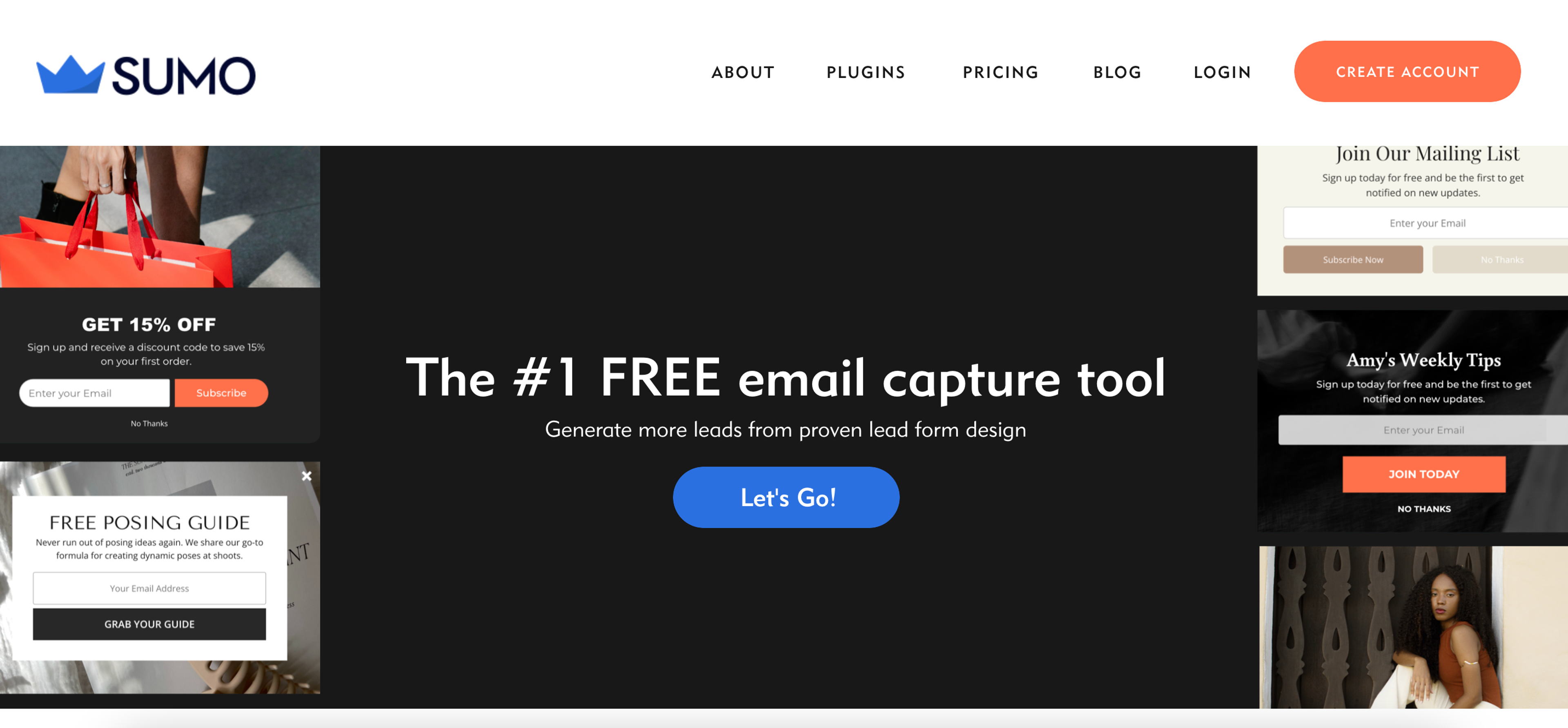
Sumo is great for creating exit popup forms that nudge visitors to join your email marketing list.
They have a variety of contact form templates that allow you to create popups without putting much work in.
Since this WordPress popup plugin is devoted to building email opt-in forms, there aren’t many options for those who want to use cart abandonment popups or other types of popups.
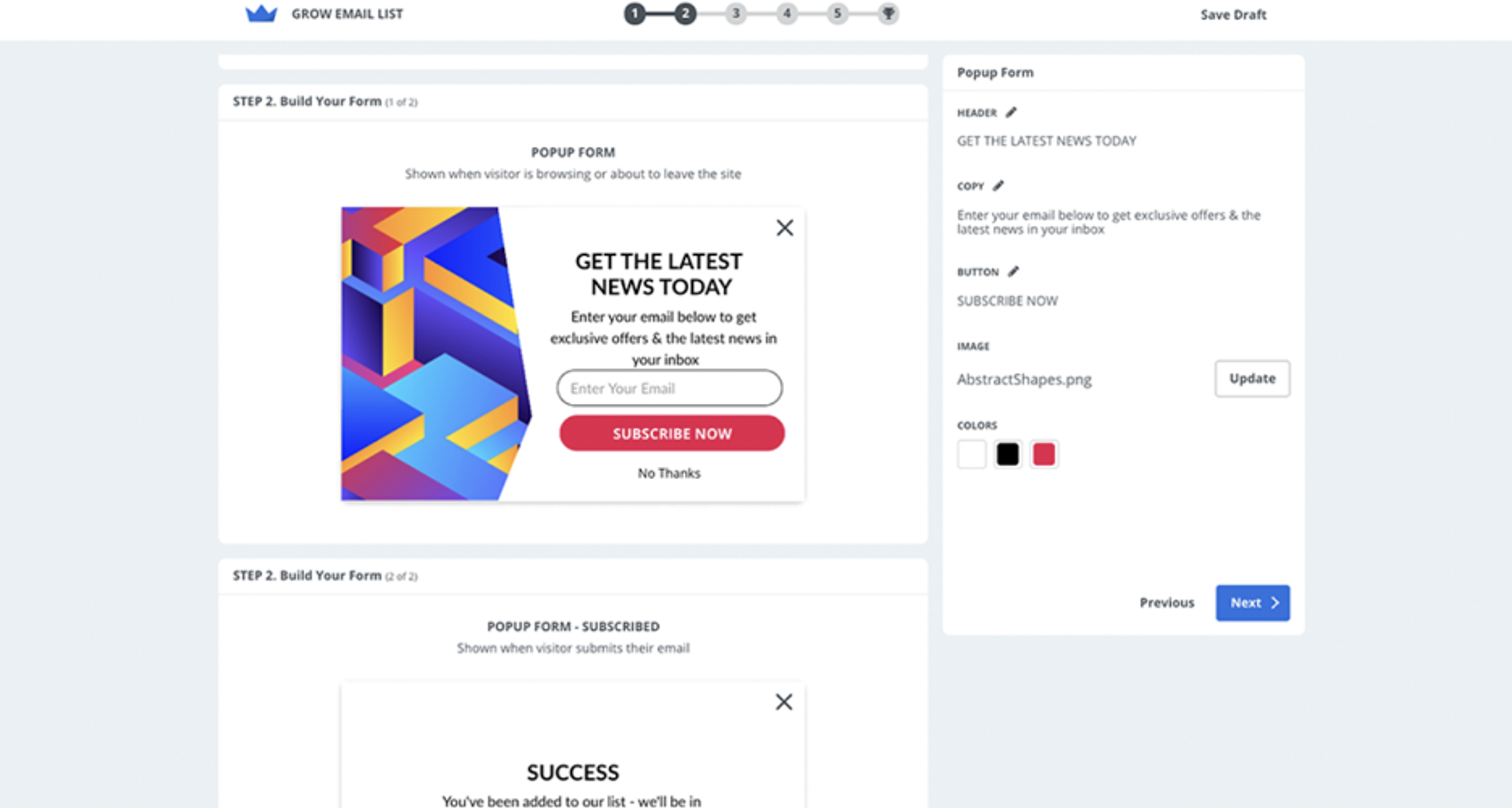
Let's check out the pros and cons of using Sumo on your WordPress site.
Pros:
Cons:
WordPress Rating: ⭐ 4.2/5
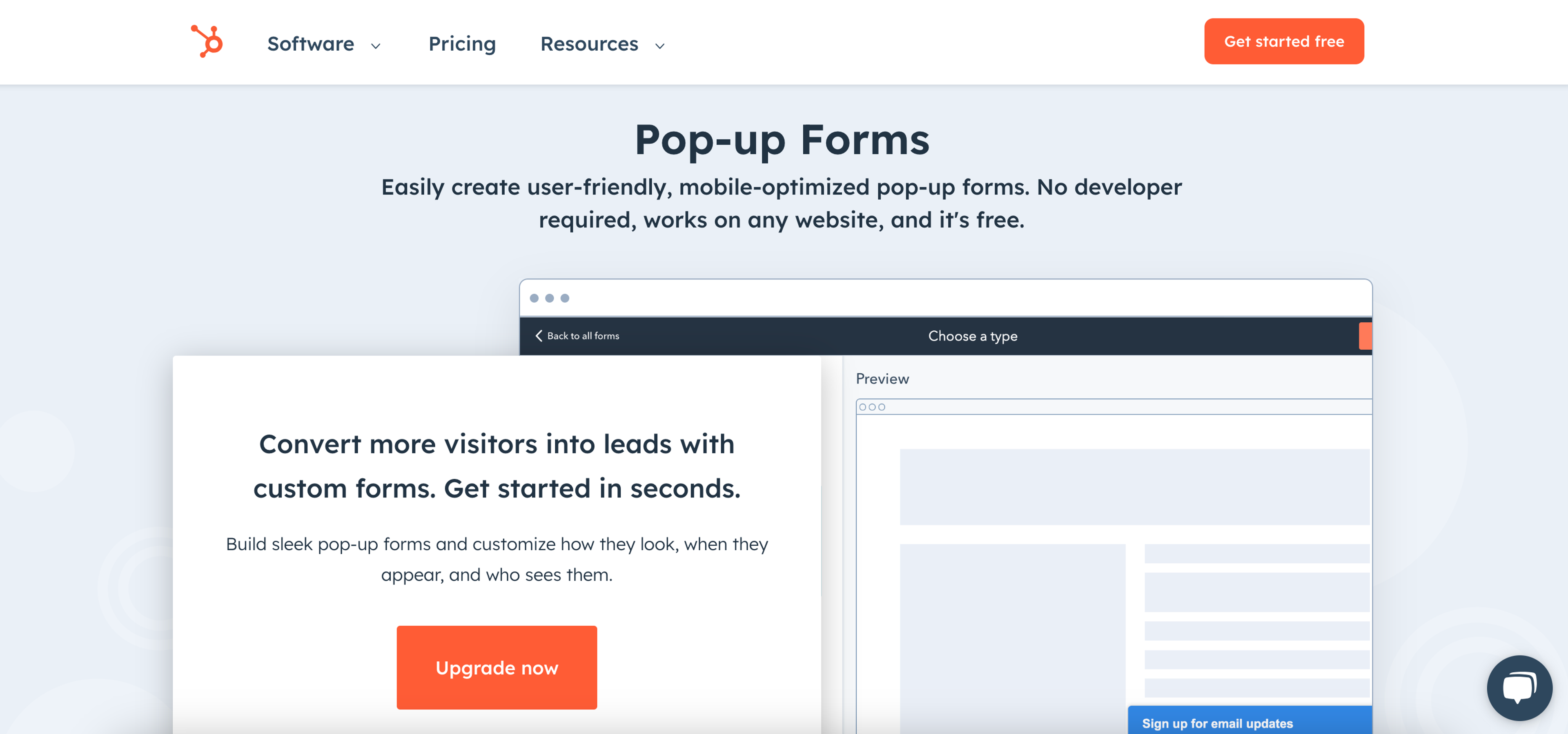
The HubSpot WordPress Plugin is more than a popup plugin: it’s a platform that integrates a range of marketing tools—from Customer Relationship Management (CRM) to live chat and a landing page builder.
This has some drawbacks when looking at HubSpot as a WordPress popup plugin.
For instance, HubSpot’s popup builder doesn’t offer as many customization options as other popup plugins on this list.
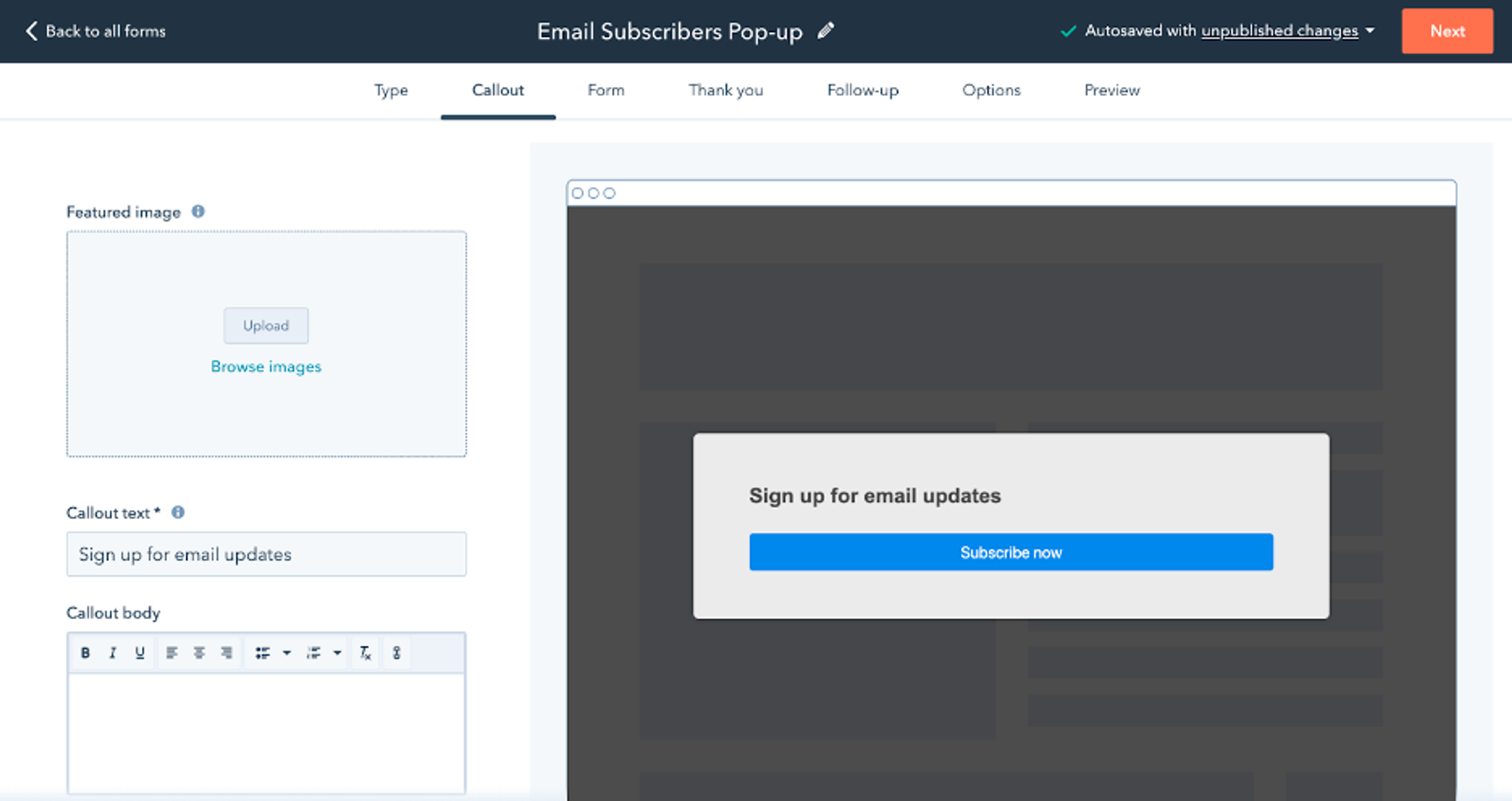
Before you jump in, here is a pro and con list to help you choose the best popup maker.
Pros:
Cons:
WordPress Rating: ⭐ 4.4/5
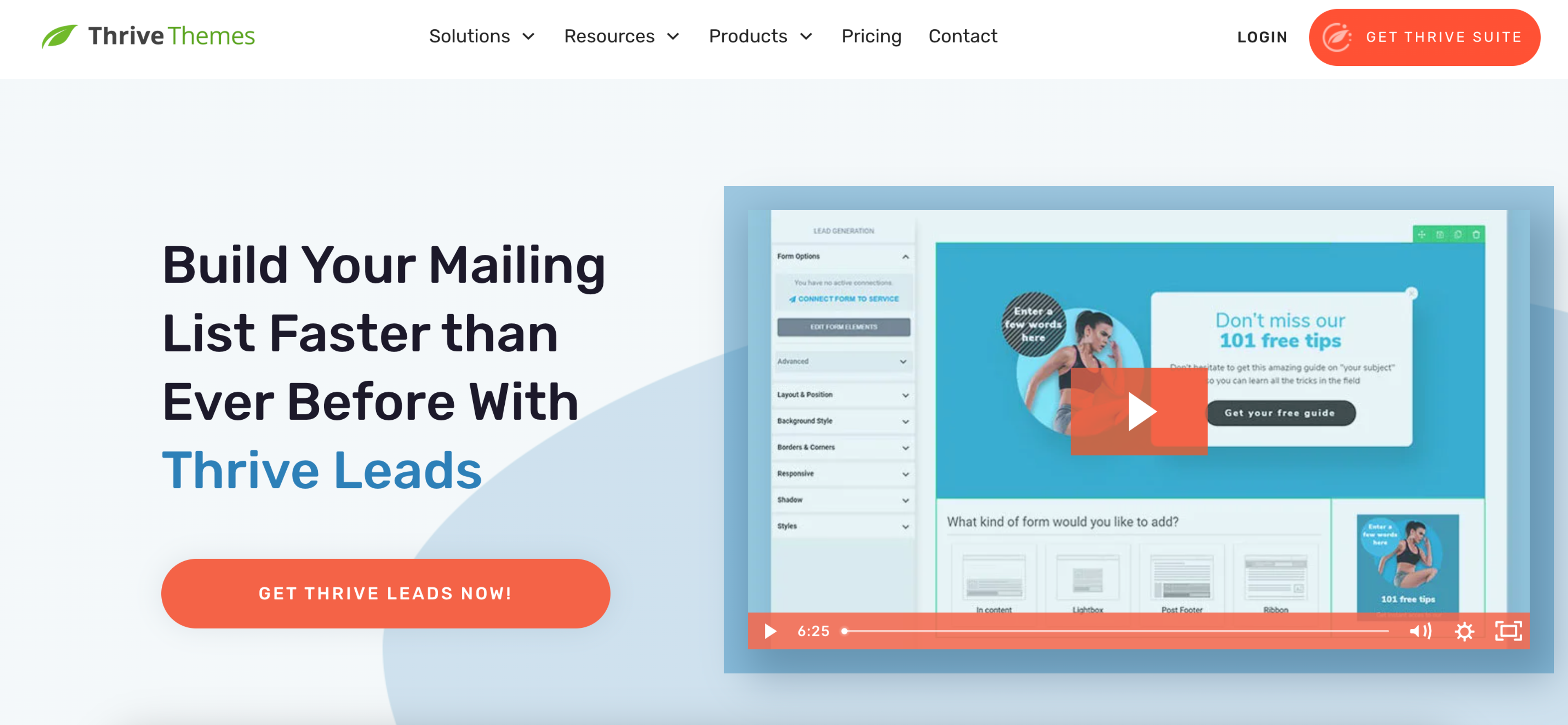
Thrive Suite is an online website builder that also allows you to build popups for WordPress.
They have two popup builders that create different types of popups. Their Thrive Leads product helps you design popups for generating email subscribers, while Thrive Ultimatum is for creating high-conversion exit popups.
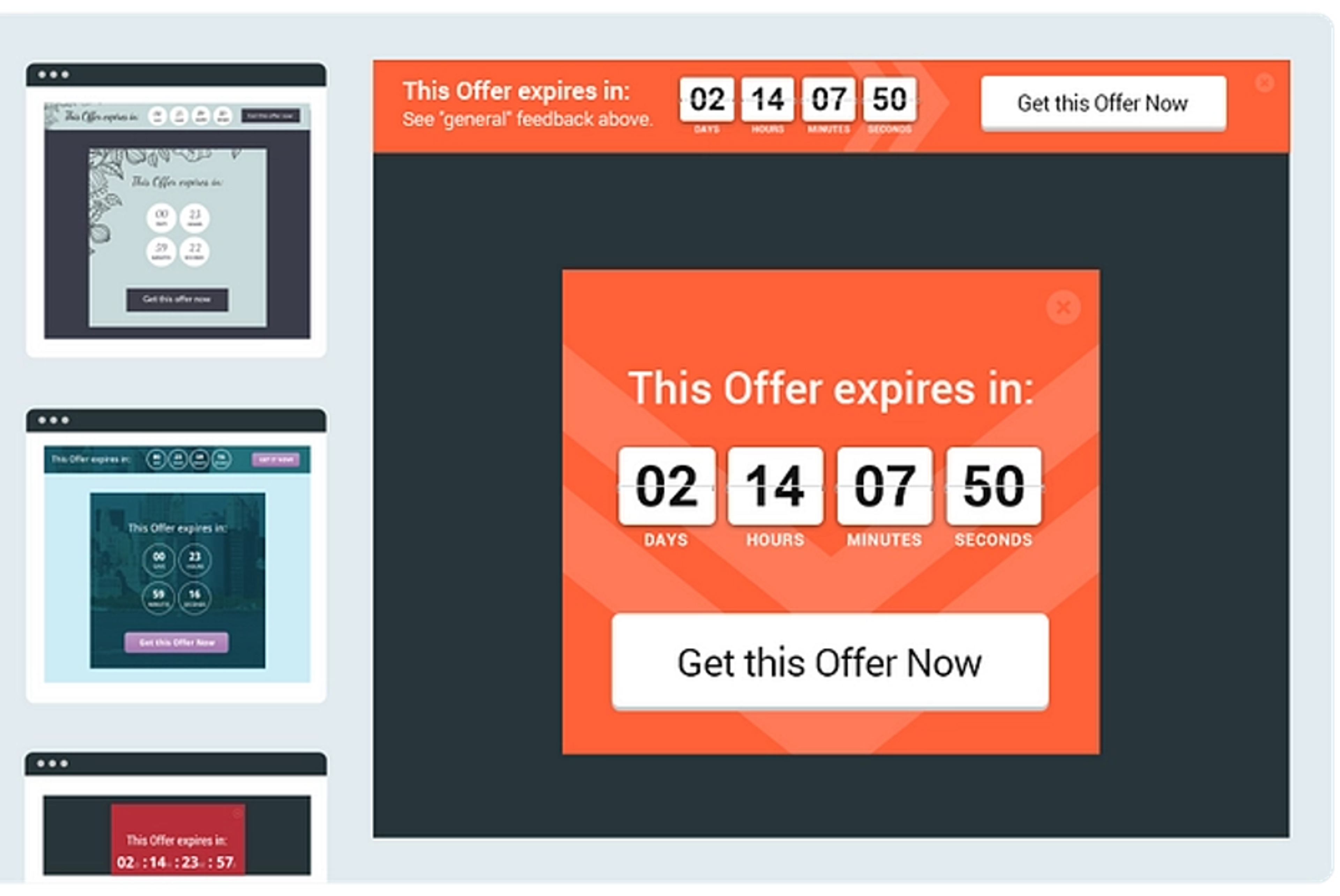
Unfortunately, there’s no free version of Thrive Leads.
Wanna see some advantages and disadvantages while choosing Thrive Leads for your WordPress site? Here it is.
Pros:
Cons:
WordPress rating: ⭐ 5/5
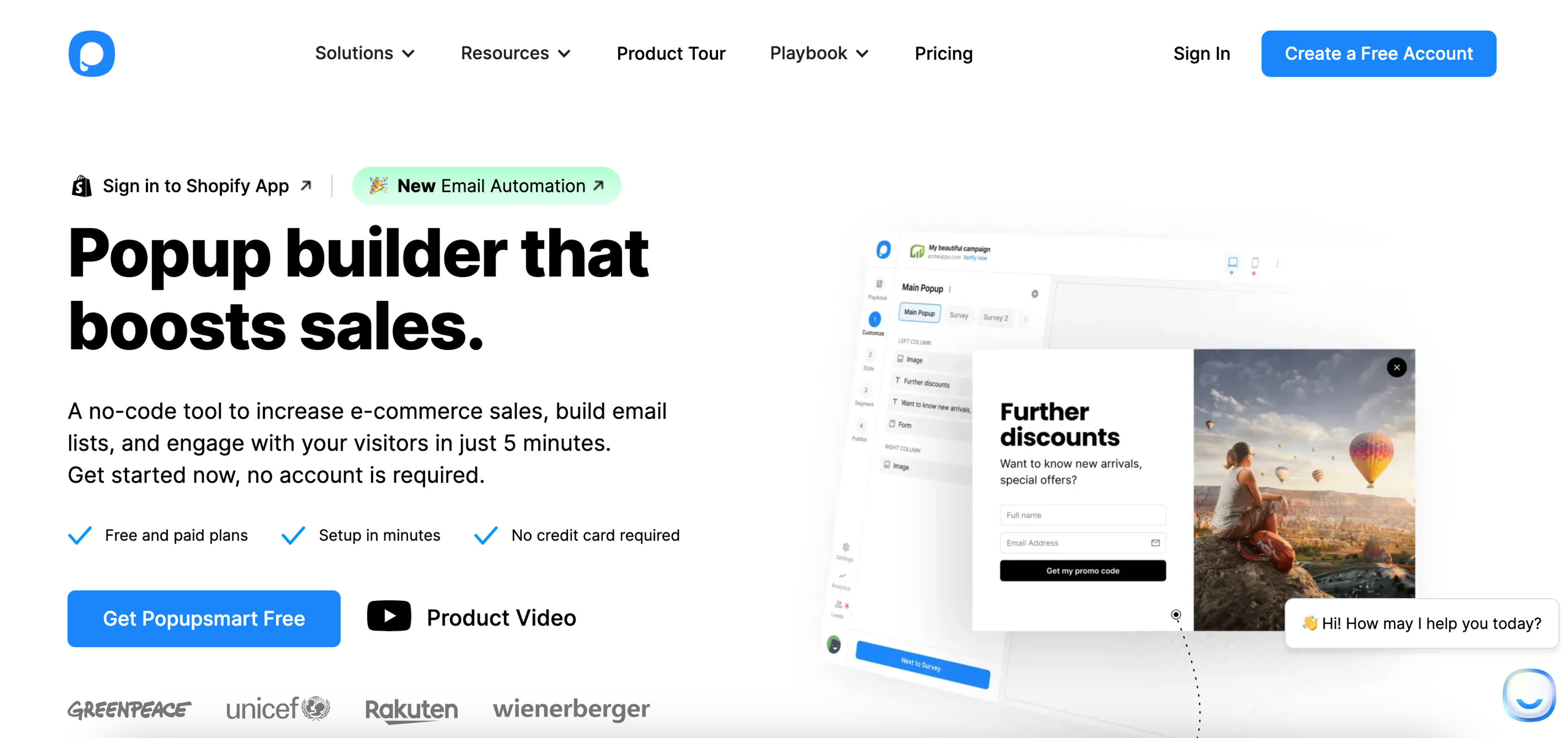
You can create several types of popups with Popupsmart. Their popup editor has a drag and drop interface that allows you to design popups without any coding knowledge.
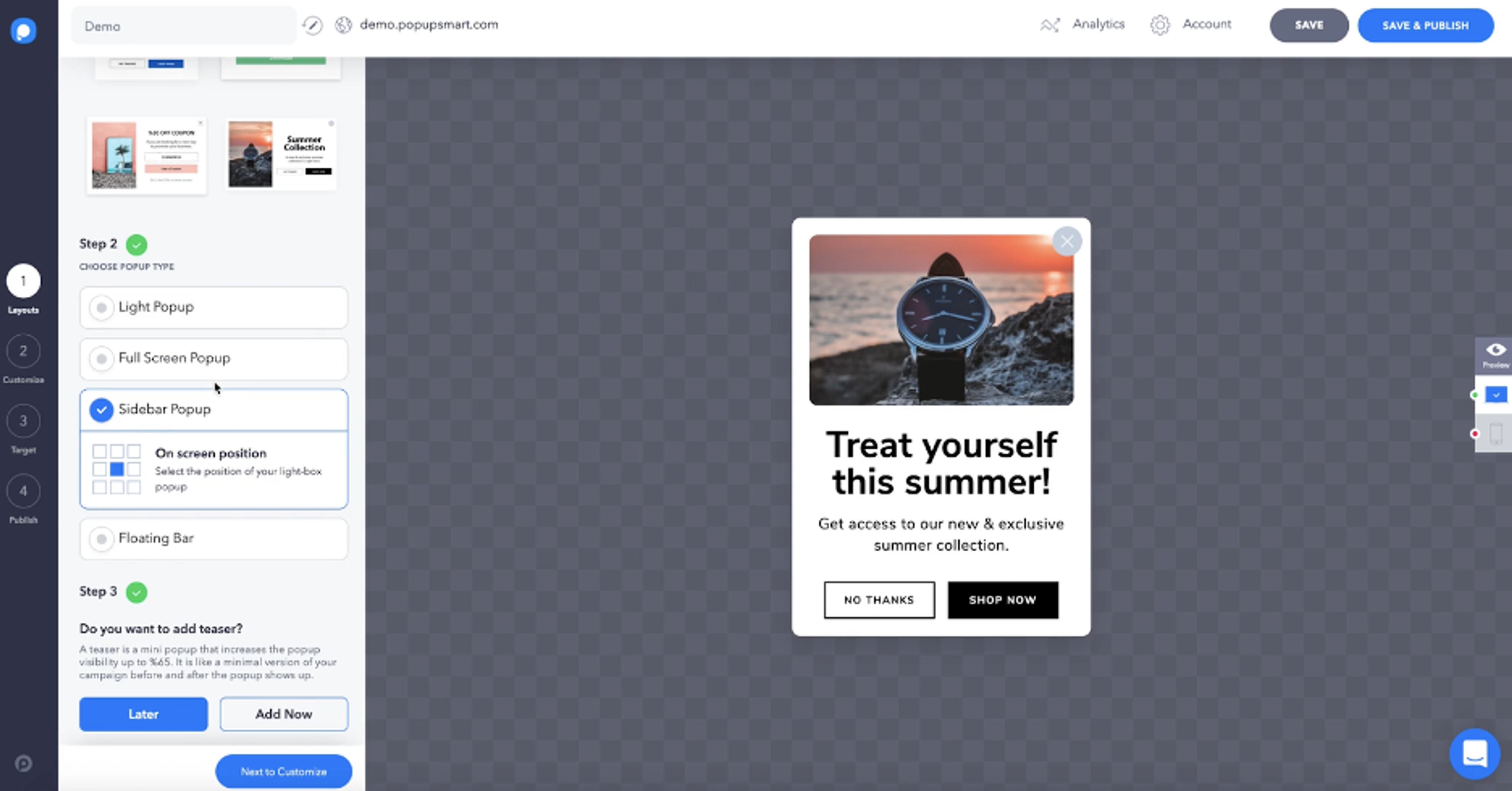
Make sure you choose the best popup plugin, and check out the pros and cons of Popupsmart.
Pros:
Cons:
WordPress rating: ⭐ 5/5

A WordPress popup from Poptin has a specific look. It’s bright, colorful, and a little bit cartoony. If this aesthetic fits with your brand, you might want to consider this WordPress plugin!
Poptin has a large library of popup templates that allow you to create responsive popups.
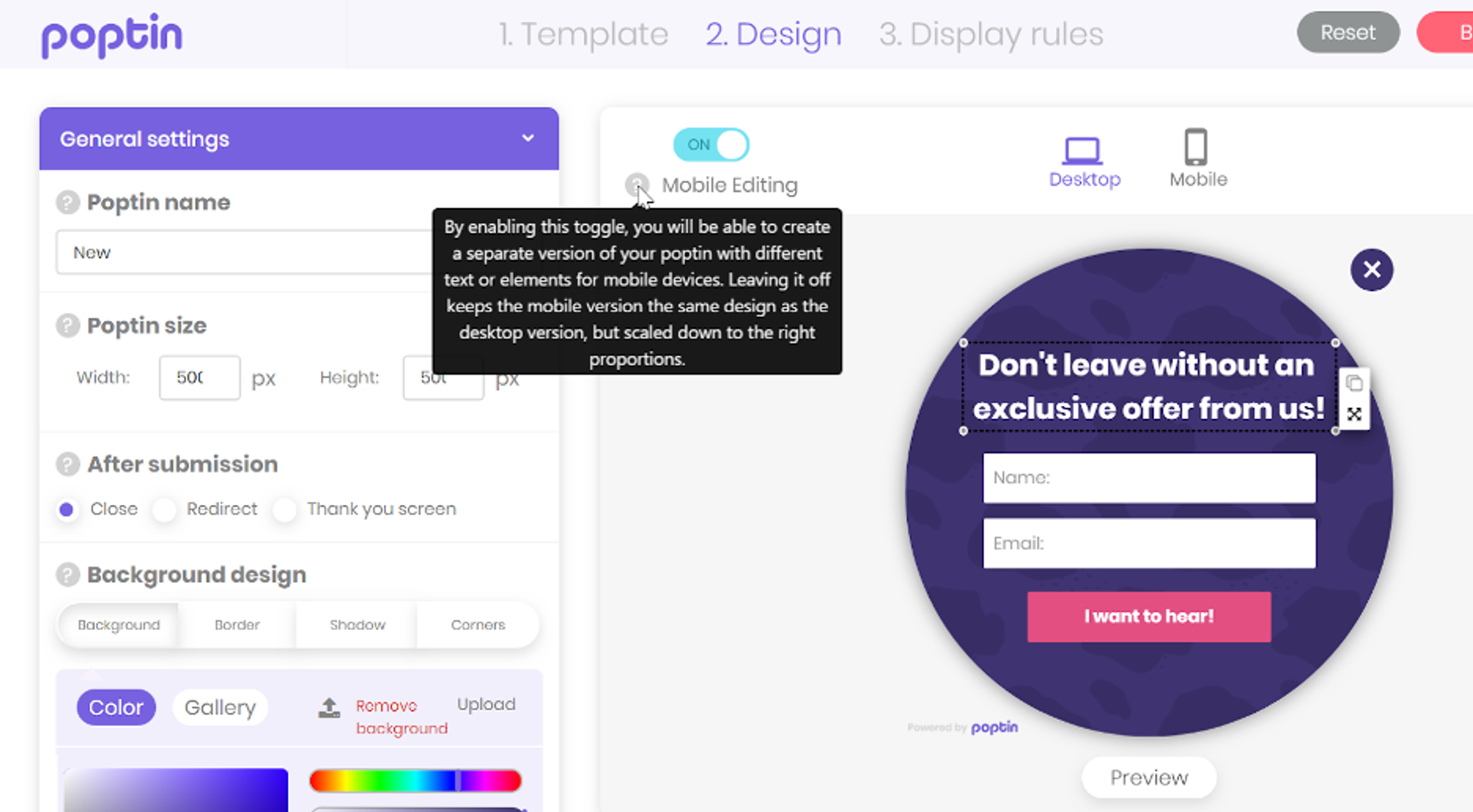
It's crucial to pick the right popup plugin; be sure to evaluate its strengths and weaknesses, here is your Poptin list.
Pros:
Cons:
WordPress rating: ⭐ 4.9/5
The last WordPress popup plugin we'll cover is a lightweight yet powerful tool for creating popup campaigns.
One unique feature of Popup Maker is that you can create video popups in addition to popups with custom images. It's a great option for brands that have video content they want to show off.
Popup Maker also allows you to use cookies to control how often a specific customer will see a particular WordPress popup.
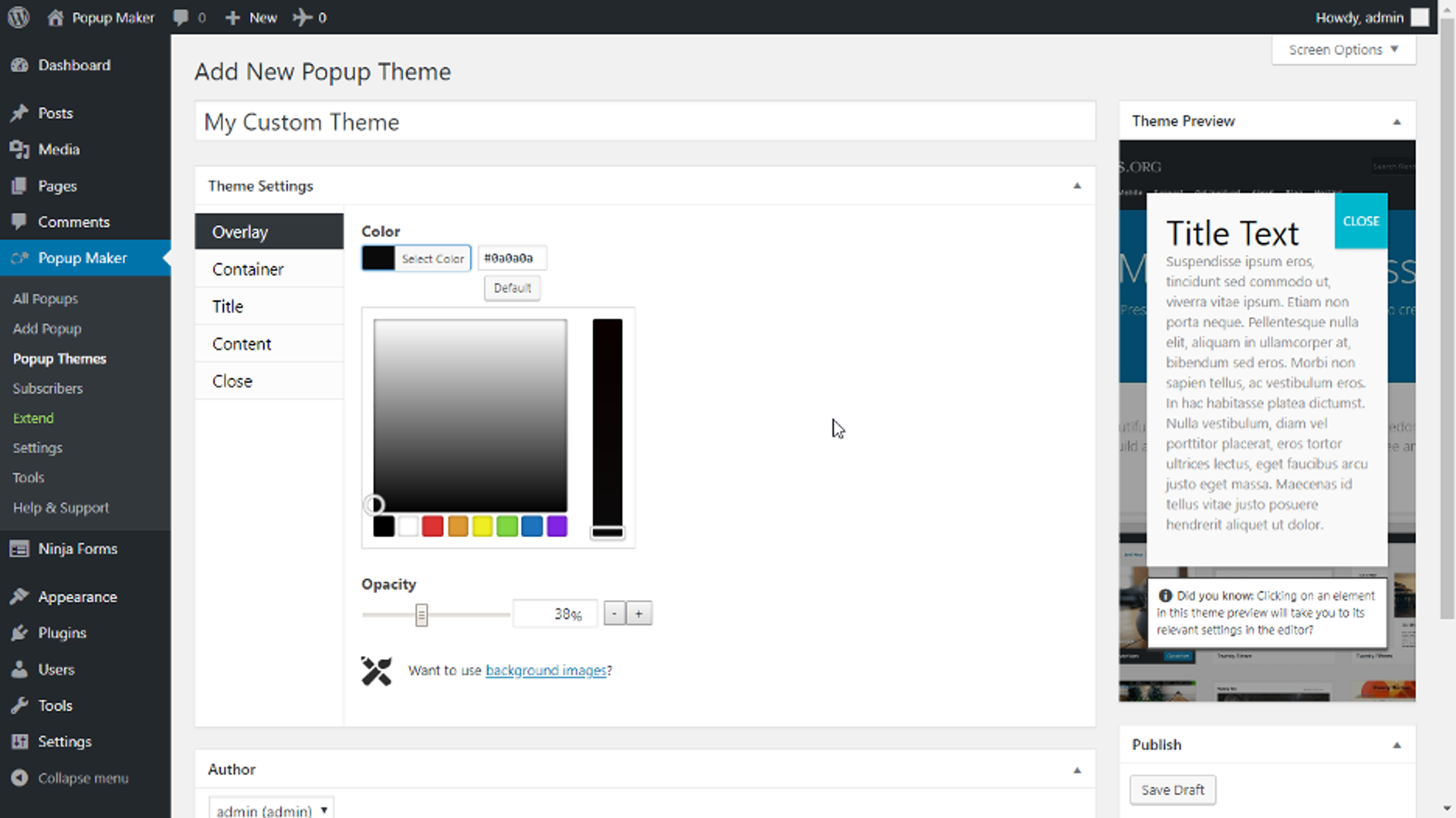
Compare the pros and cons of the Popup Maker plugin for WordPress.
Pros:
Cons:
WordPress rating: ⭐ 4.9/5
That’s our list of the top popup plugins for WordPress! We hope you’ve found the perfect plugin for your site, whether you’re looking for a free plugin or a premium solution.
Choosing the best popup plugin can make a significant difference in your lead generation and overall revenue. Each of the plugins we’ve covered offers unique features and benefits, ensuring you can create engaging, effective popups tailored to your audience’s needs.
Ready to boost your email list and conversions? Start with one of the most popular form plugins, OptiMonk, and experience the power of targeted, high-converting popups firsthand.



40 website welcome message examples for online stores, grouped by situation and industry, ready to copy into a welcome popup.

12 Christmas popup examples for online stores, from welcome offers and spin-to-win wheels to gift quizzes and last-chance countdowns.

In this article, we'll share the best alternatives to Sleeknote that help you to get more leads in 2026.