


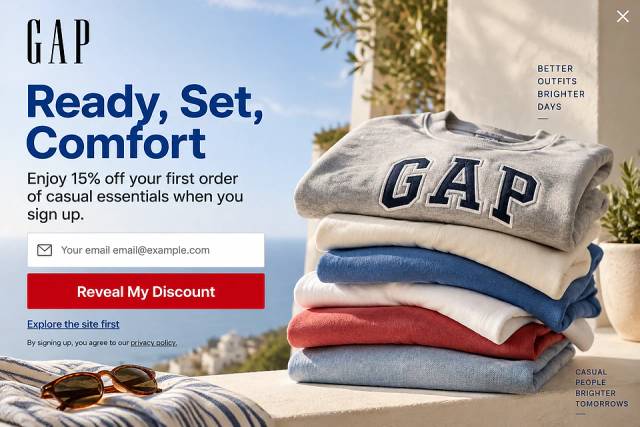
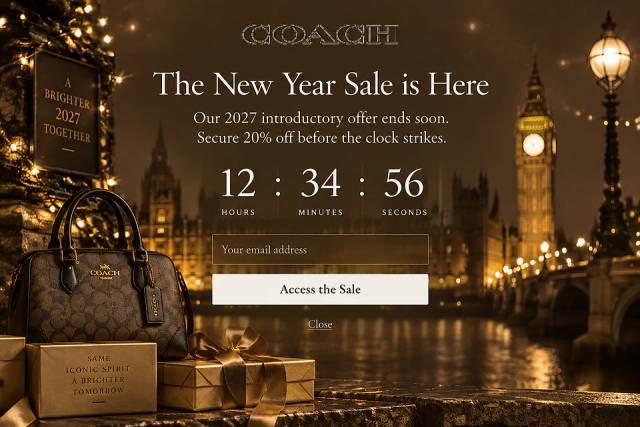
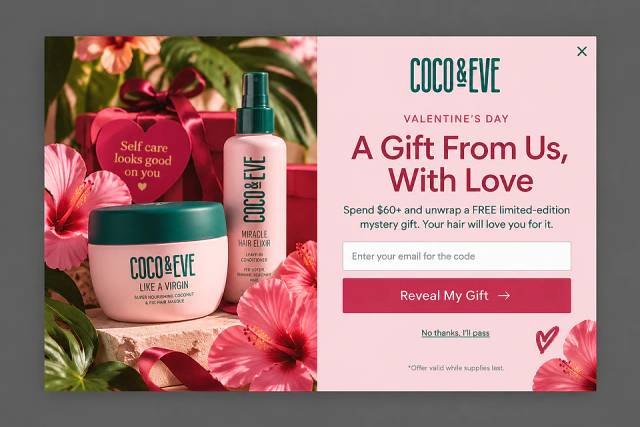
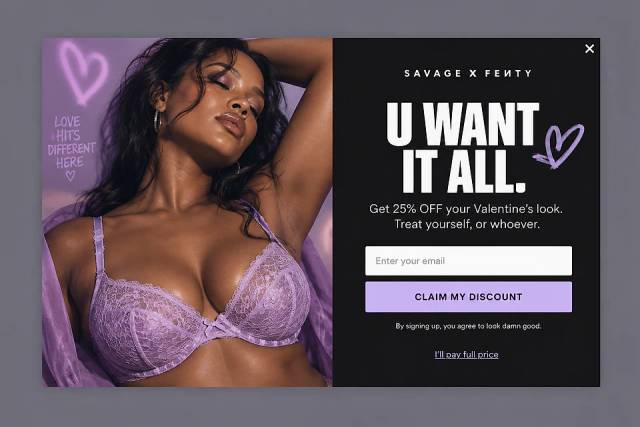


40 Welcome Message Examples for Your Website (Copy and Paste)
40 website welcome message examples for online stores, grouped by situation and industry, ready to copy into a welcome popup.
GetResponse popup not working? Learn how to fix underperforming popups and boost email list growth & conversions.
In short
Learn how to design effective GetResponse popups to maximize conversions and boost your email list. Discover the differences between GetResponse and OptiMonk popups and how to integrate them for optimal results. With advanced targeting and customization options, transform your popups into powerful conversion tools. Start optimizing your marketing strategy today!
Have you set up a GetResponse popup, hoping to grow your email list or boost conversions, but it’s just not delivering?
You’re not imagining things—getting popups right takes some work. The good news?
With the right approach, you can transform an underperforming popup into a powerful conversion tool.
Let’s break down exactly how to do it.
Before we dive into how to design the perfect popup, let’s clarify something important—not all popups are created equal. GetResponse and OptiMonk both offer popup solutions, but they serve very different purposes.
Understanding these differences will help you choose the right tool for your goals.
GetResponse is a popular email marketing platform designed to help businesses build and nurture their subscriber lists. It offers a popup builder as a feature within its suite of tools, but it’s not the platform’s primary focus.
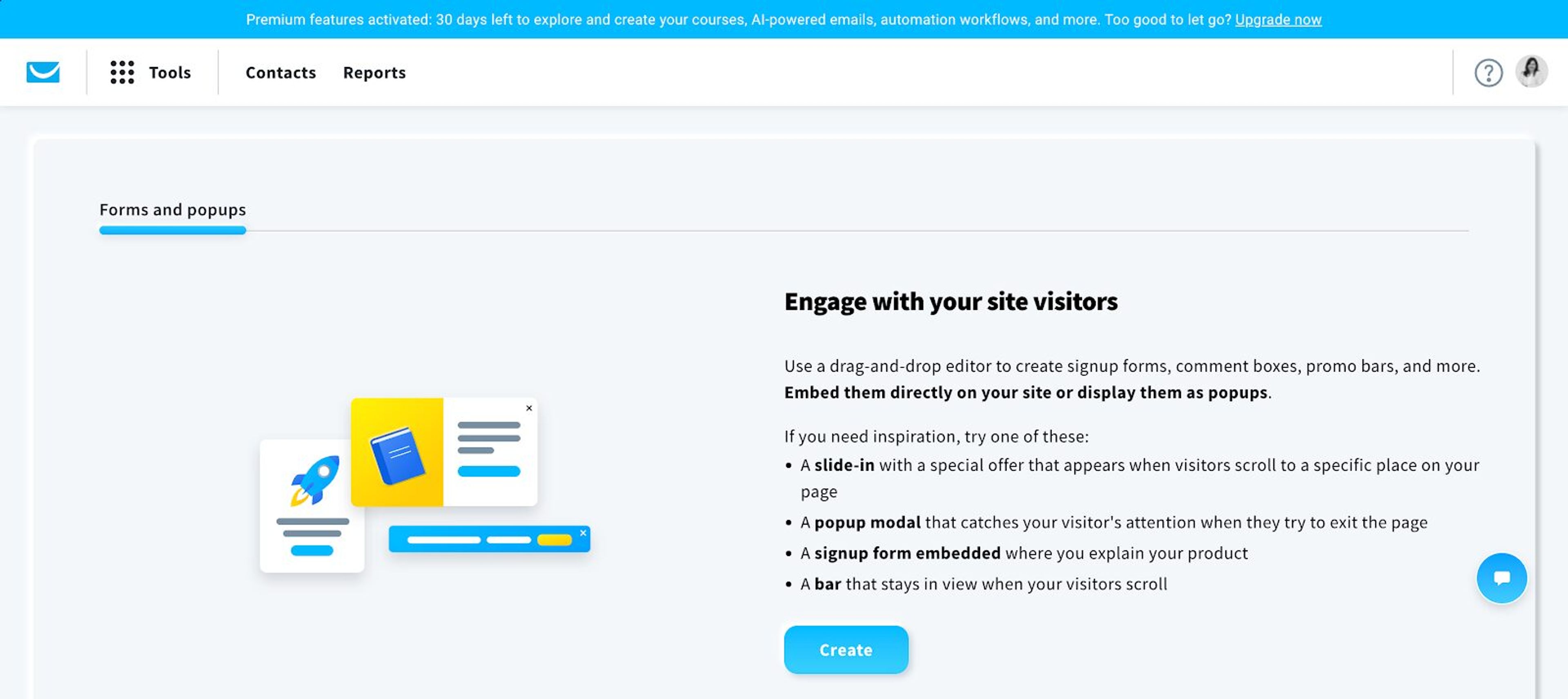
To create a GetResponse popup, you need to navigate to Tools > Forms and Popups.
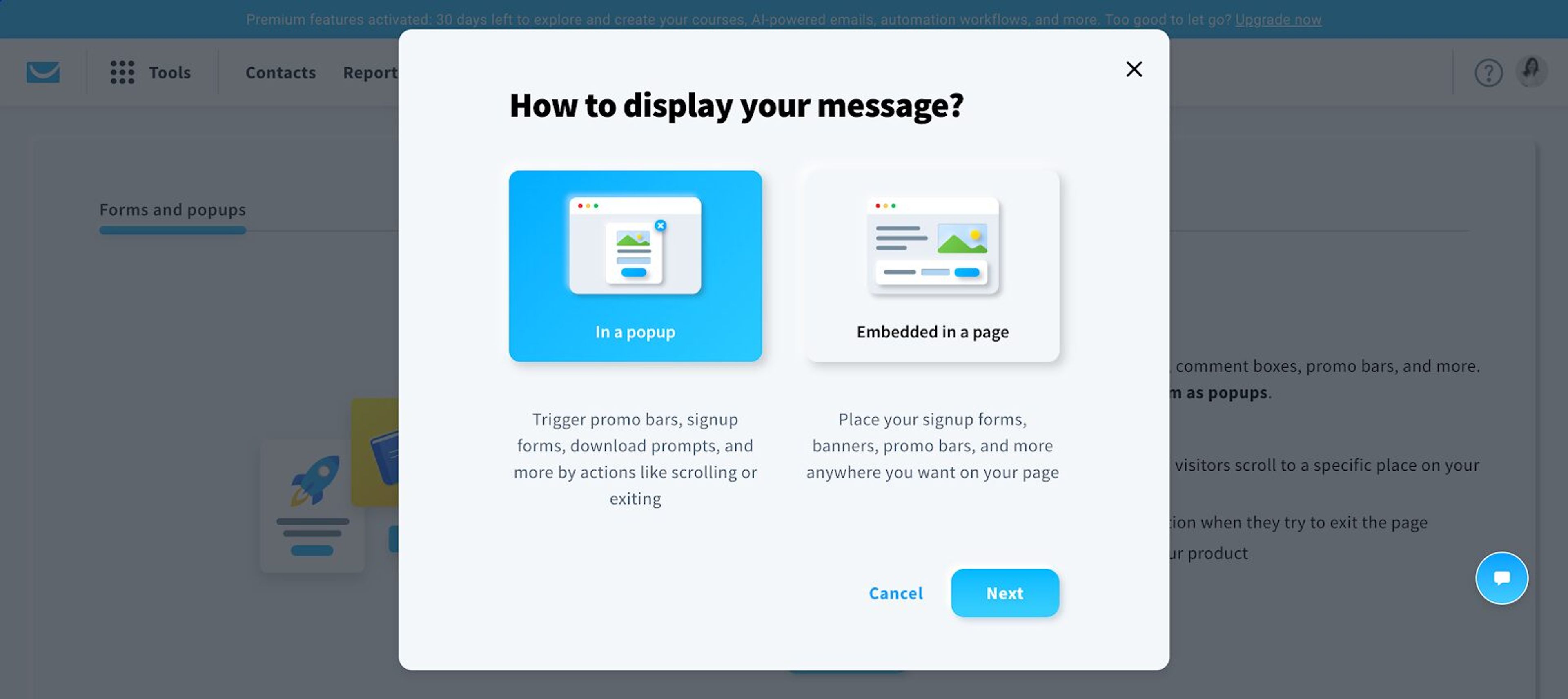
Then, choose a format: either a popup or an embedded form.
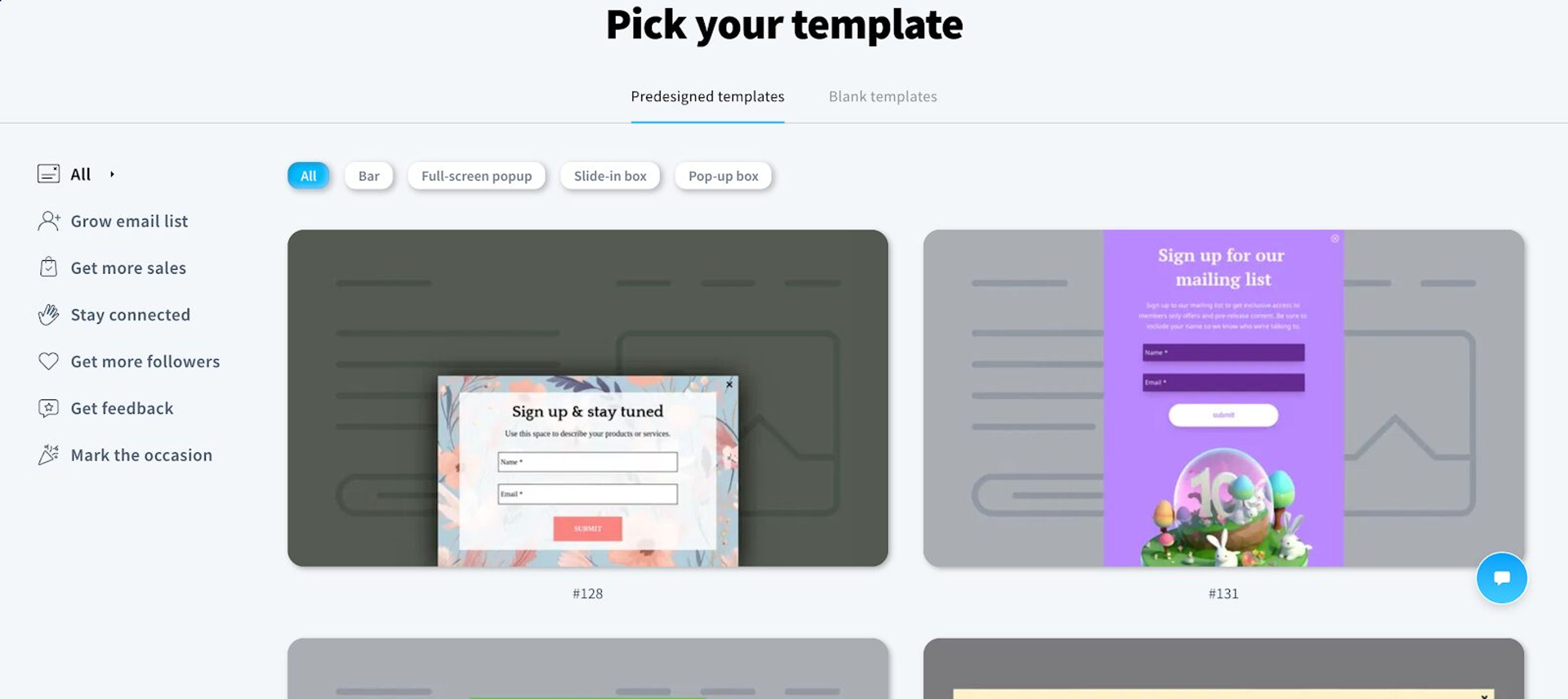
Select a pre-designed template or start from scratch with a blank template.
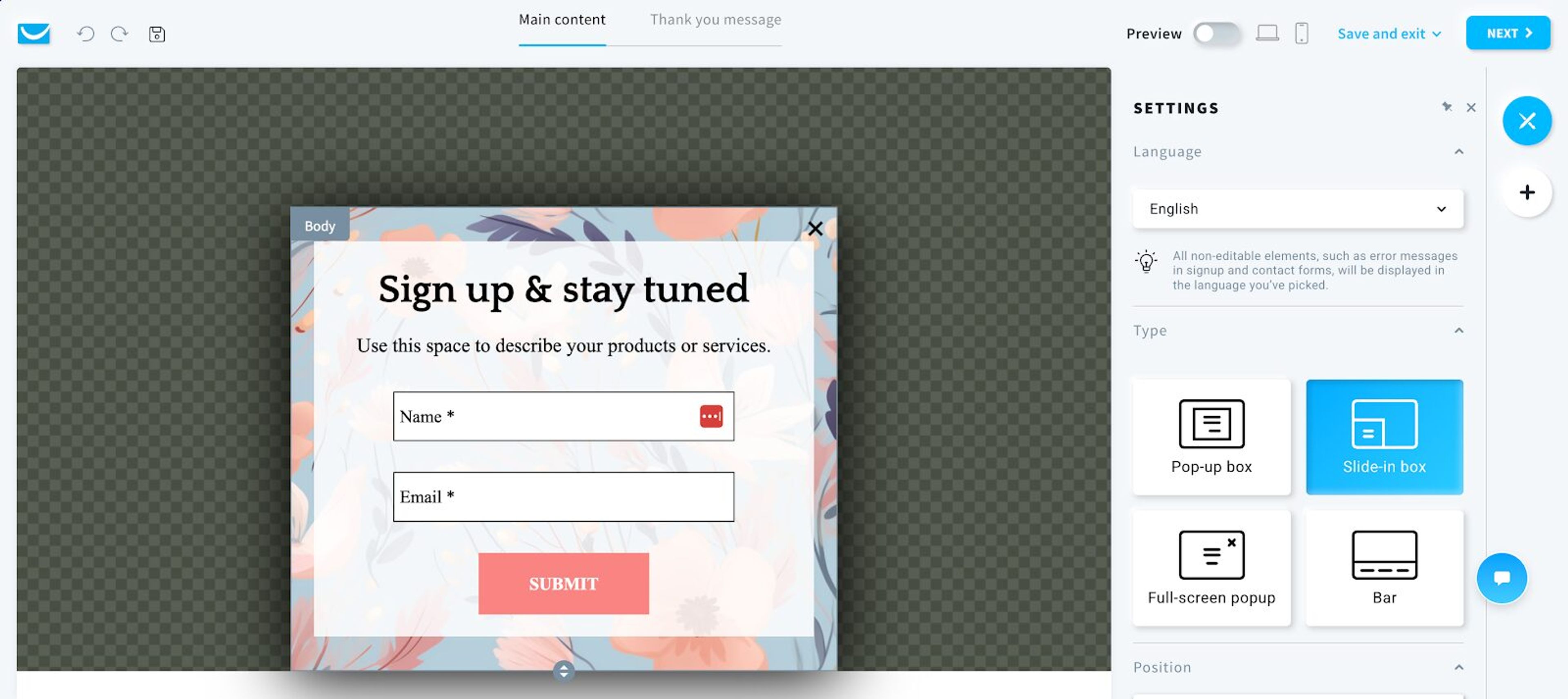
Customize the design using the popup builder.
Set display rules to determine when and where the popup appears. You can choose from different rules, like ecommerce targeting.
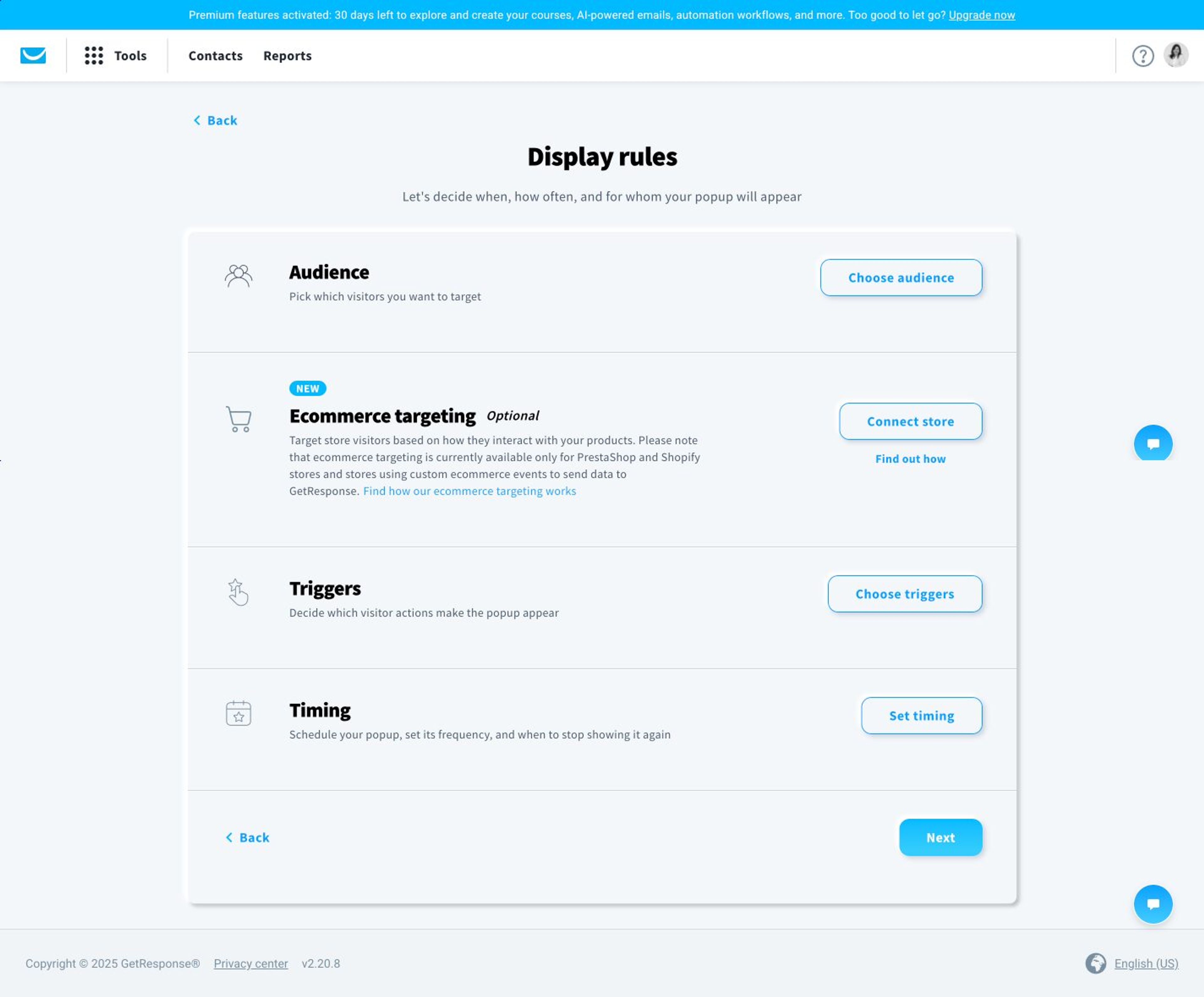
While GetResponse’s popup builder is functional, it comes with limitations. It offers basic popups but lacks advanced features for personalization and on-site engagement.
If your goal is a comprehensive, step-by-step customer journey, GetResponse may fall short, as its core strength lies in email list building.
Although its popups can capture emails, the customization and targeting options are quite basic, limiting the depth of engagement and targeting capabilities.
If you're looking for popups that drive more conversions, capture more email addresses, and ultimately turn visitors into buyers, OptiMonk is a better option.
Unlike GetResponse, OptiMonk is specifically designed for popup optimization, giving you greater control over who sees your message and when.
Instead of templates, OptiMonk's AI agent designs each popup for your brand and your marketing goal. For ideas, browse the Popup Library.
When you need popups that go beyond simply collecting emails—let’s say you want to reduce cart abandonment, increase sales, or deliver personalized messages—OptiMonk is the better choice.
Customization is effortless: ask the agent for changes in plain words, or fine-tune your popup in the visual editor, without any technical skills.
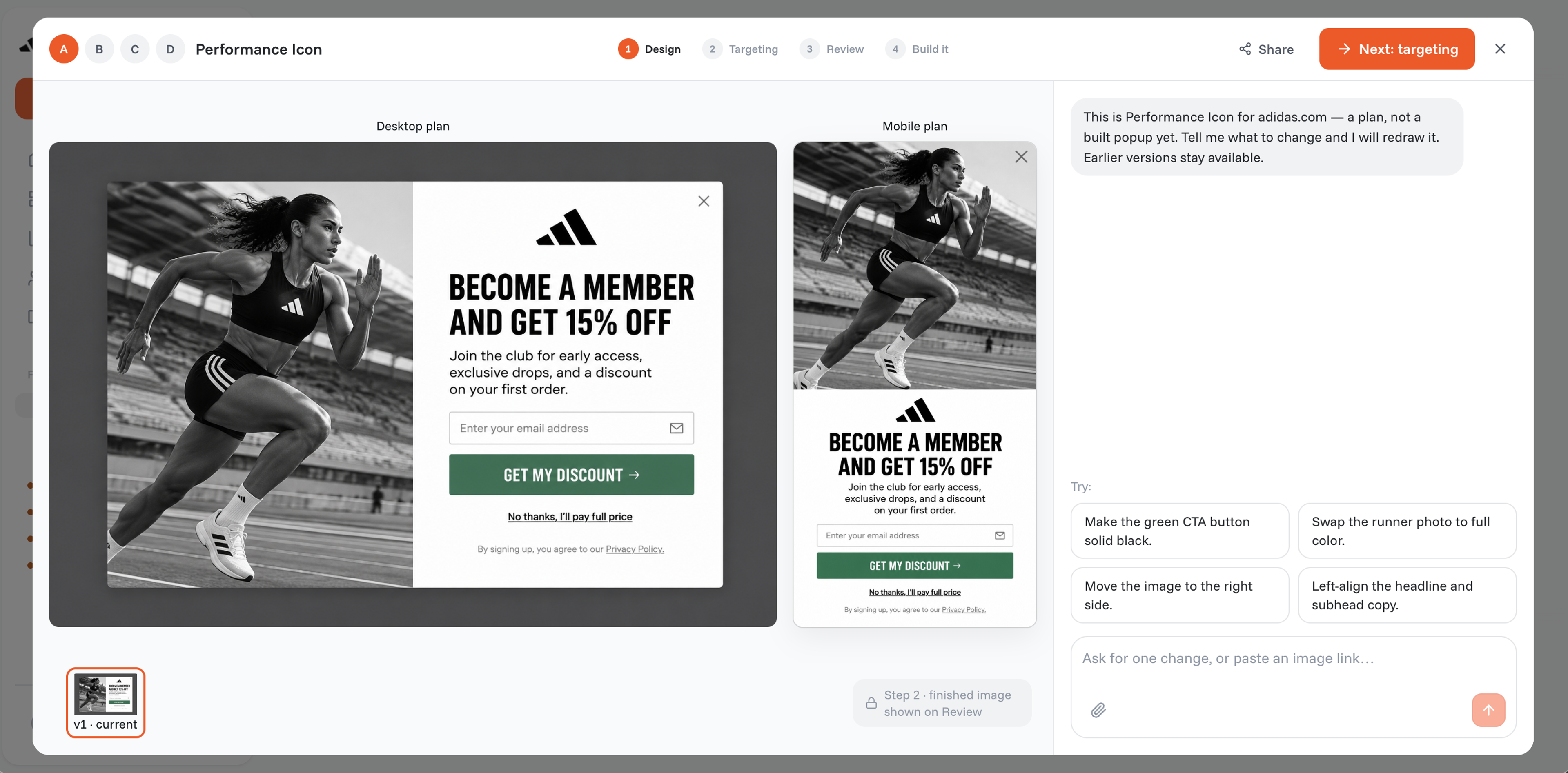
To make popups even more effective, OptiMonk includes interactive elements like countdown timers, coupon codes, and gamification features, making it easier to capture attention and drive action.
Every OptiMonk popup gets a separate mobile version, too.
Advanced targeting options ensure that visitors only see popups relevant to their browsing behavior, increasing engagement and conversions. Your targeting options include:
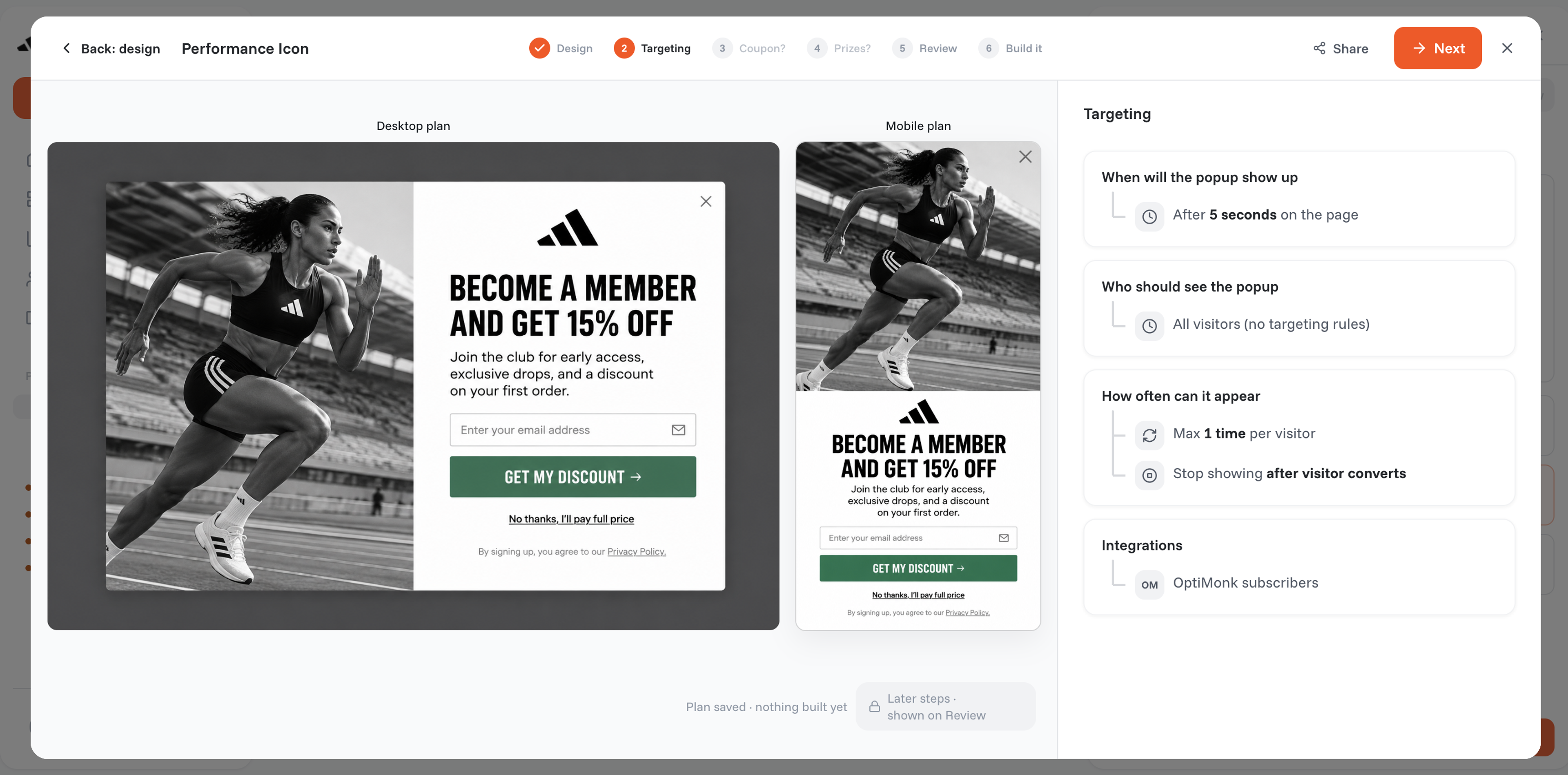
You can customize messages for new vs. returning visitors, tailor them based on traffic source, or use cart-based rules for ecommerce.
Location-based targeting allows for region-specific offers, while URL-based targeting ensures visitors see relevant messages based on the page they’re visiting.
And that’s just the start—there are even more advanced options to explore.
You can create a segment for your campaign by selecting from the following three options:
While both GetResponse and OptiMonk offer popup solutions, their core purposes are quite different.GetResponse is primarily an email marketing platform, with popups as a secondary feature.
It allows you to create basic popups, but its main focus is on managing email campaigns rather than optimizing on-site engagement.
OptiMonk, on the other hand, is a dedicated popup software built specifically to create high-converting popups.
With OptiMonk, you don’t need any prior experience to design engaging, targeted, and high-converting popups that capture leads, prevent cart abandonment, and boost conversions.
If you simply need a basic popup for email collection, GetResponse can do the job. But if you want advanced targeting, personalization, and higher conversion rates, OptiMonk is the better choice.
Now comes the exciting part—getting the most out of your GetResponse and OptiMonk accounts by integrating them for maximum impact.
If you don’t already have an OptiMonk account, the first step is to sign up.
To start, describe the popup you want to OptiMonk's AI agent.
Tell it your goal, whether it's lead generation, cart recovery, or promoting special offers, and it draws four on-brand concepts. For ideas, browse these:
Once you've picked a concept, the next step is customization.
Ask the agent to adjust the images, fonts, and CTAs, or to add interactive elements like countdown timers and coupon codes to make it more engaging and conversion-friendly.
After designing your popup, focus on targeting and triggering.
Timing is crucial, so set the right trigger—whether it’s exit intent, time delay, or scroll-based activation—to ensure your popup appears at the optimal moment.
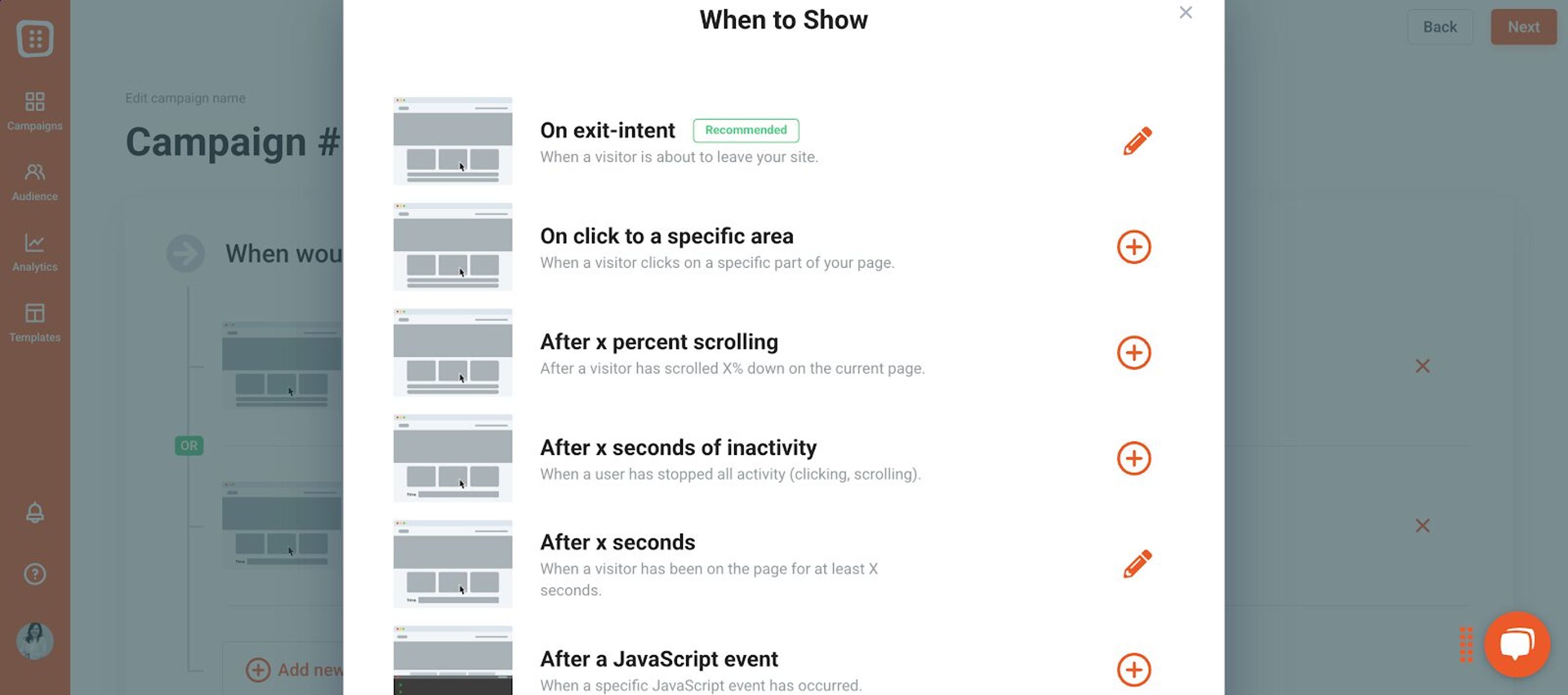
Then, decide who should see the popup—new visitors, returning customers, or specific audience segments.
Next, it’s time to integrate your GetResponse account.
Open your campaign's Integrations tab and click "Add integration".
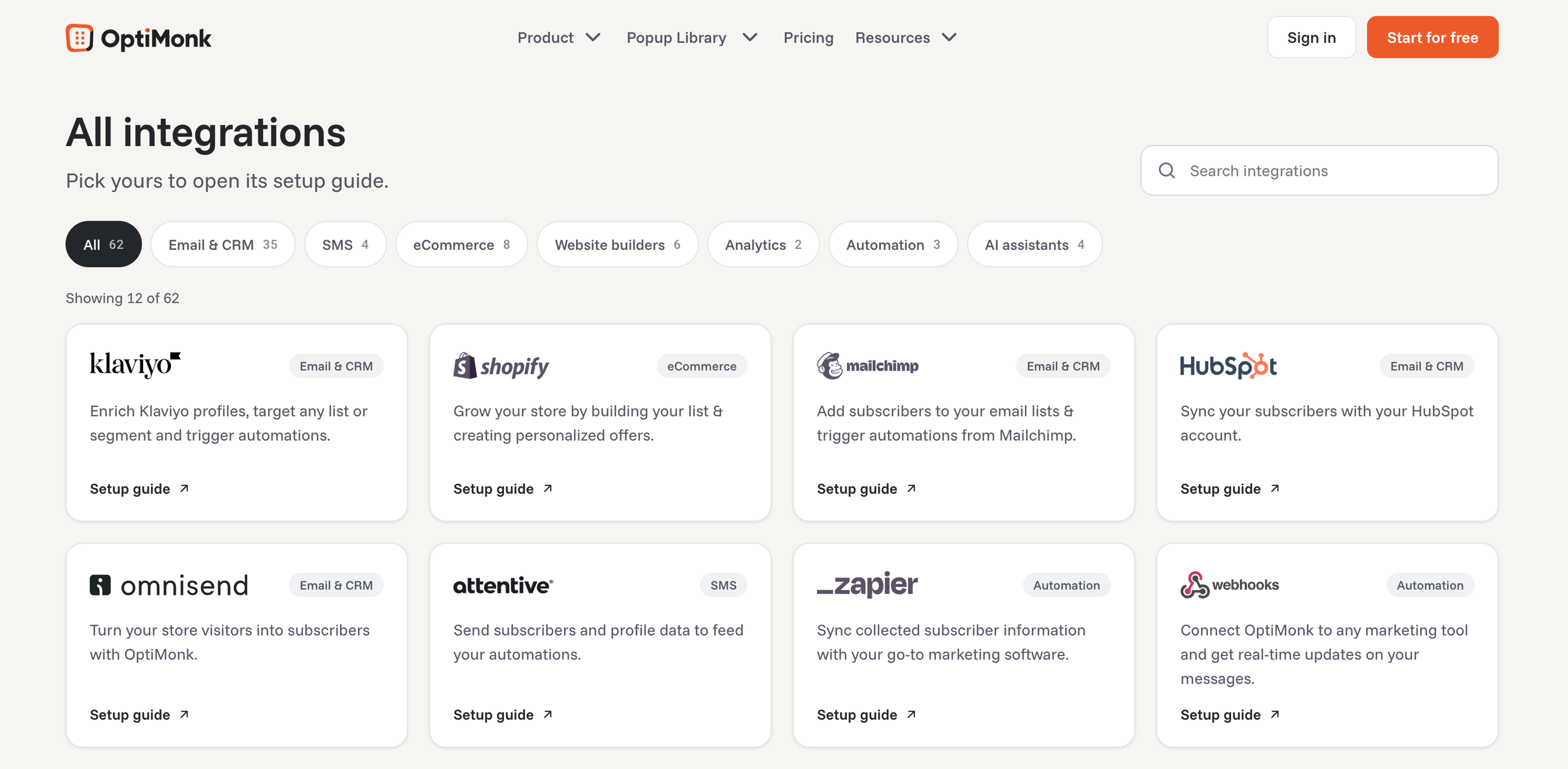
Choose GetResponse from the available integrations.
Then paste the API key from your GetResponse account, pick the list your new subscribers should join, and save the integration.
You'll find your API key in your GetResponse account. And don't worry, we've got a step-by-step guide to help you along!
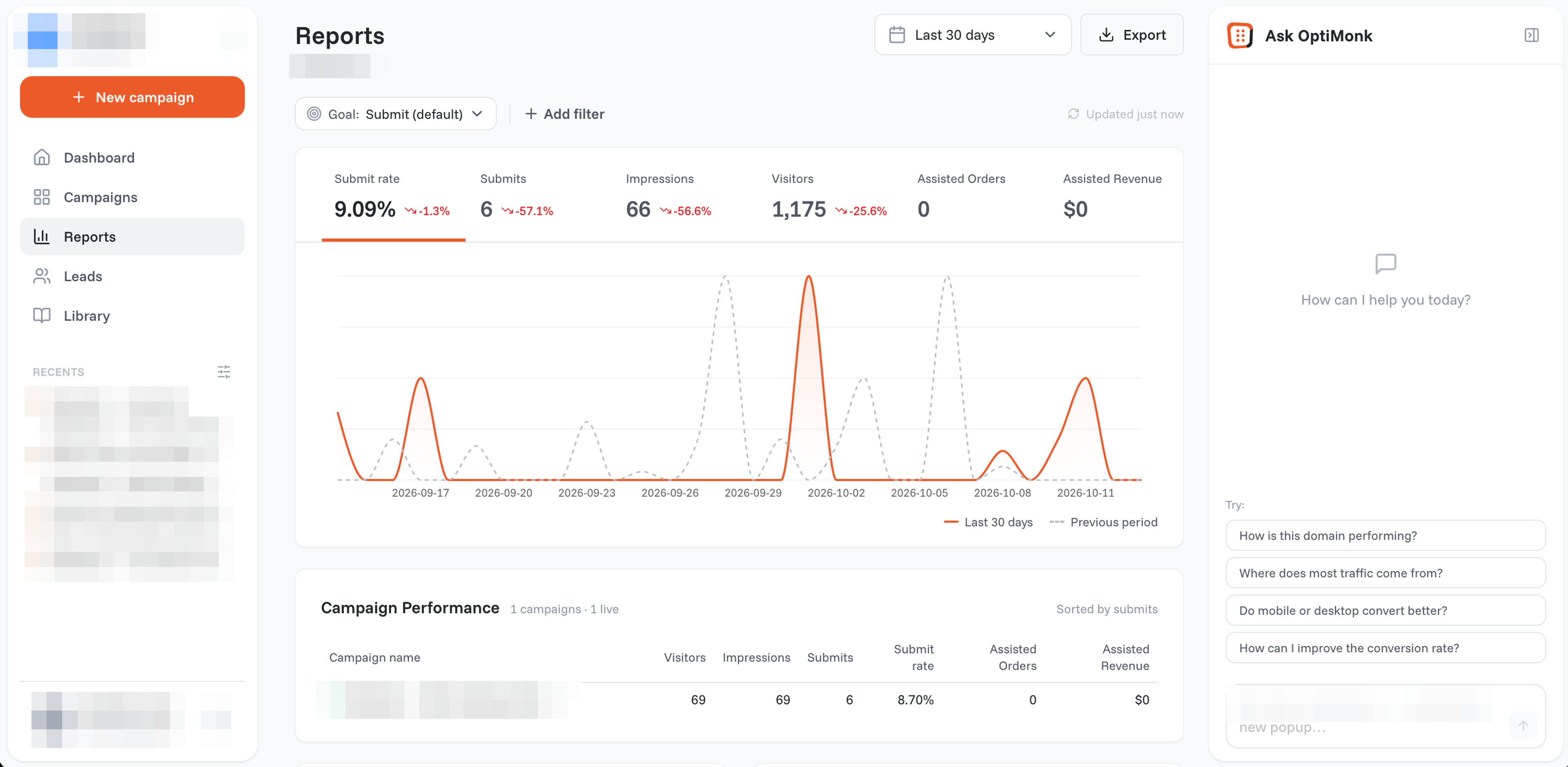
Once everything is in place, it’s time to launch your popup. After going live, monitor performance with OptiMonk’s detailed campaign analytics to track engagement and conversions.
Yes, OptiMonk works independently as a powerful popup tool. However, integrating it with GetResponse or any other email marketing software allows you to capture leads through high-converting popups and automatically sync them with your email marketing campaigns.
The best way to find out is through A/B testing. OptiMonk allows you to test different designs, messages, and triggers to see what works best with your audience. By analyzing the results, you can continuously optimize your popups for higher conversions.
While GetResponse popups can be helpful, they come with limitations since the platform is primarily focused on email marketing. OptiMonk, on the other hand, is built specifically to create popups with advanced targeting and customization options.
The best approach? Combine both! Use OptiMonk to capture leads with precision and GetResponse to nurture those leads through email marketing.
With the right tools and strategies, you can turn your popups into powerful conversion drivers.
Ready to level up your marketing? Create your OptiMonk account now and start optimizing!


40 website welcome message examples for online stores, grouped by situation and industry, ready to copy into a welcome popup.

12 Christmas popup examples for online stores, from welcome offers and spin-to-win wheels to gift quizzes and last-chance countdowns.

In this article, we'll share the best alternatives to Sleeknote that help you to get more leads in 2026.