
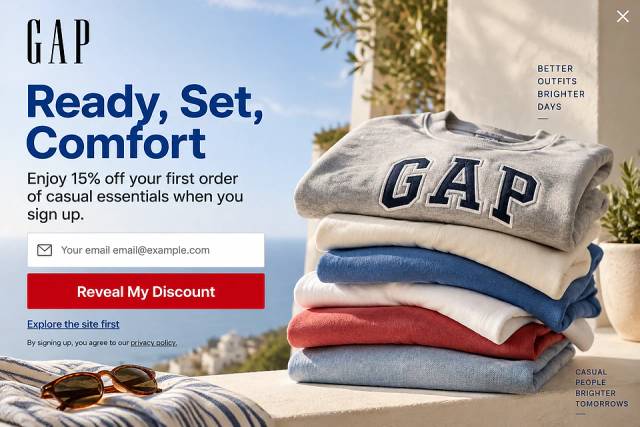
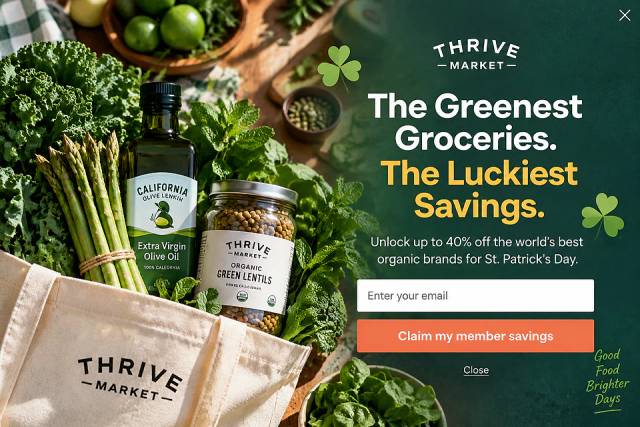
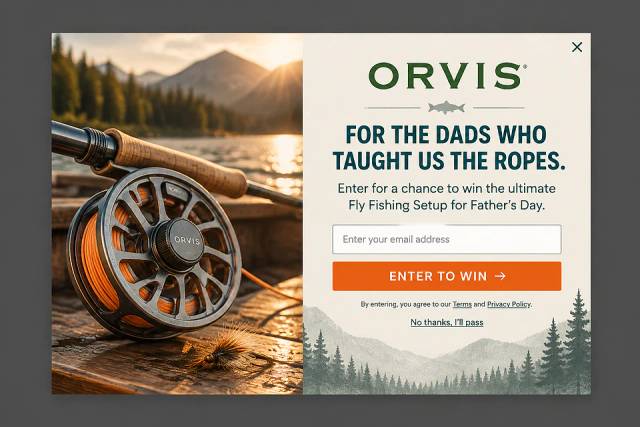
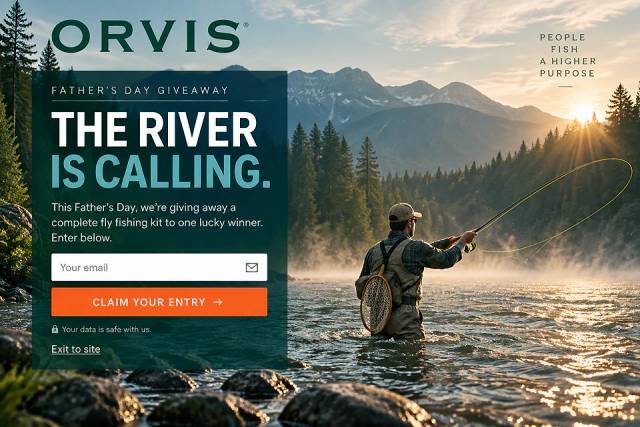
40 Welcome Message Examples for Your Website (Copy and Paste)
40 website welcome message examples for online stores, grouped by situation and industry, ready to copy into a welcome popup.
Master Wix popups: learn how to create stunning, effective popups using built-in features and third-party tools.
In short
Learn how to effectively add pop-ups to your Wix website with this step-by-step guide. Discover options from Wix's built-in lightbox to advanced third-party tools like OptiMonk, enhancing your site’s engagement and conversion rates. Master pop-up creation, from design to launch, and explore best practices for timing, design, and audience segmentation.
You’ve built a beautiful Wix website, but now it’s time to take it to the next level—and that means turning casual website visitors into loyal customers.
How? With strategically placed popups that don’t just grab attention but grow your email list, skyrocket engagement, and drive conversions.
Whether you’re looking to collect email addresses, improve the user experience, showcase exclusive offers, or simply capture those high-intent leads before they bounce, this guide is your ticket to mastering popups on Wix.
From using built-in features to tapping into powerful third-party tools, we’ll walk you through every step so you can create Wix popups that don’t just work—they wow.
Ready to turn your website into a lead-generating machine? Let’s dive in!
Popups are overlays that appear on websites, usually with a message, a call-to-action (CTA), or an offer. Love them or hate them, these small windows are proven to be an effective marketing tool—when used the right way.
Popups can be timed to appear after a visitor has been on your page for a few seconds or triggered by specific actions like scrolling or attempting to leave the site.
There are several ways to add a popup to your website, including its built-in lightbox tool, third-party apps, and external services.
Let's check out the options!
Wix has its own lightbox feature that allows you to create a popup directly within the Wix Editor. Users can manage lightbox settings to adjust the appearance and behavior of their Wix popup, including options for closing mechanisms and display preferences.
This tool is available straight from your Wix account, and it's highly customizable, letting you design a popup that fits seamlessly with your website’s theme.
Pros:
Cons:
This is a great starting point if you only need basic popups, but if you want to dive deeper into advanced targeting or A/B testing, you’ll want to explore other options.
The Wix App Market is a treasure trove of popup tools like Privy, Poptin, and Mailchimp Forms. These apps offer a variety of pre-designed templates, along with more advanced features such as:
You can also create and manage Wix popup campaigns using these apps, selecting templates, customizing designs, and configuring display timing to optimize user engagement and conversions.
If you need even more flexibility, external popup tools like OptiMonk are your best bet.
Tools like OptiMonk offer a wide range of popup types and advanced features, including A/B testing, mobile-responsive designs, and detailed analytics. These tools are particularly helpful if you’re running multiple campaigns and need more control over who sees your popups and when.
OptiMonk integrates seamlessly with your Wix account while offering advanced targeting, customization options, and powerful analytics.
Ready to add OptiMonk to your Wix site? Here’s how to do it:
Head over to OptiMonk's website and create an account. OptiMonk has a free plan with every feature for up to 10,000 monthly pageviews, and paid plans if you're handling higher traffic volumes.
Follow the step-by-step guide to connect OptiMonk with your Wix website. Once connected, you can start creating popups.
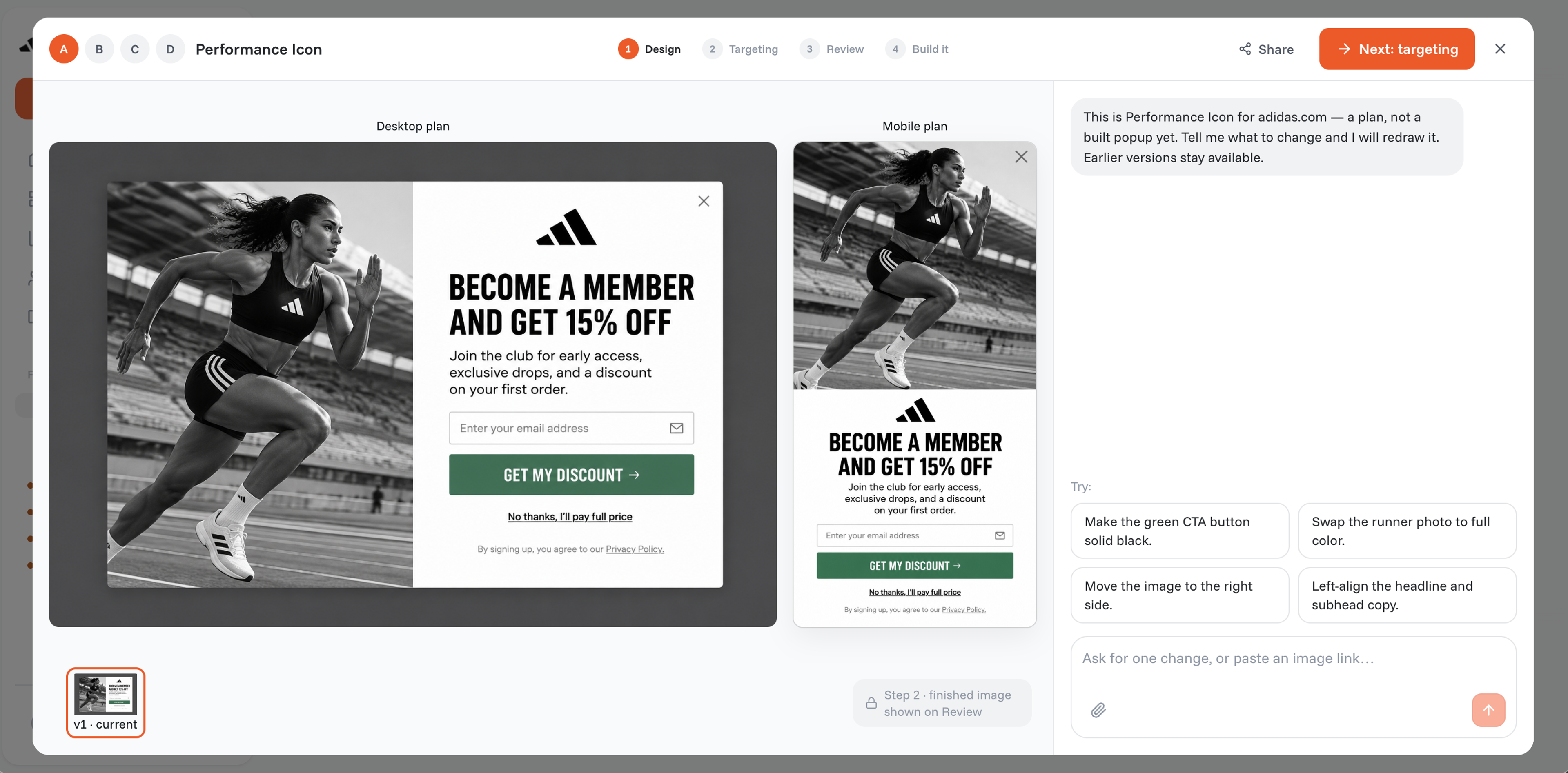
Tell OptiMonk's AI agent what you need, whether a welcome popup, a discount offer, or an exit-intent popup. For ideas, browse these:
The agent designs the popup in your brand's colors, fonts, and logo. To tweak the design, copy, or call-to-action, ask it in plain words or use the visual editor.
Now it’s time to control when and where your Wix popup appears.
OptiMonk lets you trigger popups based on user behavior, such as scrolling or attempting to exit the page.
You can customize the lightbox feature to include an “X” icon at the upper righthand corner, providing an intuitive way for users to close the popup. You can also choose to display popups only on specific pages or devices.
Before going live, preview your popup to ensure it displays correctly on both desktop and mobile. Once satisfied, launch your popup and track its performance using OptiMonk’s dashboard, which provides insights into views, clicks, and conversions.
Now that we’ve covered all the basics, here are 7 best practices to ensure your popups are effective, engaging, and help drive conversions.
The timing of your popup can make or break its effectiveness.
Displaying a popup the moment someone lands on your page can feel intrusive and result in an immediate exit.
Instead, time your popups to appear after a user has engaged with the content for a few seconds, or trigger them based on user behavior, like scrolling down the page or showing interest in specific products.
Your popup text should be short, sweet, and straight to the point.
For example, The Body Shop’s festive "spin-the-wheel" popup keeps things fun and relevant with simple, effective copy.
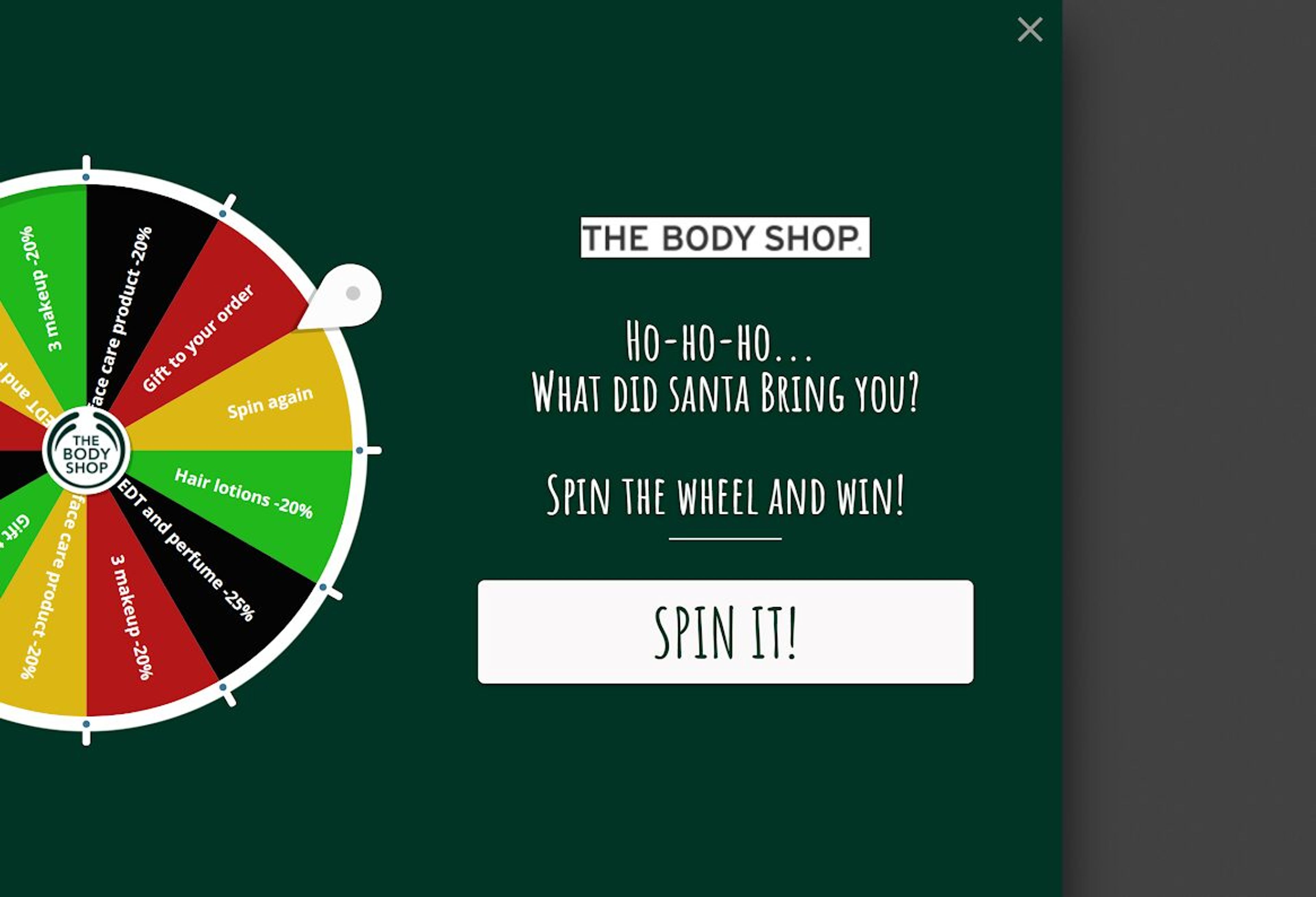
Let users know exactly what they’re getting and why they should care. Use a compelling headline that draws attention, followed by a concise message that highlights the benefit or offer.
People engage when they get something in return. Offer value like a discount, a free guide, or exclusive content.
The Turmeric Co.'s recipe book does this well by offering a free recipe book in exchange for sign-ups, creating a win-win scenario.
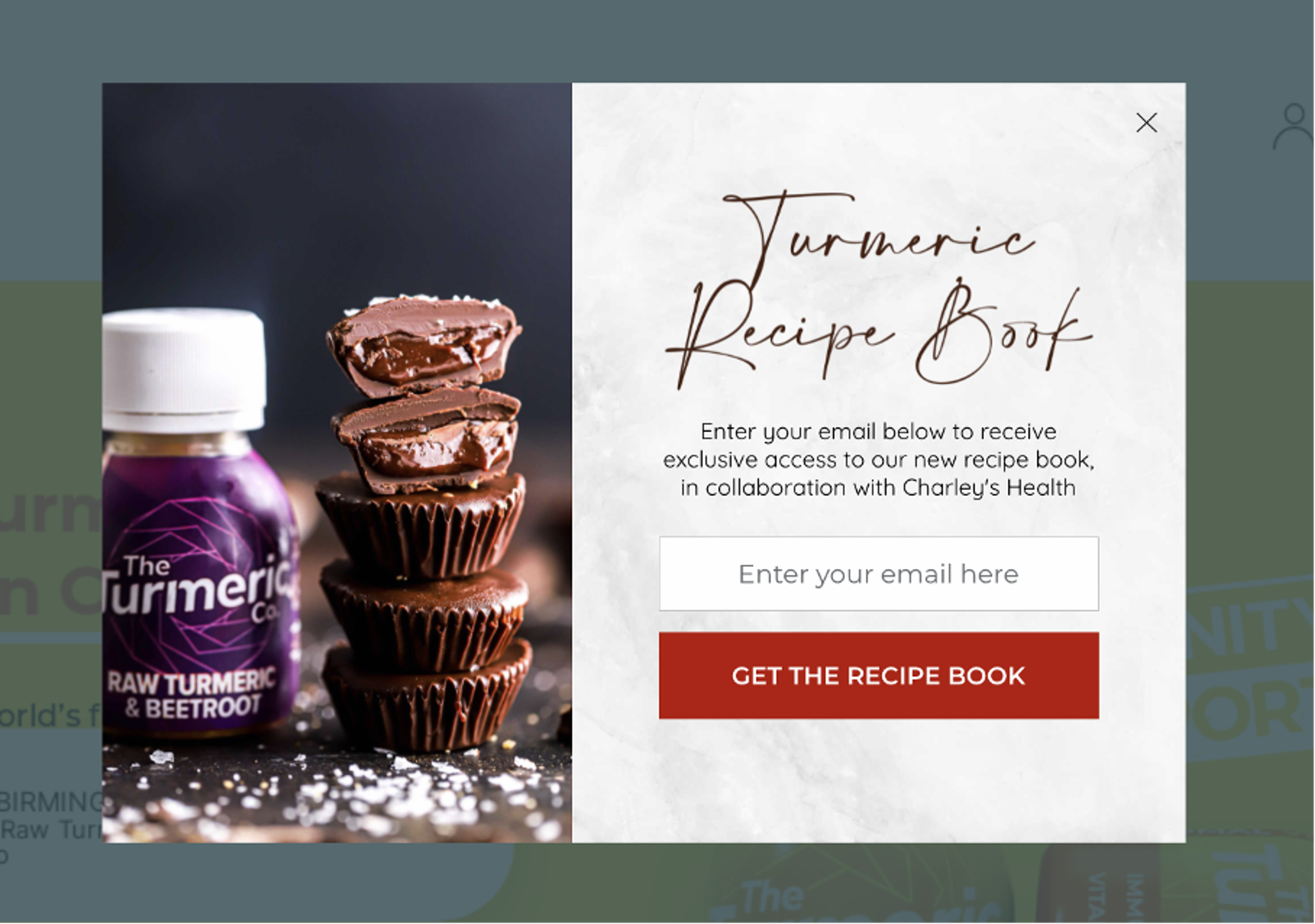
Whether it’s a discount code, a free guide, or exclusive content, your popup should offer value to your audience. Make sure the offer is relevant to their needs or interests, encouraging them to take action.
Make your popup stand out visually, but keep it in line with your brand.
Sassy Scents strikes this balance with bold, uncluttered popups that use contrasting colors to highlight the call-to-action (CTA) without overwhelming users.
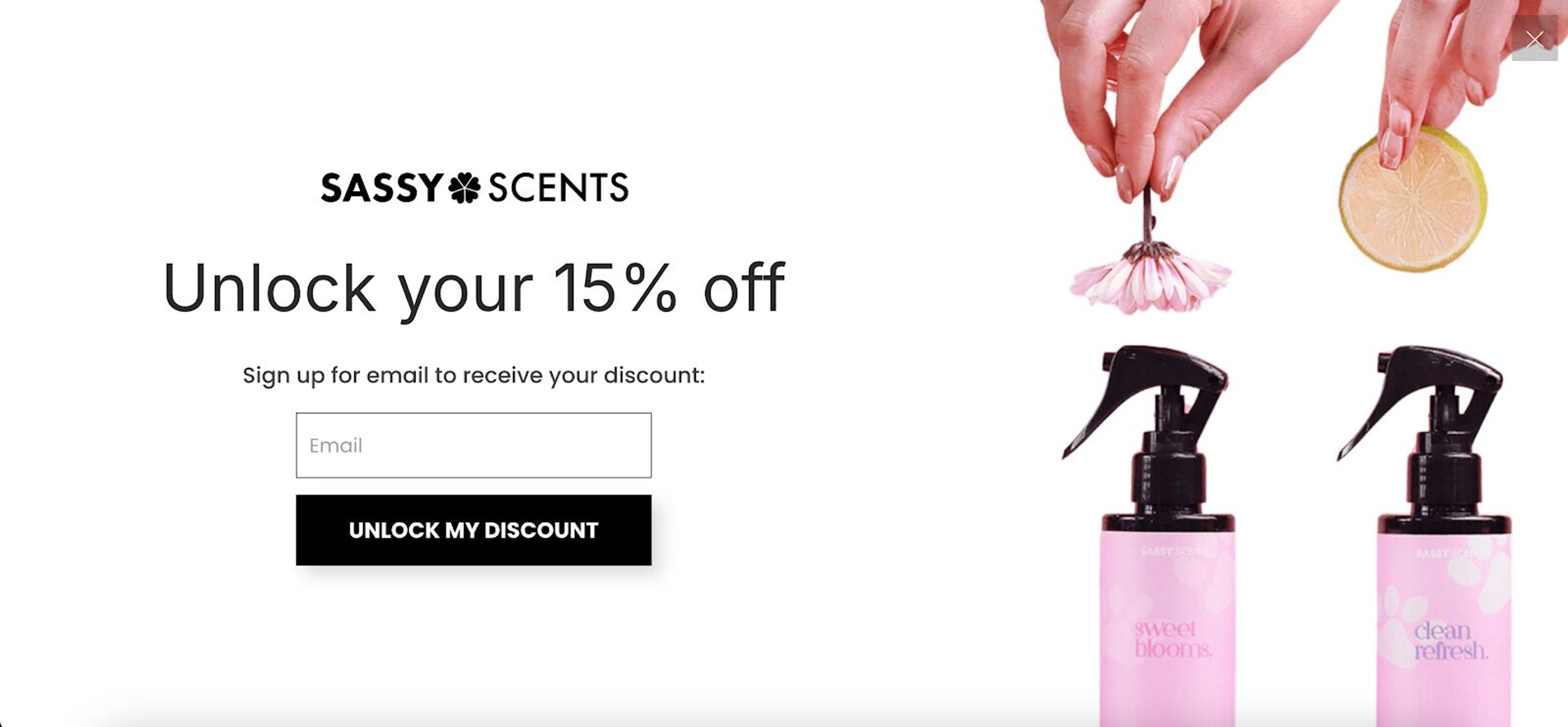
Use contrasting colors to make the CTA button pop, and keep the design clean and uncluttered. Avoid adding too much text or unnecessary visuals that could overwhelm the user.
Your CTA is the most important element of your popup.
Obvi’s Black Friday popup used the bold CTA “Send me your deals,” which was designed to encourage immediate action.
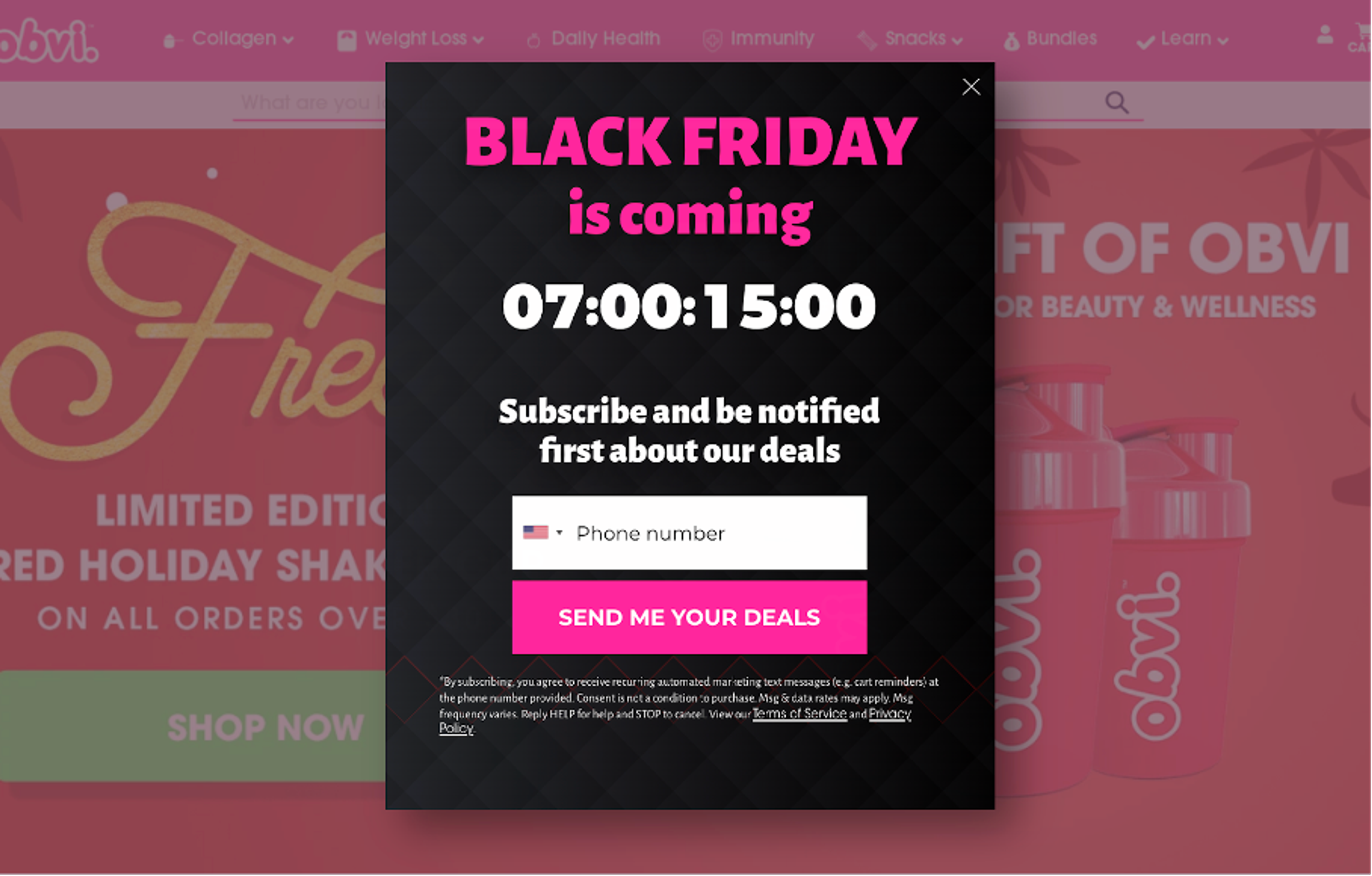
Your CTA should be clear, actionable, and enticing. Use action-oriented language that tells users exactly what to do, like “Get My Discount” or “Download Now.” Avoid vague CTAs like “Submit” or “Click Here.”
Bombarding visitors with too many popups can lead to frustration and increased bounce rates. Instead, show popups sparingly and limit how often they appear to individual users.
For instance, if a user closes the popup once, don’t show it again during the same visit.
Not all visitors are the same, and your popups shouldn’t be, either. Use visitor data to segment your audience effectively, ensuring that the right popups are shown to the right people at the right time.
For example, you can show returning visitors a special loyalty offer, or present first-time visitors with a welcome discount.
Feeling inspired? Then it’s time to log into your Wix dashboard and create a popup that truly stands out!
With the right timing, design, and offer, you’ll capture attention and drive conversions in no time.
Ready to get started? Let’s make those popups work for you—create your free OptiMonk account today and create engaging popups that convert!

40 website welcome message examples for online stores, grouped by situation and industry, ready to copy into a welcome popup.
12 Christmas popup examples for online stores, from welcome offers and spin-to-win wheels to gift quizzes and last-chance countdowns.
In this article, we'll share the best alternatives to Sleeknote that help you to get more leads in 2026.