
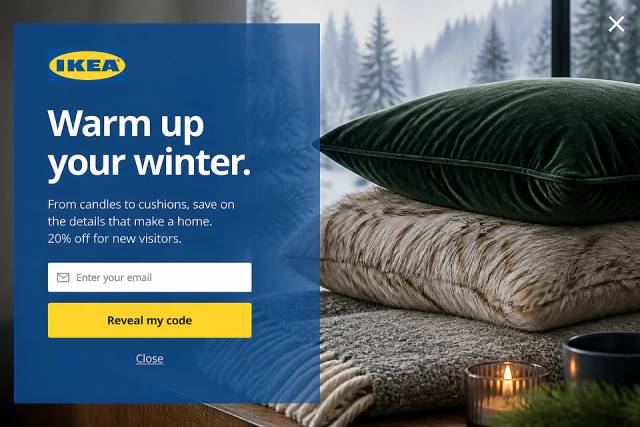

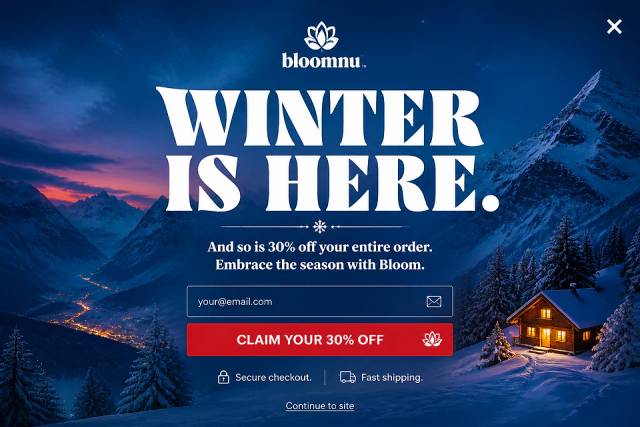
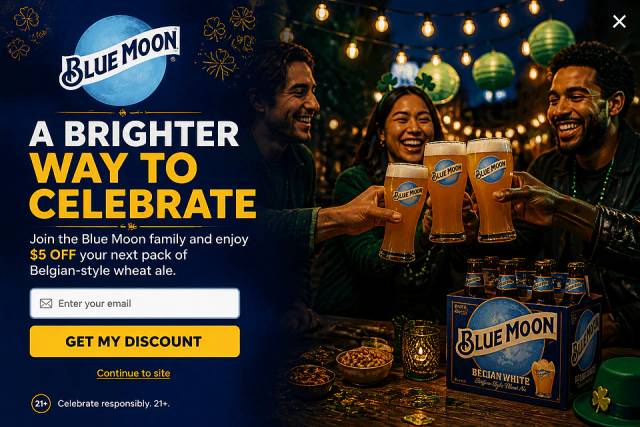
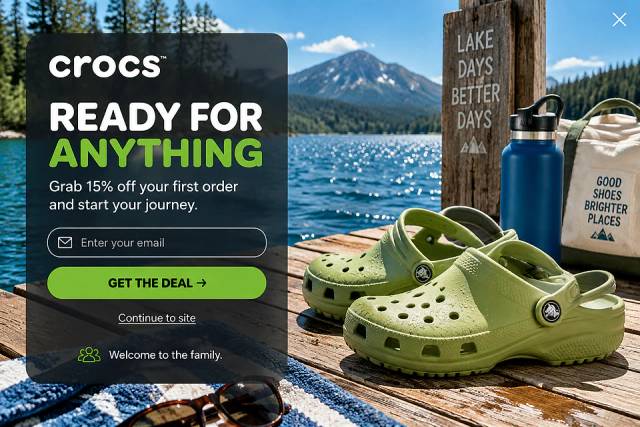
40 Welcome Message Examples for Your Website (Copy and Paste)
40 website welcome message examples for online stores, grouped by situation and industry, ready to copy into a welcome popup.
Discover the power of multi-step forms! Learn how these forms can significantly boost your conversions and engagement.
In short
Discover how multi-step forms can significantly boost your conversion rates by simplifying complex processes into manageable steps. This article showcases seven real-life examples of brands effectively using multi-step forms to enhance user experience, reduce form abandonment, and increase lead generation. Learn how to implement these strategies and avoid common pitfalls to optimize your conversion strategy.
The solution? Multi-step forms.
By breaking down the process into multiple steps that are smaller and more digestible, you can create a less intimidating, more seamless user experience that encourages completion.
In this article, we’ll explore why multi-step forms are a game-changer and showcase seven real-life examples that prove just how powerful they are for boosting conversions.
Let's jump in!
Multi-step forms, also known as multi-page forms, are exactly what they sound like—forms split into multiple steps or pages instead of a single long one. They guide the user through a series of questions, collecting information in a structured way.
Progressive disclosure is a key feature of multi-step forms, gradually revealing information requests to minimize users' cognitive load and reduce overwhelm.
Instead of bombarding a visitor with a wall of fields, multi-step forms break the process into digestible chunks, which can be much more appealing to users.
Multi-step forms reduce the mental load by breaking the process into manageable steps.
Instead of overwhelming users with a long list of fields, they handle one step at a time, improving the user experience and boosting completion rates.
Here’s why they outperform single-step forms:
When users start a task, they’re more likely to finish it. This phenomenon, known as the “foot-in-the-door” technique, plays a big role in the success of multi-step forms.
By asking users to commit to just one small step—like entering their email—they’re more likely to continue filling out the rest of the form. As they complete each step, they feel a sense of progress, which encourages them to keep going.
This gradual commitment in multi-step forms significantly aids in lead generation by capturing essential contact information and qualifying leads efficiently.
Picture this: you land on a page, and you’re hit with a form that has 20 fields staring back at you. It feels like too much, right? That’s the friction that causes people to bail.
Multi-step forms solve this by presenting just a few fields at a time, reducing that sense of overload. Users no longer feel like the form is going to eat up all their time, making it more likely they’ll complete it.
Additionally, conversational forms can further reduce friction by engaging users in a friendly manner, focusing on one question at a time to maintain engagement.
Multi-step forms aren’t just about reducing effort—they’re about guiding users through a smooth, logical flow. By breaking the form into sections, you can tailor the experience to be more intuitive.
This helps avoid confusion or frustration and leads to a better overall user experience.
Plus, users are more likely to complete a form when the journey feels easy and logical.
Now that we’ve established why multi-step forms work, let’s take a look at some real-world examples of brands using this strategy to drive conversions.
First up on our list of multi step form examples is this one from Nexus Sports Nutrition. They keep the first step simple, asking only for an email address.
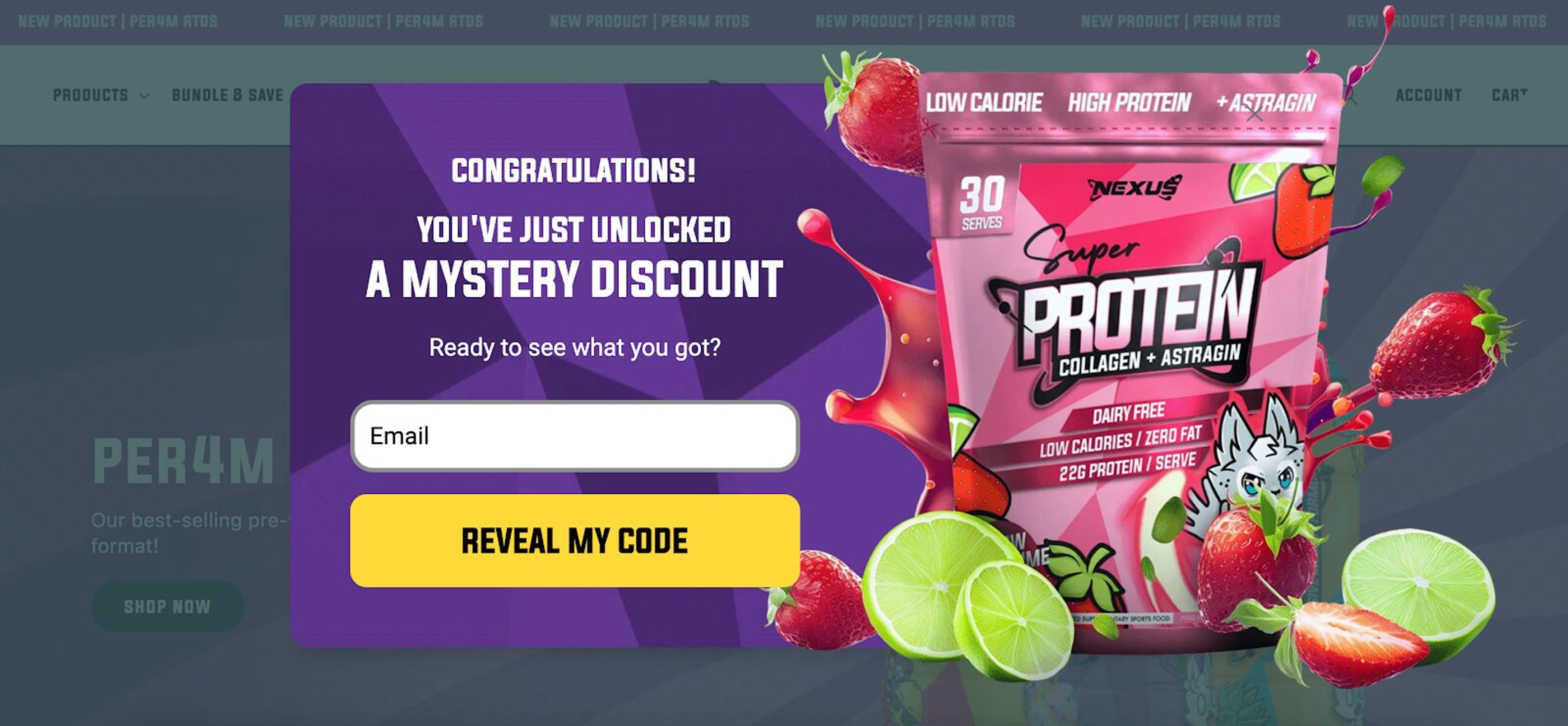
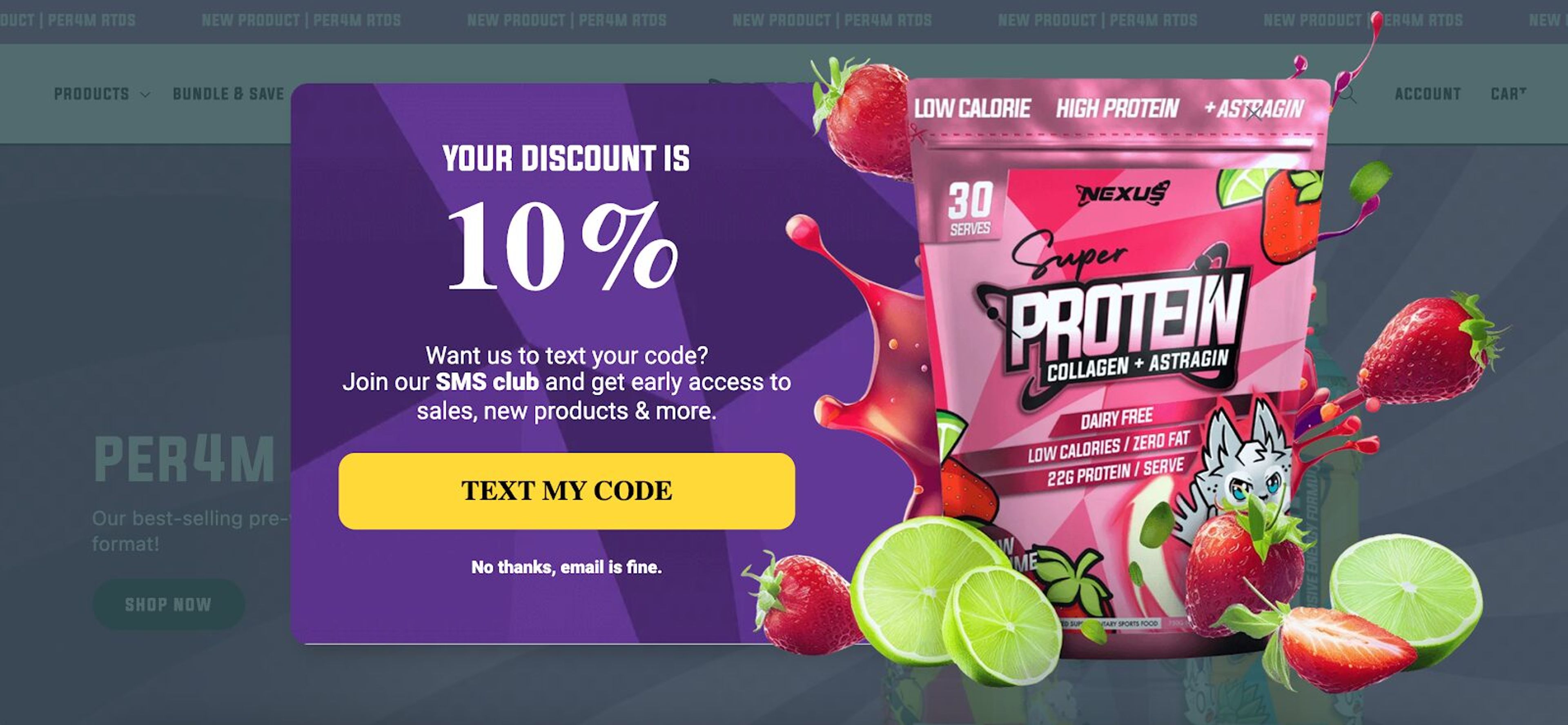
However, once the user opts in, they up their game by offering an exclusive invite to join the SMS club.
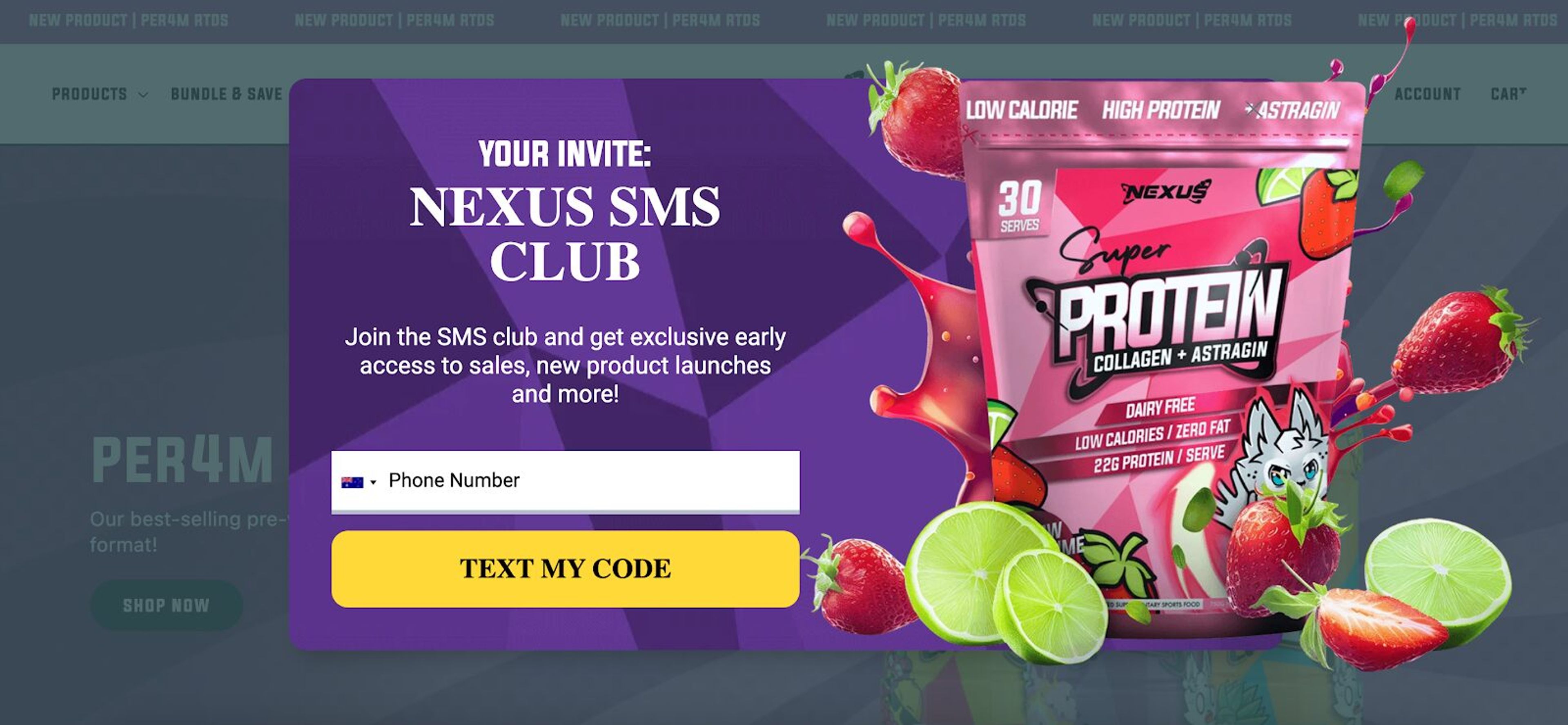
The bonus? Members get perks like early access to new products and sales. This tiered approach not only captures emails but also grows theirSMS marketing list—a double win!
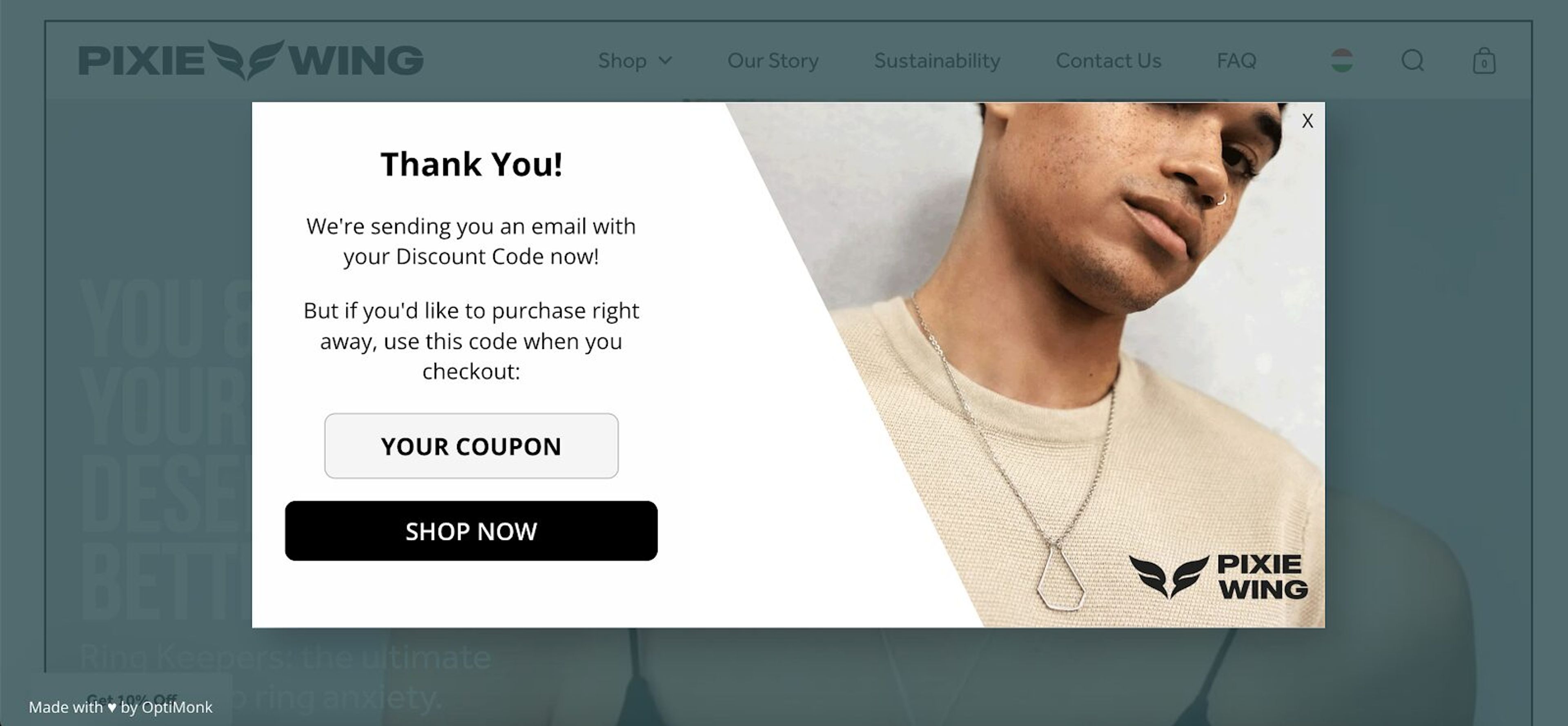
Pixie Wing’s multi-page form starts with a tantalizing teaser: an “exclusive discount.” Users are prompted to make a simple choice—click “Send my code now!” or pass on the offer.
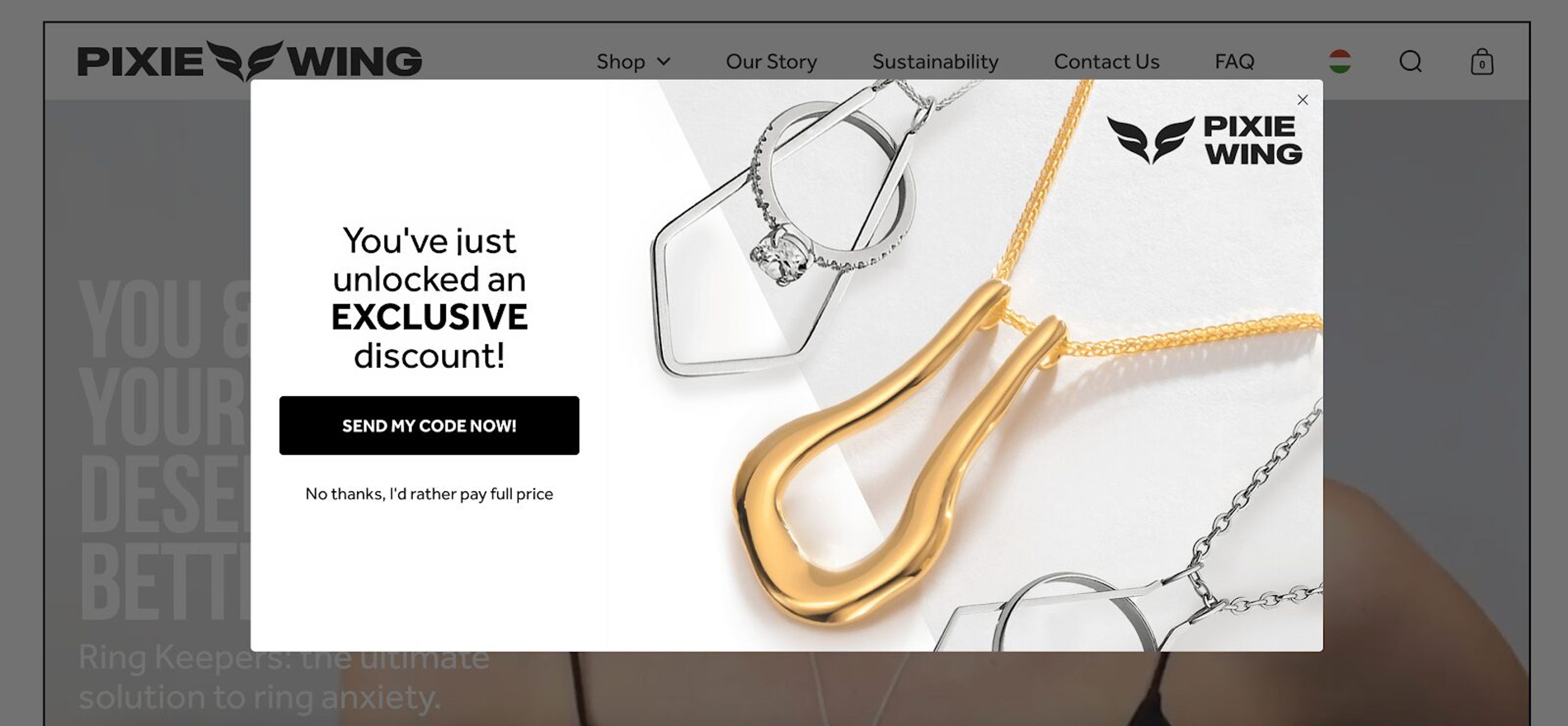
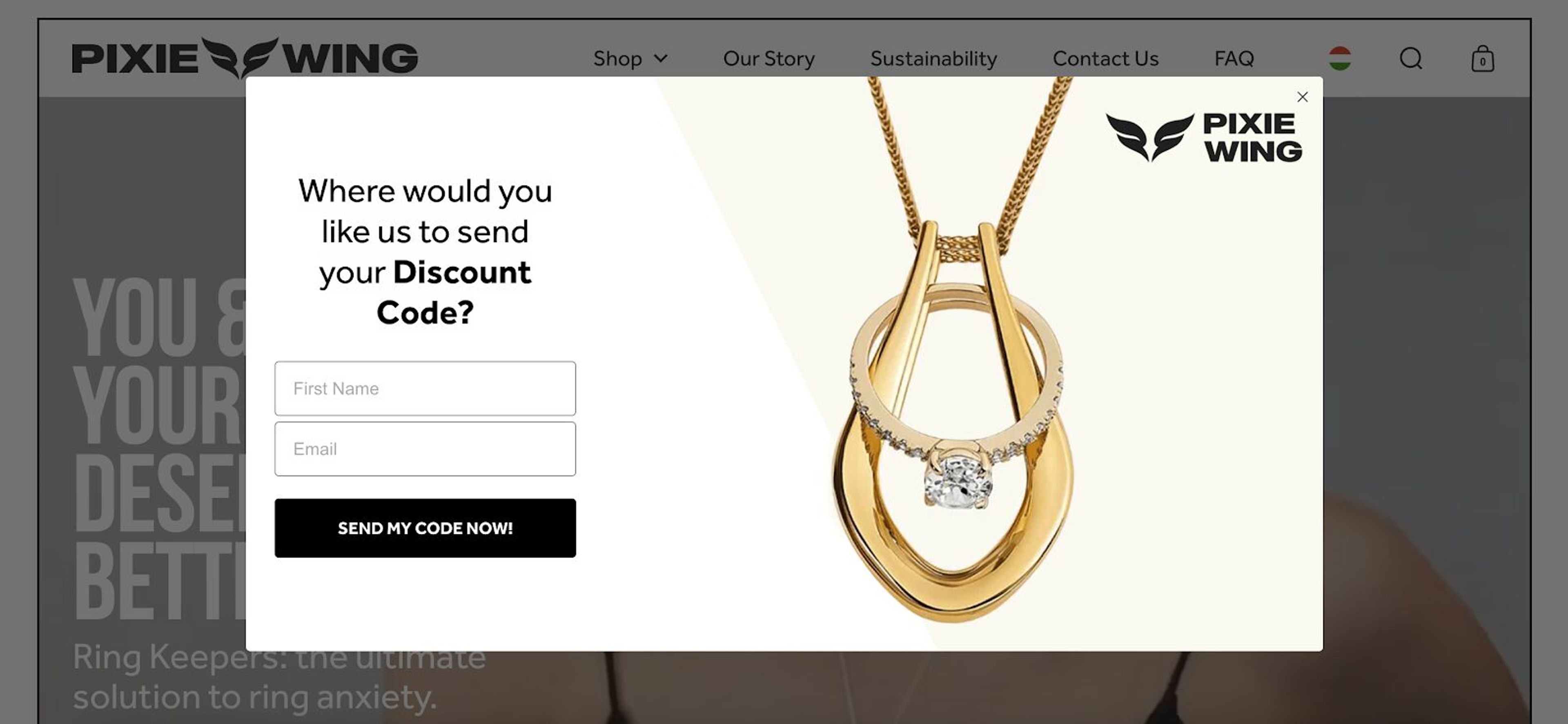
In the next step, they’re invited to provide their phone number (though it’s not required).
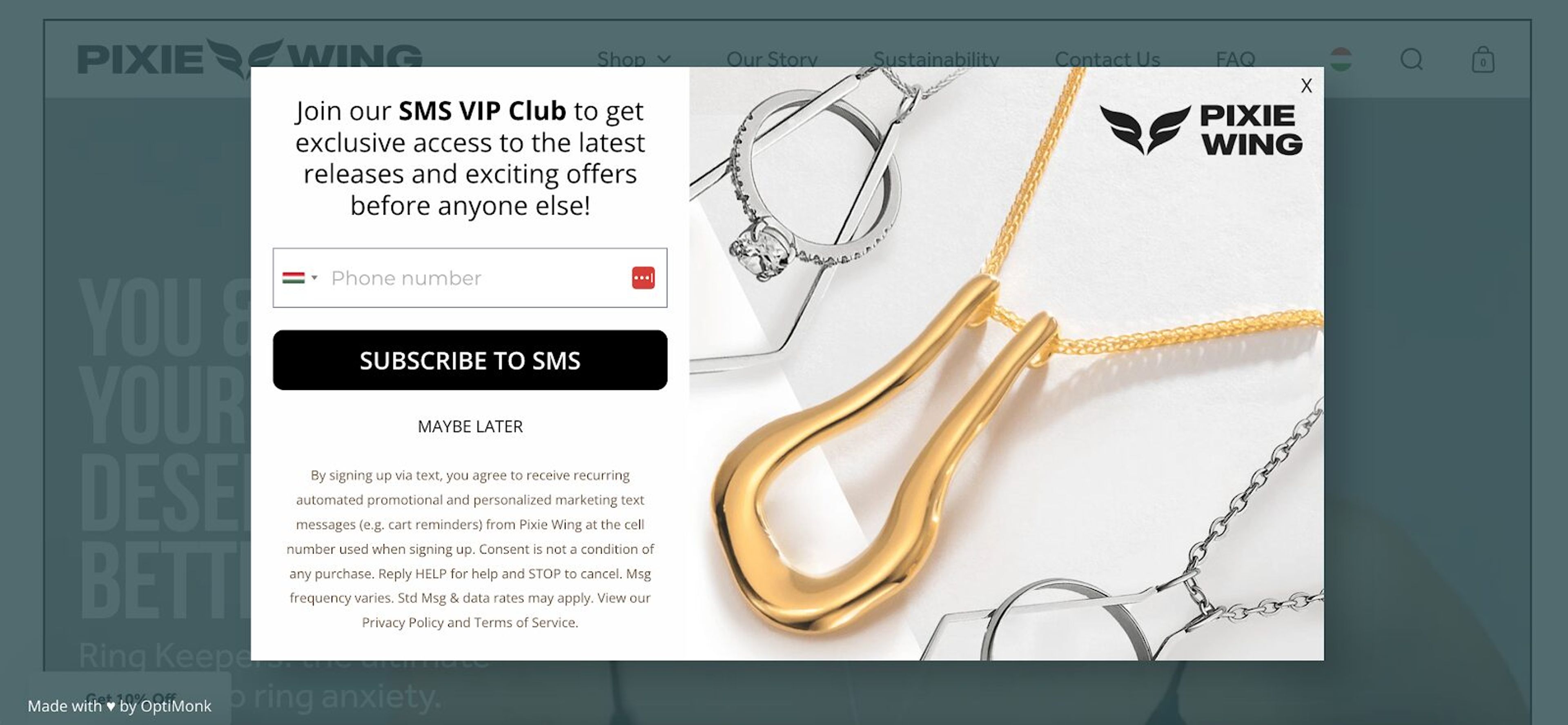
This soft approach helps Pixie Wing grow its SMS list without scaring potential leads away. The final step is a coupon code to seal the deal.
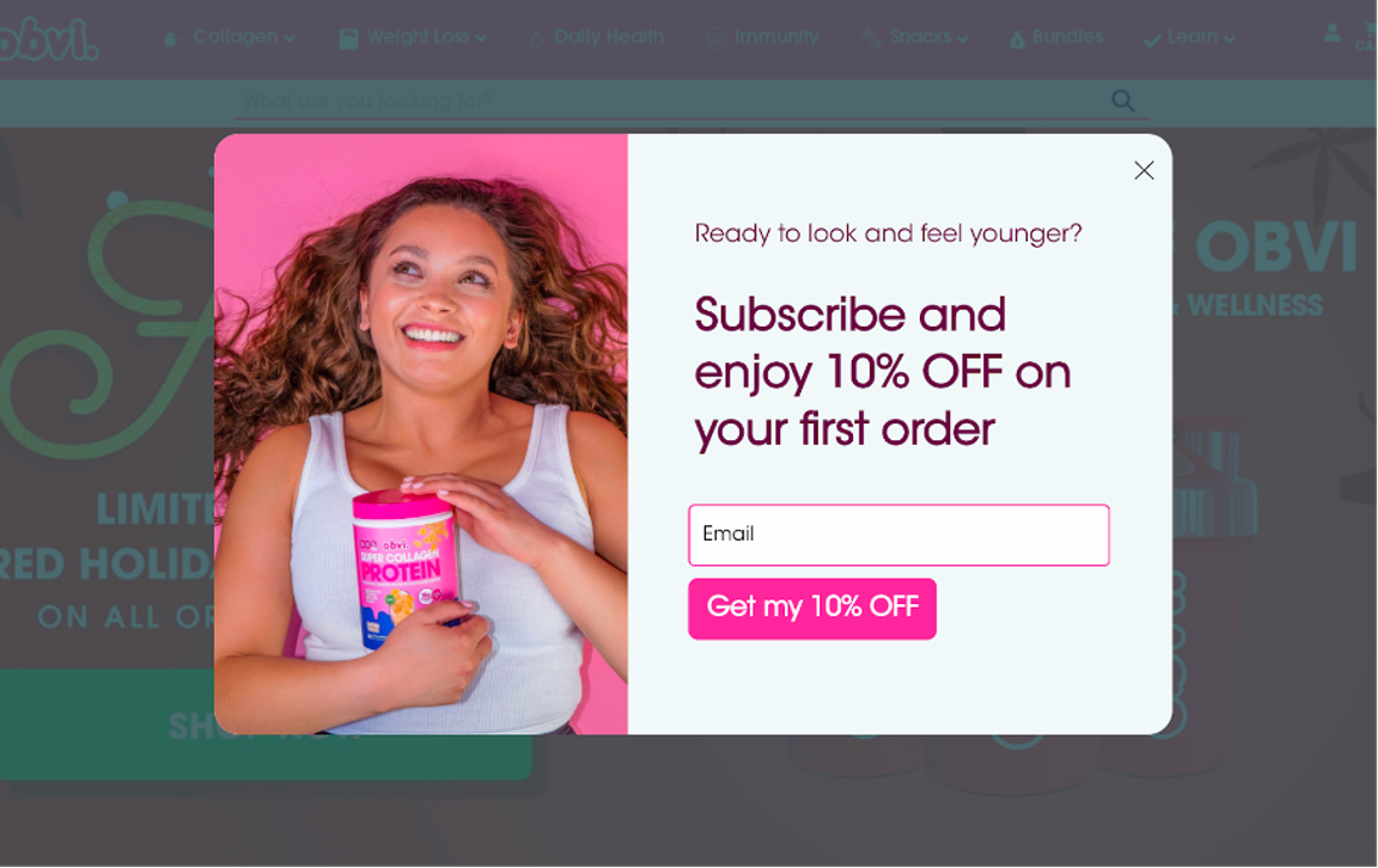
Obvi’s multi-step form is all about adding value. The first page offers visitors a 10% discount in exchange for their email.
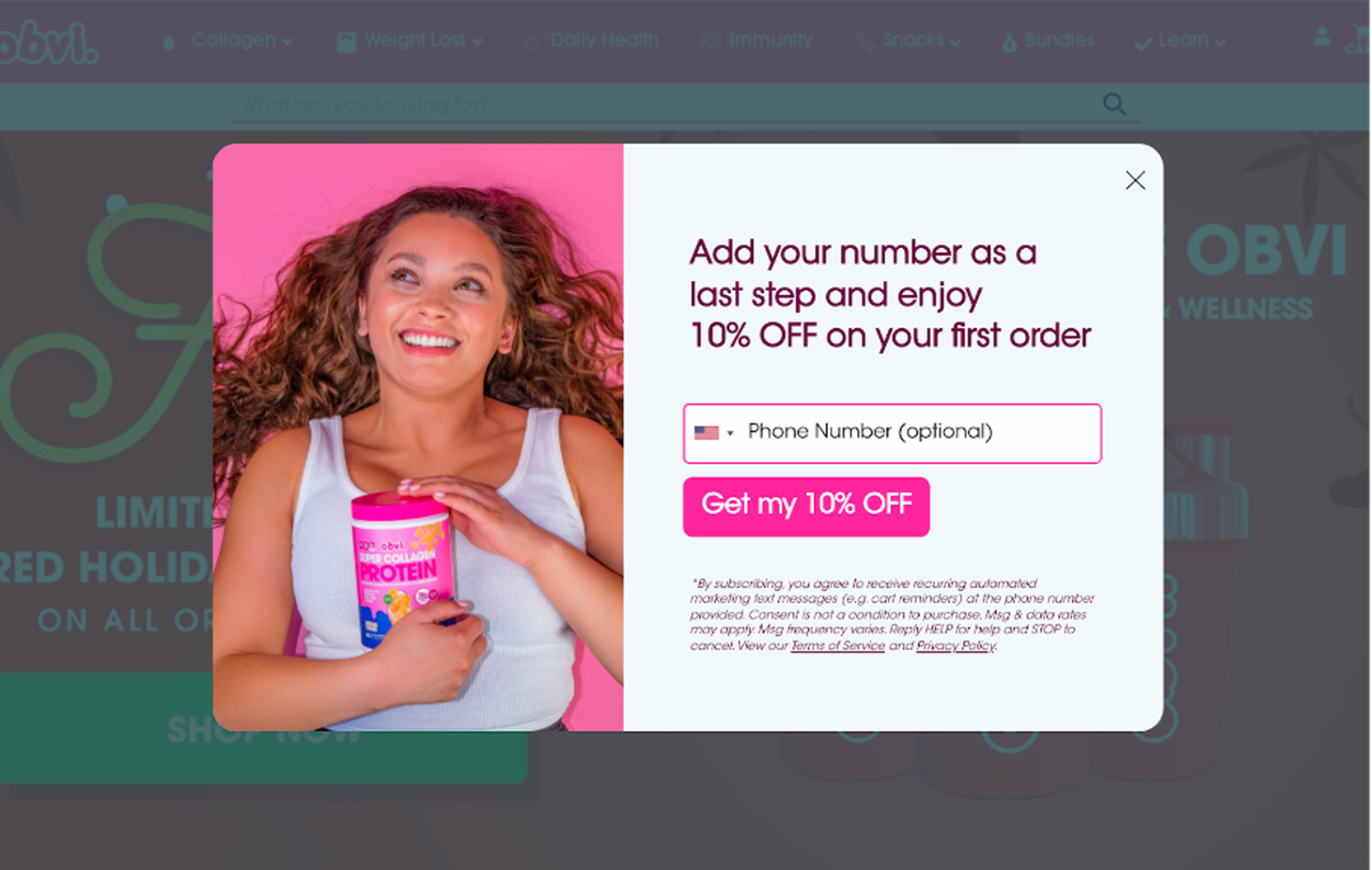
After that, the form asks for a phone number.
Finally, they deliver an automatically generated coupon code.
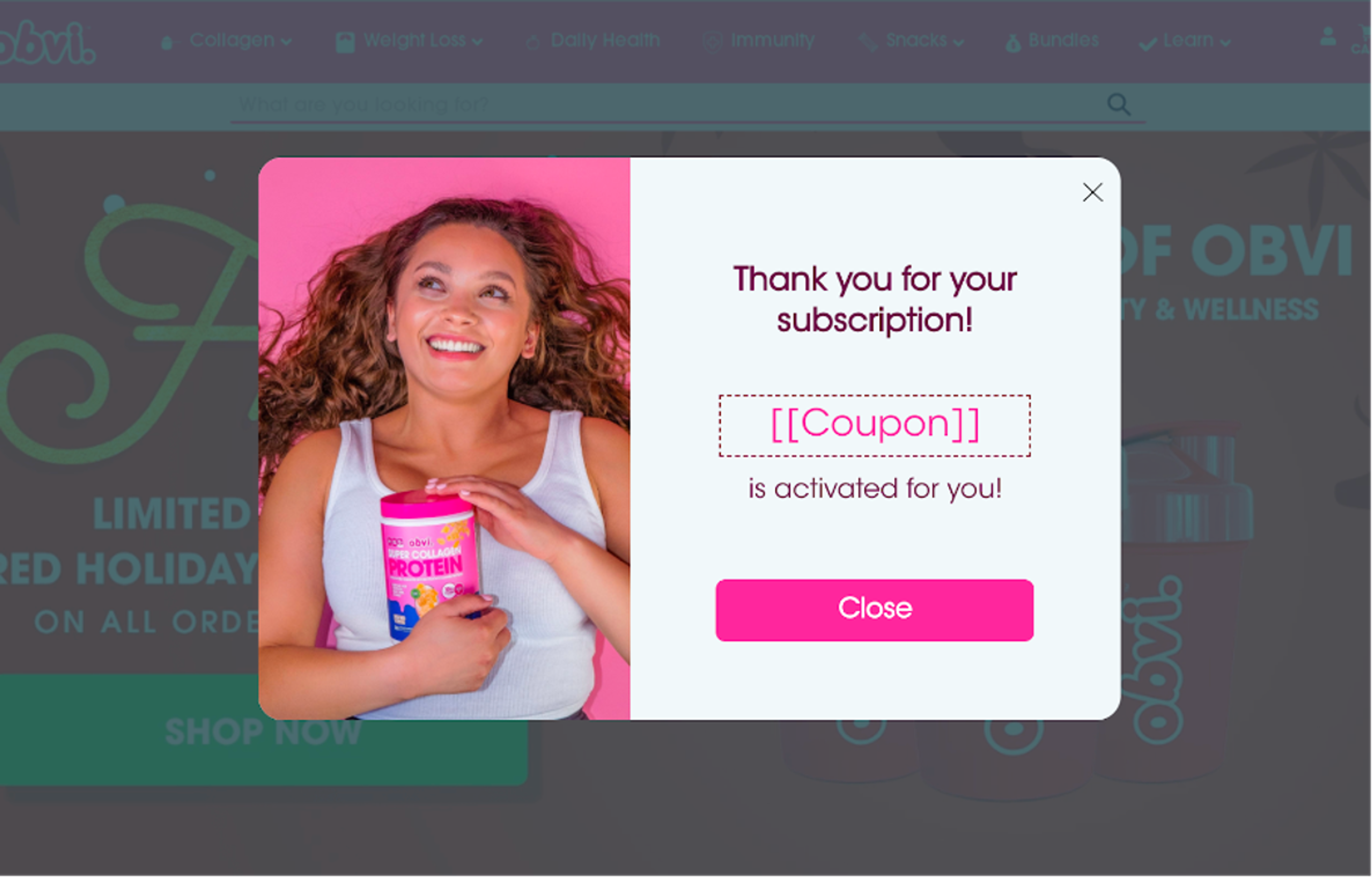
This simple but effective strategy collects both email addresses and phone numbers, setting them up for successful email and SMS campaigns.
BootCuffsSocks uses a smart strategy with a YES/NO question right off the bat.
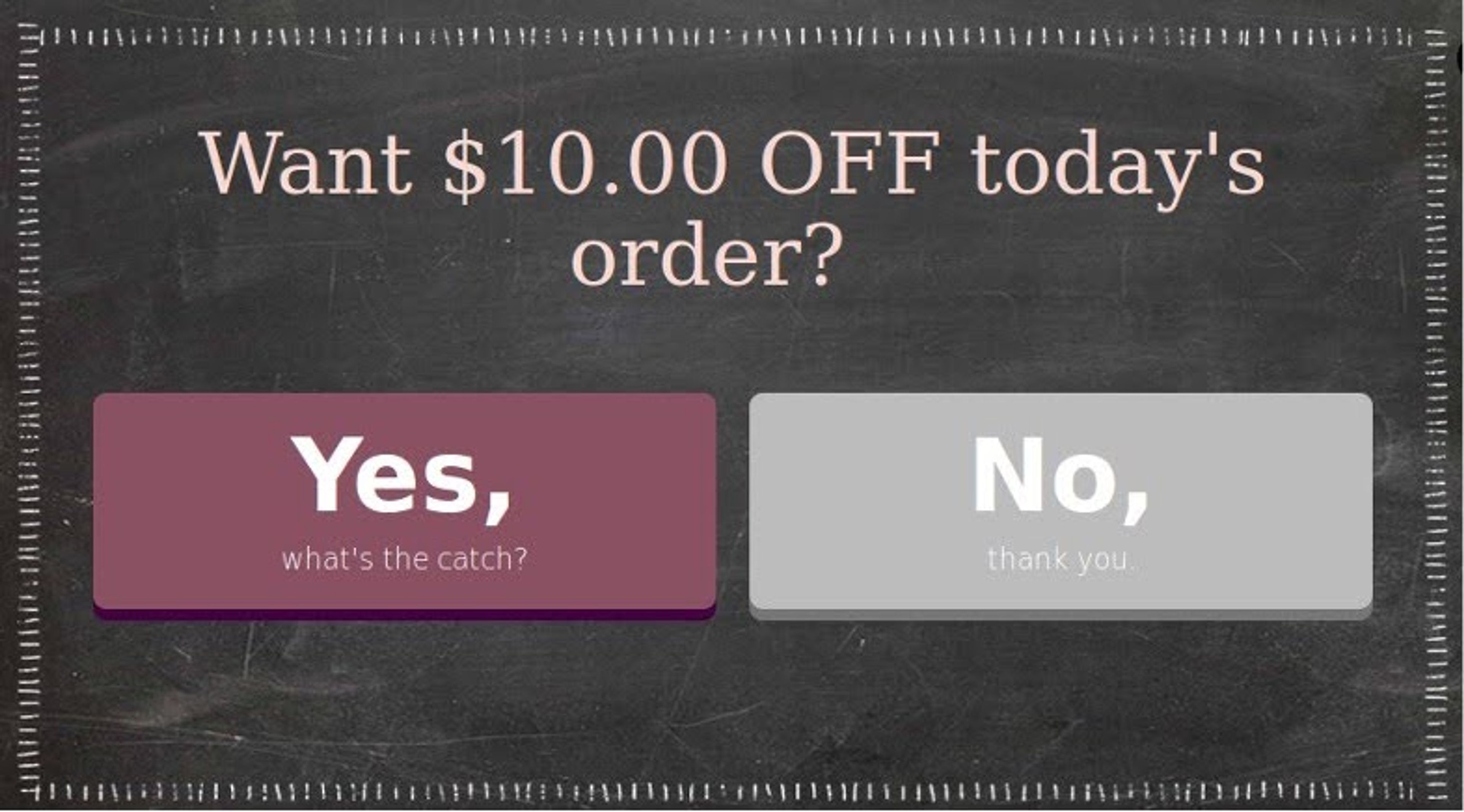
If visitors choose “Yes,” they’re asked for their email address. The process finishes with a thank-you message and a discount code delivered to their inbox.
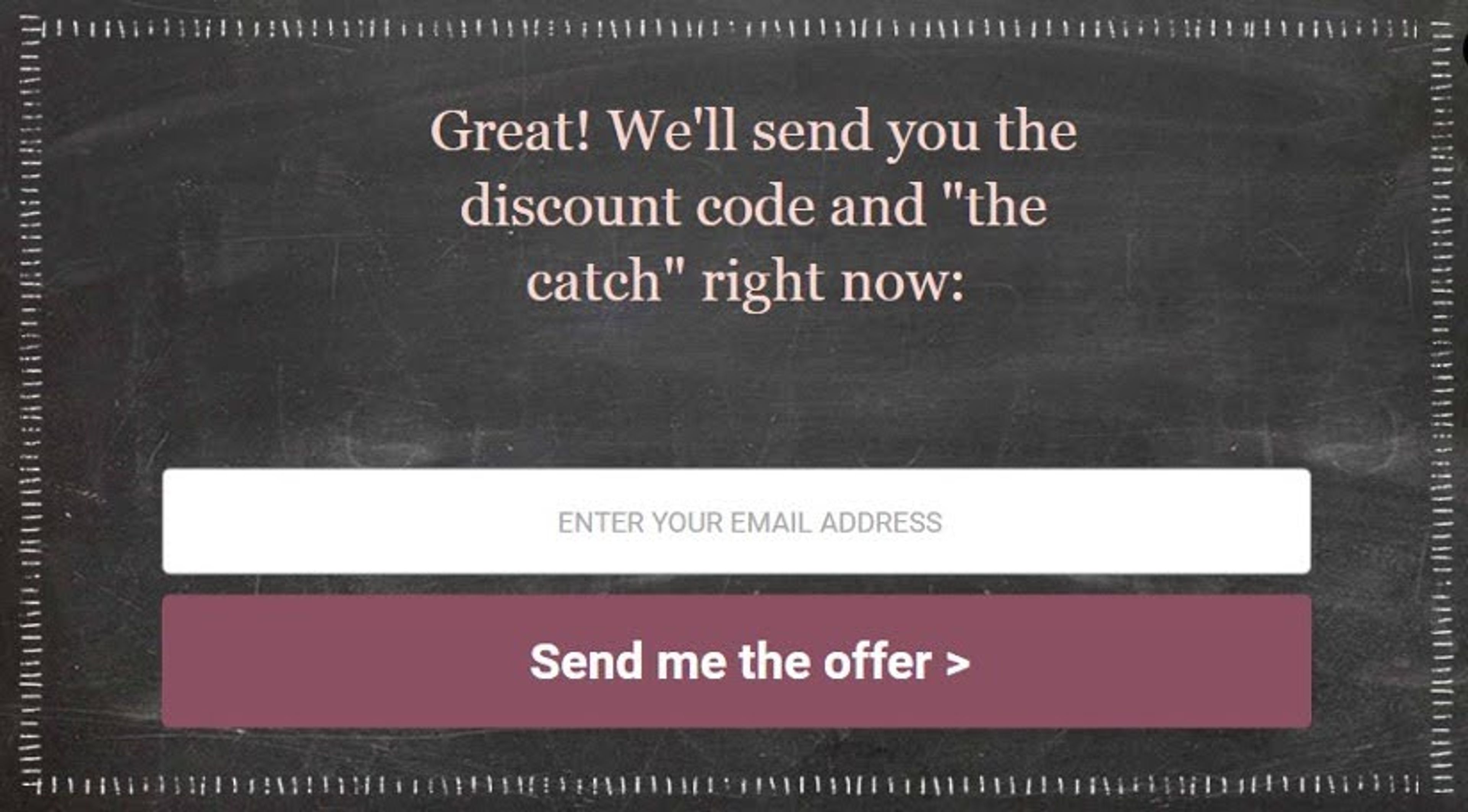
This simple, friendly flow guides visitors through a low-commitment process while collecting key information.
Additionally, BootCuffsSocks employs conversational forms to engage users by focusing on one question at a time, creating an inviting and interactive atmosphere.
Crown & Paw kicks things off with a tempting 10% off offer.
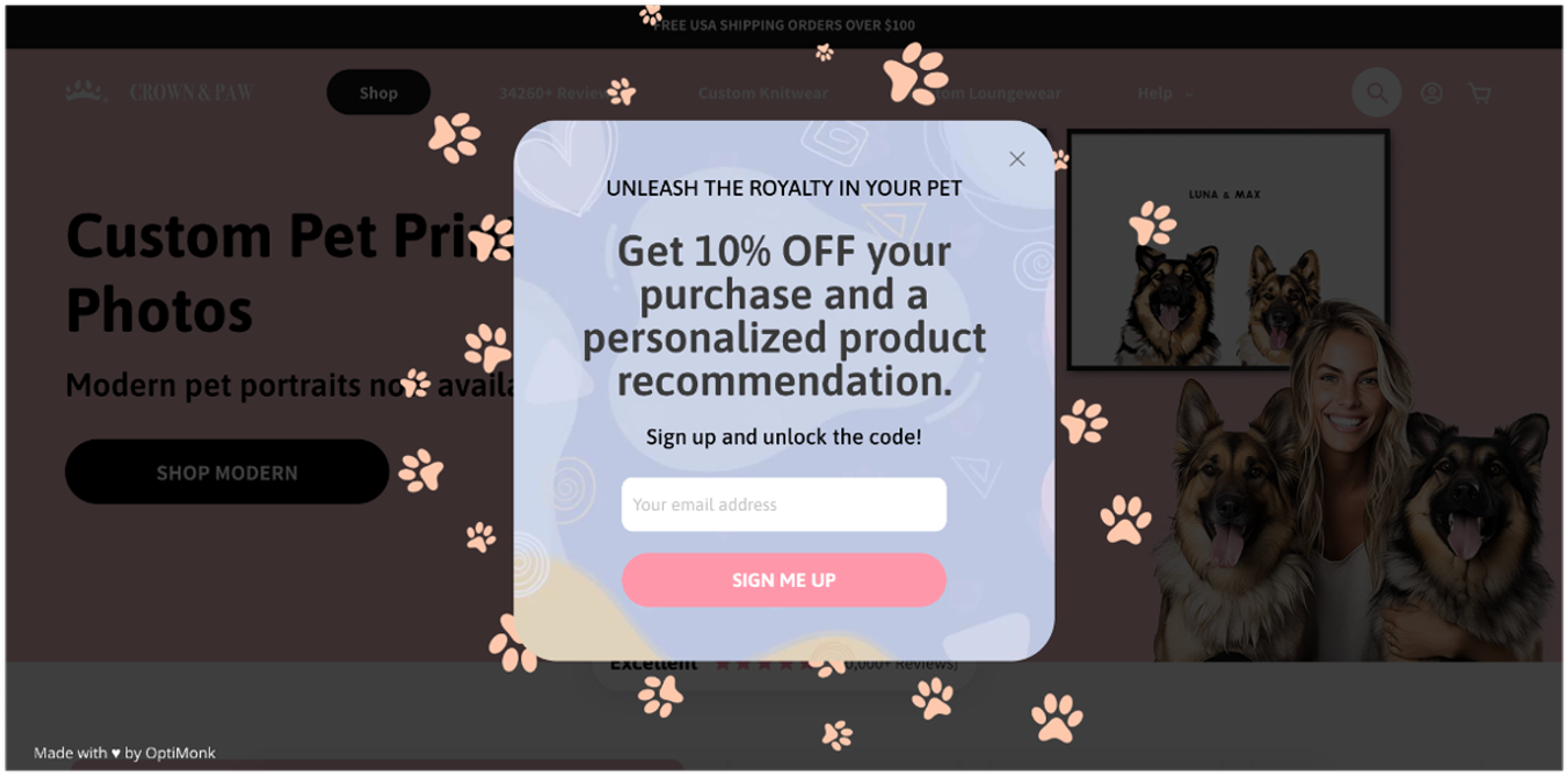
After collecting the email, they ask a few questions about the user’s interests and preferences.
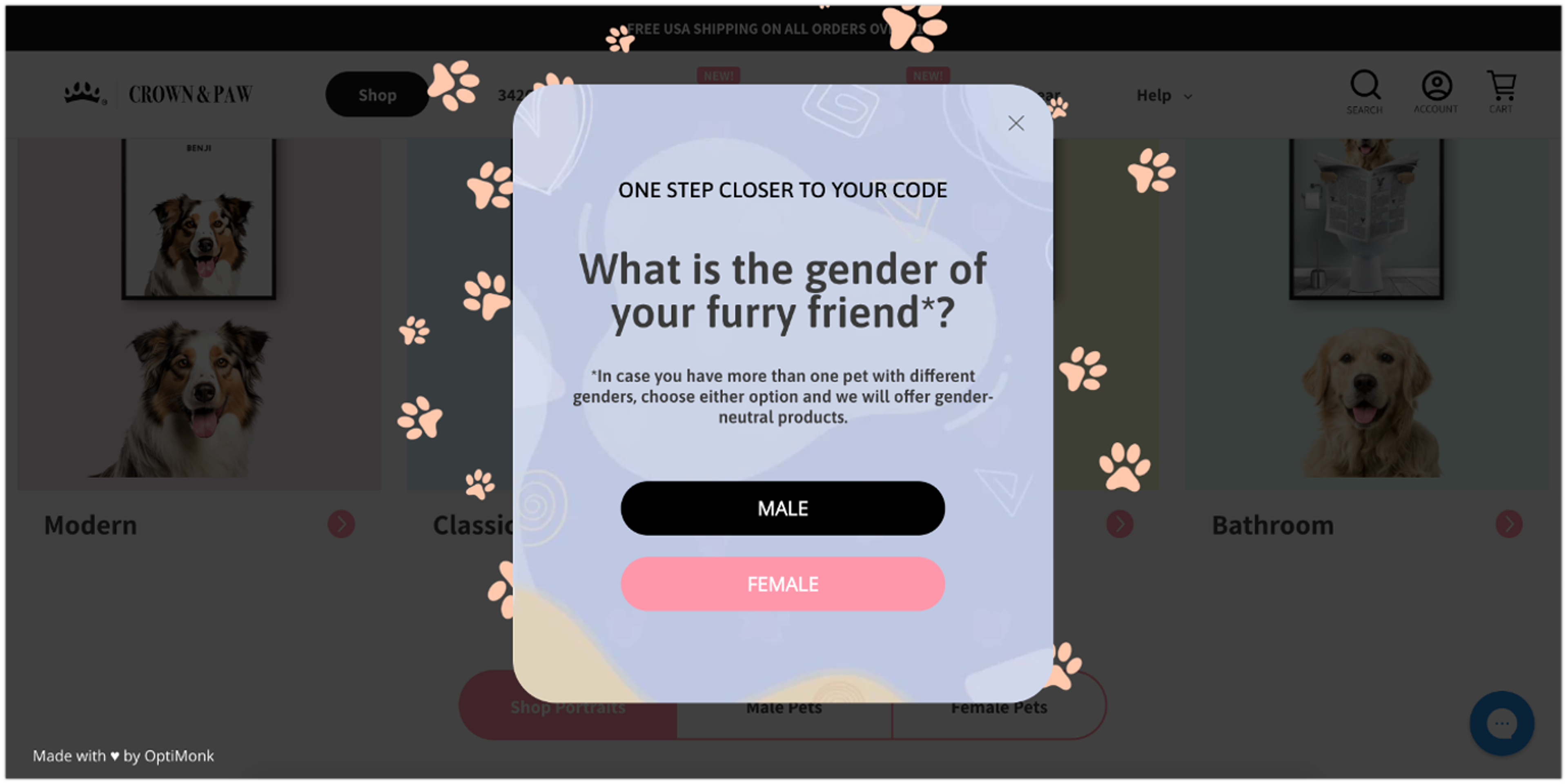
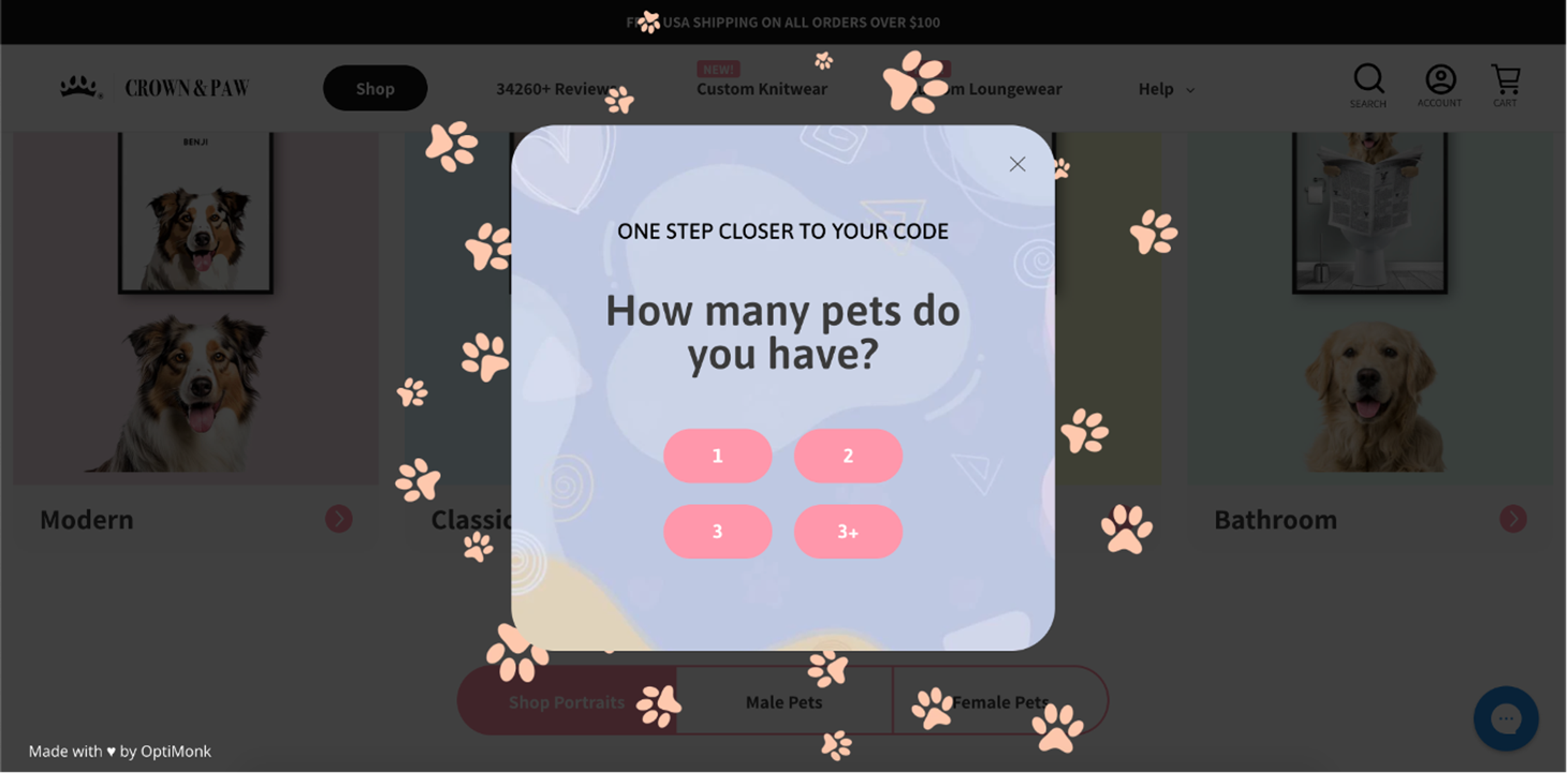
Based on those answers, the final step offers relevant product recommendations alongside the discount code.
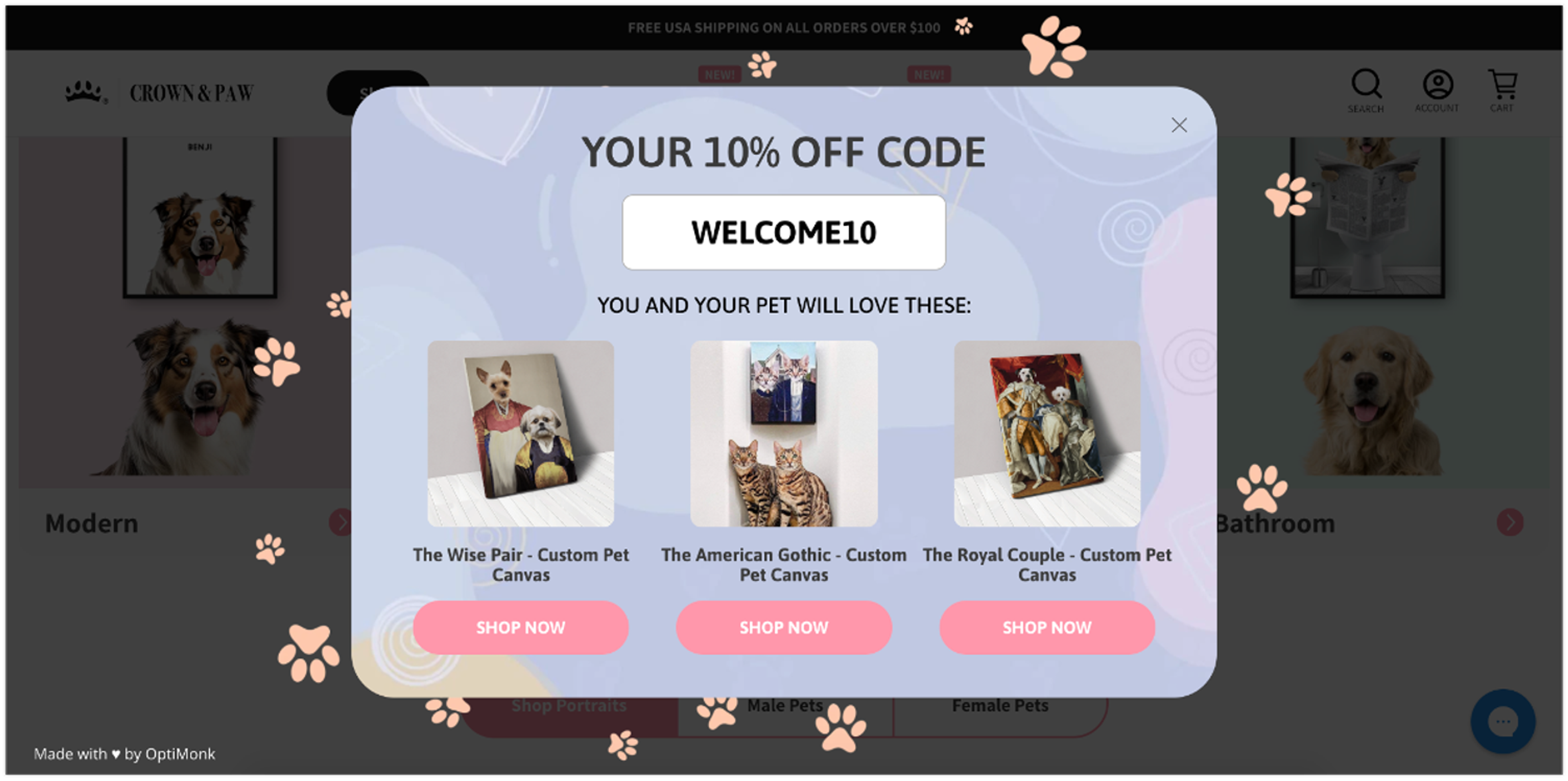
This personalized touch not only boosts conversions but also creates opportunities forupselling and cross-selling based on customer preferences.
Plus, this multi-step form helps generate qualified leads by collecting detailed information from genuinely interested prospects.
Desert Does It’s multi-step form example is a little different. It avoids a long, complex form by starting with a simple Yes/No question, offering a 5% discount just for participating.
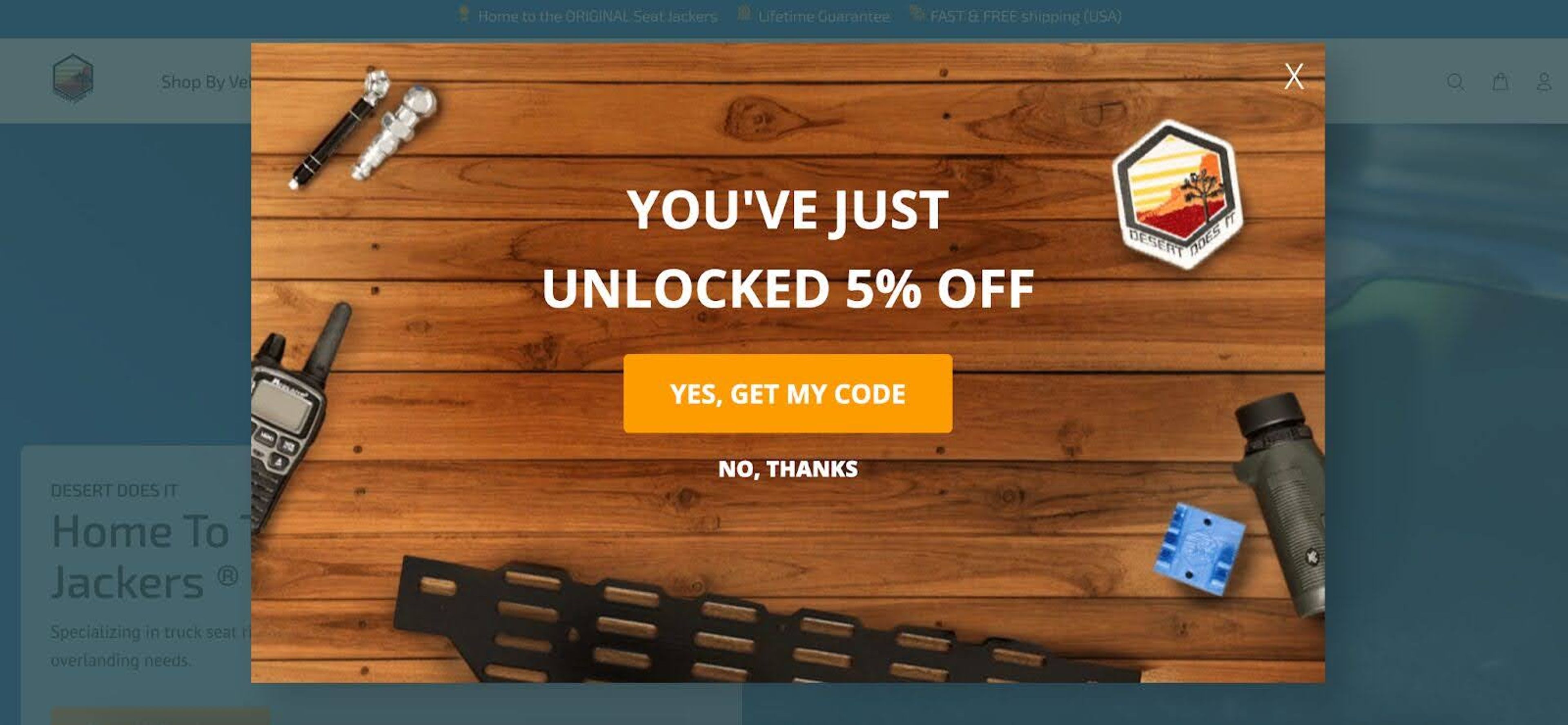
From there, they ask for more personalized information, like “What vehicle are you shopping for?”
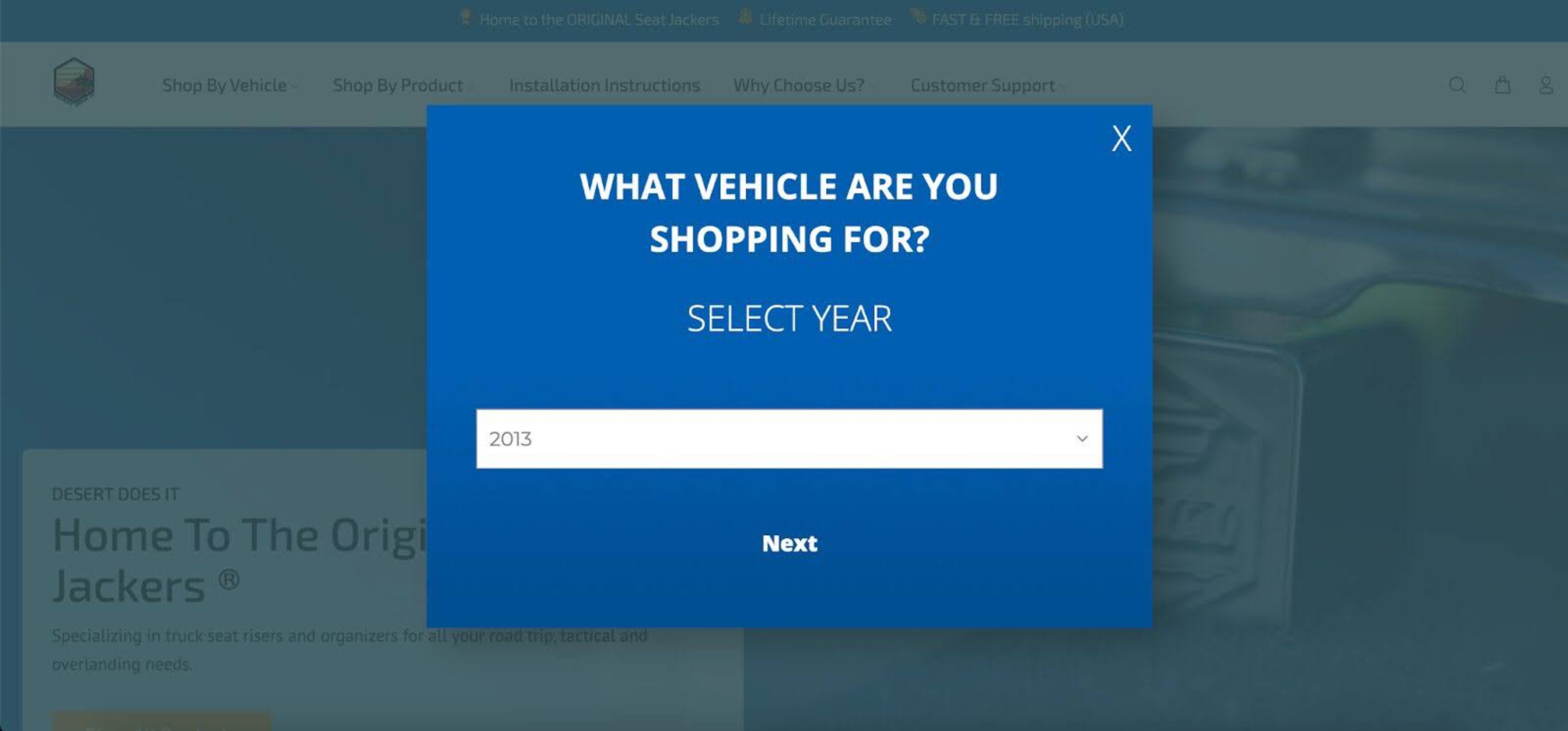
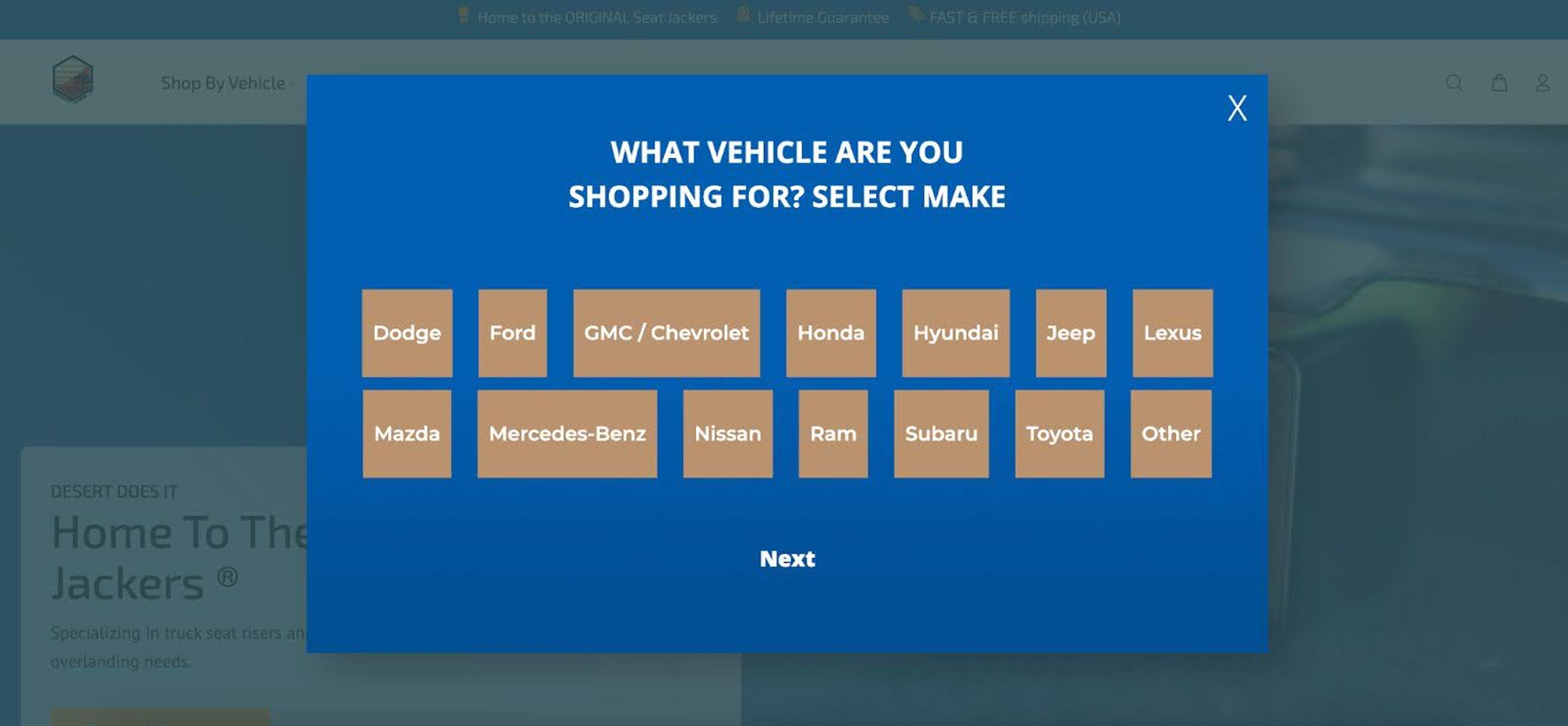
After answering those questions, users can opt in by providing their email address.
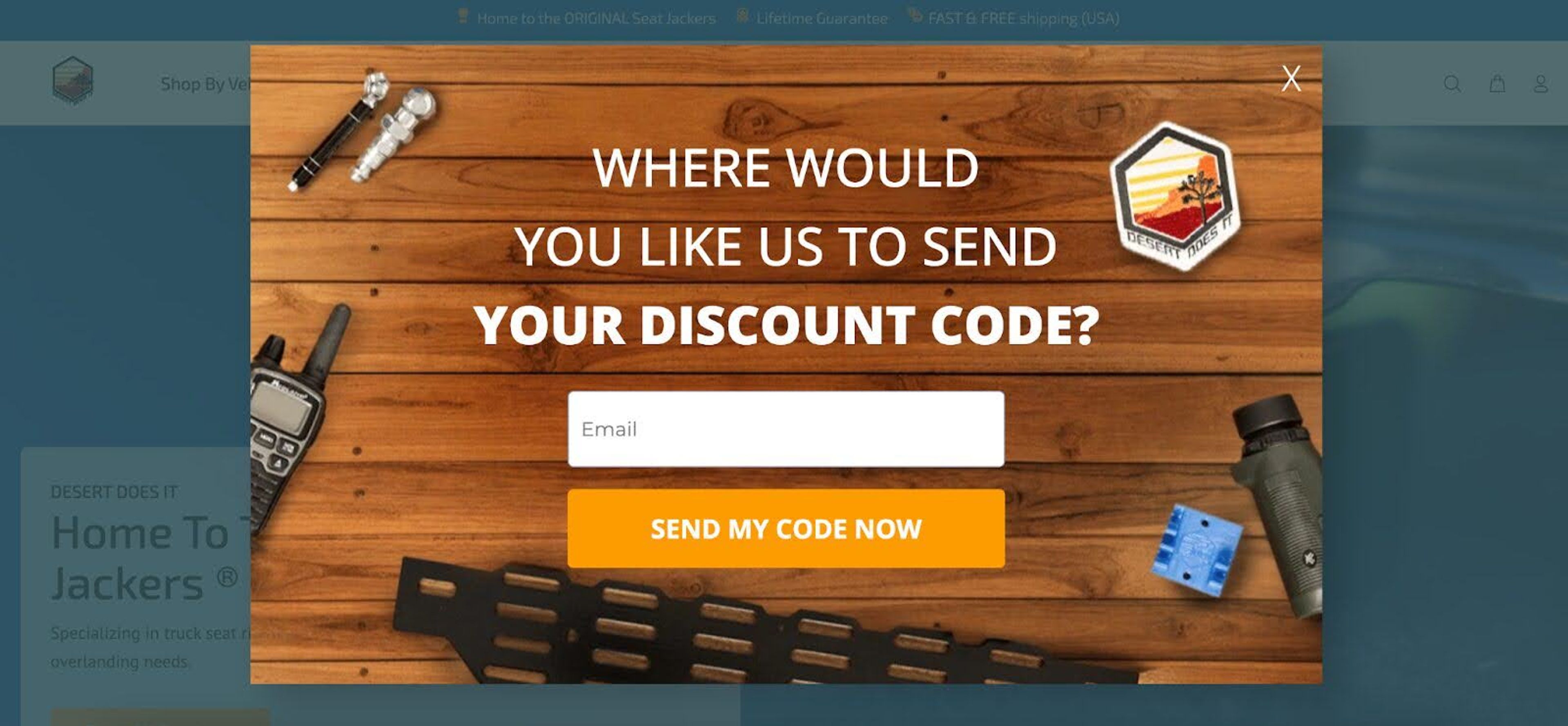
The clever part? Users have the option to increase their discount to 10% by providing their phone number.
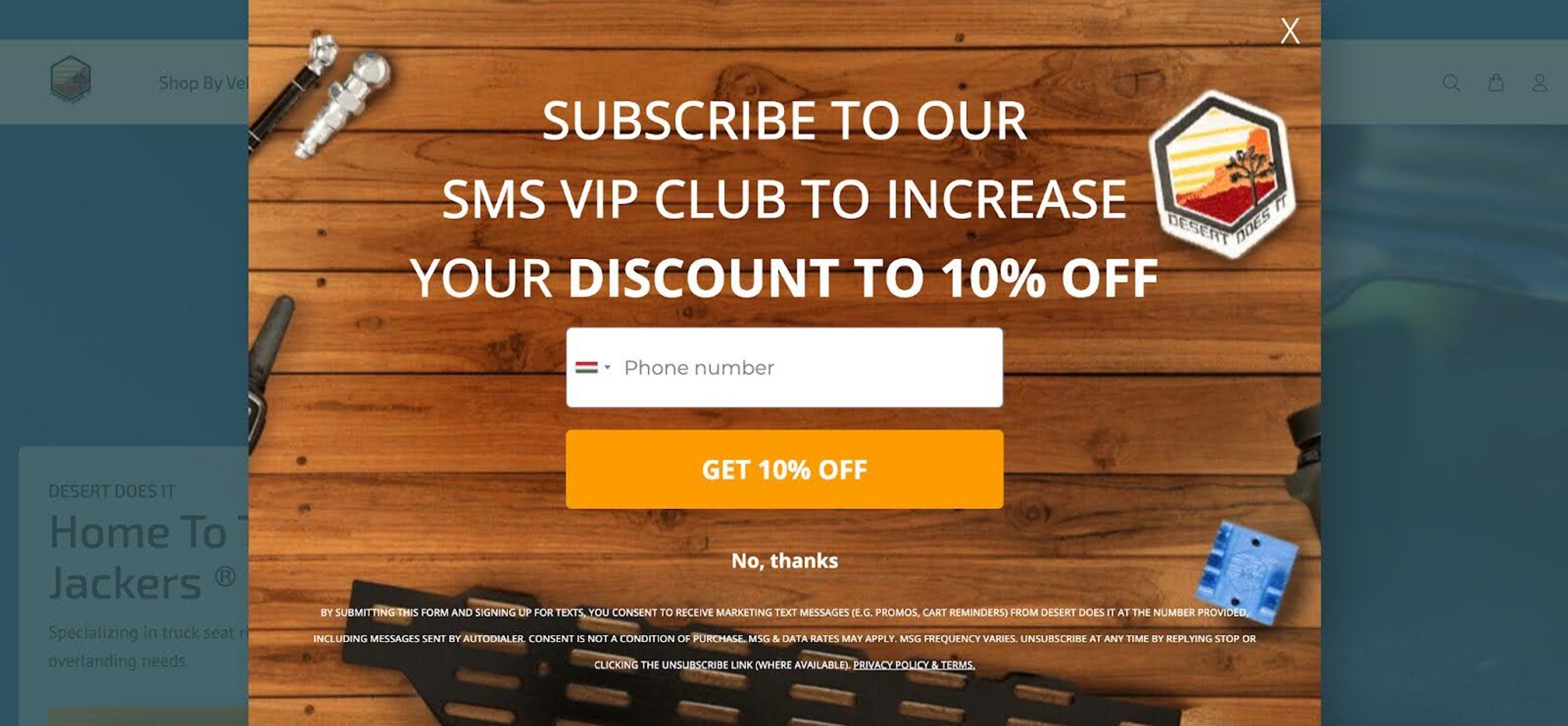
This approach incentivizes users to engage more and provides valuable lead data for SMS marketing campaigns.
Sassy Scents also uses a multi-step form that starts with a simple Yes/No question.
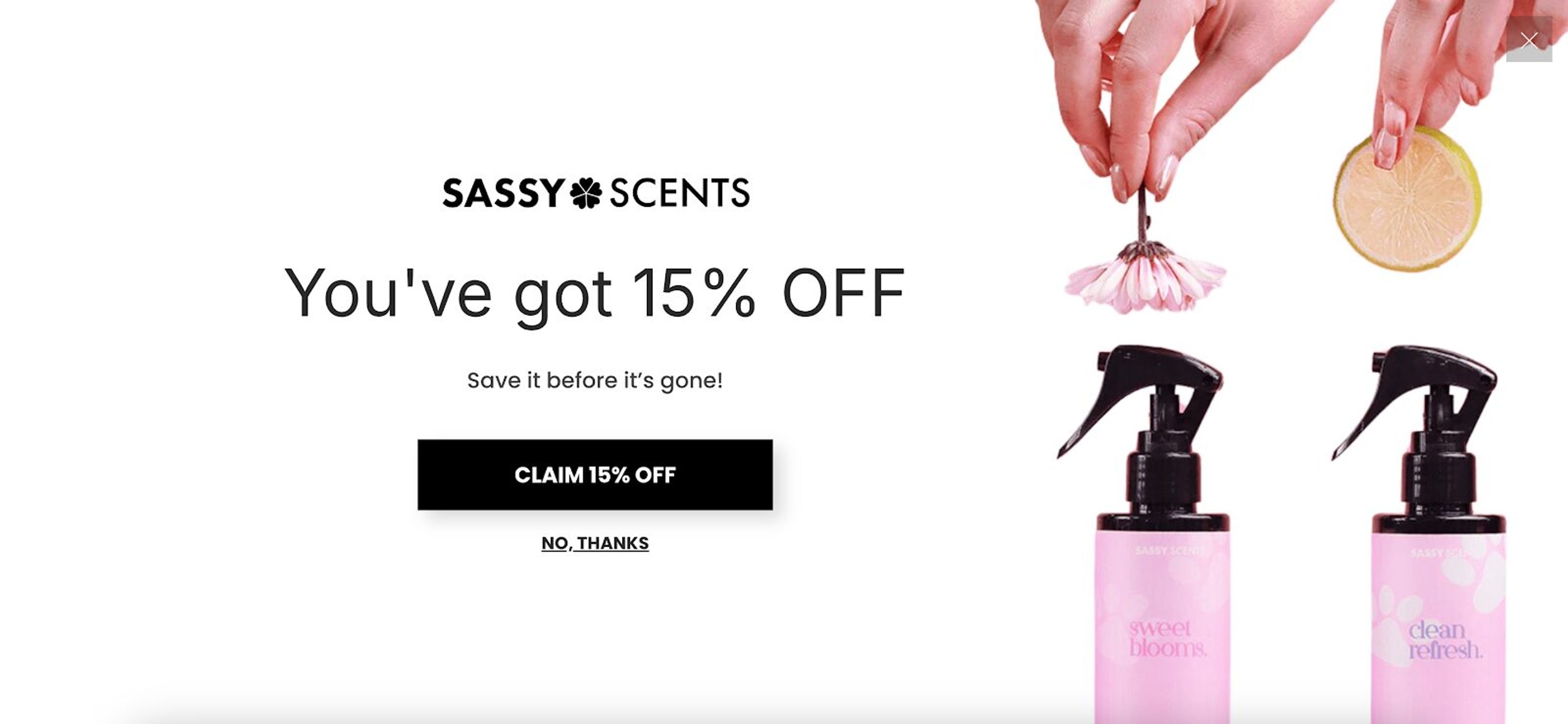
After confirming they’re interested, visitors are asked to provide their email address. In the final step, personalized product recommendations are displayed on the thank-you page.
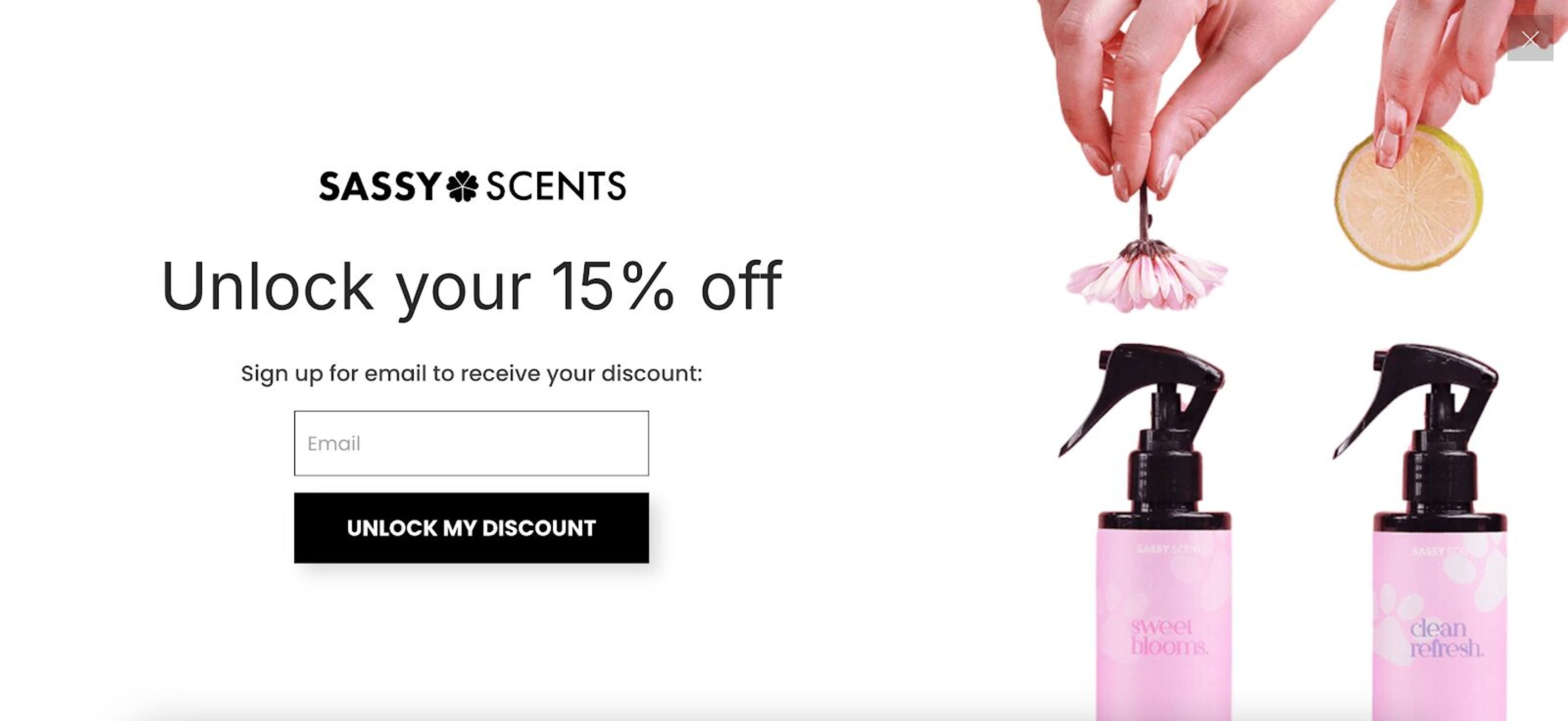
This strategy not only improves the customer experience but also drives conversions through thoughtful cross-selling.
Sassy Scents' form is considered one of the best examples of multi-step forms for driving conversions.
To build effective multi-step forms, there are a few common pitfalls you’ll want to steer clear of. Avoiding these mistakes is crucial for maintaining high conversion rates and a positive user experience.
Forms that are too long or complicated can frustrate users, leading to high abandonment rates. Keep each step simple and focused to maintain user interest and ensure completion.
Progress indicators that are unclear or misleading can confuse users and reduce engagement. Ensure that your progress indicators are straightforward and that they accurately reflect the user’s progress through the form.
Failing to thoroughly test your form can result in errors and bugs that disrupt the user experience. Regular testing helps identify and fix issues before they impact your users.
User feedback is invaluable for optimizing your form design. Failing to collect and act on this feedback can result in a form that doesn’t meet user needs. Regularly solicit feedback and make adjustments based on user insights.
A multi-page form that isn’t optimized for mobile devices can lead to a poor user experience and reduced conversion rates. Ensure your form is responsive so you can provide a seamless experience on all devices.
Ready to try a multi-step form for your business? Here’s how you can set one up using OptiMonk, one of the best tools for creating high-converting popup forms.
With OptiMonk, you don't need to start from scratch or pick a template: describe the multi-step form you want, and the AI agent builds it for your brand.
Tell it your goal, whether you want to collect emails, offer discounts, or grow your SMS list.
For inspiration, browse these multi-step popup ideas:
Once the agent has built your form, it's time to make it your own!
Personalize the form fields, layout, and design to fit your brand and target audience. Keep each step simple and straightforward to maximize completion rates.
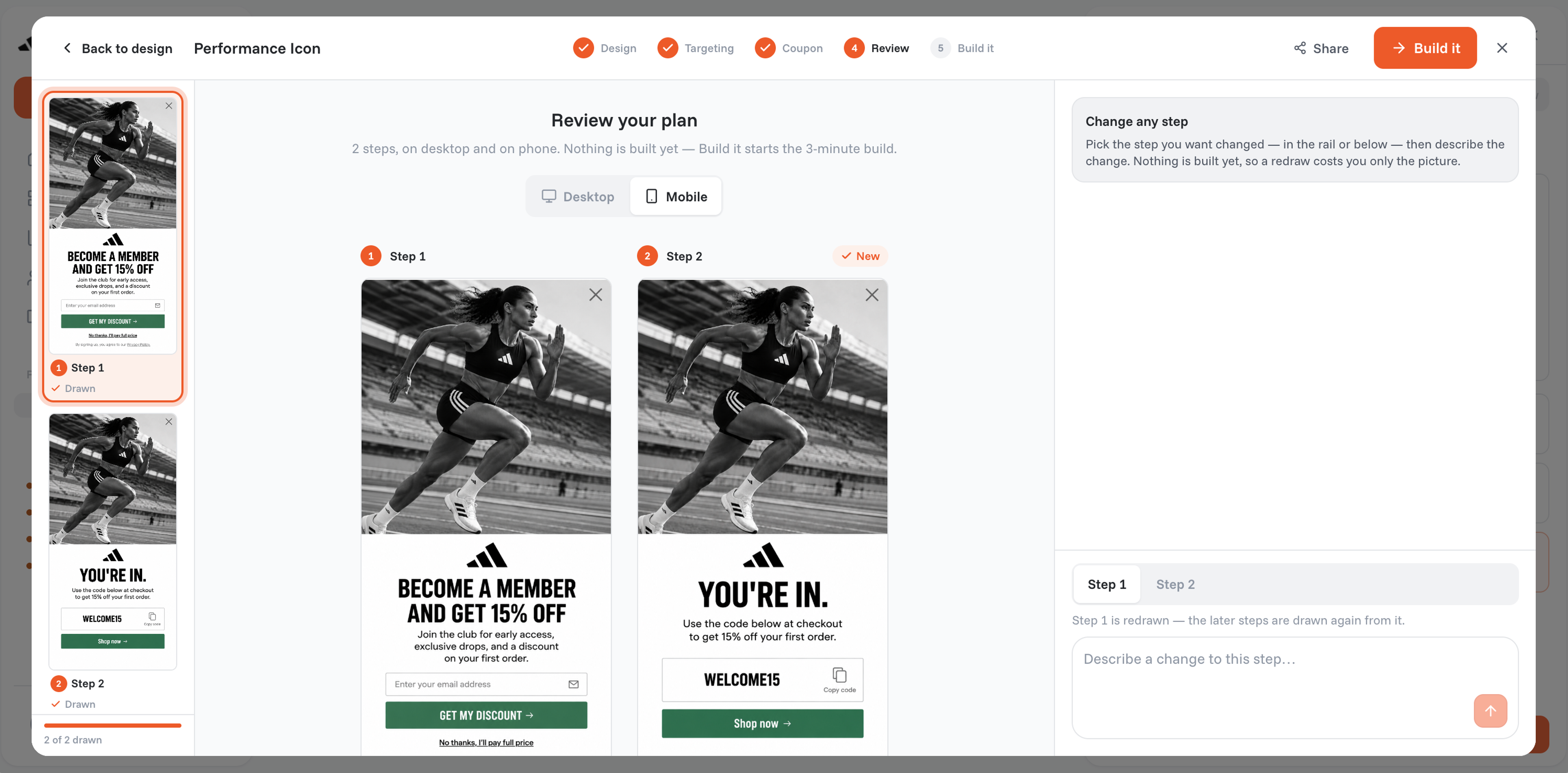
OptiMonk lets you control exactly when and where your form pops up.
You can set triggers based on visitor behavior, likeexit intent or time spent on a page. This ensures that your form reaches the right people at the right moment.
By using these targeting options, you can generate qualified leads and collect detailed information from prospects that are genuinely interested in what you offer.
To make the most of your multi-step form, sync it with your email marketing platform. This way, you can automatically capture essential contact information for new leads, making follow-up campaigns much easier to manage.
Once your form is live, keep an eye on its performance. Use the data to tweak and optimize each step to ensure you’re maximizing conversions.
Multi-step forms can transform your conversion strategy, turning hesitant visitors into loyal customers. By breaking down the process, reducing friction, and improving the user experience, these forms can be real game-changers for your business.
Ready to boost your conversions? Start experimenting with multi-step forms today and watch your subscriber list grow!

40 website welcome message examples for online stores, grouped by situation and industry, ready to copy into a welcome popup.
12 Christmas popup examples for online stores, from welcome offers and spin-to-win wheels to gift quizzes and last-chance countdowns.
In this article, we'll share the best alternatives to Sleeknote that help you to get more leads in 2026.