
40 Welcome Message Examples for Your Website (Copy and Paste)
40 website welcome message examples for online stores, grouped by situation and industry, ready to copy into a welcome popup.
50+ popup design ideas from the OptiMonk Popup Library, grouped by moment, with 10 examples explained and tips for mobile and offers.
In short
Good popup design makes one offer obvious: a clear headline, one image, as few fields as possible and an easy way to close. This guide groups 50+ popup ideas by the moment they appear (first visit, product page, cart, exit, returning visitors, seasonal sales and gamified popups), explains 10 examples from the OptiMonk Popup Library, and covers mobile design and which offer to use.
The best popup designs do one thing: they make a single offer obvious. A clear headline with the benefit, one image, as few fields as possible, a high-contrast button and an easy way to close. Below are 50+ popup design ideas from online stores, grouped by the moment they appear, with why each one works.
Use them as inspiration, then turn your favorite into a popup for your own store.
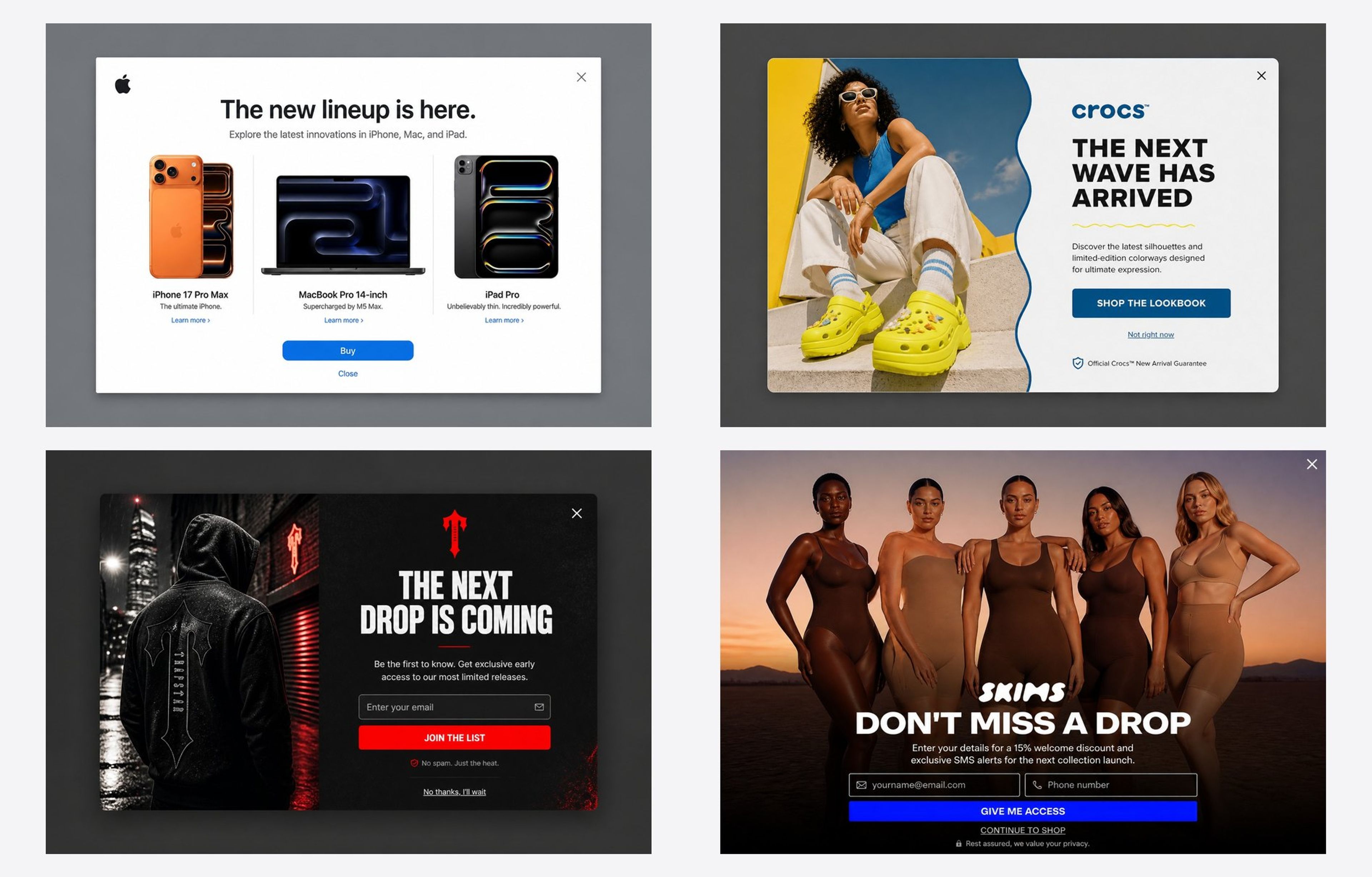
A popup that works on a first visit looks different from one that saves a cart. Here are the ideas grouped by when they appear. Every example comes from the OptiMonk popup library.
The job: turn a new visitor into a subscriber with one simple offer.
What works:
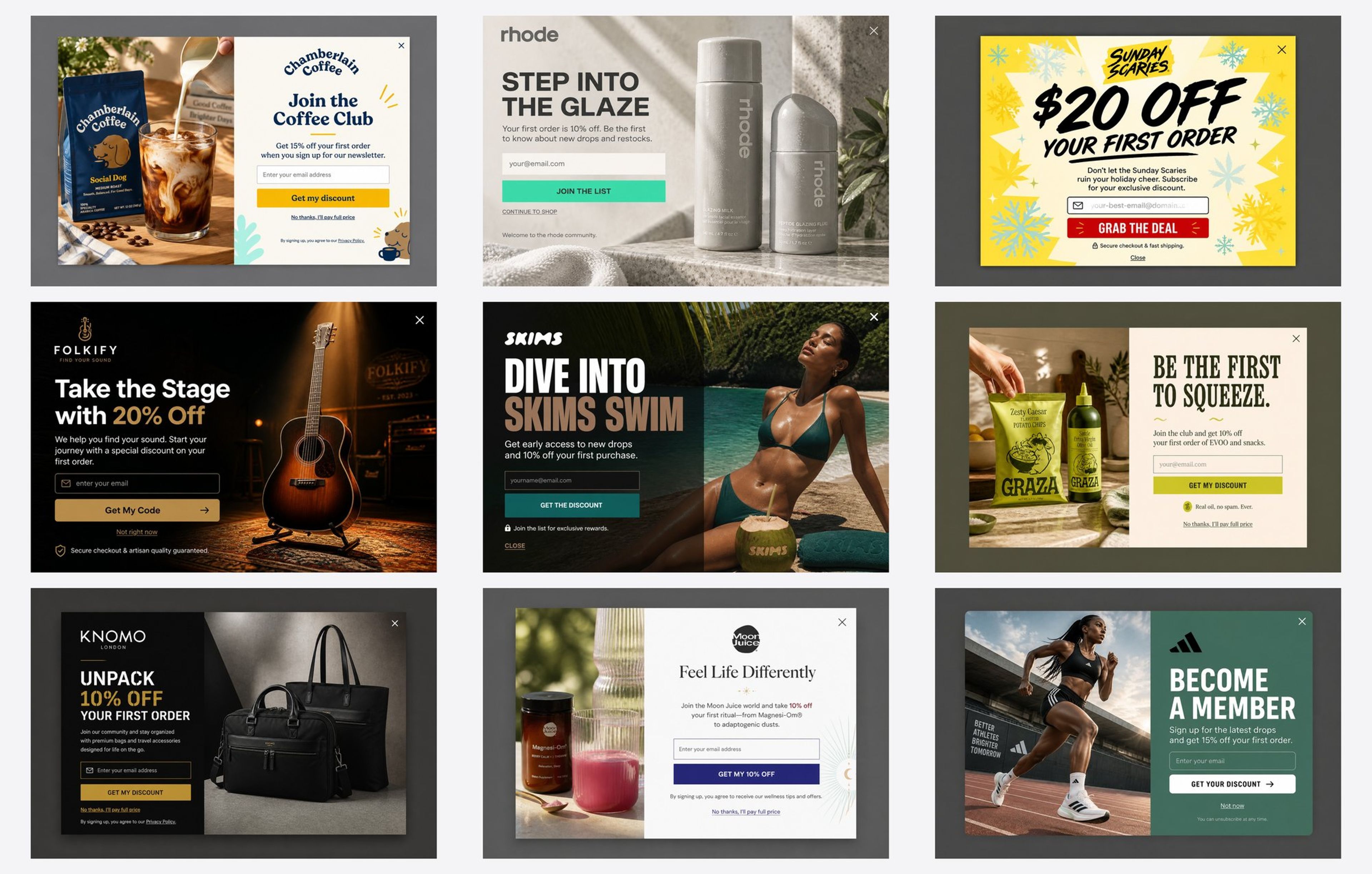
More examples: welcome popups or email popup examples
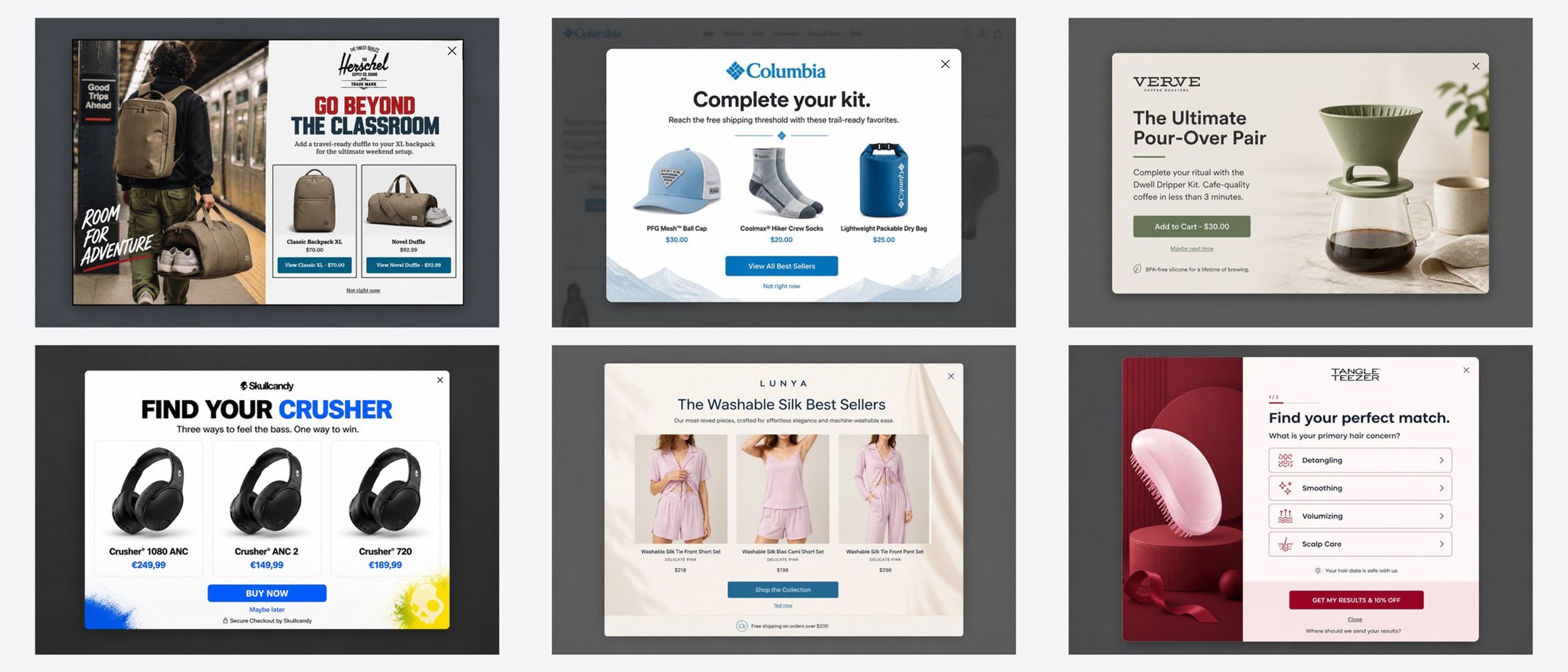
The job: help a hesitating shopper choose, without hiding the product.
What works:
The job: stop a shopper with items in the cart from leaving.
What works:
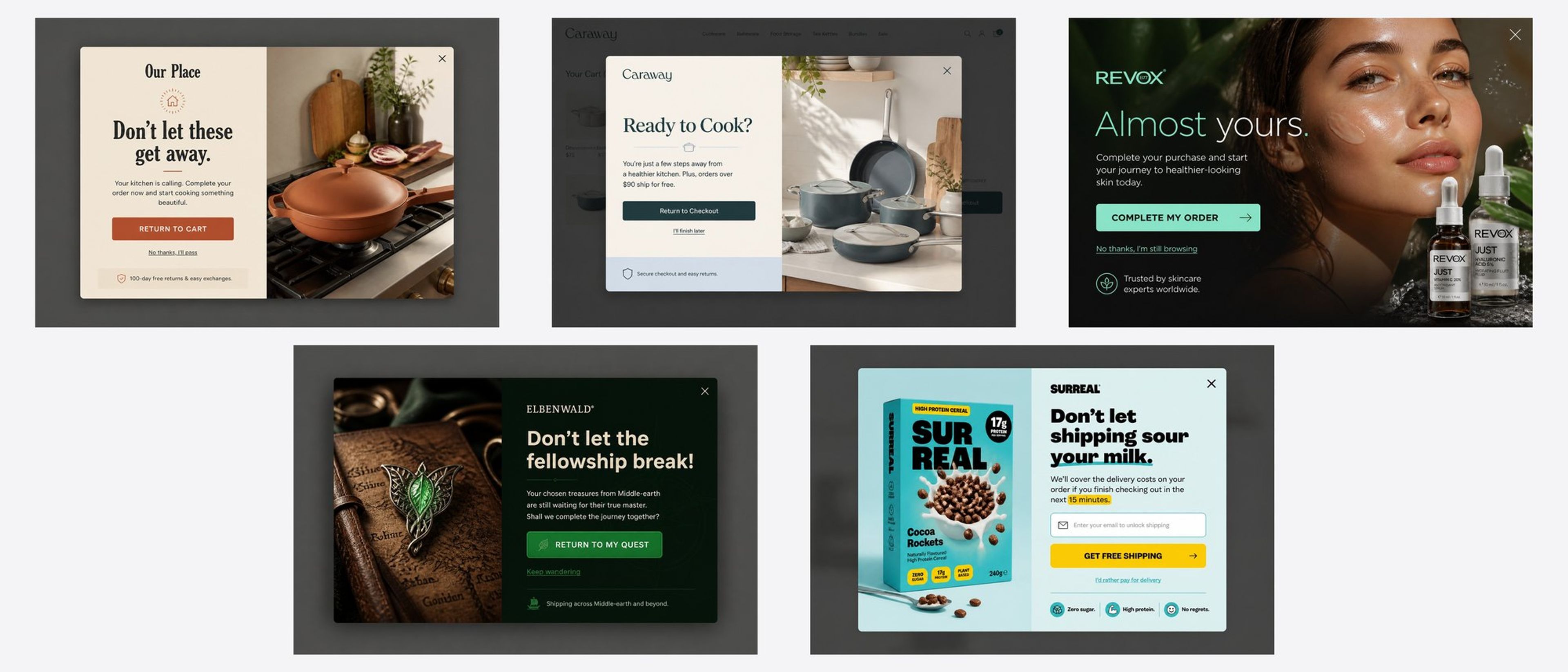
More: cart abandonment popup examples
The job: give a visitor who is leaving one reason to stay.
What works:
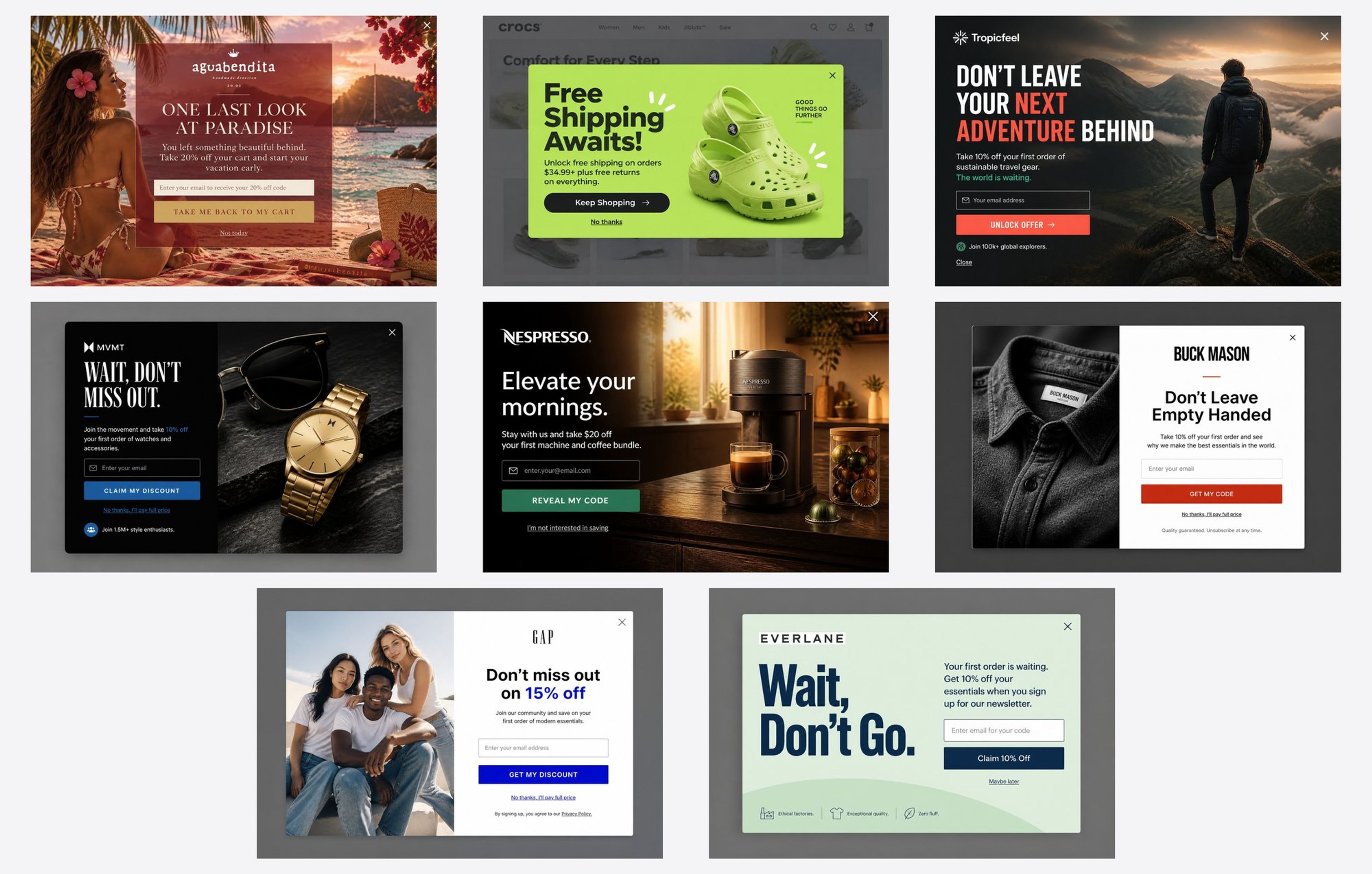
More: exit-intent popup examples
The job: recognize people who have been here before.
What works:
The job: make a sale feel like an event.
What works:
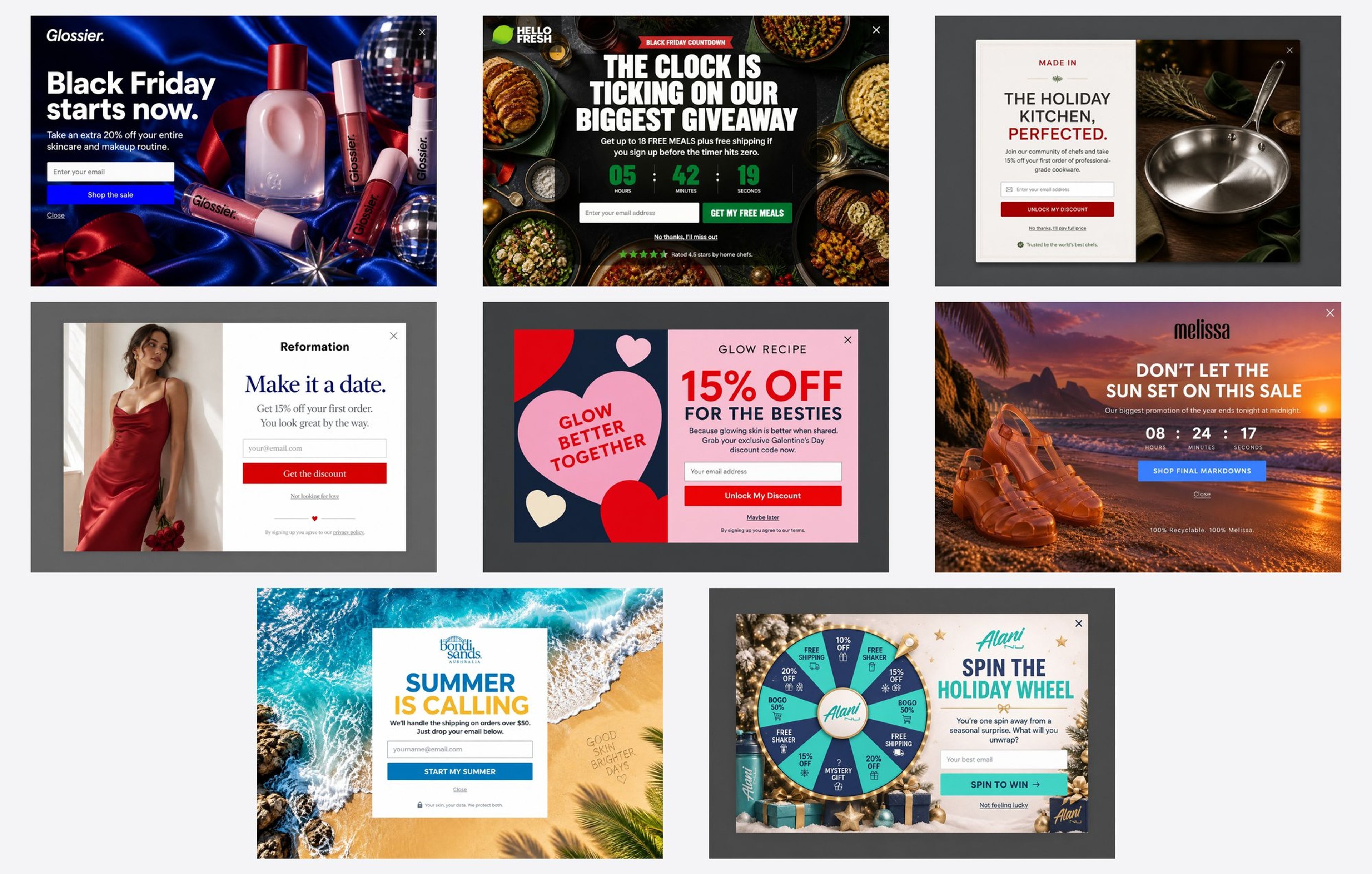
More: Black Friday marketing
The job: turn a discount into a moment people want to take part in.
What works:
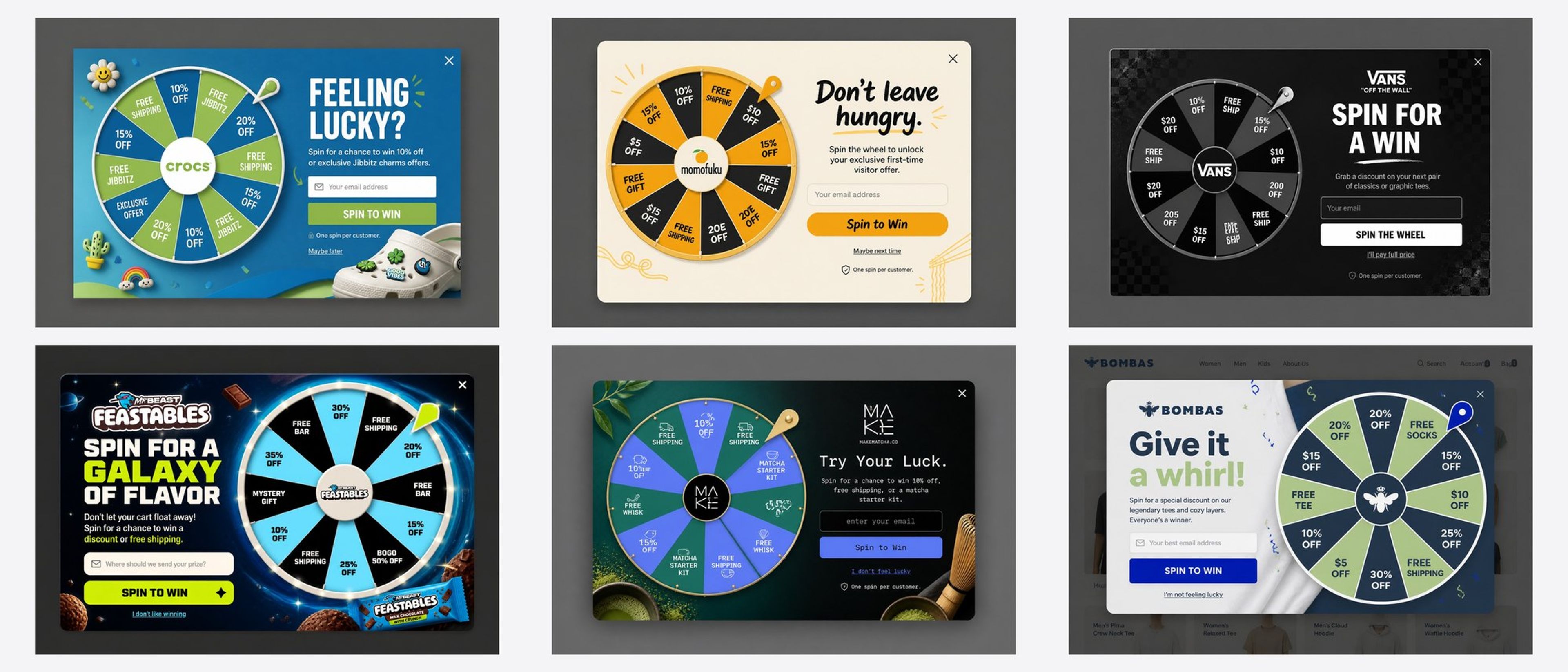
More: gamified popups
These ten popups come from the OptiMonk Popup Library. Each one was designed by OptiMonk's agent for a real store's brand.
For each, note the goal, the offer and the design choice that makes it work, then open it to build your own version.
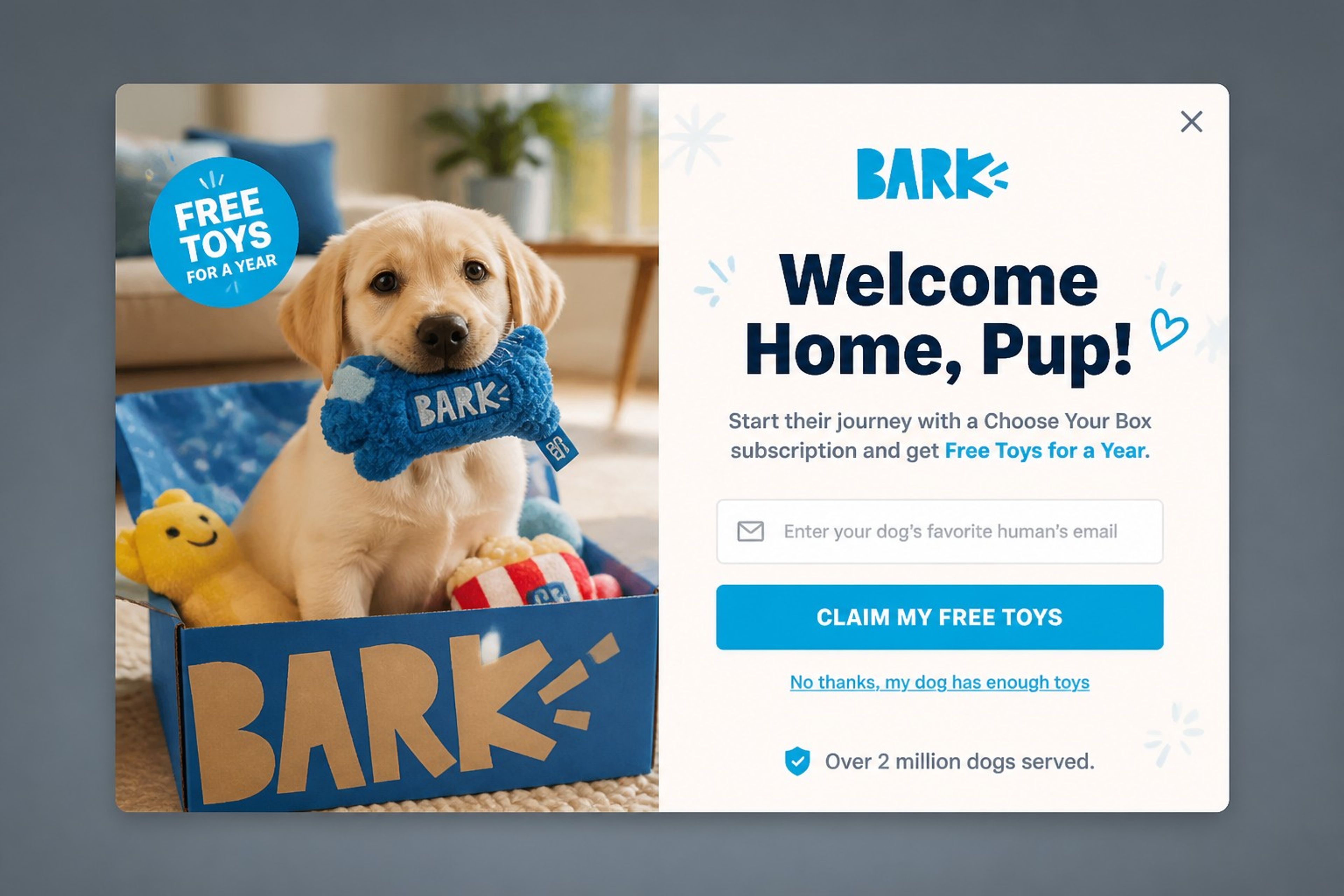
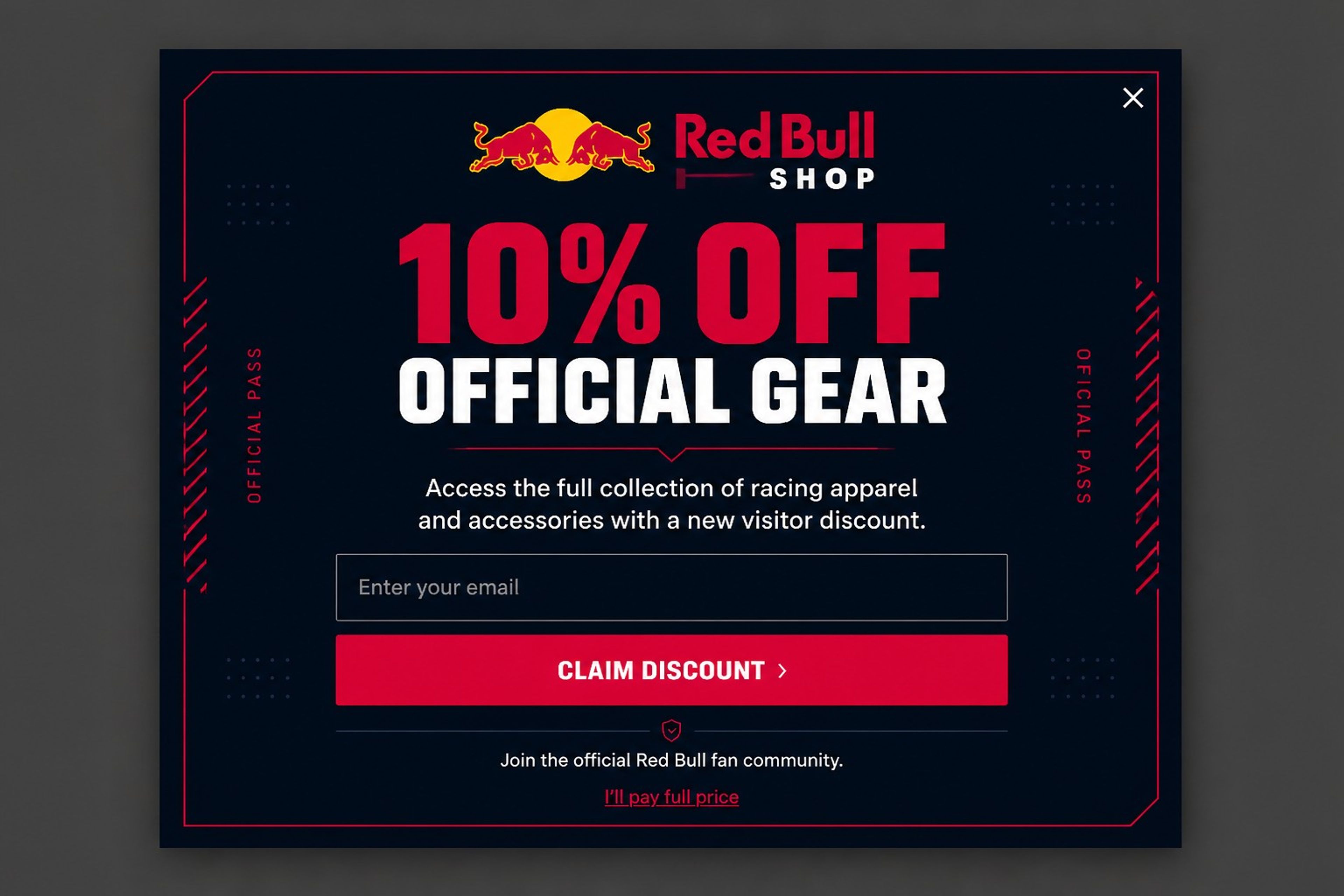
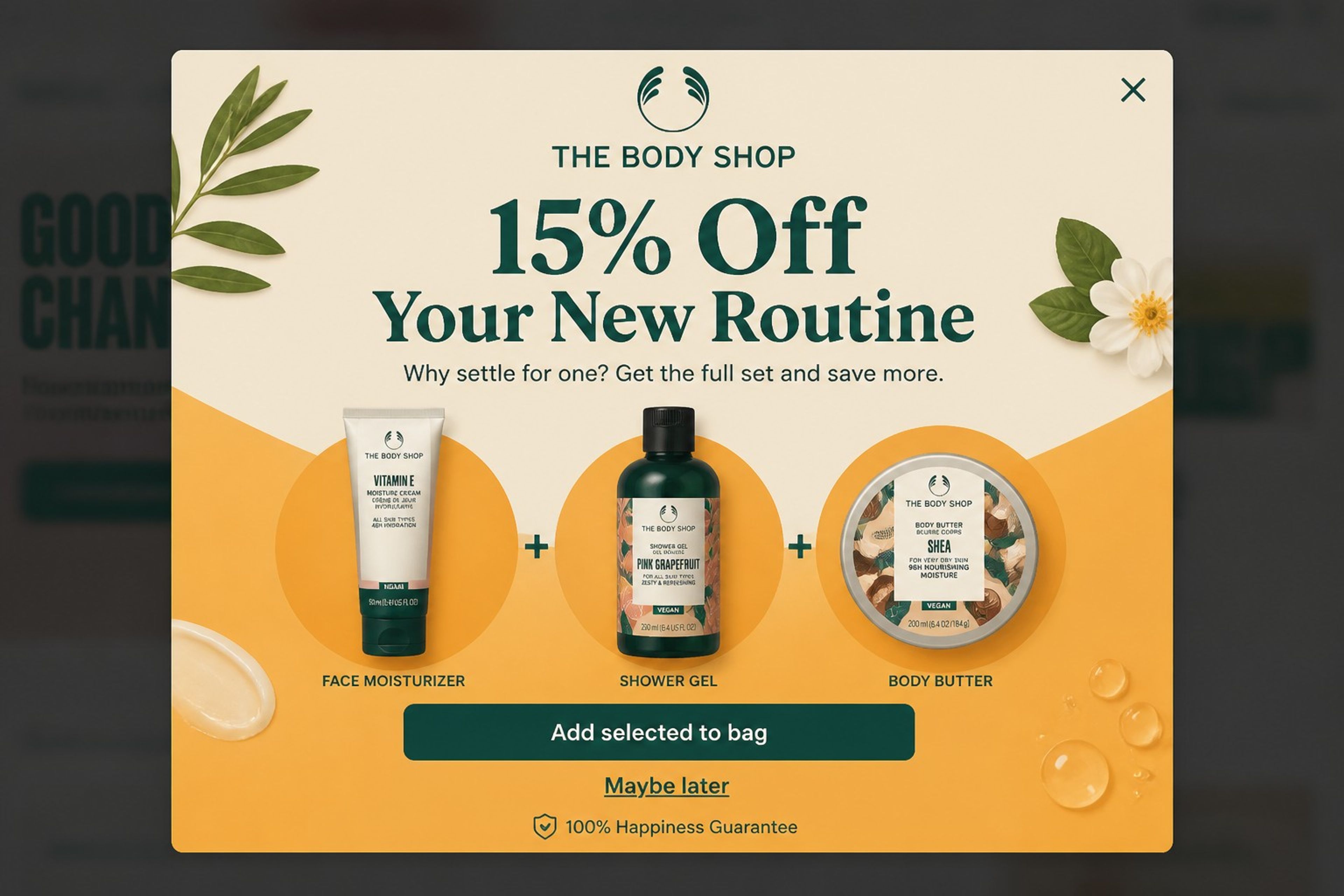
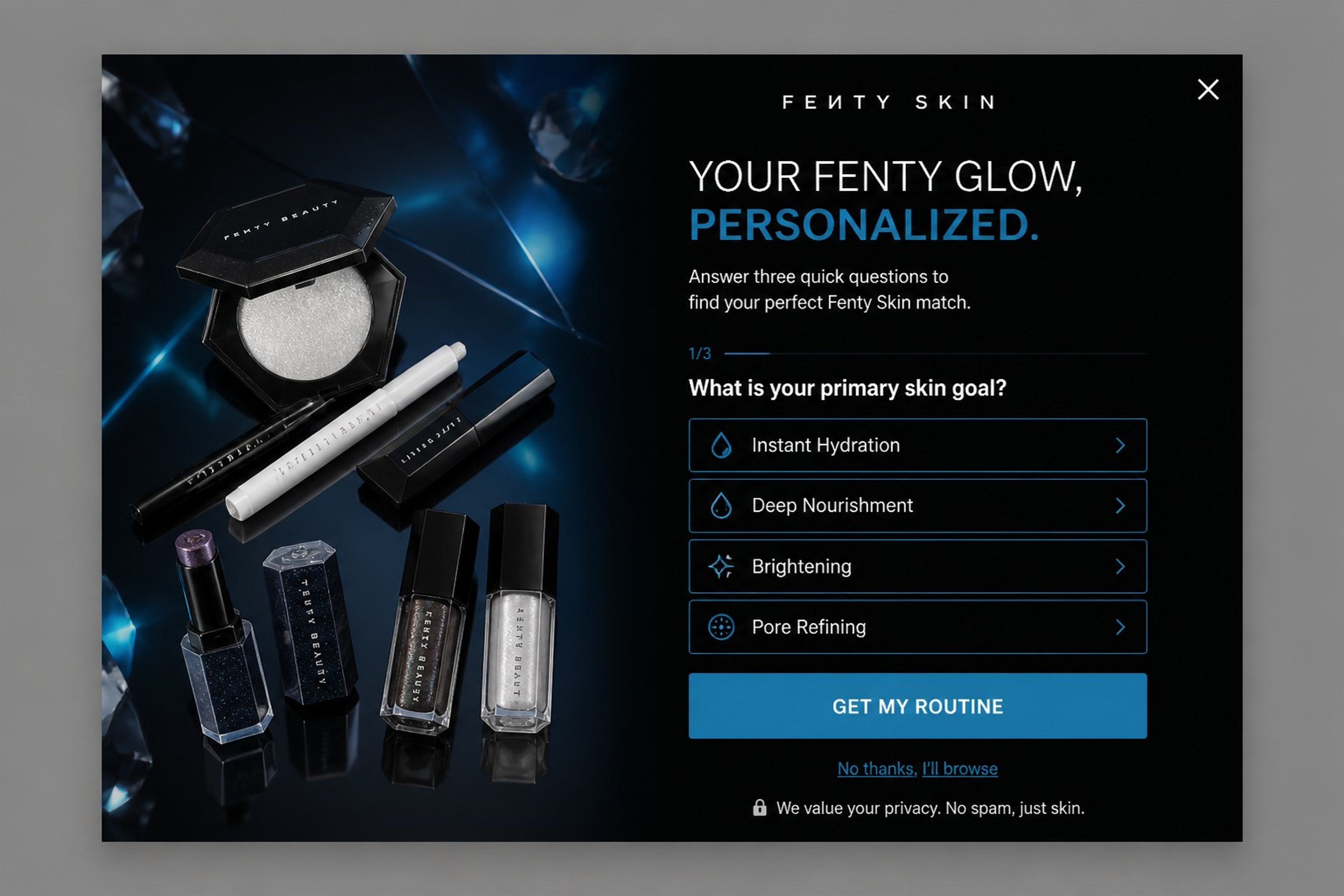
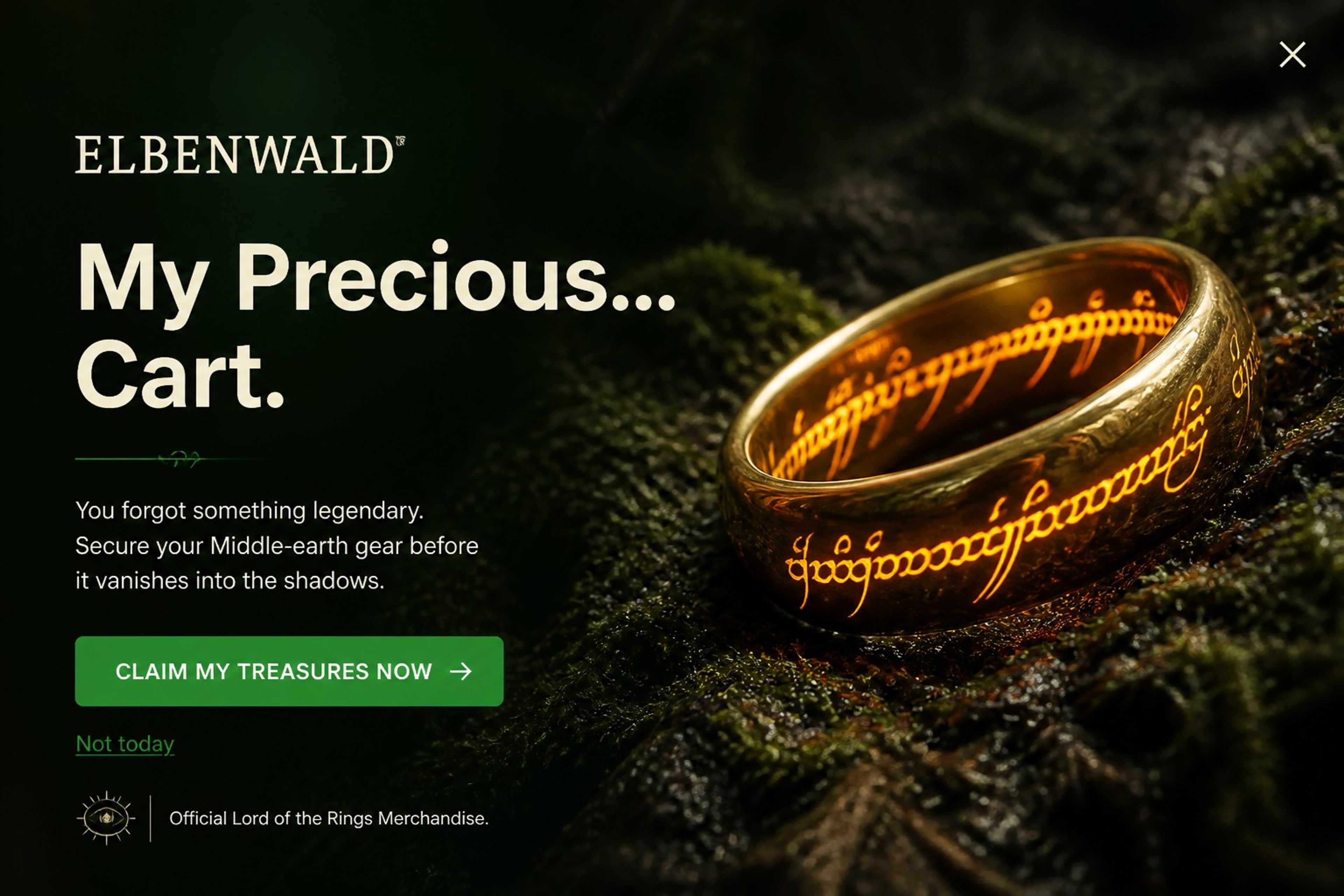
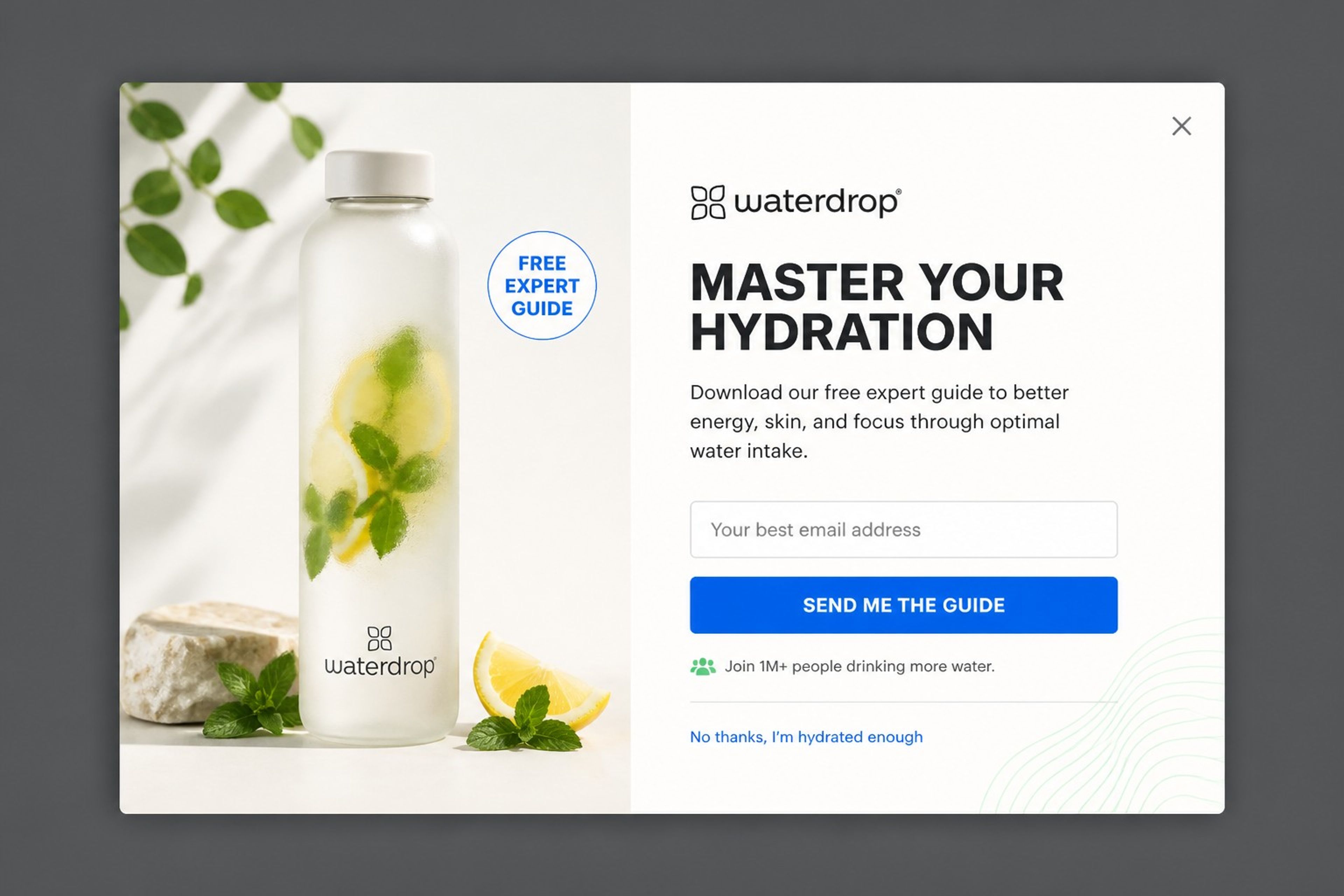
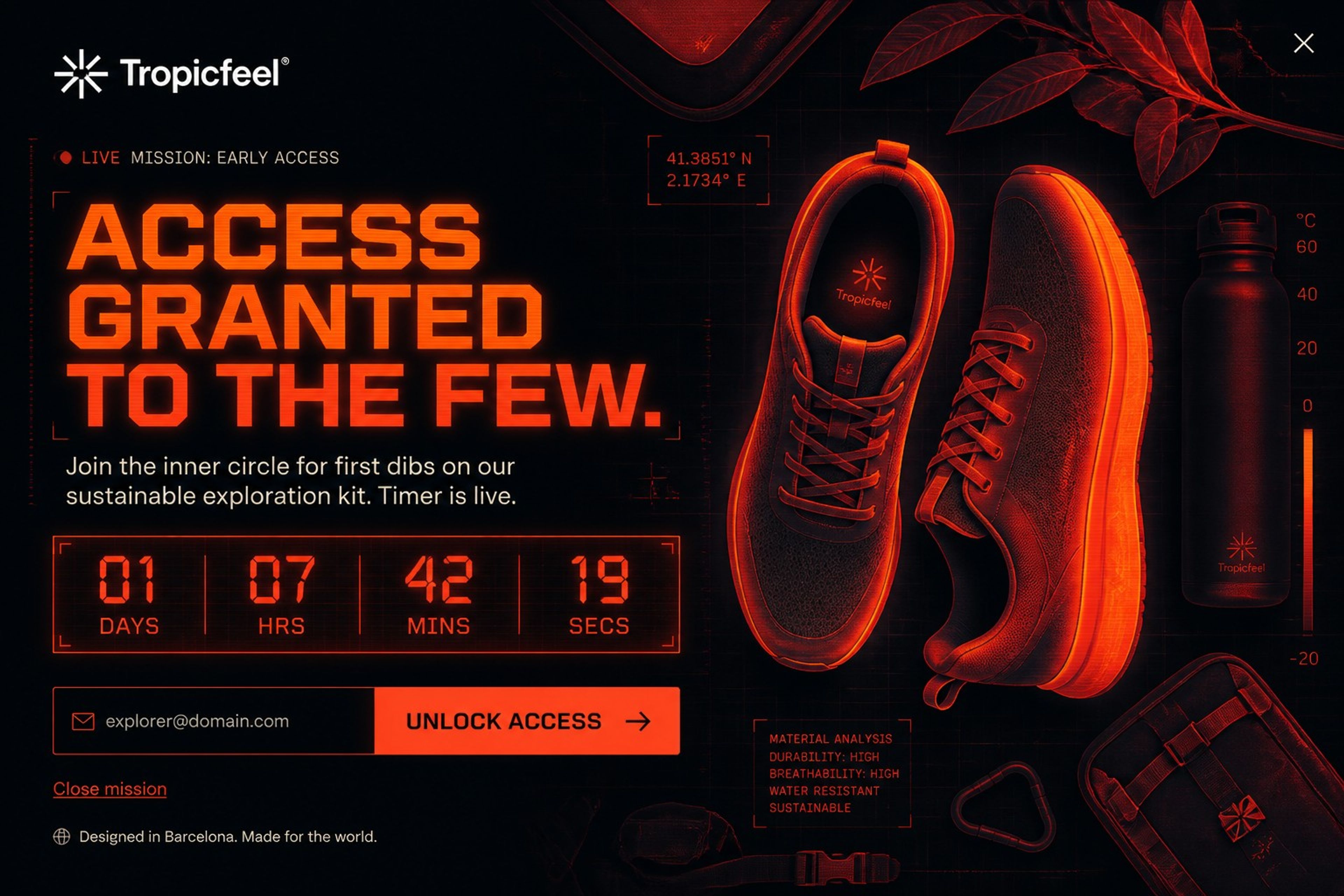
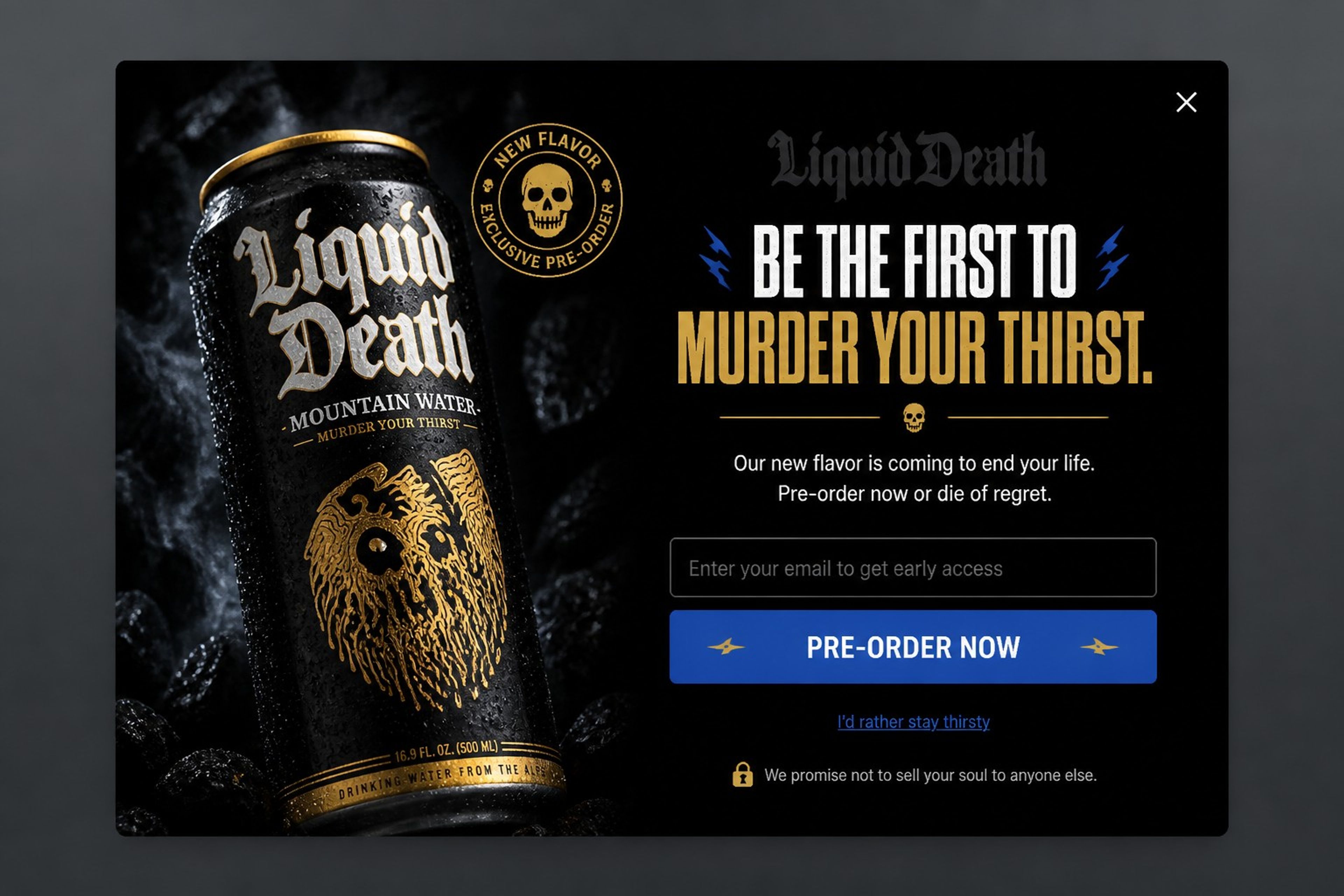
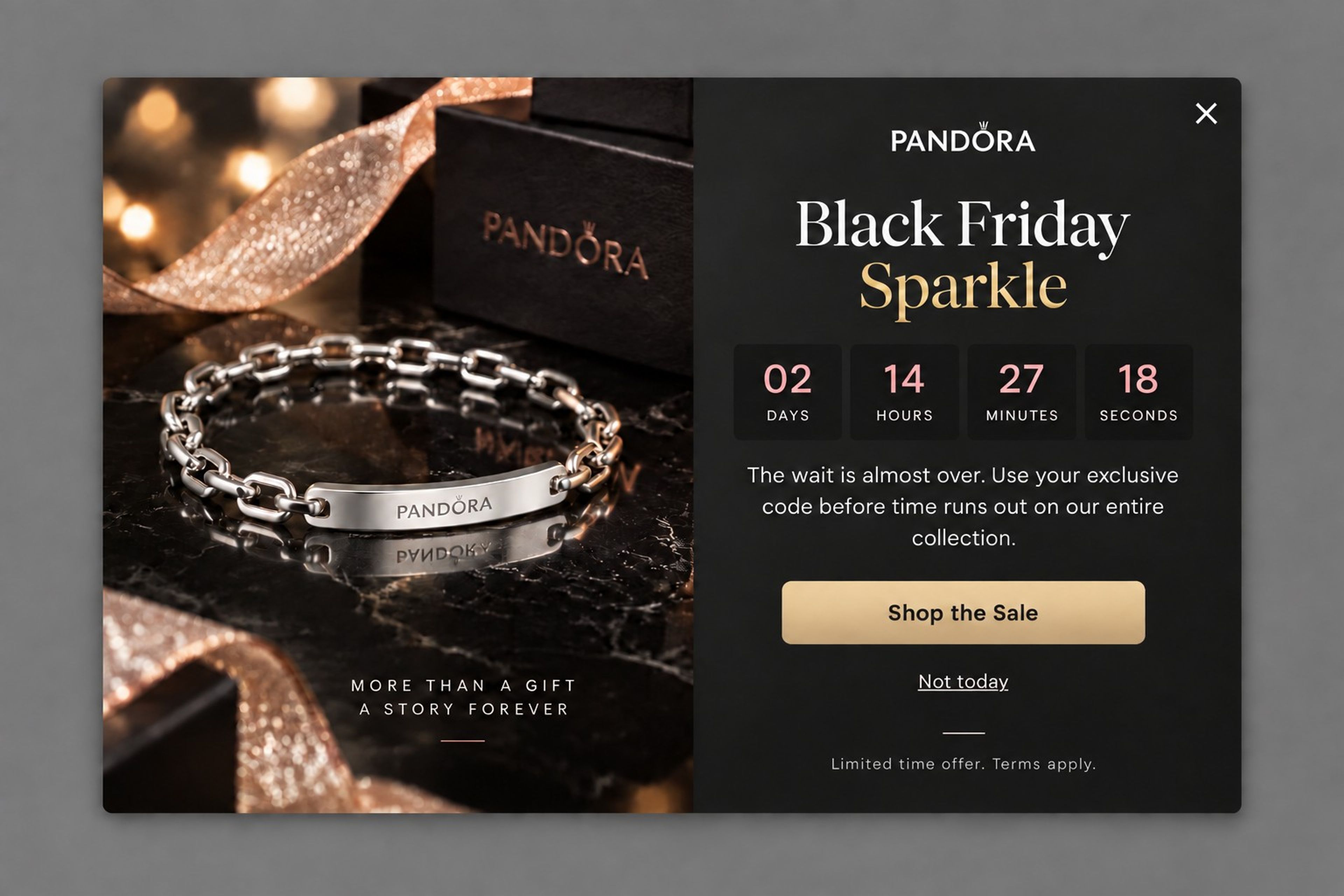
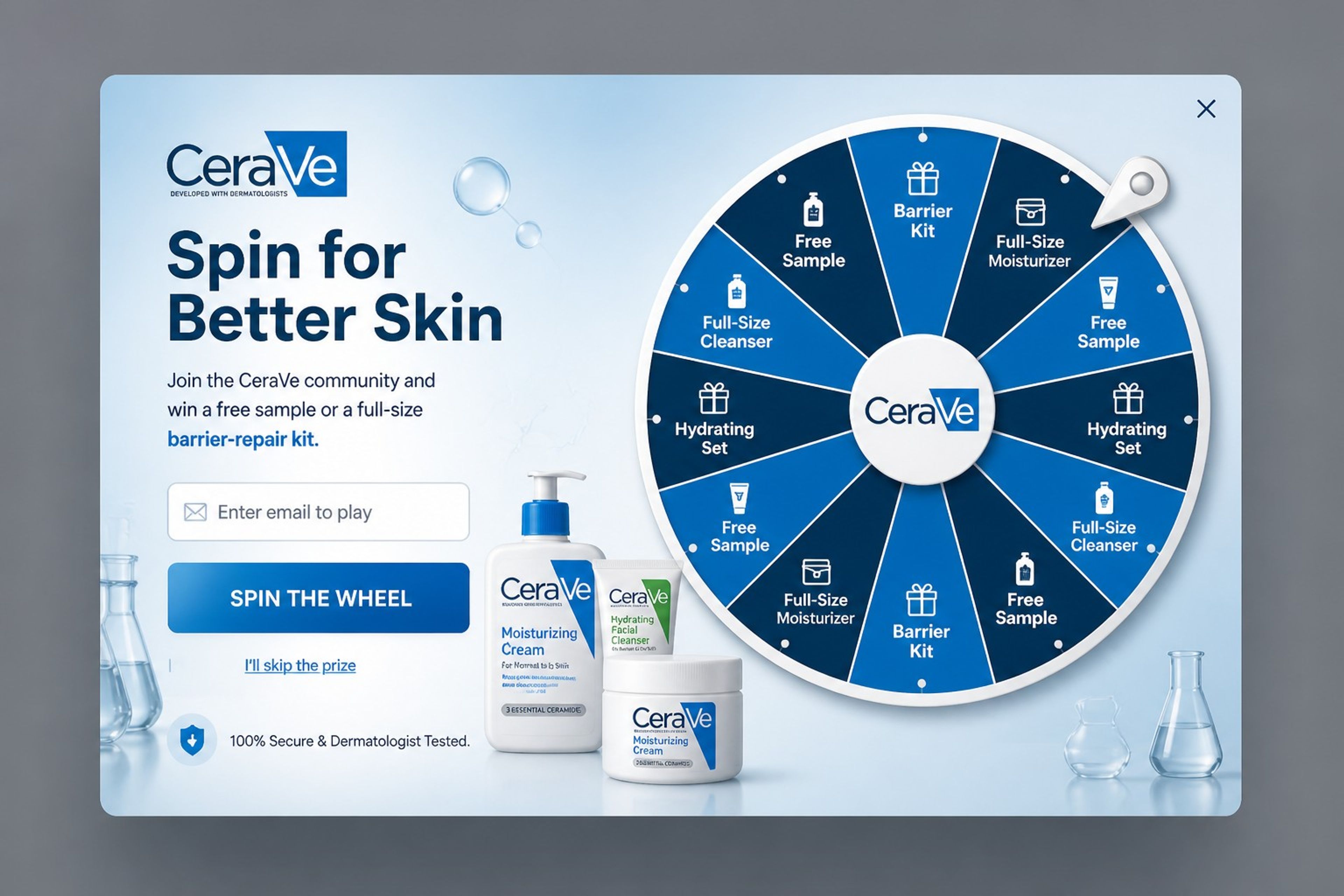
Looking across the examples, the same six elements show up again and again:
For the principles in depth, see popup design best practices.
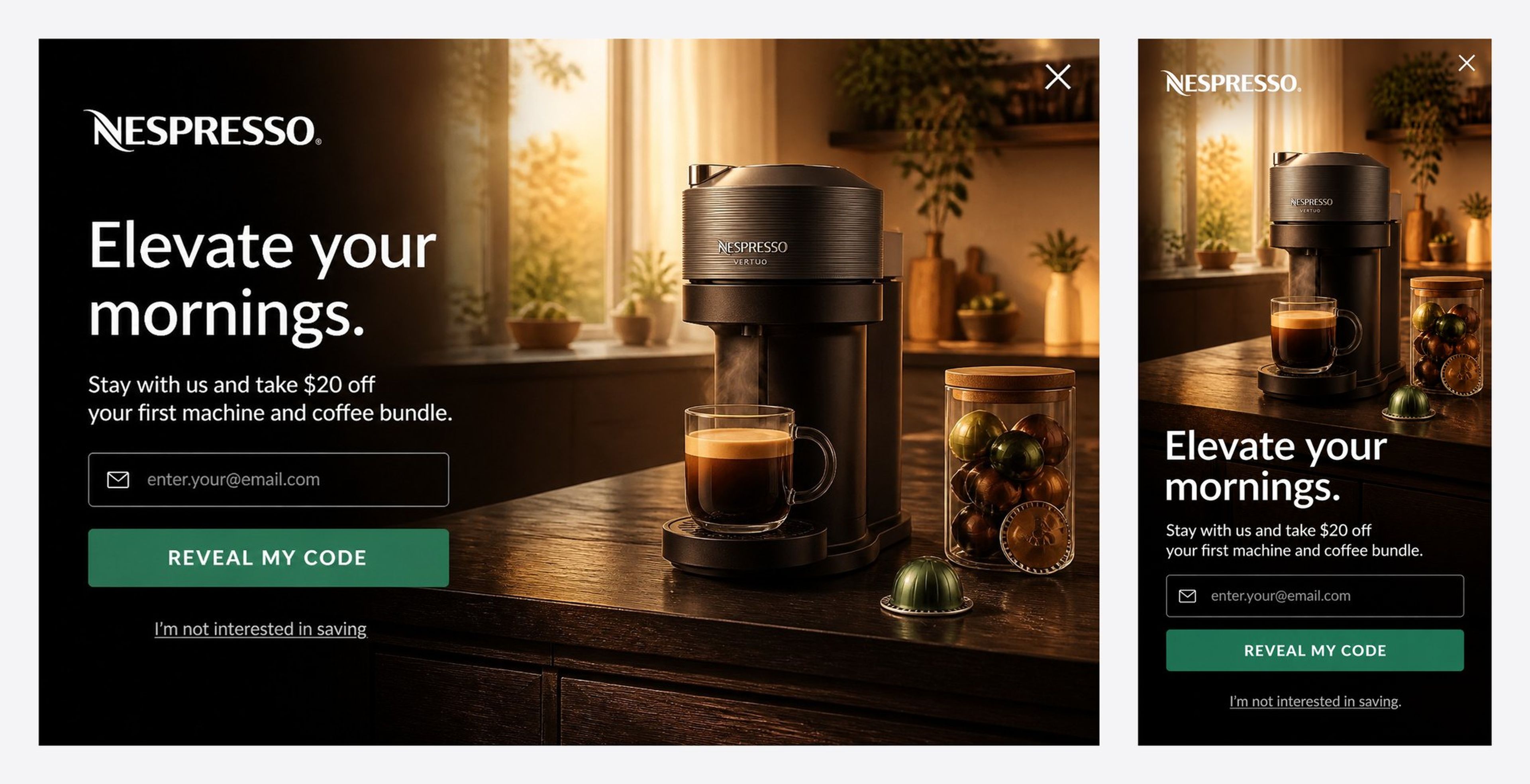
Most store traffic comes from phones, so design the mobile version first, not last.
OptiMonk's agent designs a separate mobile version of every popup, so the phone layout isn't just a shrunk desktop design.
The design draws the eye; the offer makes people act. Here's when each common offer fits.
| Offer | Best for | Watch out for |
|---|---|---|
| % discount (e.g. 10% off) | First orders, broad audiences | Training shoppers to wait for codes |
| Free shipping | Stores where shipping cost causes cart abandonment | Low-value orders that become unprofitable |
| Free gift | Premium brands that don't want to discount | Gifts people don't value |
| Mystery or gamified prize | Curiosity, higher signup rates | Prizes that cost more than they earn |
| Exclusive access | Loyal customers, launches, sales | Needs a real benefit behind it |
Not sure which one wins for your store? Run an A/B test. For a worked example of discount vs free shipping vs a gift, see how deep should you discount.
Found a design you like? You don't need a template or a designer to make your own version.
Browse more finished designs in the popup library.
Big enough to read at a glance, small enough to see the page behind it. On desktop, a centered popup usually takes up a third to a half of the screen; on mobile, keep it to the lower part of the screen or a compact centered box, with a large close button.
It depends on the goal: a welcome popup after a few seconds or some scrolling, a cart saver on exit intent, a product nudge after a visitor has viewed a product for a while. Avoid showing anything the moment someone lands from search on mobile.
As few as possible: usually one (email). If you want more, such as a phone number or a preference, ask on a second step after the first conversion.
Not if they don't hide the whole page. Google advises against interstitials that cover the entire page or redirect visitors elsewhere. Timed, scroll-triggered and exit-intent popups avoid this.
Use your brand colors, fonts and tone of voice, and a photo from your own store. OptiMonk's agent reads your brand when it designs the concepts, so the result starts on brand.
Pick an idea from this page, describe it in a sentence, and put it live today.
Free to start. No credit card.


40 website welcome message examples for online stores, grouped by situation and industry, ready to copy into a welcome popup.
12 Christmas popup examples for online stores, from welcome offers and spin-to-win wheels to gift quizzes and last-chance countdowns.
In this article, we'll share the best alternatives to Sleeknote that help you to get more leads in 2026.