
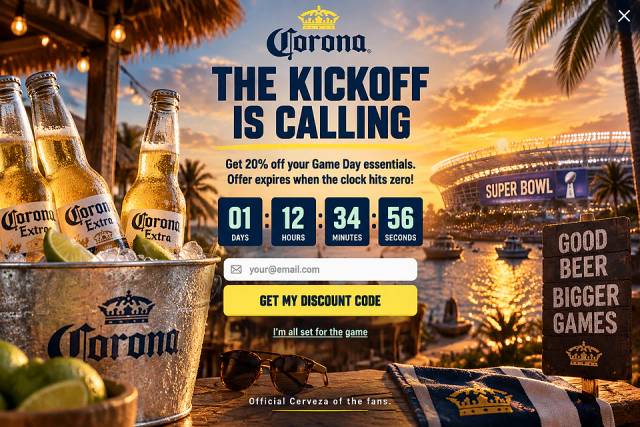

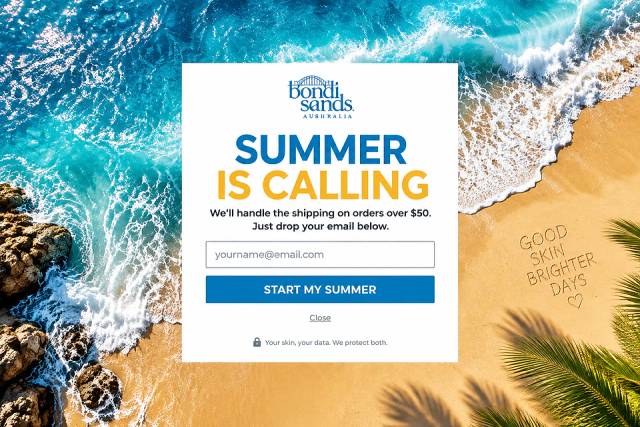
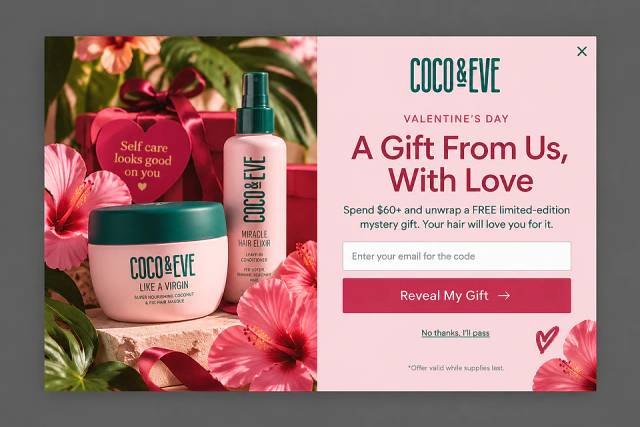
40 Welcome Message Examples for Your Website (Copy and Paste)
40 website welcome message examples for online stores, grouped by situation and industry, ready to copy into a welcome popup.
In this guide, we’ll cover why scheduling your popups is a game-changer and how to do it effectively with OptiMonk.
In short
Learn how to effectively schedule popups with OptiMonk to boost engagement and conversion rates. Discover the importance of timing your popups for specific events or peak activity times, and explore advanced strategies like A/B testing, choosing the right time zone, and leveraging behavioral data. Enhance your website's user experience and drive conversions with well-timed, targeted popups.
Timing can be everything when it comes to reaching your audience.
Imagine this: your holiday popup is still live in late January. While it might seem harmless, it can actually hurt your brand's image and reduce its effectiveness.
That’s why it’s crucial to schedule popups effectively. By strategically timing your popups, you can ensure your audience sees the right message at the right time.
In this guide, we’ll cover why scheduling your popups is a game-changer and how to do it effectively with OptiMonk. Plus, we’ll share some advanced tips to help you take your strategy even further.
Let’s get started!
Not every message belongs in every moment. Sometimes, you want to time a popup for specific dates, like Valentine’s Day or Black Friday, or even certain hours, like during office hours. A scheduling feature allows you to tailor your message delivery, ensuring it's seen when it’s most relevant.
Here’s what scheduled popups bring to the table and why understanding scheduling rules is essential:
Ready to put your popups on a schedule? Here’s how to schedule a popup campaign in OptiMonk.
Click "New campaign" and describe the popup you want, whether you're focusing on lead generation, product recommendations or exclusive offers. The agent designs it in your brand's style.
Pro tip: Make sure your popup matches the action you want users to take. For instance, if you're promoting a discount code, ask for a bold CTA button for easy access.
Next, make the popup your own: ask the agent to adjust the messaging, images or call to action, or fine-tune it by hand in the visual editor.
Customization is crucial because a well-designed popup catches attention faster and feels more authentic, which can increase engagement.
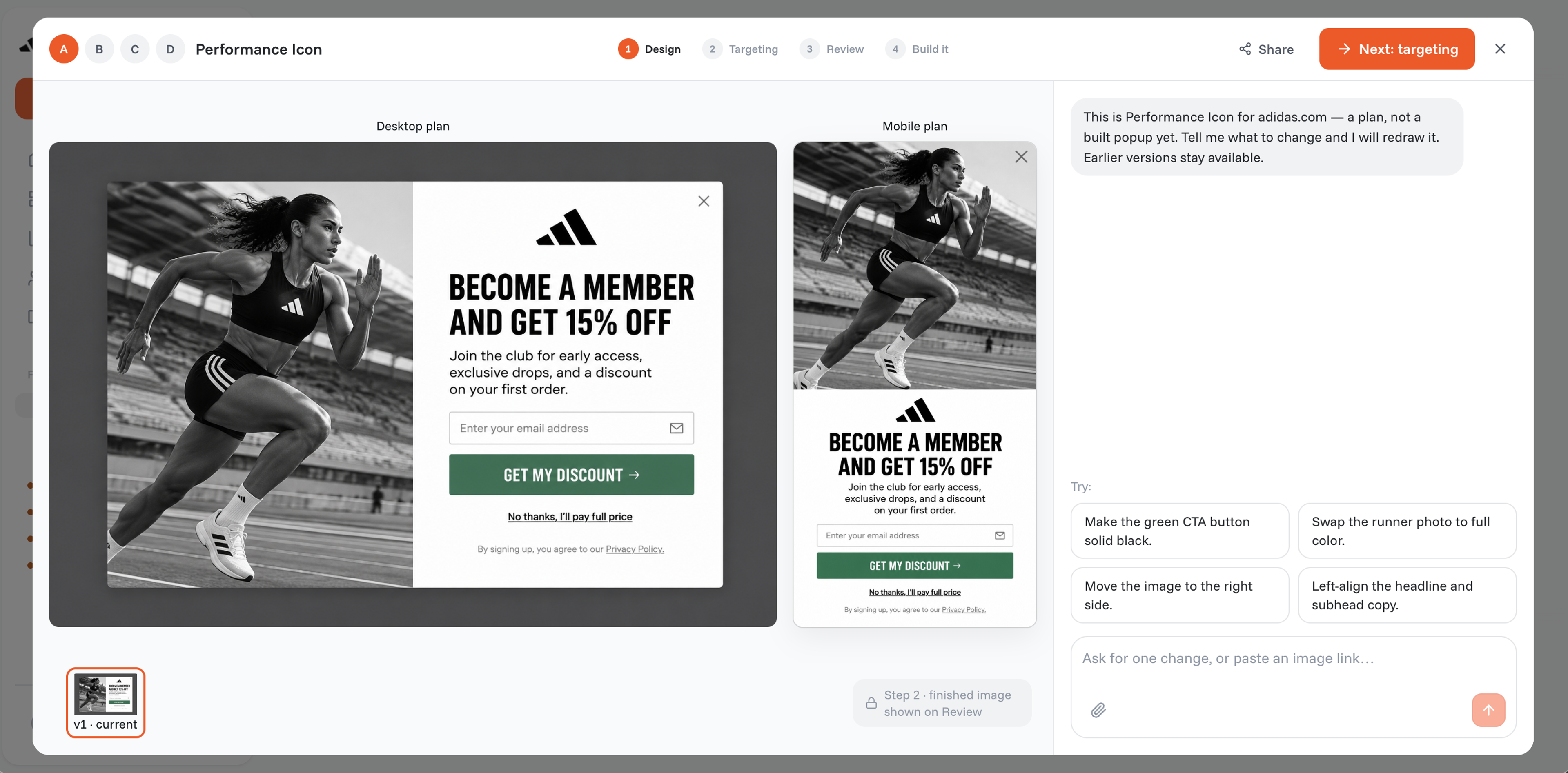
Now, fine-tune your targeting. OptiMonk’s display rules allow you to control when and to whom the popup appears.
You can set up specific triggers, like time spent on a page, scroll depth, or exit intent, ensuring the popup appears just when your audience is most likely to engage.
You can also target visitor segments, such as new visitors or returning customers, to tailor your message even further.
This is where the timing magic happens. Open the campaign and click the calendar icon (Schedule) in the campaign header.
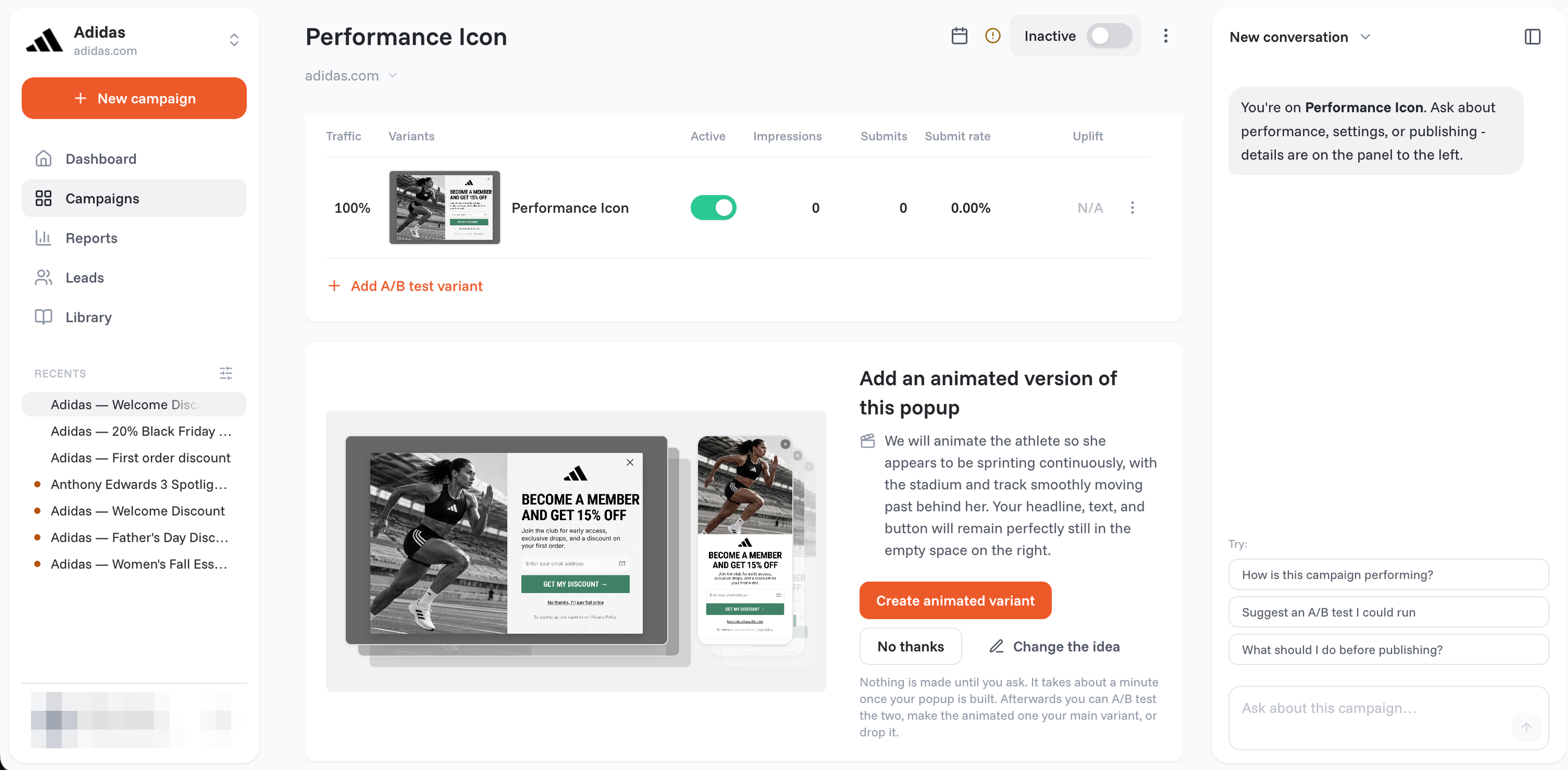
Saving the schedule switches the campaign on for you: it starts showing at the start time and stops at the end time.
Note: For a more detailed walkthrough, see OptiMonk's help article on scheduling a campaign.
Once you’ve mastered the basics, these advanced tips can help you optimize your popup schedule to make the most of each visit.
Simply setting up a schedule isn't always enough: you want to make sure it's the best schedule. Run the same popup in two campaigns at different times, then compare them in OptiMonk's Reports to see which timing resonates most with your audience.
Try running one version of a popup in the morning and another in the evening to see which has better engagement. These insights let you fine-tune your timing for future campaigns, ensuring maximum impact.
If your audience spans multiple time zones, personalized scheduling can take your engagement up a notch.
With time zone-based scheduling, you can display the popup at 9 a.m. local time for each visitor, whether they're in New York, London, or Tokyo.
Personalizing your popup schedule this way ensures visitors always see your message when it’s most relevant, creating a more seamless, user-friendly experience.
Refine your scheduling strategy by using behavioral data to understand when your visitors are most active.
Use Google Analytics to identify peak visitor times, allowing you to adjust your popup schedule for higher engagement. For instance, if your data shows most visitors are browsing at lunchtime, schedule your popup to appear during those hours for maximum visibility.
Scheduling your popups can be a powerful strategy to reach your audience with the most relevant messages.
By timing your popups to specific dates, times, or visitor behaviors, you can boost engagement and create a more tailored experience.
Plus, with tools like A/B testing, time zone personalization, and behavioral data, you have everything you need to take your popup campaigns to the next level.
So, why leave your timing to chance? Try creating a targeted, well-timed popup in OptiMonk, and watch the difference it makes!


40 website welcome message examples for online stores, grouped by situation and industry, ready to copy into a welcome popup.
12 Christmas popup examples for online stores, from welcome offers and spin-to-win wheels to gift quizzes and last-chance countdowns.
In this article, we'll share the best alternatives to Sleeknote that help you to get more leads in 2026.