

40 Welcome Message Examples for Your Website (Copy and Paste)
40 website welcome message examples for online stores, grouped by situation and industry, ready to copy into a welcome popup.
In this article, we'll take a closer look at Sumo, OptinMonster and OptiMonk, and compare their features, pricing, and performance.
In short
Explore the ultimate comparison of Sumo, OptinMonster, and OptiMonk to find the best lead generation tool for your ecommerce business. Discover their unique features, pricing, and performance to enhance your website's conversion rate optimization and boost sales. OptiMonk stands out with its powerful customization and advanced targeting features, making it a top choice for many.
OptinMonster, BDOW! (formerly Sumo), and OptiMonk are three of the most popular marketing tools for creating lead generation opt-in forms. Since they all fall under the same category, it can be tough to figure out which one is best for you.
There are some big differences between OptinMonster, Sumo, and OptiMonk, which are important to understand. In this article, we’ll take a closer look at these three marketing tools and compare their features, pricing, and performance.
Ready to find the right tool for your website and your unique needs? Let’s get started!
All three of these form builder tools allow you to create opt-in forms, exit-intent forms, and sidebar forms to generate leads, but we’ll see some significant differences in the details.
Advanced features like exit-intent technology, email platform integration capabilities, and campaign scheduling can make a huge difference in how easy your lead generation software is to use… and the results you get.
Let’s take a look at the most powerful features of each tool.
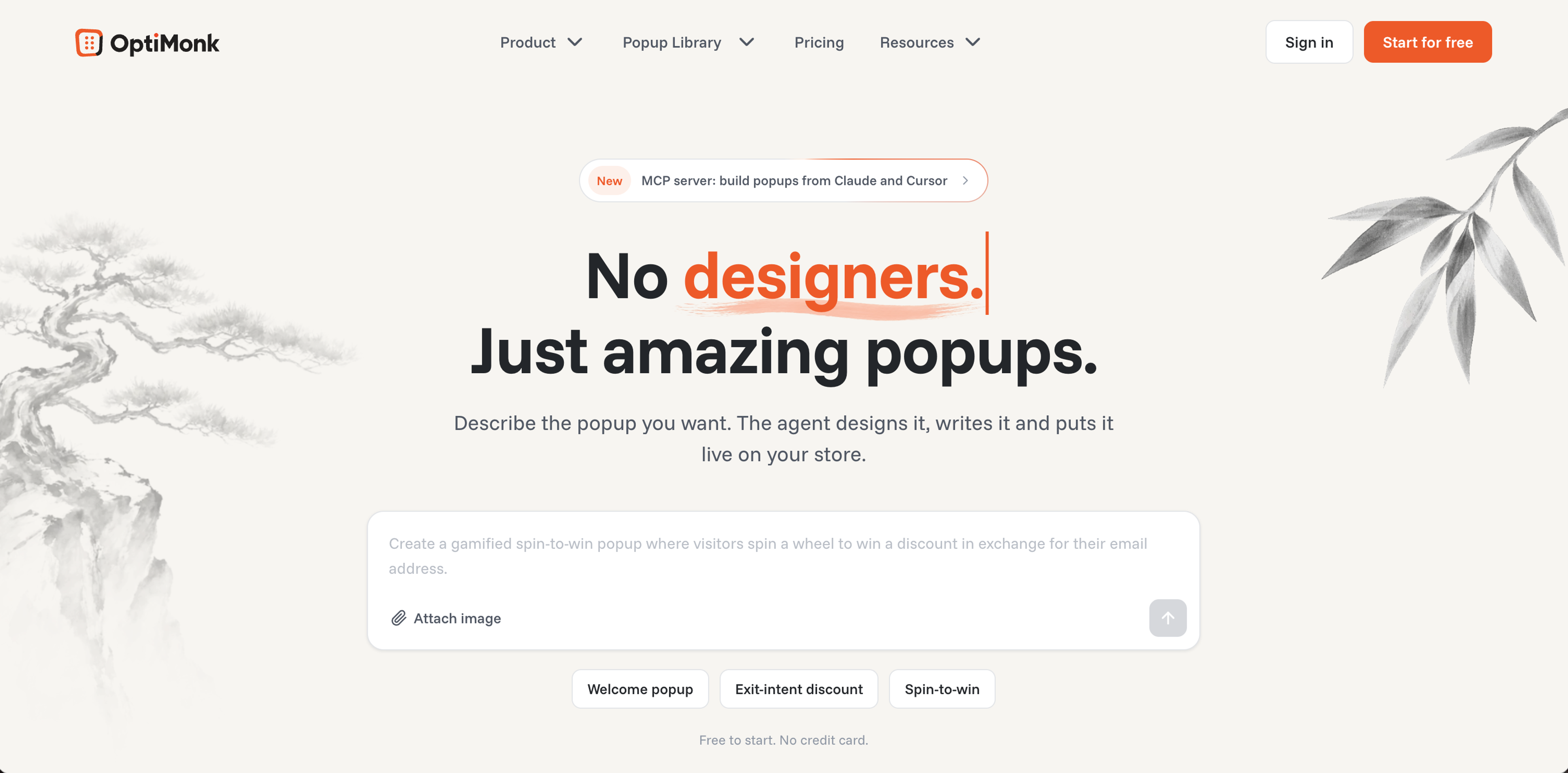
OptiMonk's agentic popup builder helps ecommerce stores capture leads, promote sales and stop cart abandonment: its AI agent designs, writes and A/B tests each popup for your brand.
It offers numerous use cases for online businesses to better monetize their website traffic, with advanced features like A/B testing and personalization to maximize conversion rates.
With powerful customization options, you can control precisely when and how your pop-up forms appear to your visitors.
Users appreciate the results: OptiMonk has a 4.8-star rating from 457 reviews in the Shopify App Store.
OptiMonk’s popup software is full of advanced features that lead directly to higher conversion rates. Even better, all of these features are available in the free plan.
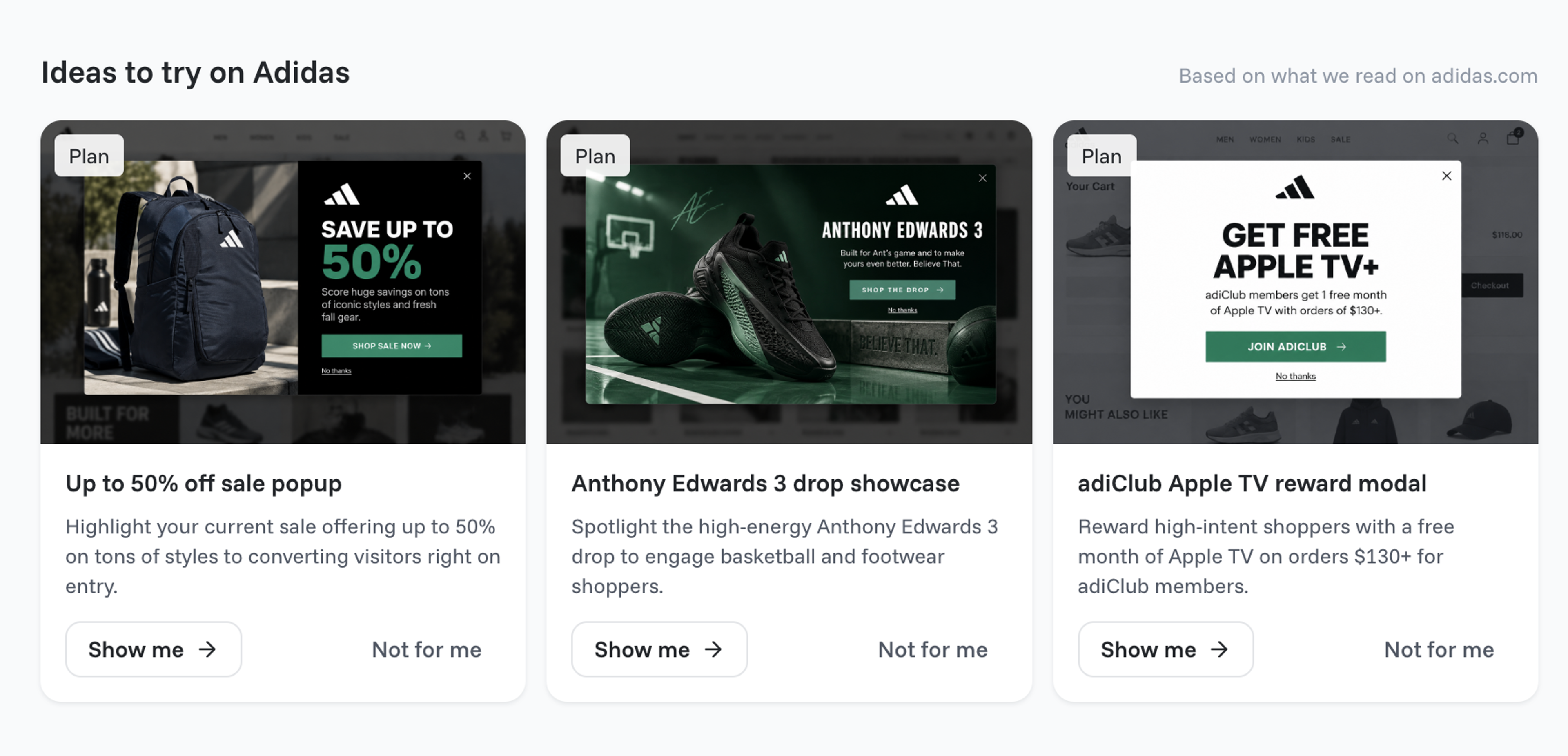
There are no templates to pick: describe the popup you want, and the agent draws four concepts in your brand's colors, fonts and logo, each with a mobile version. For ideas, browse the Popup Library.
The Popup Library also has popups for seasonal events such as Mother's Day, Back-to-School, Black Friday and Christmas, and the agent rebuilds the one you like in your brand.
To change a popup, tell the agent what should be different in plain words, or adjust it by hand in the visual editor, with no technical skills needed.
Customization options include:
The visual editor has a simple interface for the details the agent doesn't cover.
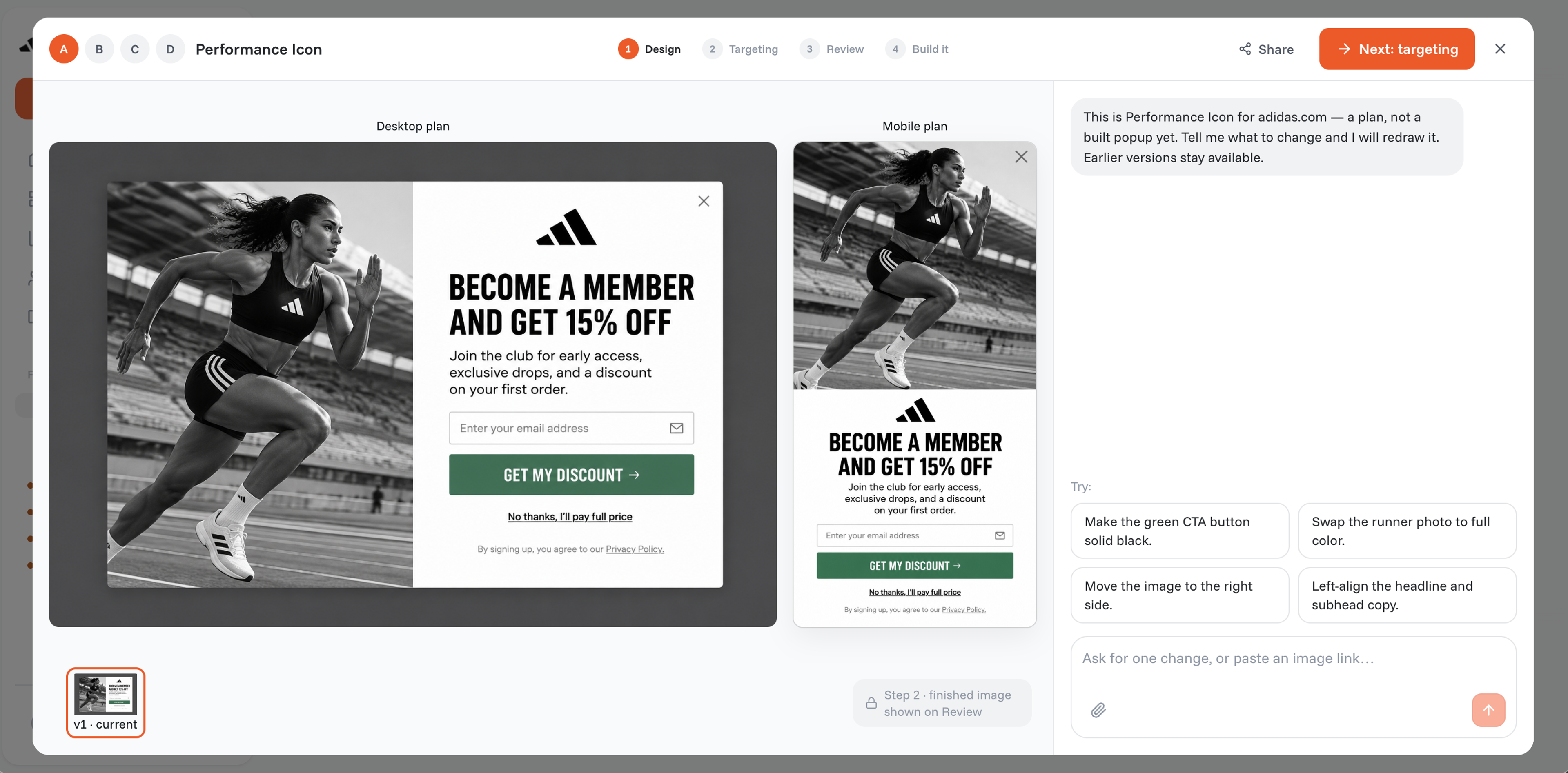
OptiMonk offers many campaign types that allow you to capture email addresses, including:
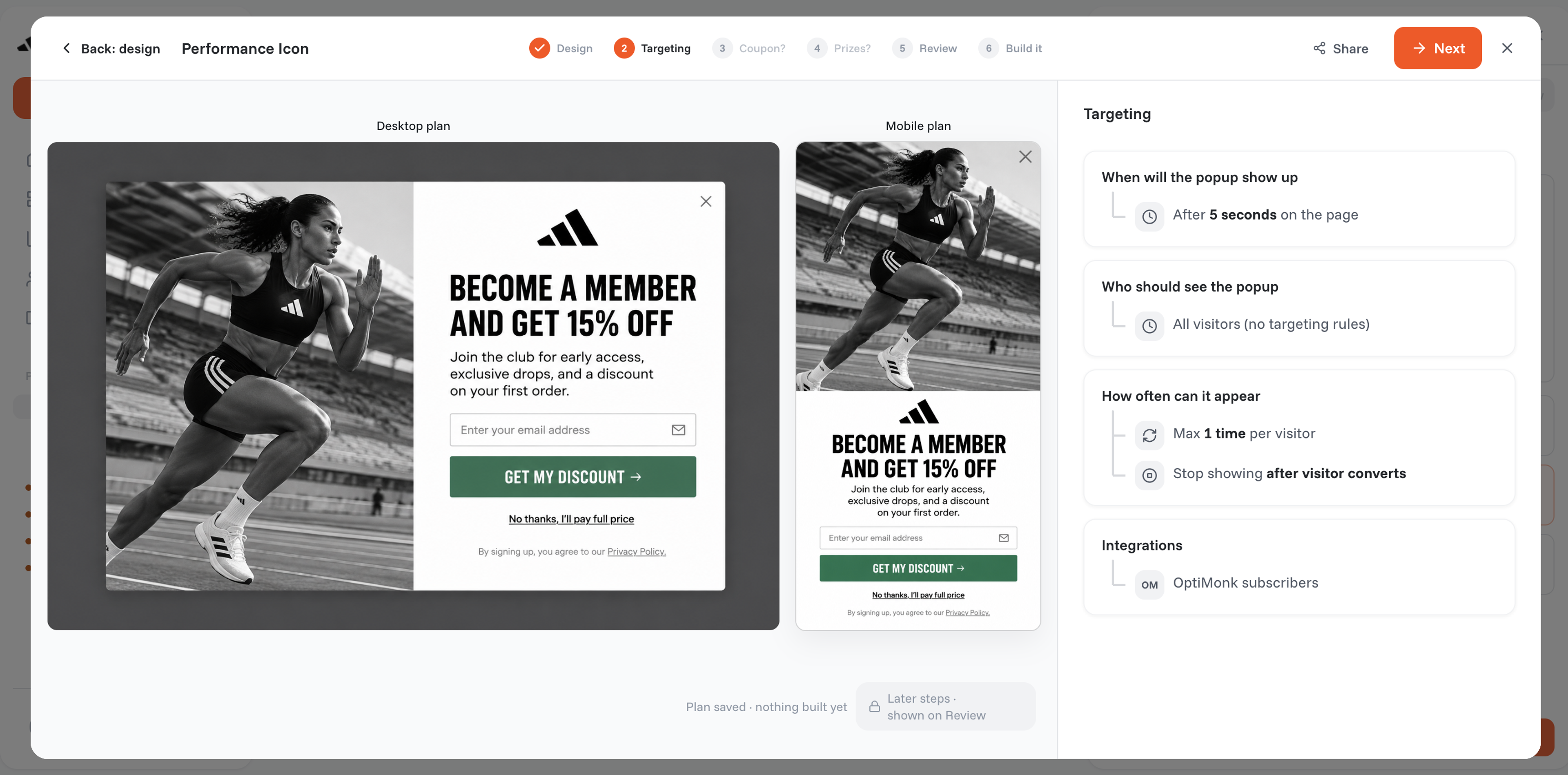
You can tailor your messages toward different segments of website visitors with OptiMonk’s many display rules.
For example, you can display certain popups to users who have added specific items to their cart. You can show different popups to first-time and returning visitors. Or you can target visitors based on a specific landing page they’ve already visited.
You can also target site visitors based on:
With these advanced targeting features, you’ll be able to show highly relevant popups to your visitors, which will improve the customer experience.
Any ecommerce store can use OptiMonk to grow their email list and boost their sales and conversion rates. The AI agent does the design work, so it's easy to use even without a designer.
Get started with OptiMonk's free version now and create unlimited campaigns!
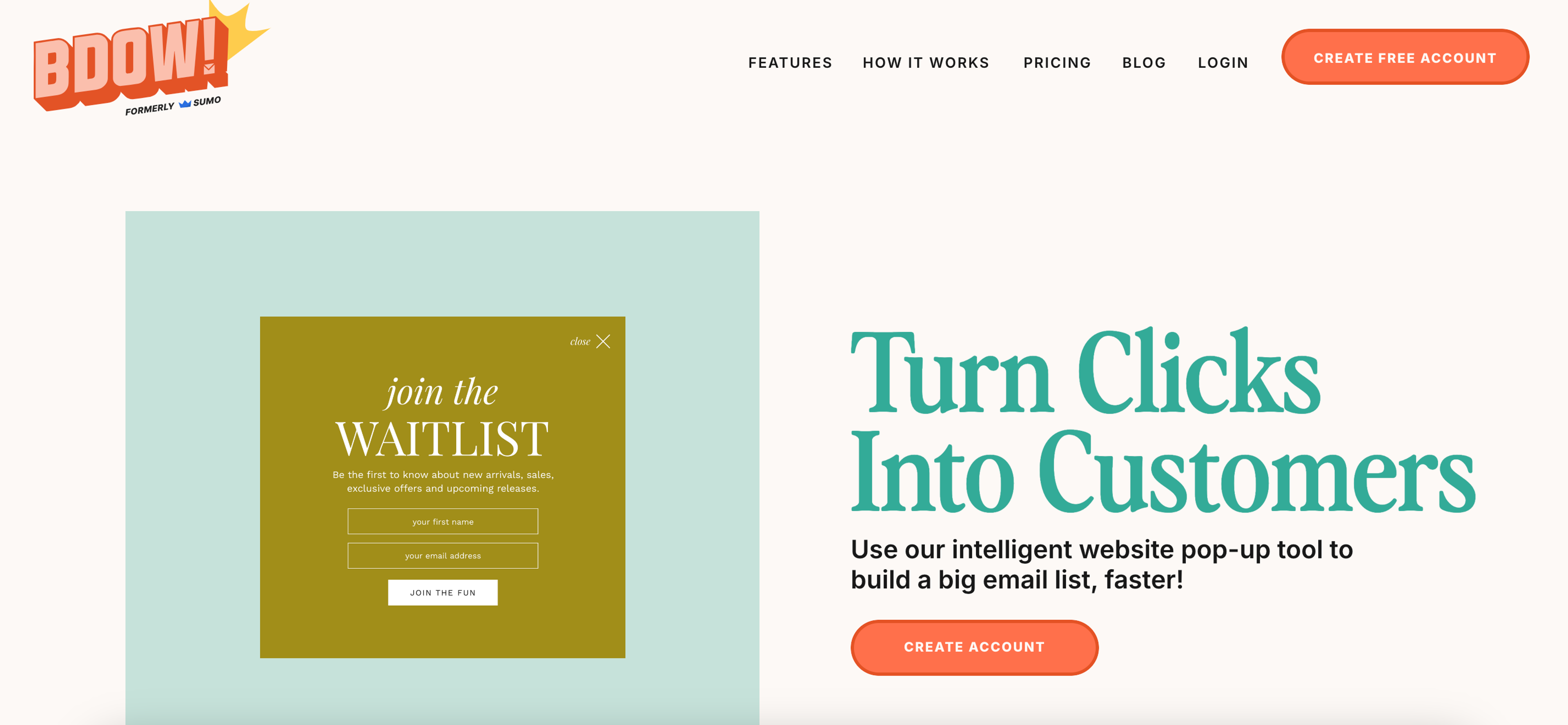
BDOW! (formerly Sumo) is a lead generation plugin that’s all about simplicity. The cornerstone of their approach is a quick setup process that allows you to get your opt-in forms up and running within minutes.
BDOW! (formerly Sumo) is perfect for any WordPress site owner who doesn’t have a lot of time to spend on creating, A/B testing, and updating their popups. If all you want is a simple email opt-in popup, this is the form builder for you.
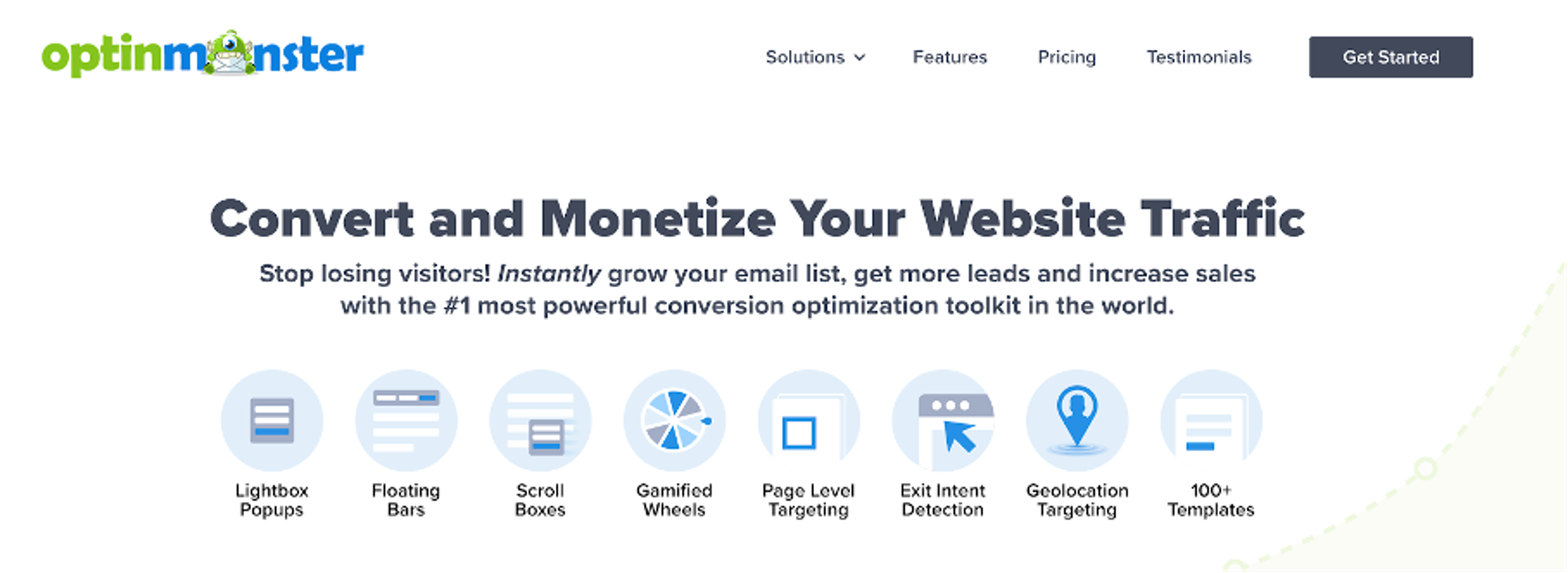
OptinMonster is a conversion optimization toolkit that will help you “convert and monetize your website traffic.”
OptinMonster can be a useful popup tool for lead generation. Ecommerce stores that rely on their contact list for a large percentage of their sales should consider using this popup software.
Now that we’ve looked at all the features that OptinMonster, Sumo, and OptiMonk offer, let’s take a look at their pricing plans.
Remember, it’s important to find an option that works for your budget when choosing an opt-in form builder.
OptiMonk has five plans to choose from: Free, Essential (from $19/month billed yearly), Growth (from $69), Premium (from $179) and a custom Master plan.
All plans allow you to run unlimited campaigns, but each plan has a limit on the number of pageviews your campaigns can receive.
Notably, all features are included across every plan, so even the Free version provides access to a full set of tools, making it a flexible choice for various budgets.
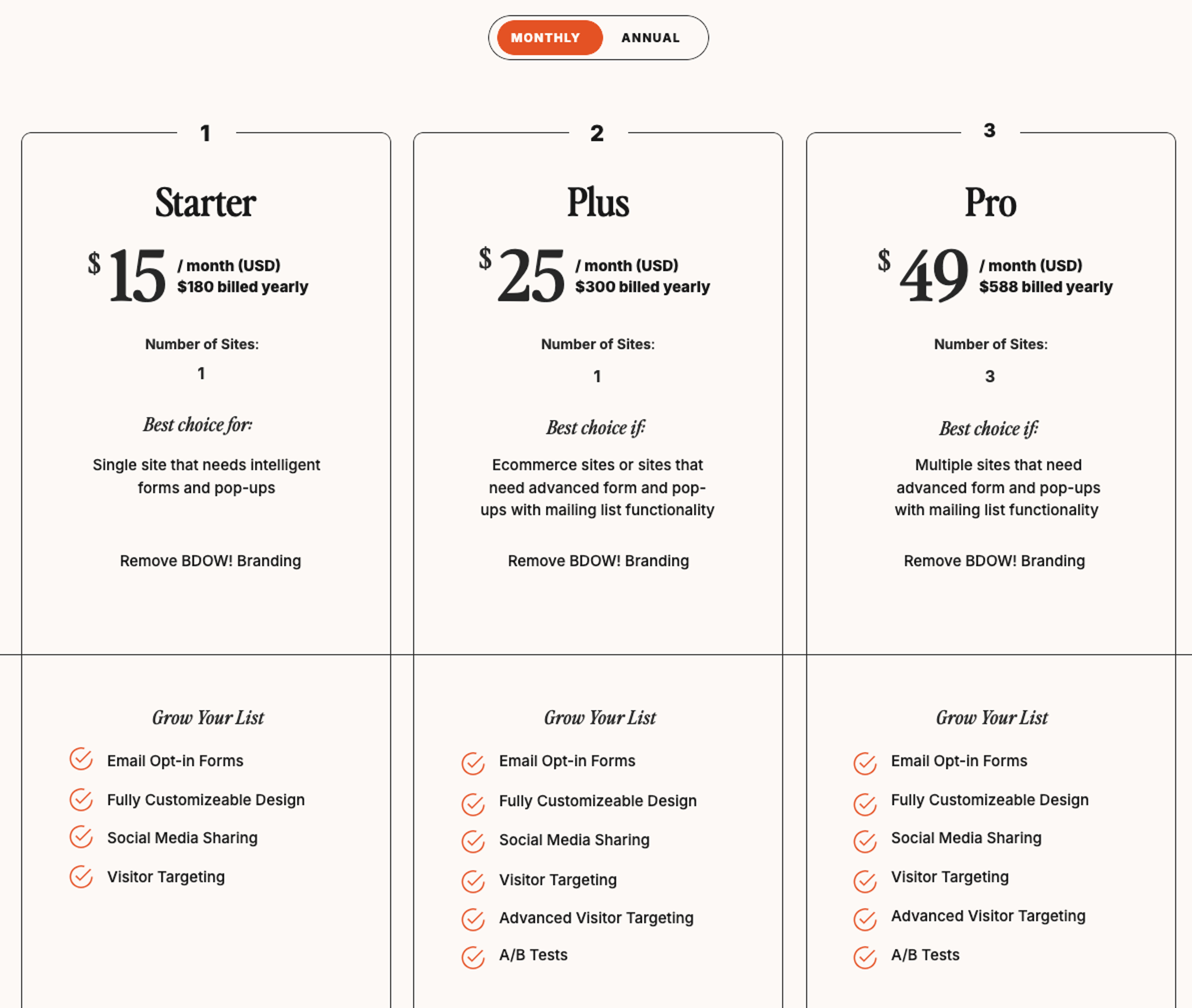
BDOW! provides a Free plan, though it comes with limited features. In this plan, you won’t be able to perform A/B tests or use advanced visitor targeting features.
To access these options, you’ll need to upgrade to one of the paid plans: the Plus plan at $24/month or the Pro plan at $49/month.
These higher-tier plans are ideal for users seeking greater customization and targeting capabilities.
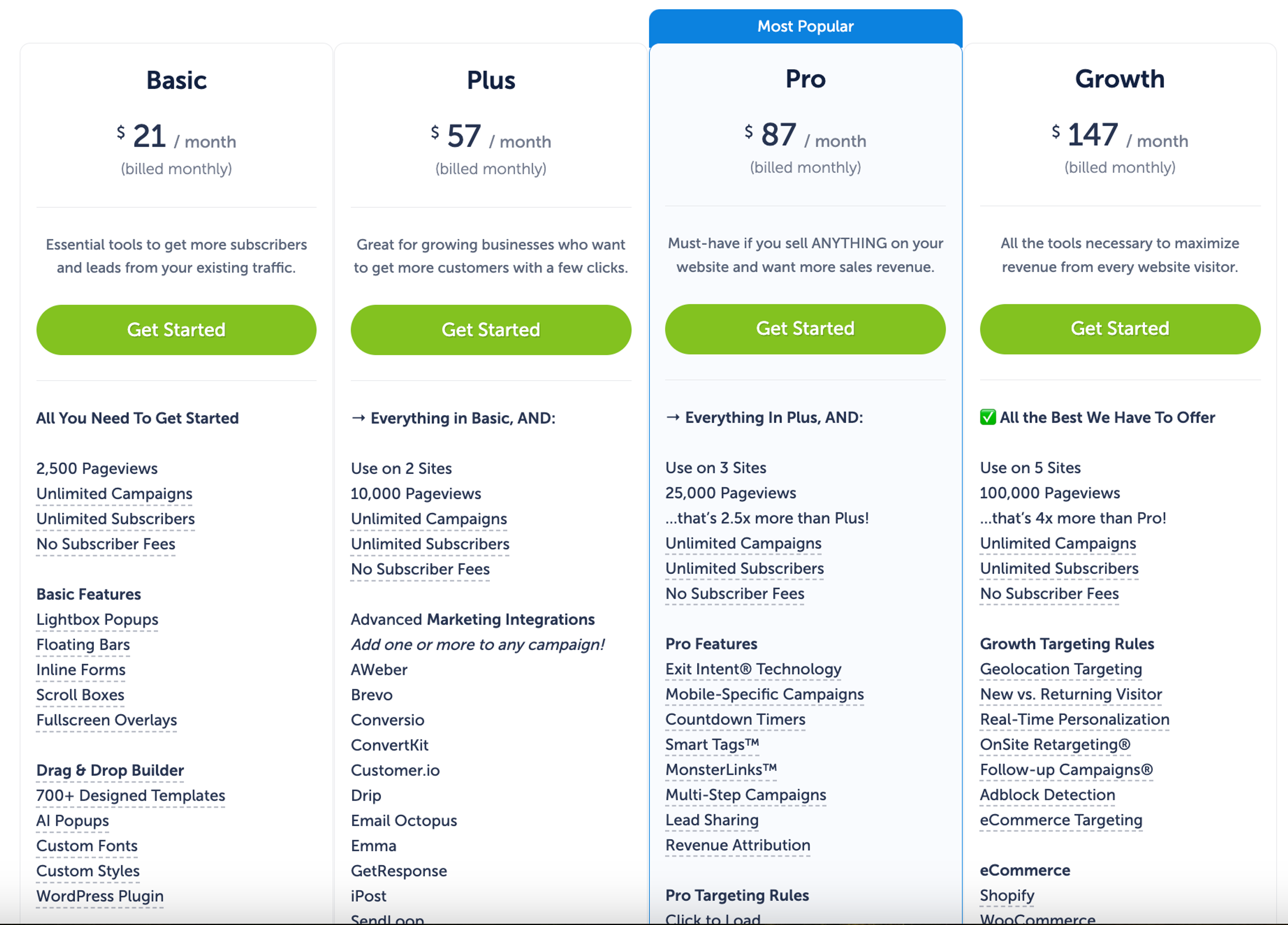
Unlike Sumo and OptiMonk, OptinMonster doesn’t have a free plan. The Basic plan starts at $21/month, though with limited features.
To access advanced tools such as countdown timers, gamified popups, and exit-intent popups—essential for improving conversions—you’ll need to choose the Pro plan at $87/month.
Additionally, OptinMonster’s integrations with popular ecommerce tools like Conversio, HubSpot, and Marketo are only available in higher-tier plans, making these options better suited for users with complex marketing needs.
We hope you’ve found this comparison of Sumo vs OptinMonster vs OptiMonk helpful as you choose which tool to invest in for your business!
When it comes to both functionality and pricing, OptiMonk is the all-around best option for most ecommerce stores. It’s not every day you find a software tool that’s affordable AND offers more functionality than its competitors.
If you haven't created your OptiMonk account yet, click here to get started!


40 website welcome message examples for online stores, grouped by situation and industry, ready to copy into a welcome popup.

12 Christmas popup examples for online stores, from welcome offers and spin-to-win wheels to gift quizzes and last-chance countdowns.

In this article, we'll share the best alternatives to Sleeknote that help you to get more leads in 2026.