Expected results
Difficulty
Intermediate
Industry
Ecommerce
Goals
ListBuilding
When to use it?
If you have customers from all over the world and you’re on the hunt for new ideas to improve their user experience, this tactic is perfect for you!
The idea itself is very simple: personalize your welcome popups with the country name for your international visitors. But executing it could be hard… unless you use our Smart Tags feature!
If your website has a considerable amount of international traffic, you can immediately create a more memorable user experience for these visitors by mentioning the name of their country in your welcome popups.
With Dynamic texts, you can personalize your popup for each visitor on autopilot which means you don’t need to create a separate message for each country.
How to set it up?
Step 1: Create a regular welcome popup
If you don’t have an existing campaign you want to personalize, below your can get a list of welcome popup templates and create a new one:

If you’re personalizing an existing campaign, duplicate this campaign and rename it to “International Welcome Popup”.
Step 2: Insert Dynamic texts into the headline
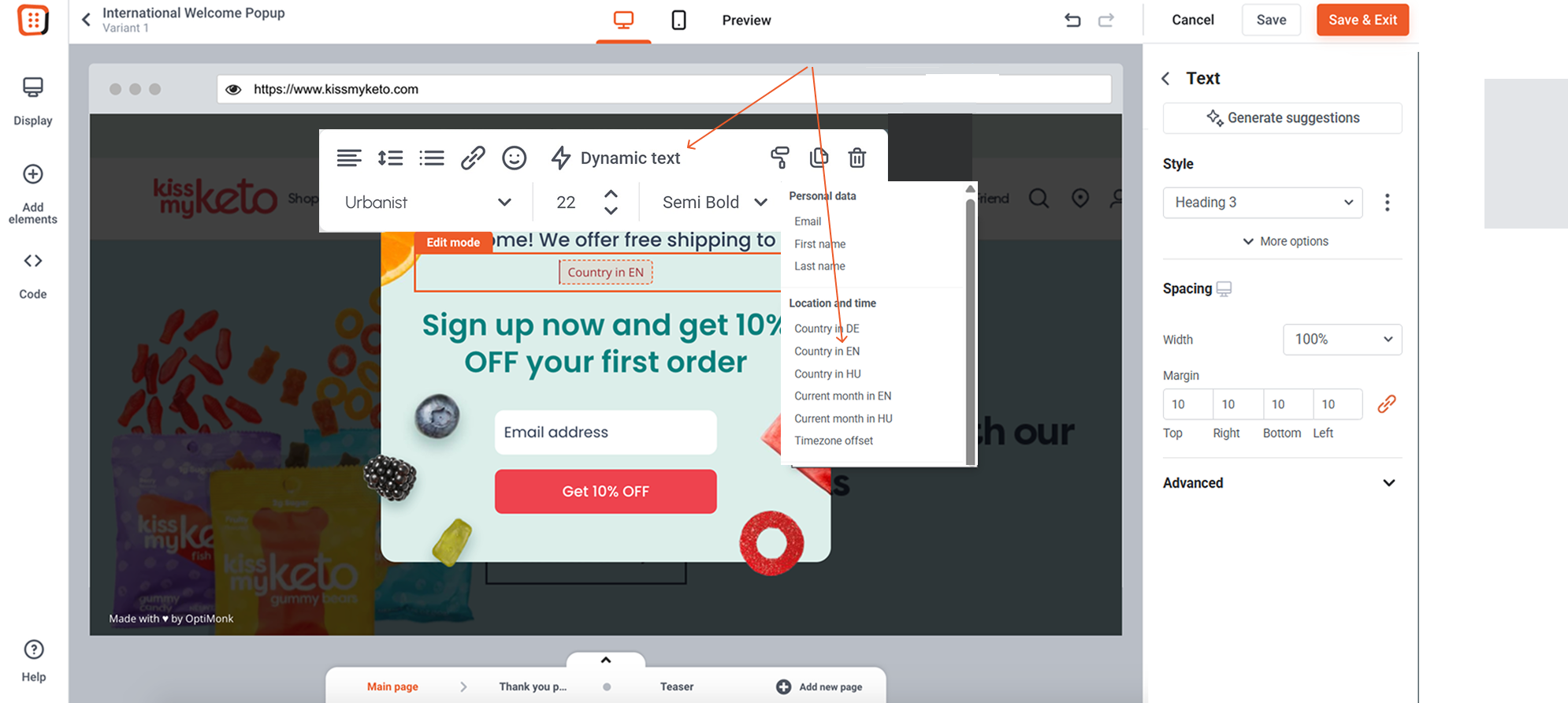
The next step is to decide where you want to insert the name of the country dynamically. To do it, simply insert the “Country in EN” dynamic text into your campaign. To learn more about Dynamic texts, click here.
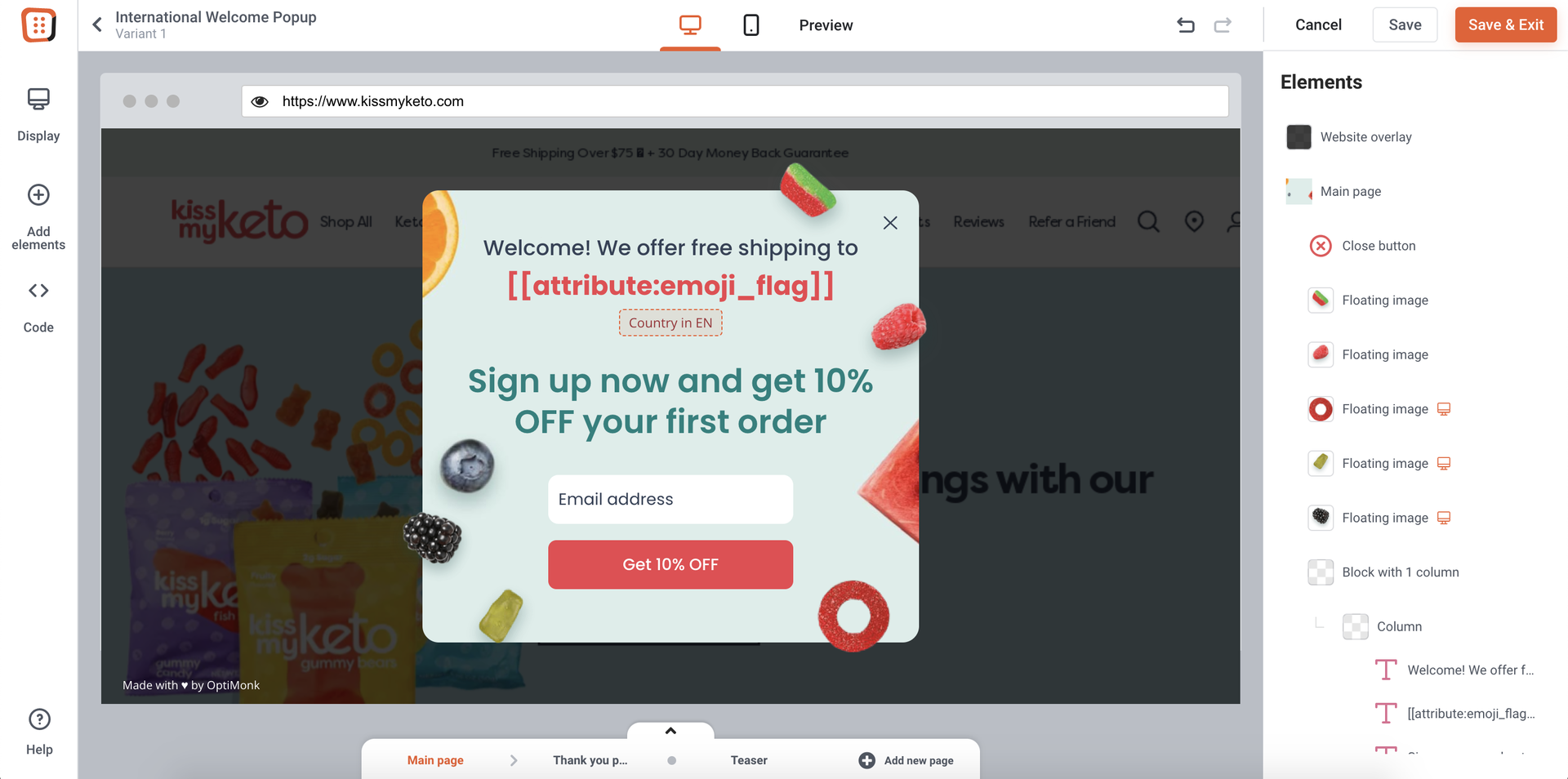
You can optionally display the country flag as well. To do it, follow the instructions in this guide.
Step 3: Launch your campaign
This is what it will look like for visitors from Germany.