



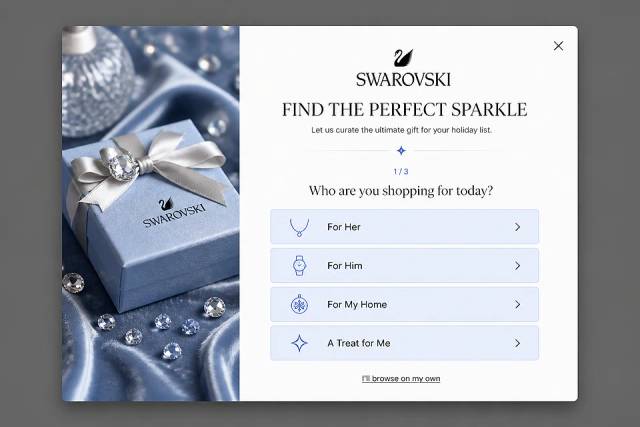
40 Welcome Message Examples for Your Website (Copy and Paste)
40 website welcome message examples for online stores, grouped by situation and industry, ready to copy into a welcome popup.
We’ve compiled a list of the best WooCommerce popup plugins that will allow you to create great popup campaigns.
In short
Discover the top 10 WooCommerce popup plugins of 2026 to boost conversions and enhance user experience on your online store. From OptiMonk's advanced targeting features to OptinMonster's robust tracking tools, these plugins offer diverse options for creating effective popups that capture attention, reduce cart abandonment, and build subscriber lists. Optimize your WooCommerce store today!
As a WooCommerce store owner, your number one goal is to convince more visitors to make a purchase, right? And WooCommerce popups are a great way to do that.
But with so many popup plugin options out there, it can be challenging to find the right one… especially since popup software for WooCommerce comes in a variety of shapes, sizes, and prices!
Luckily, we’ve compiled a list of the best WooCommerce popup plugins for you. All of these plugins will allow you to create popup campaigns that your customers will absolutely love.
Let’s get started!
Here are some compelling reasons why online store owners should display popups on their WordPress site:
Now that you know why you should be using a popup in your store, it’s time to have a look at our top picks for the best popup plugins for WordPress and WooCommerce in 2026 and beyond.
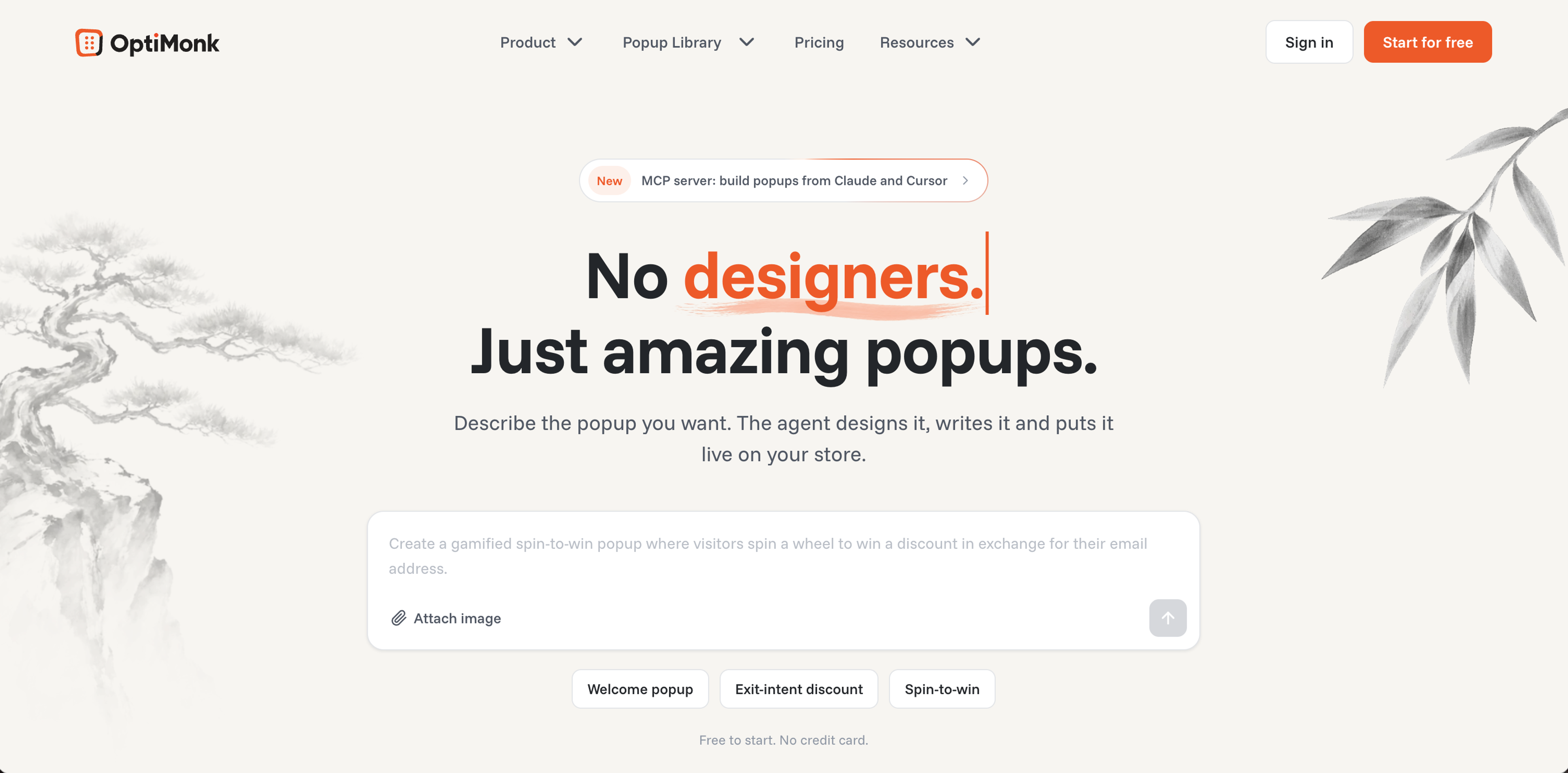
Pricing: Free, or from $19/month billed yearly
OptiMonk's WordPress plugin connects your WooCommerce store to an agentic popup builder: you describe the popup you want, and the AI agent designs it on brand, writes the copy and builds a mobile version.
It offers numerous use cases for online businesses to better monetize their website traffic, with advanced features like A/B testing and personalization to maximize conversion rates.
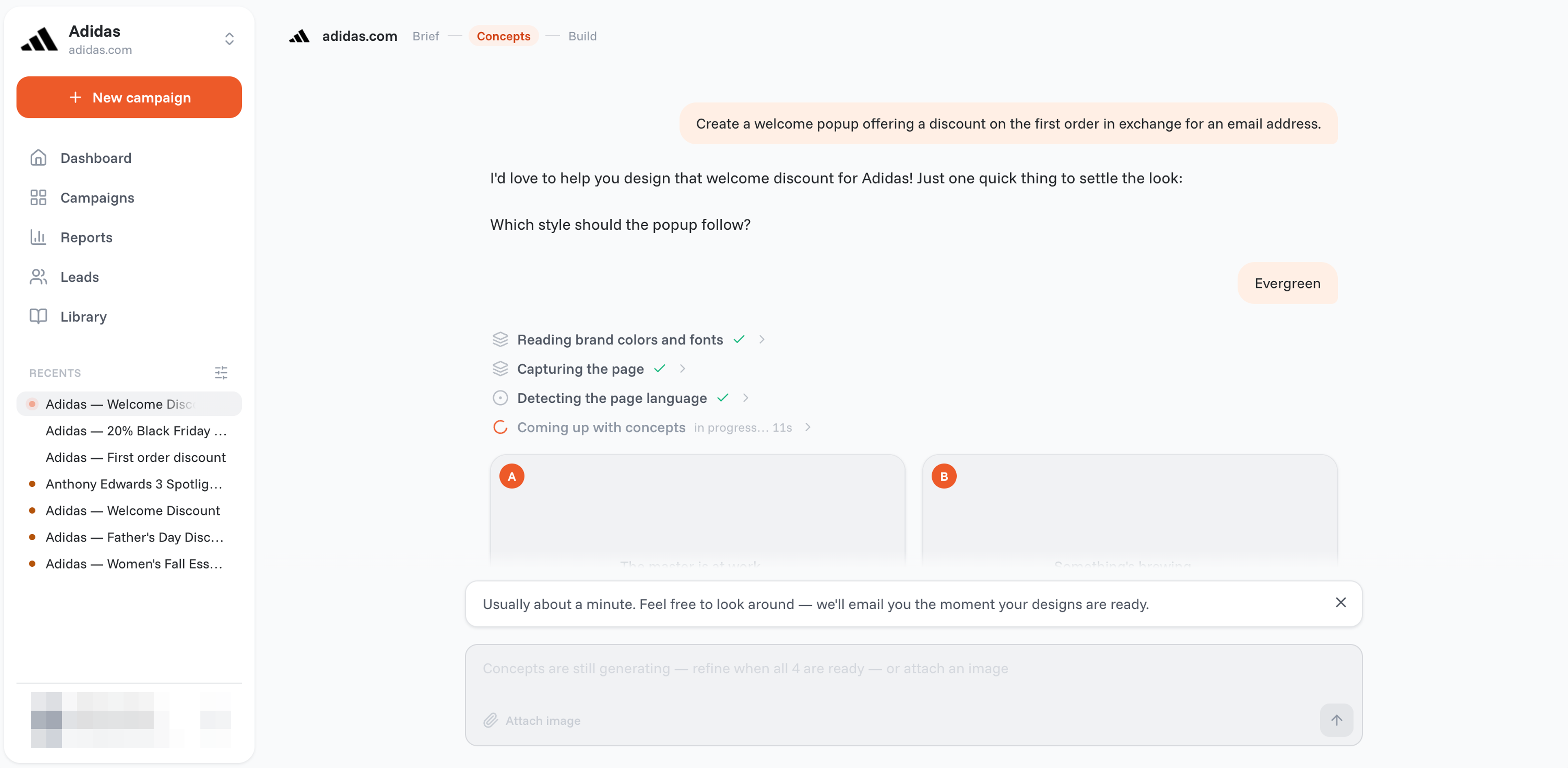
There are no templates to edit. Describe the popup, and the agent draws four concepts in your brand. Refine the one you like by asking, or by hand in the visual editor.
You can create as many WooCommerce popups as you like: OptiMonk never counts campaigns, only the traffic they run on.
Ask for any ecommerce use case, from cart abandonment to email capture. Every popup gets its own mobile version, and with WooCommerce connected, popups can show your real products too.
Check out some of the popup ideas that you can get started with immediately:
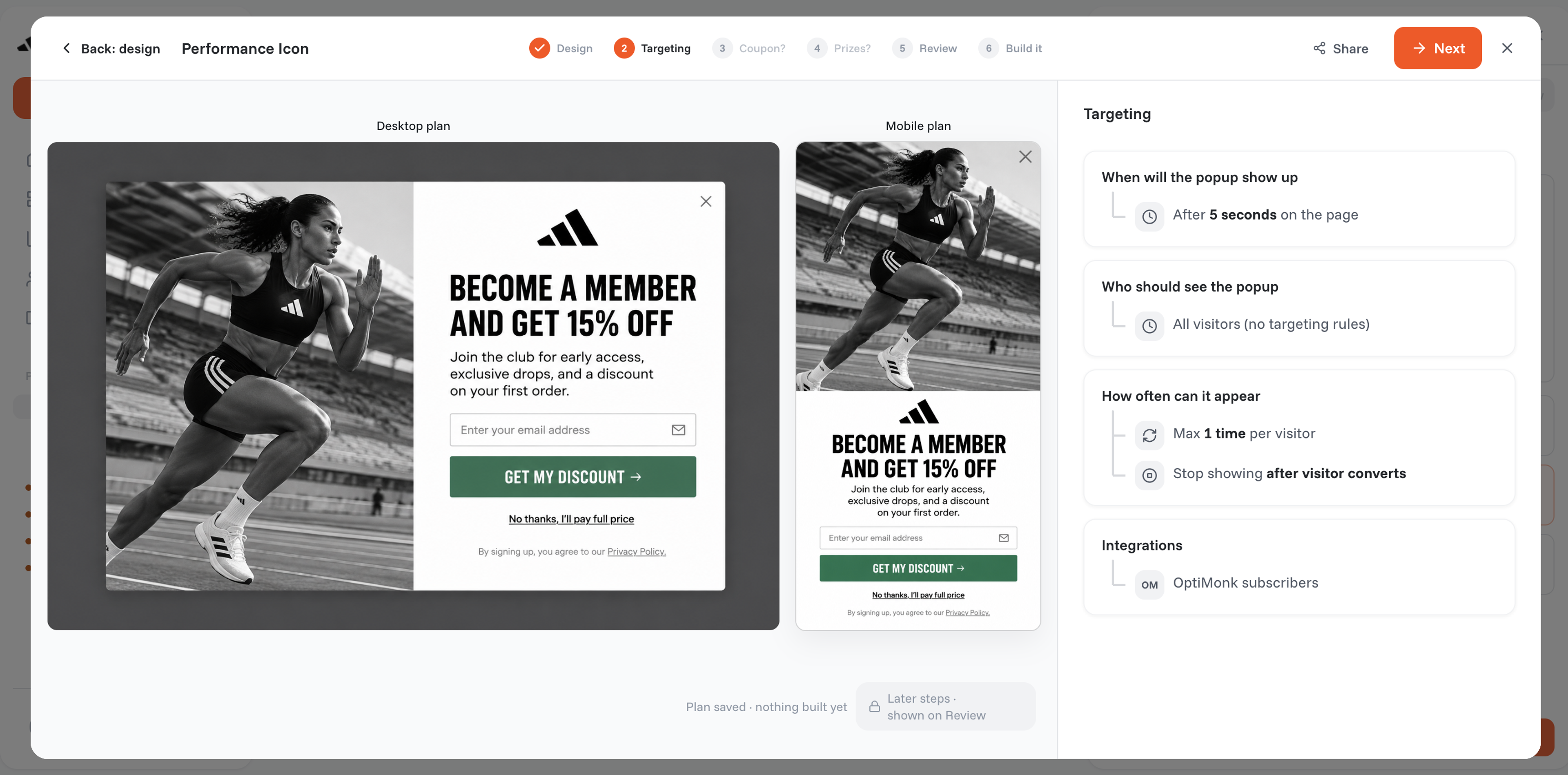
With OptiMonk, you can create as many messages as you want without overwhelming your visitors. With the tool’s many targeting and triggering features, you’ll be able to ensure your visitors only see relevant content.
You can target based on traffic source, browsing history, geotargeting, new visitors, and many other factors.
You can also cross-sell based on what customers have already added to their cart.
You can use the UX protection stack and the advanced campaign management features to manage your popup list and make sure your messages never annoy your visitors.
Download the OptiMonk WooCommerce plugin here.
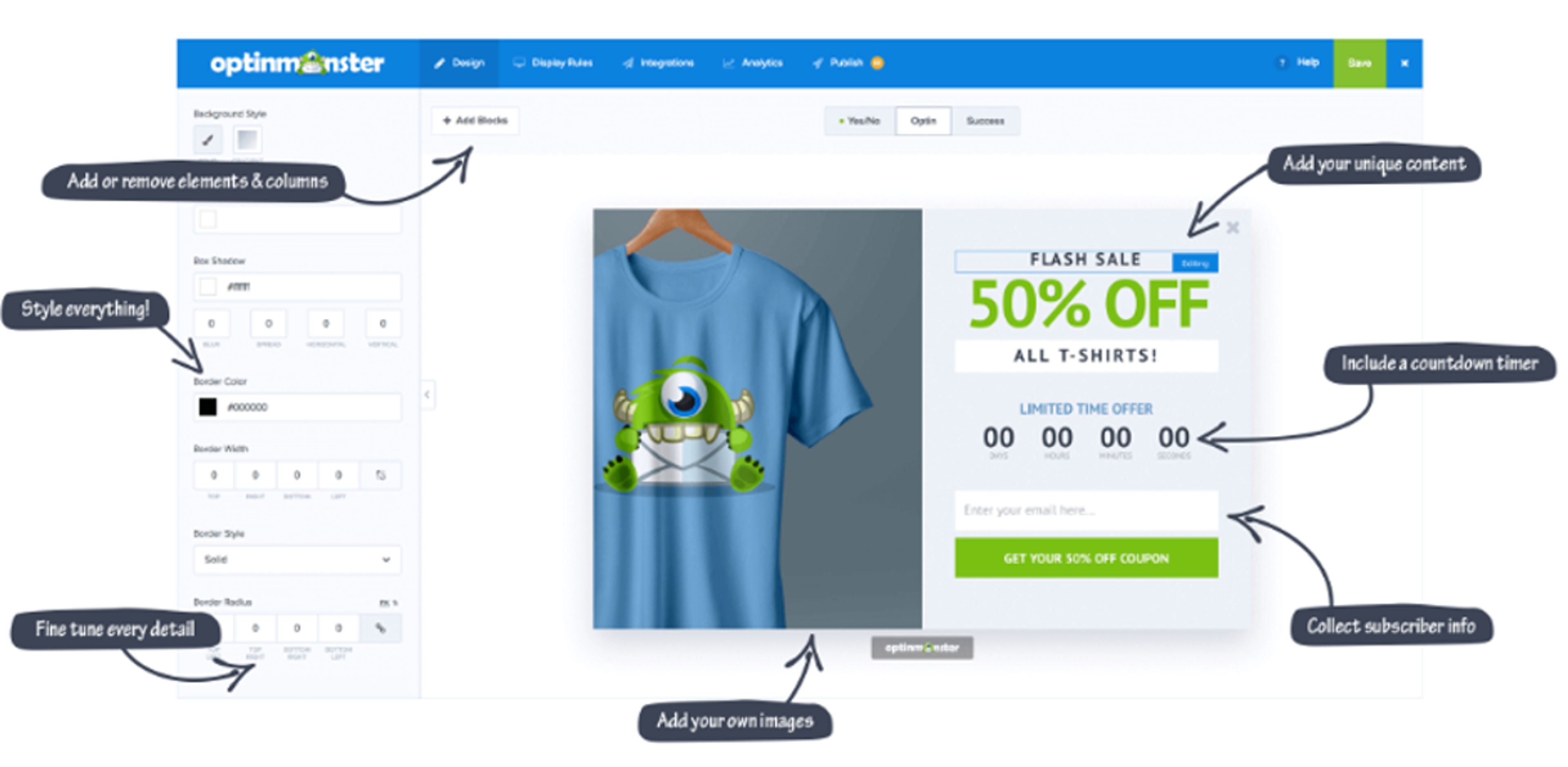
Pricing: From $21/month
OptinMonster helps ecommerce stores generate leads with popups and inline forms. They offer many types of popups with reliable features.
If you can make full use of OptinMonster’s many advanced features, you’ll be able to grow your email list and improve your conversion rate. However, it’s important to note that there’s no free plan— which means that accessing these features requires a substantial investment.
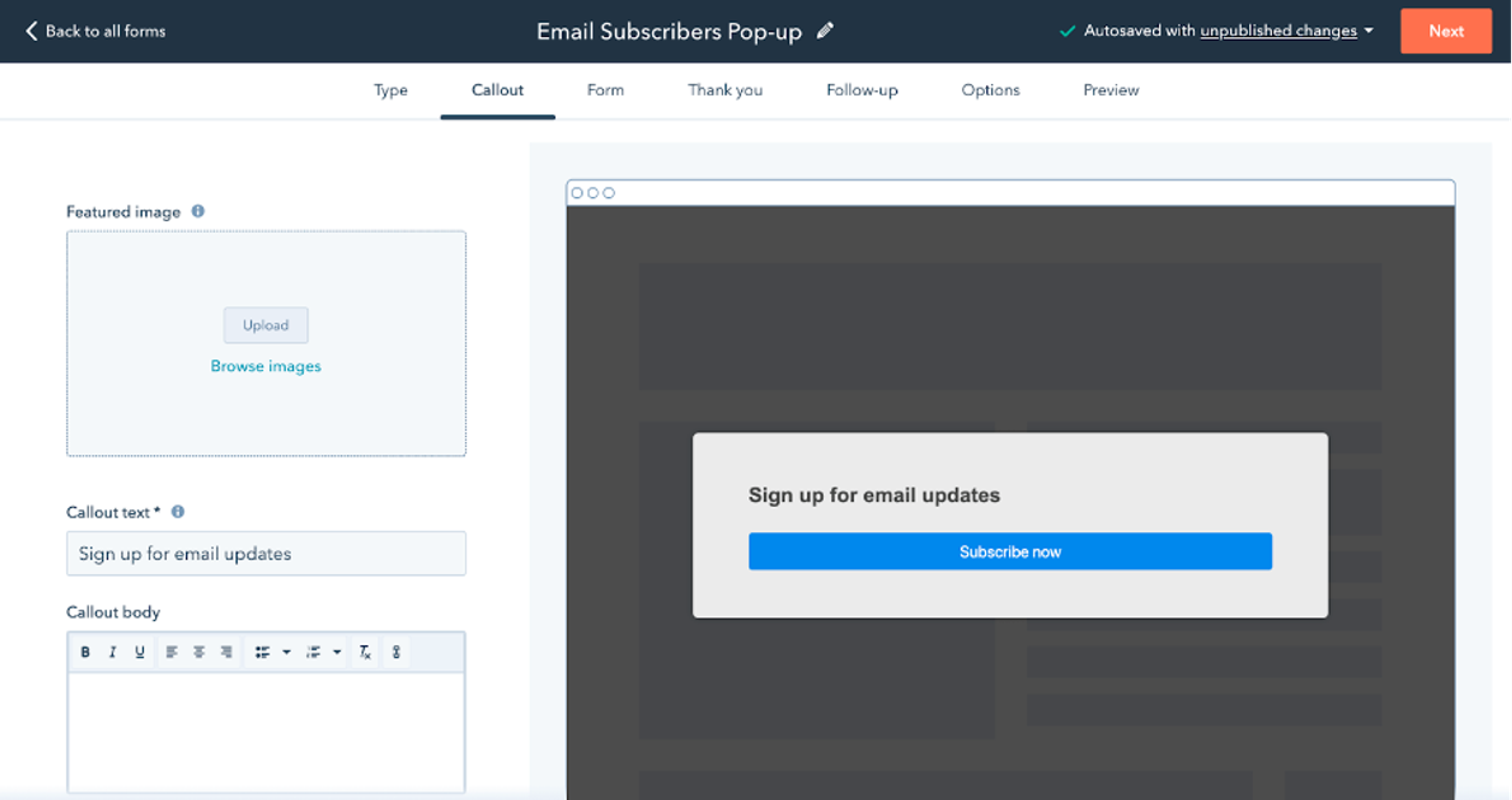
Pricing: From $45/month
The HubSpot WooCommerce Plugin is more than just a popup plugin—it’s a platform that integrates a range of marketing tools, from Customer Relationship Management (CRM) to live chat and a landing page builder.
This has some drawbacks when looking at HubSpot as a WooCommerce popup plugin.
For instance, HubSpot’s popup builder doesn’t offer as many customization options as other popup plugins on this list. However, if you prefer simplicity, this might be the tool for you.
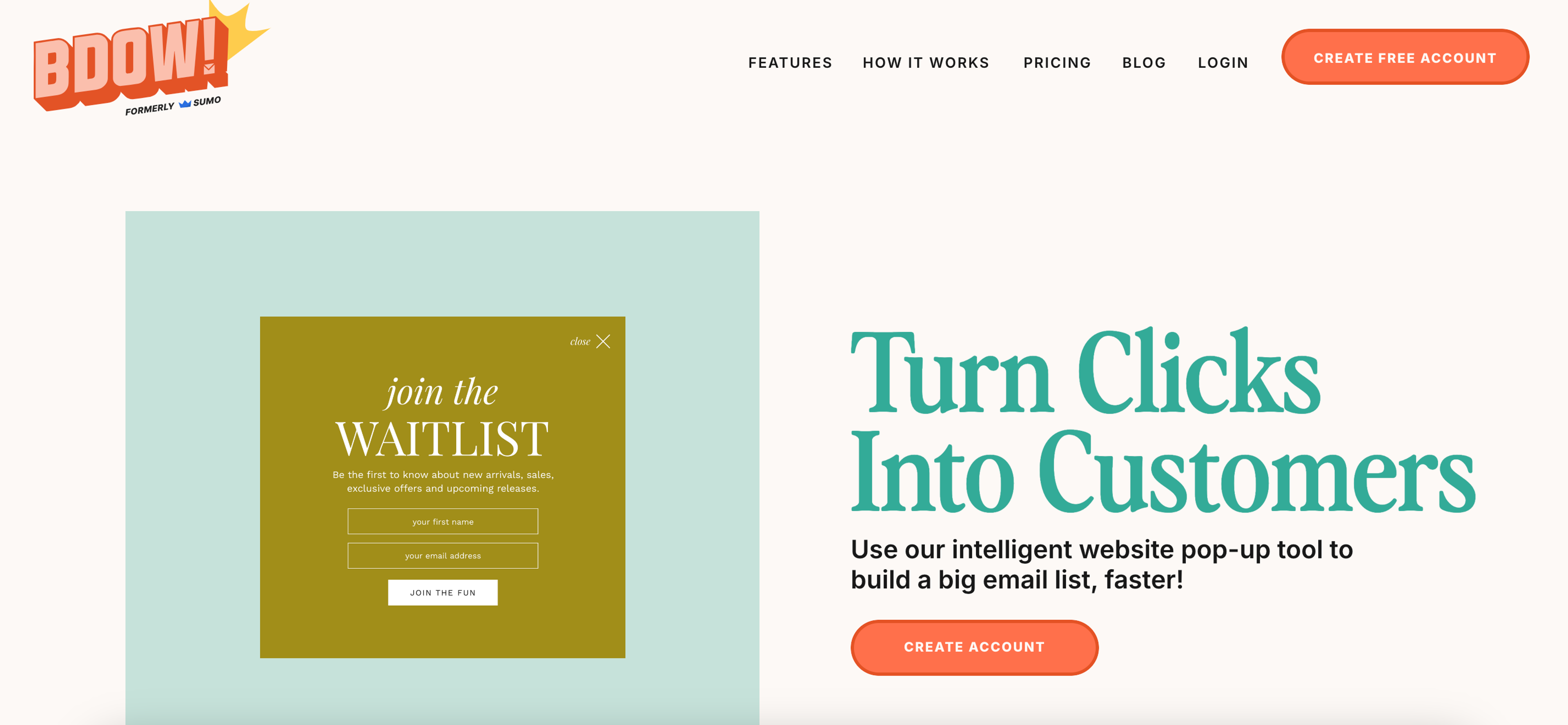
Pricing: Free, or $49/month
Sumo is great for creating exit popup forms that capture customer attention and nudge visitors to join your email marketing list.
They have a variety of contact form templates that allow you to create popups without putting in much work. Since this WooCommerce popup plugin is devoted to building email opt-in forms, there aren’t many options for those who want to use popups for other use cases, like recovering abandoned carts.
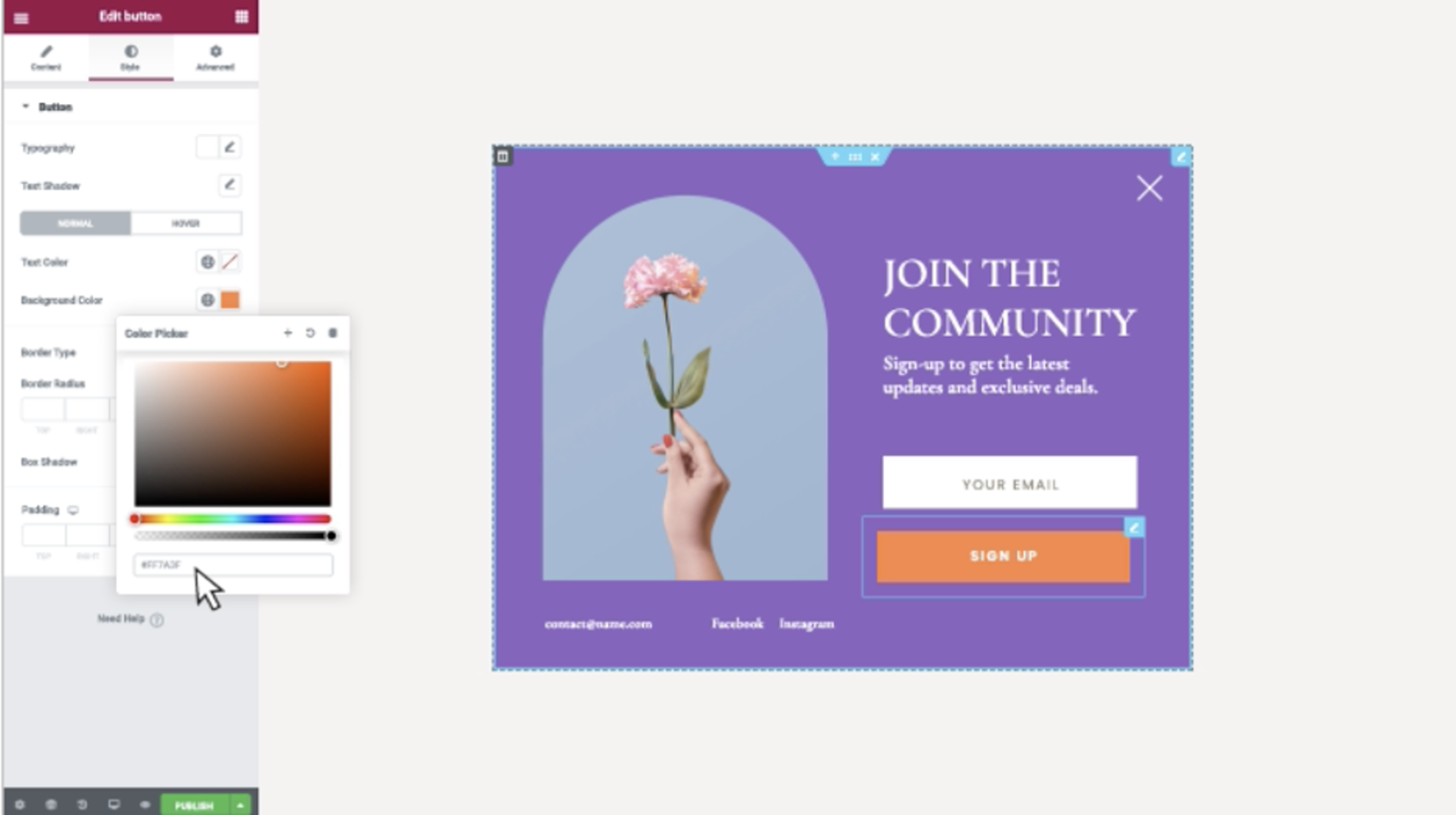
Pricing: From $99/year
Elementor is primarily known for its advanced website builder, but it also offers a popup plugin for WooCommerce.
Their drag and drop interface for building popups allows you to customize your popups easily, and you can choose a template from their impressive library.
Elementor is a great WooCommerce popup plugin that also offers some advanced features like targeting, but their free plan doesn’t support the popup builder feature.
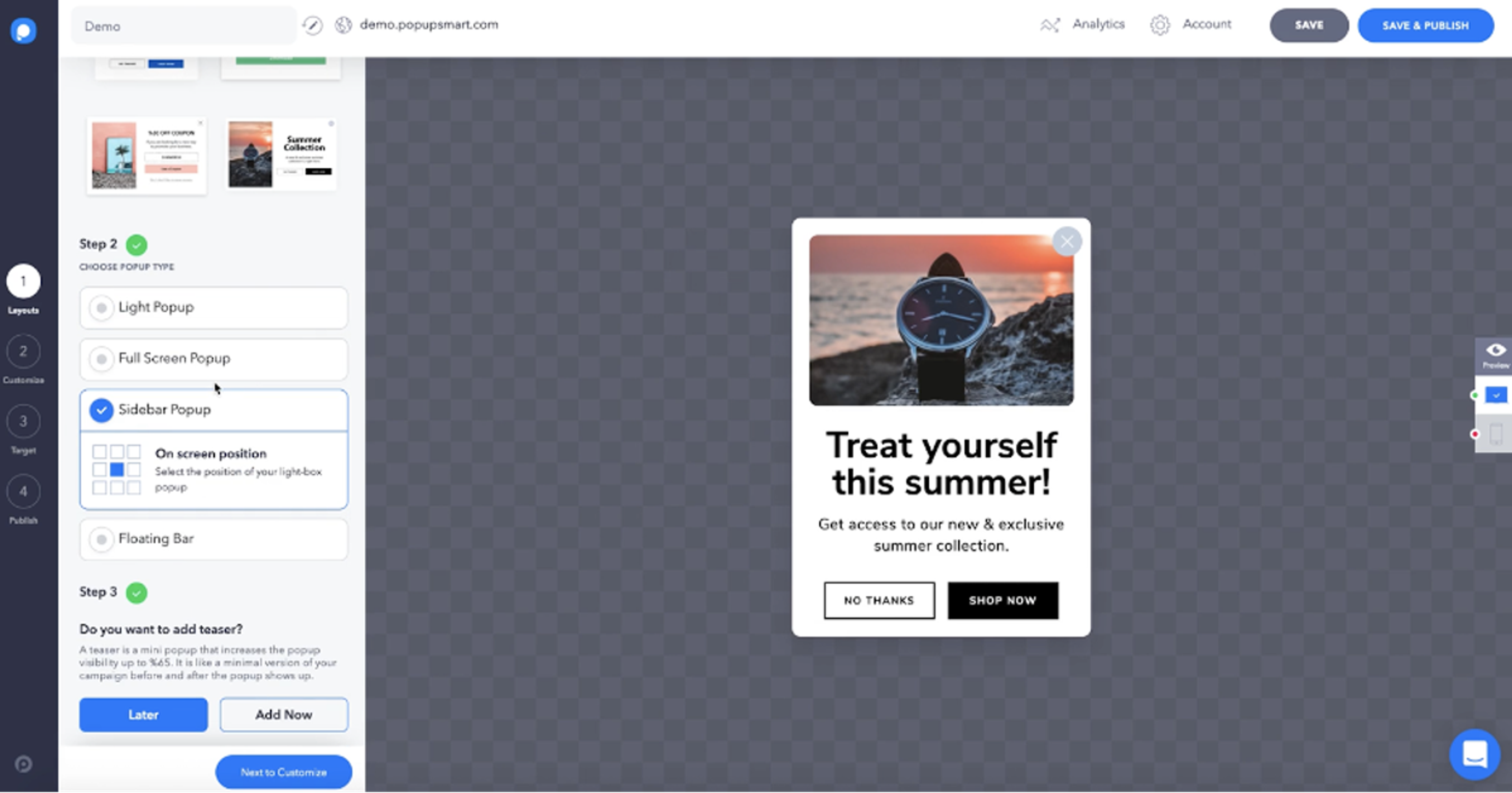
Pricing: Free, or from $39/month
You can create several types of popups with Popupsmart. Their popup editor has a drag and drop interface that allows you to design popups without any coding knowledge.
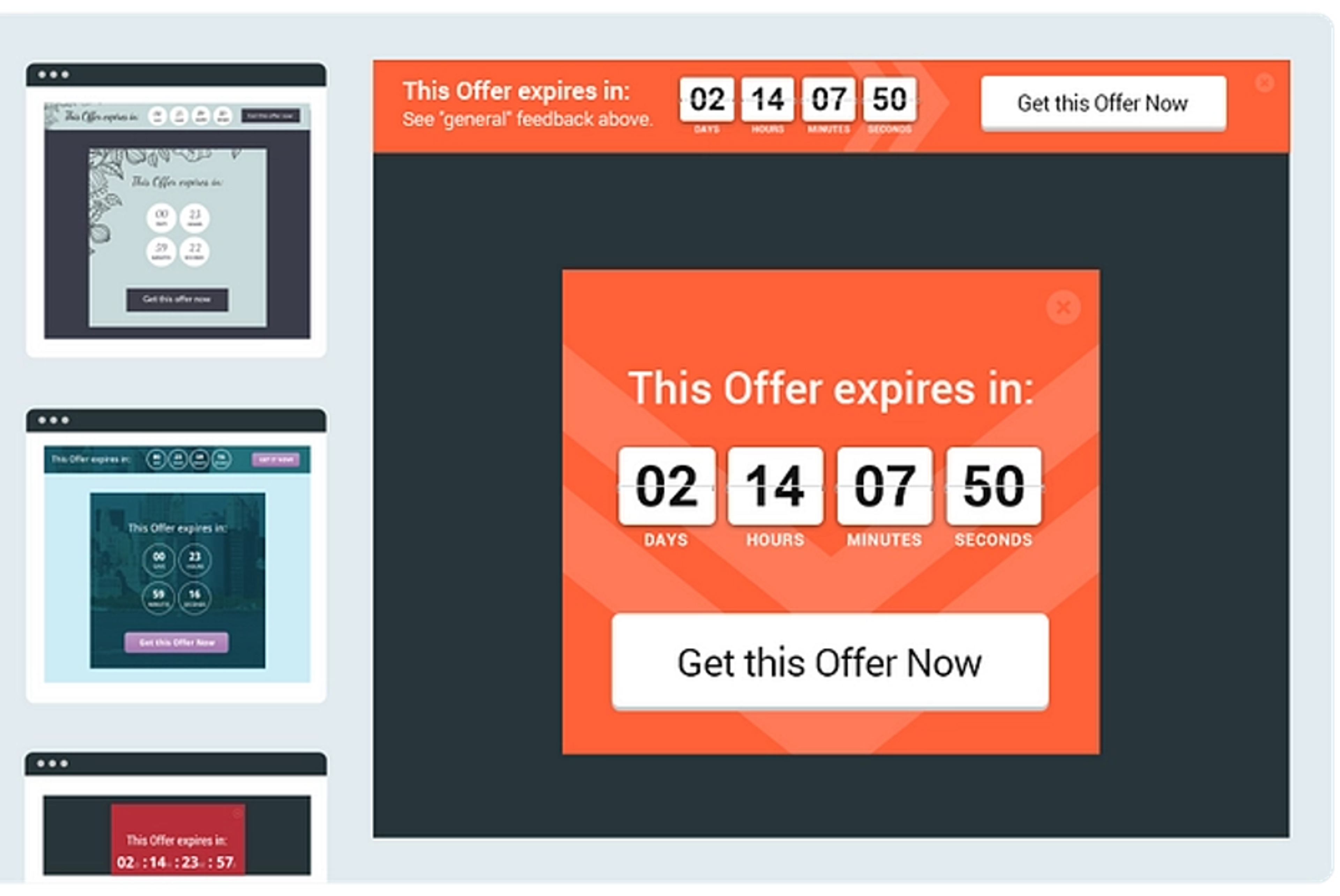
Pricing: $30/month
Thrive Suite is an online website builder that also allows you to build popups for WooCommerce.
They have two popup builders to help you create different types of popups. Their Thrive Leads product helps you design popups for converting customers into email subscribers, while Thrive Ultimatum is for creating high-conversion exit popups and boosting sales.
Unfortunately, there’s no free version of Thrive Leads.
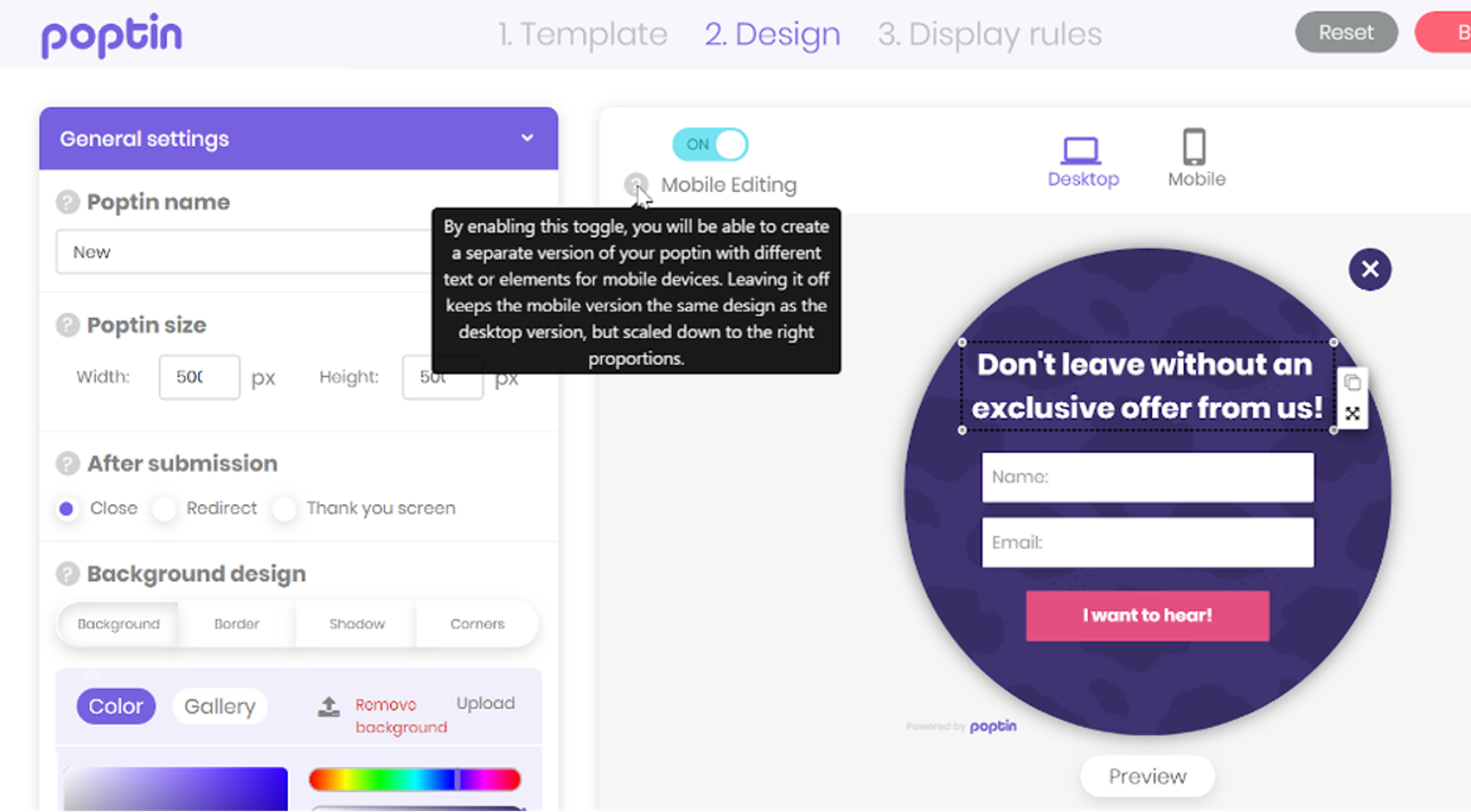
Pricing: Free, or from $25/month
A WooCommerce popup from Poptin has a specific look. It’s bright, colorful, and a little bit cartoony. If this aesthetic fits with your brand, you might want to consider the WooCommerce version of this WordPress plugin!
Poptin has a large library of popup templates that allow you to create responsive popups.
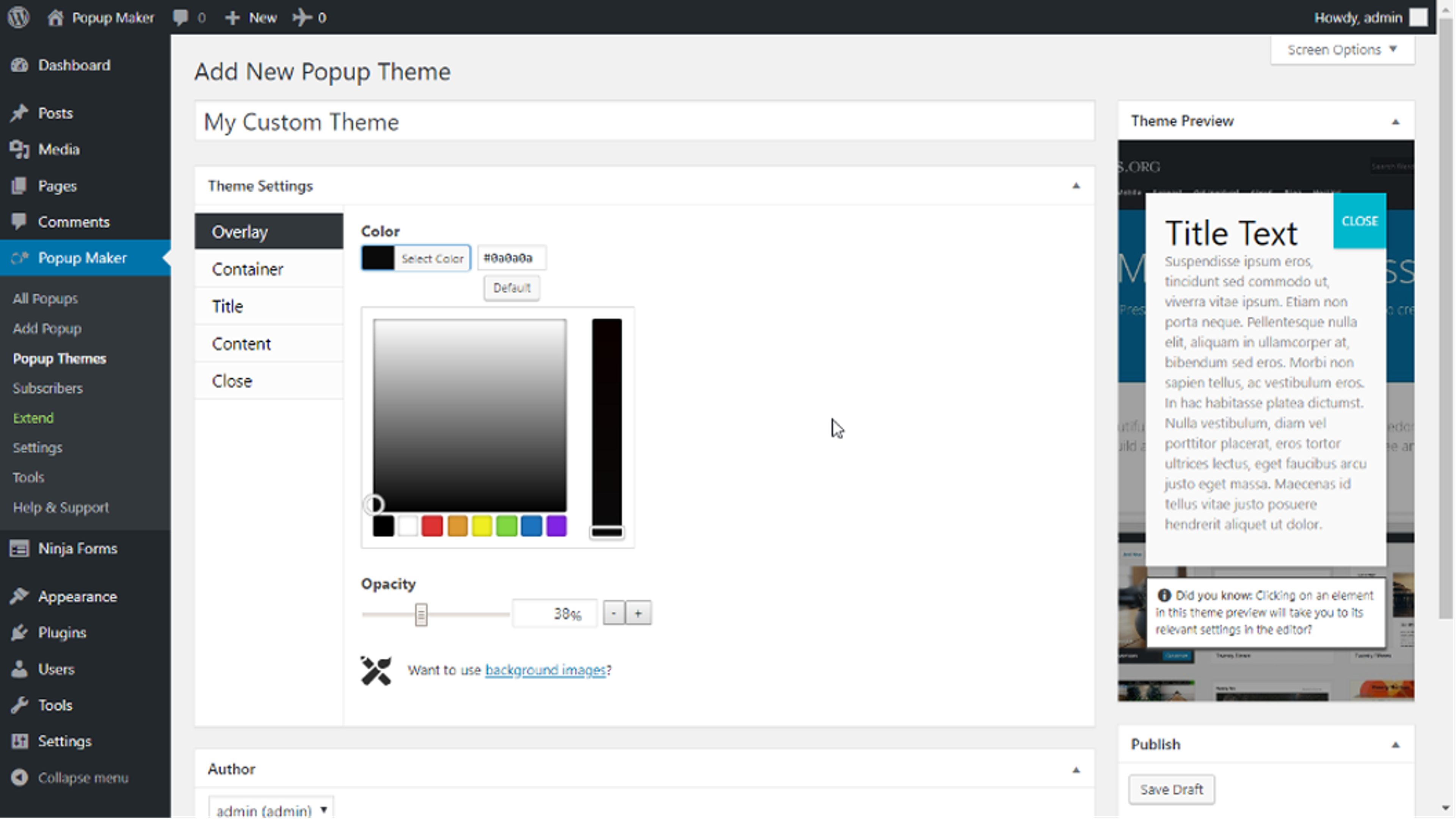
Pricing: Free, or from $87/year
One unique feature of Popup Maker is that you can create video popups in addition to popups with custom images. This is great for brands that have video content that they want to use to encourage customers to convert.
Popup Maker also allows you to use cookies to control how often specific users will see a particular WooCommerce popup.
Although there’s a free version of this WooCommerce popup plugin, you won’t be able to create any exit-intent popups without upgrading to the premium version.
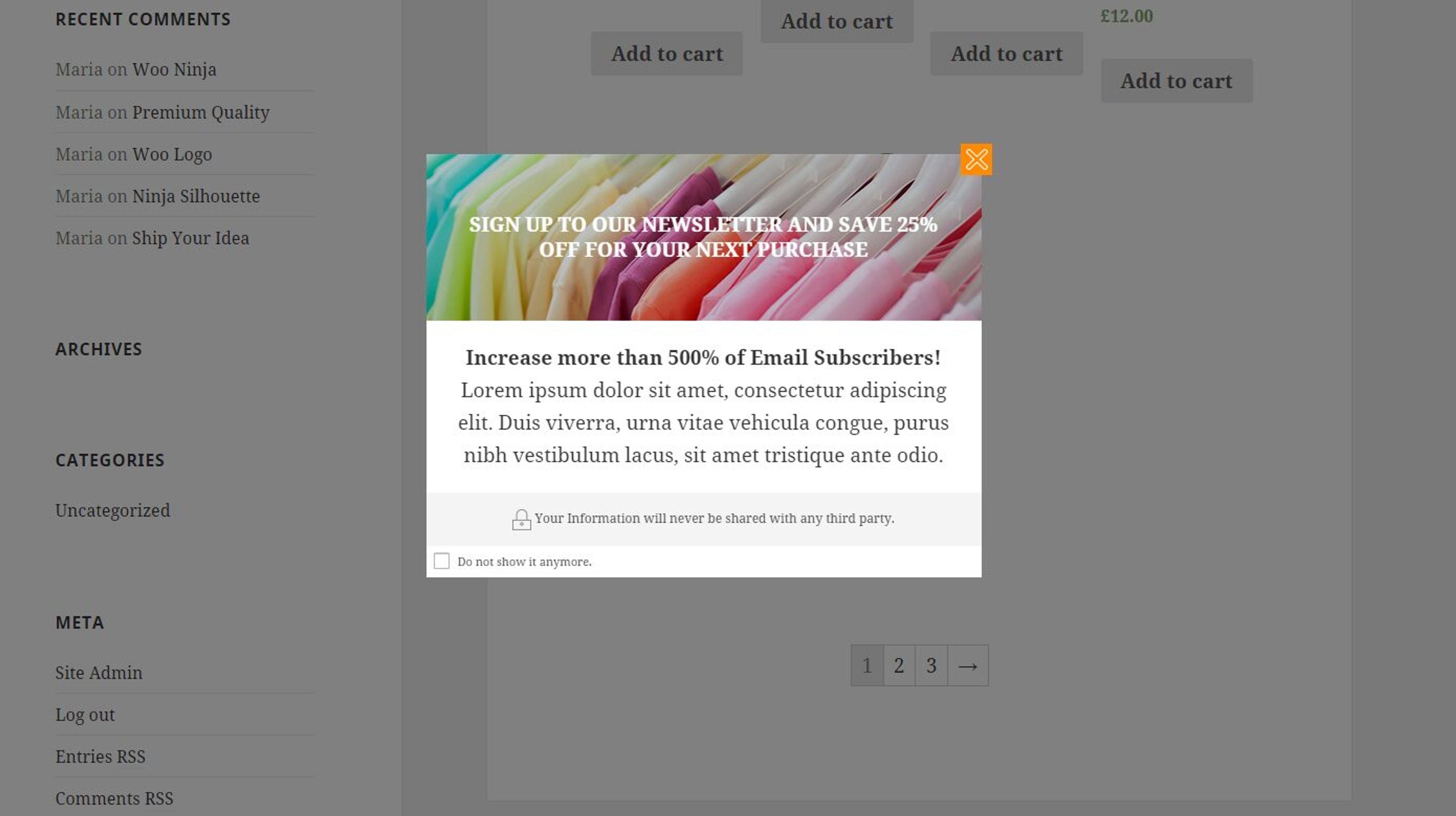
Pricing: $79.99 per year for one site
YITH plugins allow you to add popups to every page you want using templates. With its user-friendly interface and powerful functionalities, this plugin empowers WordPress users to create compelling popups that capture attention and drive meaningful interactions.
To add a popup in WooCommerce, you'll first need to choose a compatible plugin from your WordPress dashboard or from WordPress.org. Once it's installed, you can use the plugin to create, customize and set display triggers for your WooCommerce popups. Most plugins offer drag-and-drop builders and pre-designed templates; OptiMonk instead has an AI agent that designs each popup for your brand.
The best popup plugin for WordPress depends on your specific needs and budget. For WooCommerce stores, plugins like OptiMonk and OptinMonster offer advanced targeting, analytics, and easy integration with popular email marketing services. Each plugin has unique strengths, such as OptiMonk’s personalization and customization options. To find the right fit, consider the plugin’s features, pricing, and whether it meets your marketing goals.
A great plugin includes pre-built templates, a drag-and-drop editor, advanced targeting, and strong analytics. Look for features like countdown timers, coupon elements, and integration with Google Analytics. The more control you have, the more relevant (and less annoying) your popups will be.
Choosing the right popup plugin for your WooCommerce store can make a big difference in boosting engagement, increasing conversions, and building your customer base.
With options that range from robust all-in-one solutions to specialized tools focused on cart abandonment or email opt-ins, there’s a plugin to fit every need and budget.
By selecting a plugin with features like advanced targeting, powerful analytics, and easy-to-use design tools, you can create popups that genuinely enhance your visitors' shopping experience and drive more sales.
So, explore the options (whether it's a free plugin or a paid version), experiment with different popup types, and watch as your ecommerce store becomes a more engaging and profitable space.


40 website welcome message examples for online stores, grouped by situation and industry, ready to copy into a welcome popup.

12 Christmas popup examples for online stores, from welcome offers and spin-to-win wheels to gift quizzes and last-chance countdowns.

In this article, we'll share the best alternatives to Sleeknote that help you to get more leads in 2026.