
Discover the latest Teaser updates from OptiMonk, enhancing popup campaigns with optimized operation and better design functionality. Engage visitors non-intrusively with new features like background and floating images, and enhanced text styling. Boost conversion rates and improve user experience with these innovative tools for website personalization and effective campaign management.
We’ve updated our Teaser capabilities, from now on, every OptiMonk user can create even more engaging and even better looking teasers for their popup campaigns.
Let’s see what changed!
A gentle but powerful campaign
You want to get your message to as many visitors as possible while remaining non-intrusive. For example, welcoming website visitors with a pop-up might get your message across. But it can also prove annoying.
Hurting visitors’ experience takes revenge on the website’s conversion. Sometimes turning down the notch a bit and being more modest is the way to go.
We’re sure you are aware how important it is to provide a great experience, that’s why we created the Teaser function. With the Teaser, you can increase engagement by enticing your visitors with the campaign content in a complementary small tab.
But this is not the only case for using a Teaser.
What to use it for? 💡
Gentle Campaign Reminder: Keep your campaign visible on a teaser, even after the visitor closes it. This helps you redirect them to your campaign. In this case, simply choose to show the teaser after your popup was closed.
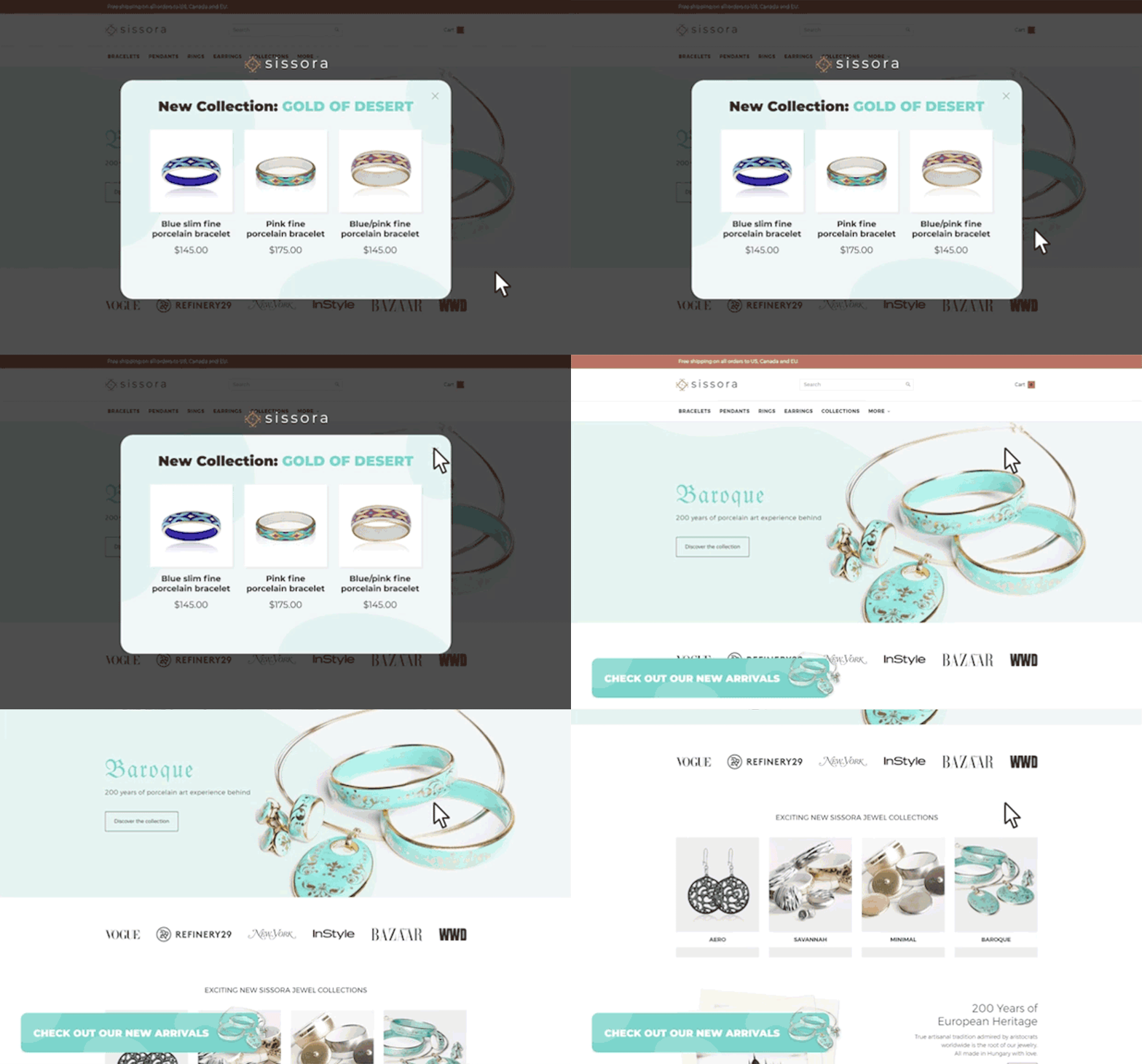
Tease a Message in a Non-Intrusive Way: Make visitors more excited about your campaign, without being intrusive. In this case, add the teaser before the popup.
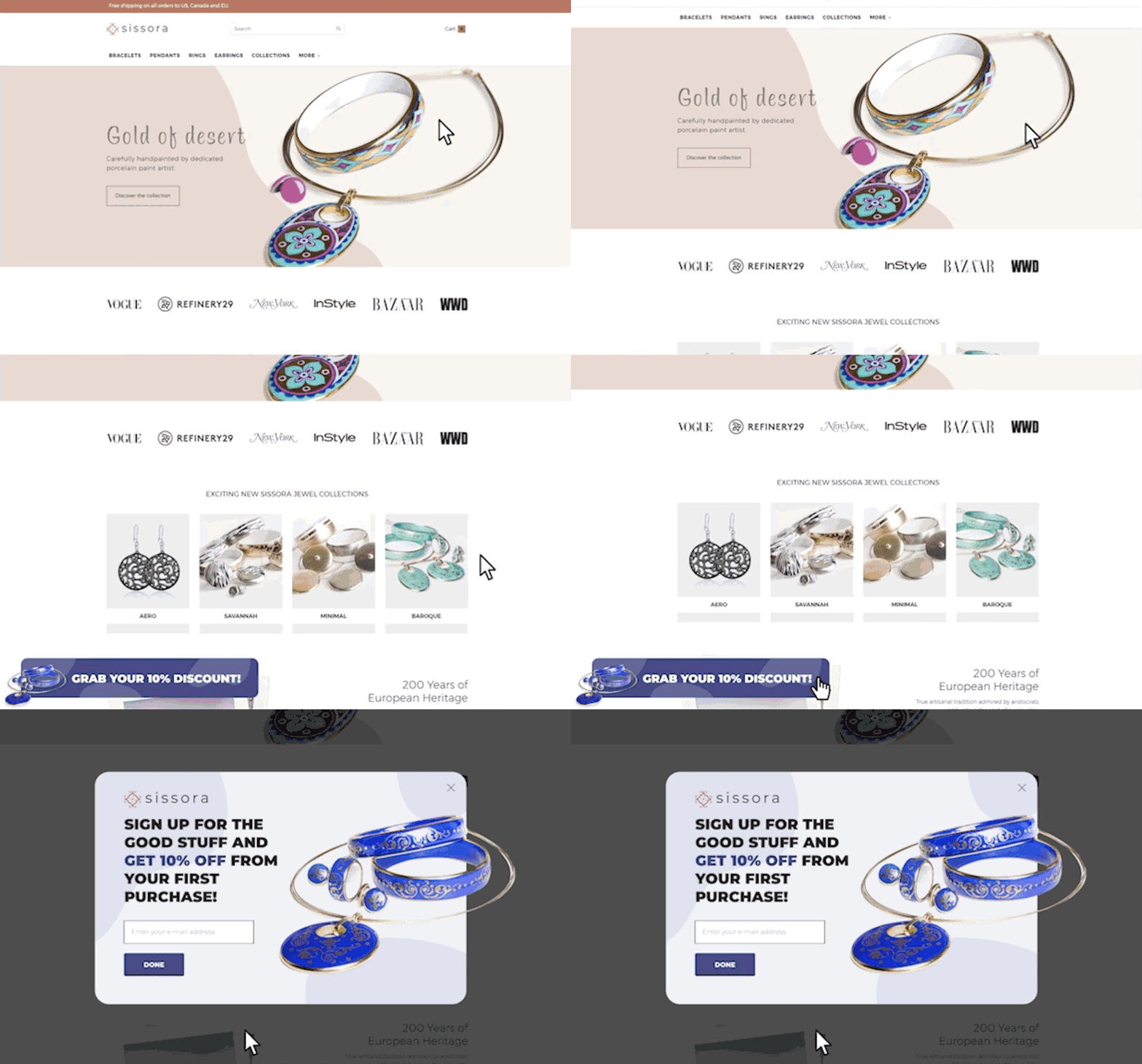
What's new?
- Background Image: Make your teaser even more eye-catching by adding a background image.
- Floating Image: Step outside the box and make your teaser more exciting by adding floating images that expand out of the teasers’ shape.
- Enhanced Text Styling: Match your teaser’s’ appearance with your brand using our enhanced text styling options such as size, font and more.
Floating image anywhere
Actually Floating image works with all campaigns, not just with the Teaser. You can place images around- or expanded over your popup, sidemessage or other campaigns as well. Go ahead, play around with it and create a new bold design for your next campaign.
If you’d like to know more about how to set up a Teaser, read our Support Article.
If you feel ready to launch your first campaign with a teaser, simply log in to your account or create your free account if you don’t have one already.
Related articles




Written by

What should you do next?
Thanks for reading till the end. Here's how we can help you grow your business:
Get tailored website optimization ideas in 2 minutes.
Add your URL and get instant ideas. No email required.
Create a free OptiMonk account
Create a free OptiMonk account and easily get started with popups and conversion rate optimization.
Get OptiMonk free